IT and Security · Researched comparison

Comparing 6 2FA Apps in 2026

TaskReports may earn a fee from some links on this page, and some placements are paid and labelled. Neither one decides the order. See our disclosure.

The short answer

Our first pick is Duo Mobile, best for workplaces using Cisco Duo. For a different need, Ente Auth covers encrypted cross-platform sync and Proton Authenticator covers privacy-first, every product. The other 3 tools in the list cover narrower or pricier cases.

On this page

Key takeaways

  • Duo Mobile is the opening pick, best for workplaces using Cisco Duo.
  • 2FAS suits free, private, no account.
  • Check the limits for Proton Authenticator before you commit: sync needs a Proton account.
  • Free access is easy to find: 6 of the 6 tools have a free plan, for example Duo Mobile, Ente Auth, Proton Authenticator and Microsoft Authenticator.

Quick comparison

ToolIdeal forStarts atOfficial site
------------
Duo MobileWorkplaces using Cisco DuoFreeduo.com
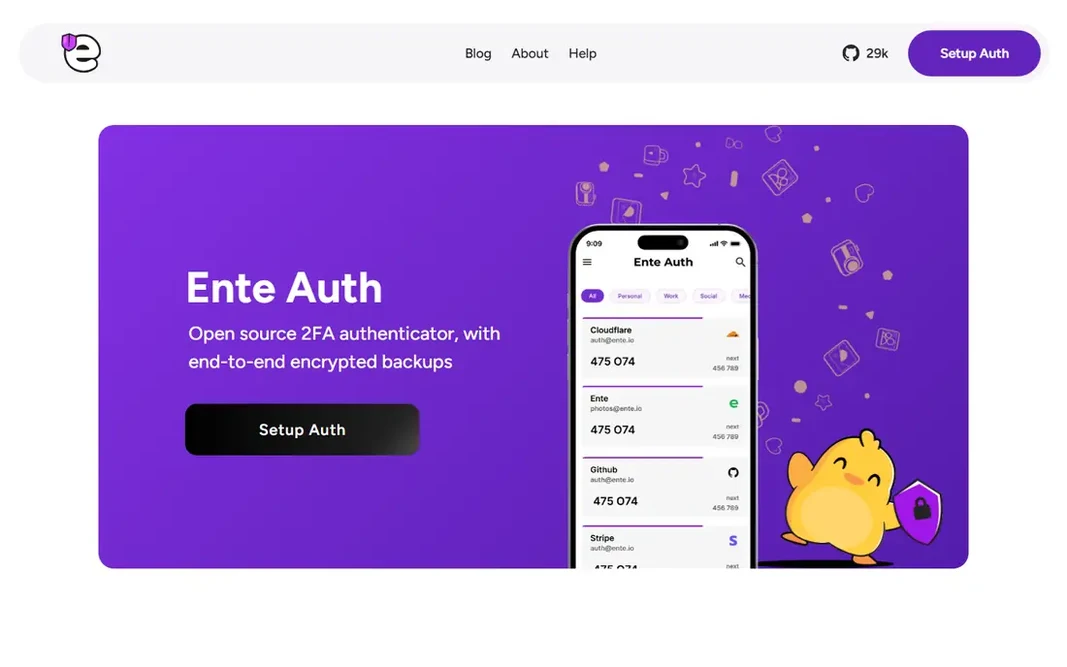
Ente AuthEncrypted cross-platform syncFreeente.io
Proton AuthenticatorPrivacy-first, every systemFreeproton.me
Microsoft AuthenticatorMicrosoft and work accountsFreemicrosoft.com
AuthyStraightforward free multi-device codesFreeauthy.com
2FASFree, private, no accountFree2fas.com
★ Best overall

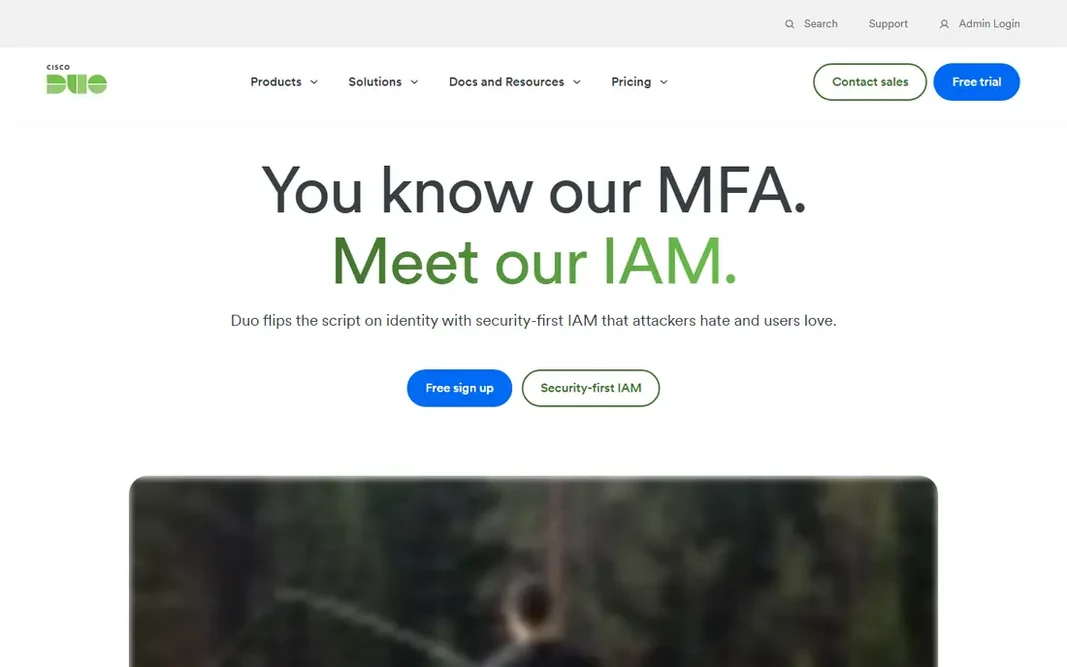
Duo Mobile

Workplaces using Cisco Duo

  • Duo Restore for device changes
  • Phishing-resistant choices for organizations

Where Duo Mobile fits: workplaces using Cisco Duo. For personal accounts, it works fine as an entry-level authenticator, but free rivals like 2FAS and Ente Auth offer better backup stories without an organization behind them. Watch-outs: Full value needs a Duo organization account. Beyond that, Duo Mobile fits work accounts first: if your employer runs Duo, install it and follow their enrollment. What you pay to start with Duo Mobile: Free. A free plan is available with Duo Mobile.

Price: Free

Free plan: Yes

Website: duo.com

Watch out for

  • Personal use is entry-level compared to rivals
2

Ente Auth

Encrypted cross-platform sync
Free

Choose Ente Auth for encrypted cross-platform sync. Ente Auth pairs solid privacy with genuine cross-platform reach. An offline mode works without an account at all, and the code is open source with an external cryptography audit behind it. More specifically, the app is free and open source, with no lock-in on exports. Its community is smaller than Microsoft's or Google's, so support answers come more slowly, but the product itself is refined and actively maintained. Price to start with Ente Auth: Free. Ente Auth offers a free plan. Trade-offs to know: Smaller community than the big-name apps.

Free plan: Yes

Website: ente.io/auth

Strengths

  • End-to-end encrypted cloud backups
  • Apps for mobile, desktop, web

Watch out for

  • Some advanced features assume an Ente account
3

Proton Authenticator

Privacy-first, every system
Free

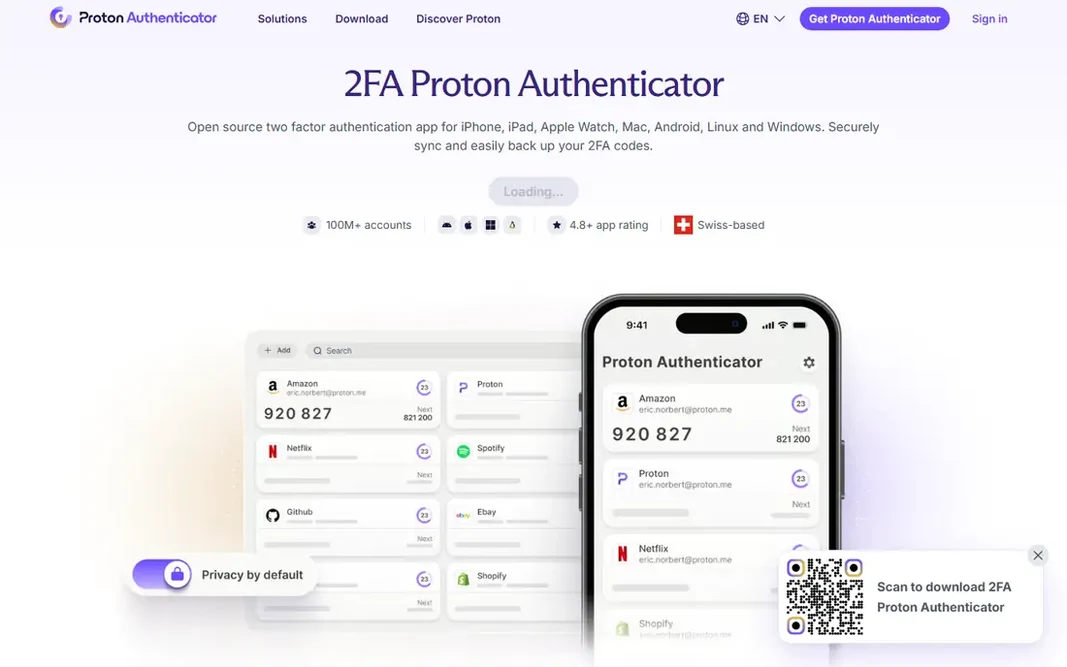
Proton Authenticator works best for privacy-first, every product. It is free, open source, and ad-free on iPhone, iPad, Apple Watch, Mac, Android, Windows, and Linux, with no account, phone number, or email required to start. What to check first: Sync needs a Proton account. From a buyer's view, codes can be backed up with end-to-end encryption, exported straight, and found rapidly with search and custom icons. The starting price for Proton Authenticator: Free. A free plan is available with Proton Authenticator.

Free plan: Yes

Website: proton.me/authenticator

Strengths

  • Encrypted backups and direct export
  • Free on every system including Linux and Windows

Watch out for

  • Fewer integrations than password-manager authenticators
4

Microsoft Authenticator

Microsoft and work accounts
Free

Pick Microsoft Authenticator if this describes you: Microsoft and work accounts. The trade-off is ecosystem lock-in: backup and restore run through Microsoft, and the richest features belong to work and school accounts. For personal, work, or school Microsoft accounts it supplies one-tap push approvals rather than typed codes, plus passwordless sign-in and passkey support. Points against: Backup is tied to a Microsoft account. It also produces standard time-based codes for any other service that supports authenticator apps, so it performs well beyond Microsoft. Beyond that, the app is free, with encrypted cloud backup through your Microsoft account for recovery on a new phone. In daily use, if it does not, a platform-neutral app below will serve you better. Price to start with Microsoft Authenticator: Free. Microsoft Authenticator includes a free tier.

Free plan: Yes

Website: microsoft.com/en-us/security/mobile-authenticator-app

Strengths

  • Passkey and passwordless sign-in support
  • One-tap push approvals for Microsoft accounts

Watch out for

  • Personal-account features trail work-account features
5

Authy

Straightforward free multi-device codes
Free

Authy is built with straightforward free multi-device codes in mind. Authy has been a widely used free authenticator for years, with encrypted cloud backups and multi-device support that made switching phones painless. Two caveats deserve mention. Authy still does well for existing users who like it. Authy cost at the entry level: Free. You can start on Authy without paying. Drawbacks to consider: Desktop apps were discontinued, so it is mobile-first now.

Free plan: Yes

Website: authy.com

Strengths

  • Multi-device support
  • Free with encrypted cloud backups

Watch out for

  • Some 2026 guides recommend moving to newer apps
6

2FAS

Free, private, no account
Free

Choose 2FAS for free, private, no account. 2FAS Auth is the pick most security guides now name first, and the reasons are straightforward. It is free, open-source, ad-free, and needs no account: tokens stay on your device by default, with optional encrypted backups to your own iCloud or Google Drive. Points against: Multi-device sync needs the separate Pass product. Setup is a QR scan, and the interface stays out of your way when you need a code in a hurry. Beyond that, the app is free forever, with no levels for the authenticator itself. On cost, 2FAS starts like this: Free. Free access exists with 2FAS.

Free plan: Yes

Website: 2fas.com

Strengths

  • Encrypted backups to your own iCloud or Google Drive
  • No account required

Watch out for

  • Mobile and browser extensions only

FAQ

Which authenticator app is a good match for beginners?

This list starts with Duo Mobile, which fits workplaces using Cisco Duo. For other needs, Ente Auth is aimed at encrypted cross-platform sync, and Proton Authenticator at privacy-first, every product. Check each tool's price and main limit first.

Is Duo Mobile the right pick for everyone comparing 2FA app?

No single tool suits every team. Duo Mobile comes first because it fits workplaces using Cisco Duo, while Ente Auth suits encrypted cross-platform sync and Proton Authenticator suits privacy-first, every platform. Match the tool to your own size, budget and workflow before deciding.

Do authenticator apps need internet?

No. Time-based codes are generated on the device from a shared secret and the current time, so they work offline. In practice, internet is only needed for backup, sync, or push approvals.

Which options for 2FA app have a free plan?

On this list, 6 of 6 tools include a free plan, among them Duo Mobile, Ente Auth, Proton Authenticator and Microsoft Authenticator. Caps on seats, usage or features are common, so test the free plan against your real workload.

Is an authenticator app better than SMS codes?

Yes. Authenticator codes are generated on your device and do not travel over the phone network. So they are not exposed to SIM swap attacks the way SMS codes are.

Can I try these tools before paying?

Often, yes. Duo Mobile, Ente Auth, Proton Authenticator and others have a free plan. Use your own data and a real task during the test, and check what the free tier or trial limits before you rely on it.