Marketing · Researched comparison

7 Best Cloud Based Signage Software for Business Options for 2026

TaskReports may earn a fee from some links on this page, and some placements are paid and labelled. Neither one decides the order. See our disclosure.

The short answer

OptiSigns leads the list, best for offices and restaurants that want drag-and-drop. TelemetryTV is the stronger choice for data dashboards and operations teams, while ScreenCloud suits franchises and multi-location brands. Prices, free plans and limits for all 7 tools follow.

On this page

Key takeaways

  • This list starts with OptiSigns, which is built for offices and restaurants that want drag-and-drop.
  • PosterBooking is the one to check for tight budgets and small shops.
  • 3 of 7 tools offer a free plan: OptiSigns, Yodeck, PosterBooking.
  • Starting prices begin at $8/device/month with TelemetryTV.

Quick comparison

ToolStarting priceFree accessBiggest drawbackBest for
---------------
OptiSigns$10/screen/monthYesHigher tiers needed for advanced featuresOffices and restaurants that want drag-and-drop
TelemetryTV$8/device/monthFree trialLearning curve for non-technical usersData dashboards and operations teams
ScreenCloud$20/screen/monthFree trial (14 days)Highest per-screen price in this listFranchises and multi-location brands
NoviSign$14/screen/monthFree trial (30 days)Onboarding takes real effortInteractive kiosks and touch displays
Rise Vision$12/display/monthFree trialSmaller integration librarySchools and nonprofits
Yodeck$8/screen/monthYesAdvanced playlist rules take some learningSmall companies testing signage on a budget
PosterBookingFreeYesLimited third-party integrationsTight budgets and small shops
★ Best overall

OptiSigns

Offices and restaurants that want drag-and-drop

  • Runs on cheap Fire TV sticks
  • Beginner-friendly designer with ready templates
Price$10/screen/month
See OptiSigns pricing

Pick OptiSigns if this describes you: offices and restaurants that want drag-and-drop. The drag-and-drop designer feels like building a slide deck, and the template library spans menus, schedules, and announcements from day one. Worth adding: since it runs on Amazon Fire TV sticks, the hardware cost per screen can be under $40, which changes the math for a restaurant that wants a display at every register. On top of that, premium plans start at $10 per screen per month. OptiSigns pricing: $10/screen/month. OptiSigns offers a free plan. Watch-outs: Support speed varies on the entry-level plan.

Price: $10/screen/month

Free plan: Yes

Website: optisigns.com

Watch out for

  • Higher tiers needed for advanced features
2

TelemetryTV

Data dashboards and operations teams
$8/device/month

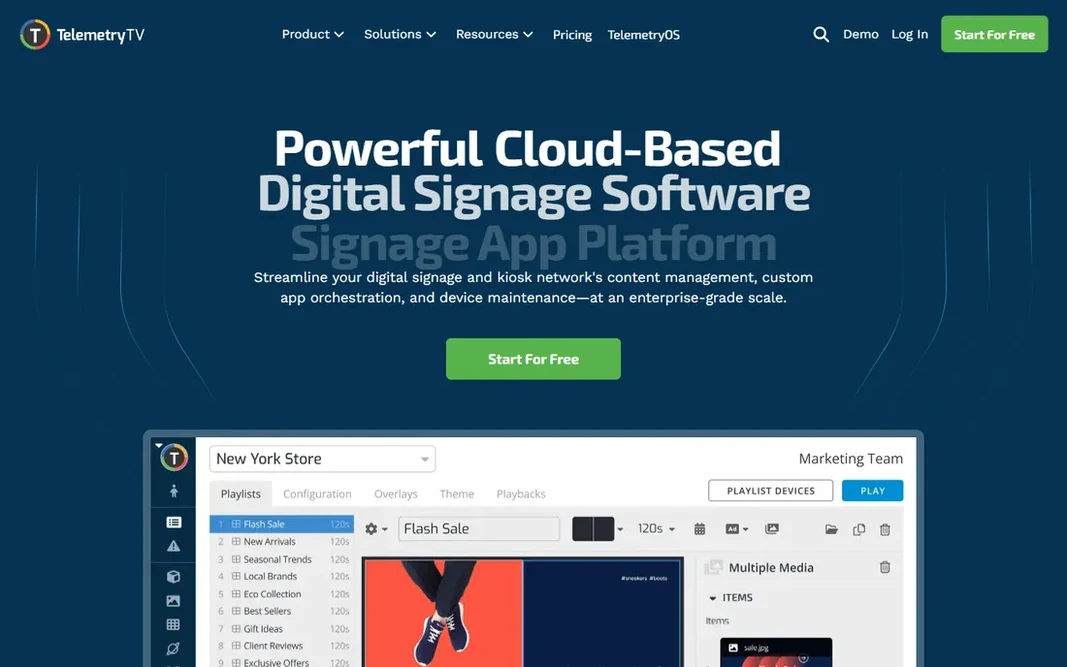
TelemetryTV was built for data dashboards and operations teams. TelemetryTV treats your screens as live dashboards first and marketing displays second. It links to data sources and renders charts, metrics, and KPI boards that update in live, which makes it a natural fit for operations centers, warehouses, and sales floors where the numbers matter more than the branding. If you largely need attractive promotional slides, more straightforward tools will get you there quicker. Worth adding: if your central need is showing live data steadily, that trade is worth it. TelemetryTV pricing: $8/device/month. On free options: Free trial. Trade-offs to know: Design polish lags behind marketing-focused rivals.

Free plan: Free trial

Website: telemetrytv.com

Strengths

  • Solid data visualization and dashboard boards
  • Adaptable layouts for mixed content

Watch out for

  • Ramp-up time for non-technical users
3

ScreenCloud

Franchises and multi-location brands
$20/screen/month (billed yearly)

ScreenCloud makes the most sense for franchises and multi-location brands. If you run a handful of screens, less expensive tools will serve you. ScreenCloud is designed for organizations with many locations and numerous people touching the content. The $20 per screen a month price (billed yearly) reflects that positioning. Beyond that, the product takes care of scheduling across time zones, lets headquarters lock down brand templates whereas local managers edit only their own details, and supports single sign-on for bigger teams. On top of that, if you run fifty across three states, ScreenCloud's management features start to pay for themselves. ScreenCloud pricing: $20/screen/month. Trial and free access: Free trial (14 days). What to check first: Highest per-screen price in this list.

Free plan: Free trial (14 days)

Website: screencloud.com

Strengths

  • Refined content creation tools
  • Works across screens, tablets

Watch out for

  • Some apps and channels cost additional
4

NoviSign

Interactive kiosks and touch displays
$14/screen/month (billed annually)

Choose NoviSign for interactive kiosks and touch displays. Many signage tools treat interactivity as an afterthought; NoviSign supports touchscreens, kiosks, and interactive widgets as core features. In daily use, the drag-and-drop builder is capable but not the simplest here, so expect a learning period. As for the details, the mobile companion app gets mixed reviews, which matters if your team updates content from phones. In practice, premium plans start at $14 per screen a month on annual billing. The 30-day free trial is ample and hands you time to build something real. Entry price for NoviSign: $14/screen/month. On free options: Free trial (30 days). The main drawbacks: Onboarding takes real effort.

Free plan: Free trial (30 days)

Website: novisign.com

Strengths

  • White-label choices for resellers
  • Drag-and-drop builder with handy widgets

Watch out for

  • Companion mobile app quality is uneven
5

Rise Vision

Schools and nonprofits
$12/display/month

Think of Rise Vision for schools and nonprofits. Rise Vision has served schools for years, and it displays in the details. In daily use, organizations outside education can use it too. The value proposition is most solid where budgets are tight and users are non-technical. For everyday use, a dedicated K-12 plan brings the price down to $11 per display a month for qualifying institutions. On top of that, the interface looks its age, and the integration catalog is thinner. The product is less flashy than its competitors. On top of that, templates for class schedules, lunch menus, emergency alerts, and event boards are built in, and the scheduling tools are straightforward enough for office staff instead of IT. Entry price for Rise Vision: $12/display/month. Free plan details: Free trial. Downsides: Smaller integration library.

Free plan: Free trial

Website: risevision.com

Strengths

  • Discounted K-12 pricing
  • Straightforward scheduling anyone can learn

Watch out for

  • Interface feels dated next to newer rivals
6

Yodeck

Small companies testing signage on a budget
$8/screen/month

Yodeck makes the most sense for small companies testing signage on a budget. Yodeck is the tool most small companies should try first. Beyond that, the company sells its own small player boxes, which removes the usual guessing about which stick or mini PC will work. As for the details, for menus, announcements, and promotions, Yodeck does the job without the enterprise price tag. The free level handles one screen with full features. So you can put a display in your lobby this week and pay nothing whereas you decide whether digital signage earns its keep. More specifically, at $8 per screen a month, the premium plans stay budget-friendly as you grow. Beyond that, Playlists, scheduling, and screen monitoring all work from the web dashboard. Yodeck pricing: $8/screen/month. Yodeck offers a free plan. Honest limits: Fewer native integrations than larger rivals.

Free plan: Yes

Website: yodeck.com

Strengths

  • One screen free forever with no credit card
  • Plug-and-play player hardware you can buy once

Watch out for

  • Advanced playlist rules take some learning
7

PosterBooking

Tight budgets and small shops
Free (up to 10 screens); premium from $52/month

PosterBooking works best for tight budgets and small shops. For a cafe with two menu boards, a gym with four class-schedule displays, or a retail shop with a window screen, the free level may be all you ever need. For everyday use, setup is genuinely fast, and image slideshows plus entry-level layouts handle the most typical use cases. Watch-outs: Design tools are entry-level on the free level. A premium plan at $52 a month for 10 screens removes the limits and layers on features, which is still cheap by industry standards. On top of that, if your content needs are modest and your budget is near zero, start here. You can always migrate to a richer system later if you outgrow it. Starting cost for PosterBooking: Free. PosterBooking includes a free tier.

Free plan: Yes

Website: posterbooking.com

Strengths

  • Setup takes minutes
  • Free level handles 10 screens with no time limit

Watch out for

  • Restricted external integrations

FAQ

Which options for cloud based signage software for business have a free plan?

OptiSigns, Yodeck and PosterBooking offer a free plan in this list. Free plans usually cap users, projects or features, so check the limits on the vendor page. Several others offer a trial instead.

Do I need special hardware to run cloud signage software?

Normally not. Most tools run on low-priced streaming sticks, mini PCs, or apps built into commercial smart TVs. Some vendors sell their own player boxes, which ease setup but add upfront cost.

Do these tools publish their prices?

Yes. Every tool from OptiSigns to PosterBooking shows a starting price, though seats, add-ons and billing terms still change the final cost.

Is OptiSigns the right pick for everyone comparing cloud based signage software for business?

No single tool suits every team. OptiSigns comes first because it fits offices and restaurants that want drag-and-drop, while TelemetryTV suits data dashboards and operations teams and ScreenCloud suits franchises and multi-location brands. Match the tool to your own size, budget and workflow before deciding.

How are the tools for cloud based signage software for business ordered?

OptiSigns sits first and PosterBooking last because the order follows typical fit for cloud based signage software for business, then price clarity and free access. It is a judgement call, so read each profile for fit and limits.