Sales and CRM · Researched comparison

CRM for Small Business Compared: 5 Tools, Prices and Limits

TaskReports may earn a fee from some links on this page, and some placements are paid and labelled. Neither one decides the order. See our disclosure.

The short answer

If you need a solo owner or very small team that wants one flat price, Less Annoying CRM is the first tool to look at here. Zoho CRM is better for a 2-3 person team that wants to delay paying provided that possible, and HubSpot CRM is better for teams that want to start free and are not sure yet how much.

On this page

Key takeaways

  • Less Annoying CRM takes the first slot, best suited to a solo owner or very small team that wants one flat price.
  • 2 of 5 tools offer a free plan: Zoho CRM, HubSpot CRM.
  • Starting prices begin at $7/seat/mo with HubSpot CRM.
  • Check the limits for HubSpot CRM before you commit: free plan caps automation at 1 action and carries HubSpot branding on some outgoing emails.
  • Pipedrive is the one to check for teams whose central job is moving deals through defined stages.

Quick comparison

ToolStarts atFree tierVendor site
------------
Less Annoying CRM$15/user/mo, no tiersFree trial (30 days)lessannoyingcrm.com
Zoho CRM$14/user/moYeszoho.com
HubSpot CRM$7/seat/moYeshubspot.com
Freshsales$9/user/moFree trial (21 days)freshworks.com
Pipedrive$14.90/user/moFree trial (14 days)pipedrive.com
★ Best overall

Less Annoying CRM

A solo owner or very small team that wants one flat price

  • Free phone and email support included
  • 30-day free trial with no credit card required
Price$15/user/mo, no tiers
See Less Annoying CRM pricing

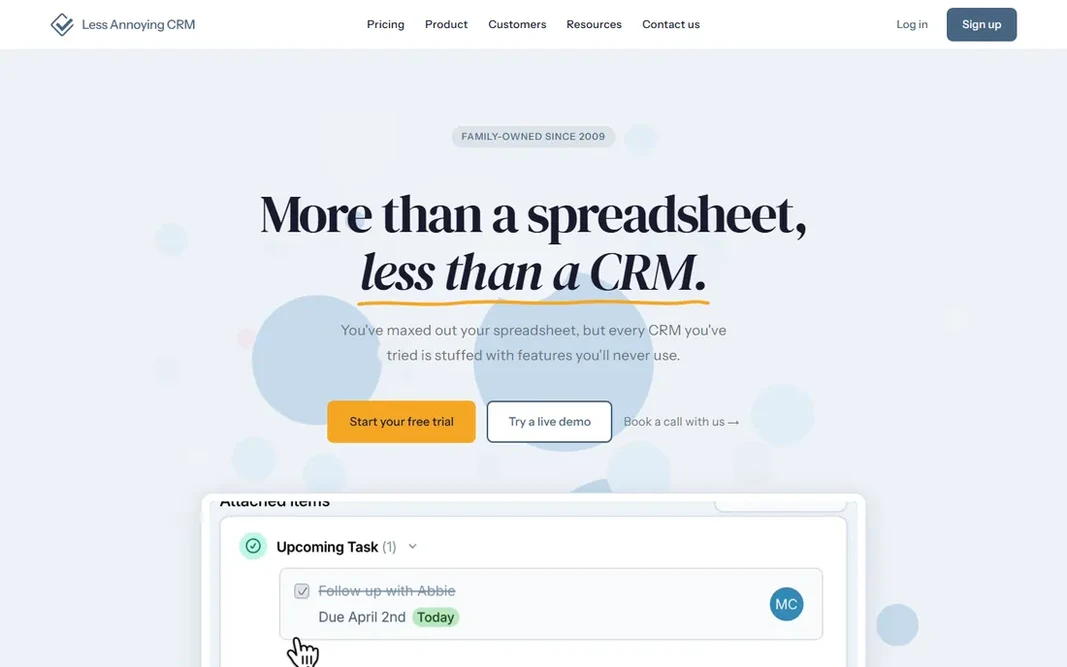
Think of Less Annoying CRM for a solo owner or very small team that wants one flat price. Less Annoying CRM skips levels entirely: one plan, $15 a user per month, with unlimited contacts, 25GB of storage per user, unlimited pipelines and free phone and email support included, per the company's own pricing page. Honest limits: No free plan after the trial. In practice, the tradeoff is fewer built-in marketing features than HubSpot or Zoho, since the product is deliberately kept straightforward. What you pay to start with Less Annoying CRM: $15/user/mo, no tiers. Free options: Free trial (30 days).

Price: $15/user/mo, no tiers

Free plan: Free trial (30 days)

Website: lessannoyingcrm.com

Watch out for

  • Fewer built-in marketing features than HubSpot or Zoho
2

Zoho CRM

A 2-3 person team that wants to delay paying provided that possible
$14/user/mo (Standard, annual)

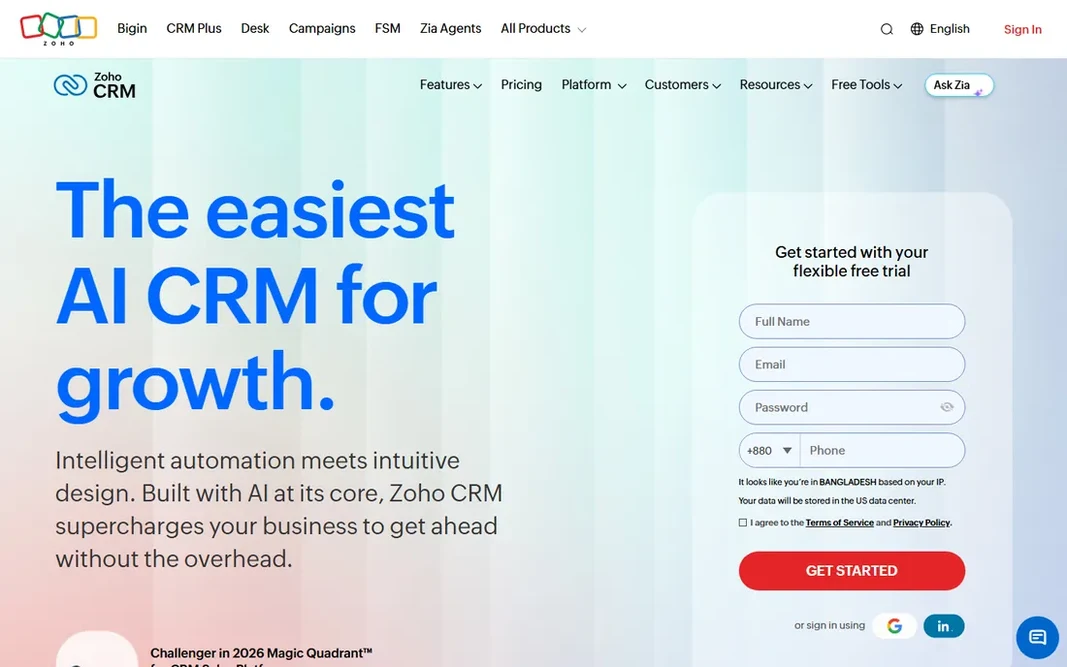
Zoho CRM is built with a 2-3 person team that wants to delay paying provided that possible in mind. Zoho CRM's free plan supports up to 3 users with contact management, entry-level workflow automation, task and call tracking, and 5,000 API calls a day, per Zoho's pricing page. It is one of the few CRMs here that lets more than two people use it at no cost at once. Zoho CRM pricing: $14/user/mo. A free plan is available with Zoho CRM. Where it is weaker: Free plan's 3-user cap bites sooner than most owners expect.

Free plan: Yes

Website: zoho.com/crm

Strengths

  • Premium levels add deeper automation
  • Free plan comes with contact management

Watch out for

  • Standard costs $20 a user per month if billed monthly
3

HubSpot CRM

Teams that want to start free and are not sure yet how much CRM
$7/seat/mo (Starter)

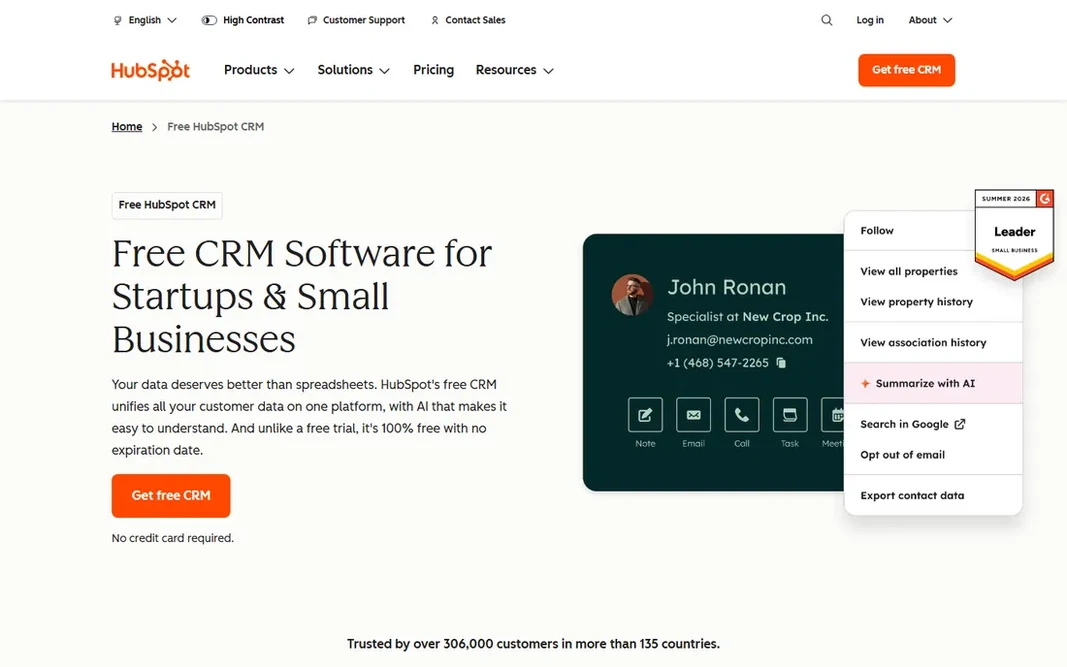
HubSpot CRM was built for teams that want to start free and are not sure yet how much CRM they need. HubSpot's free CRM covers up to 2 users, 1,000 contacts, entry-level email tracking, live chat and 500 calling minutes per month, with no trial countdown, per HubSpot's pricing page. Where it is weaker: The jump to Professional is steep at $800 per month. In practice, the premium Starter level begins at $7 per seat per month and removes HubSpot branding, unlocks up to 10 workflow actions rather than 1, and brings more email templates and reporting dashboards. Starting cost for HubSpot CRM: $7/seat/mo. Free access exists with HubSpot CRM. Best features of HubSpot CRM: Free level includes entry-level email tracking.

Free plan: Yes

Website: hubspot.com/products/crm

Strengths

  • Starter at $7 per seat removes HubSpot branding and unlocks up to 10 workflow actions
  • Live chat and 500 calling minutes per month

Watch out for

  • Free plan caps automation at 1 action and carries HubSpot branding on some outgoing emails
4

Freshsales

Small firms that want premium features without HubSpot- or Salesforce-level pricing
$9/user/mo (Growth, annual)

Freshsales is a good fit for small companies that want premium features without HubSpot- or Salesforce-level pricing. Freshsales undercuts every other premium choice here on its entry level: Growth opens at $9 a user per month billed yearly, aimed squarely at startups and small teams, with Pro at $39 a user per month adding advanced reporting and territory management, and Enterprise at $59 for bigger sales orgs, per Freshworks' pricing page. What works well: Cheapest per-user premium level in this comparison. On cost, Freshsales starts like this: $9/user/mo. Free options: Free trial (21 days). Where it falls short: Enterprise runs $59 a user per month.

Free plan: Free trial (21 days)

Website: freshworks.com/crm/sales

Strengths

  • Longer than the usual 14 days
  • 21-day full-feature trial

Watch out for

  • No free plan
5

Pipedrive

Teams whose central job is moving deals through defined stages
$14.90/user/mo (Essential, annual)

Pipedrive is designed for teams whose primary job is moving deals through defined stages. Monthly billing (no annual commitment) runs higher on every level. Limits to weigh: No free plan. Also, pricing opens at Essential for $14.90 a user per month billed yearly, Advanced at $24.90 for two-way email sync and automation, and Professional at $49.90 for forecasting and e-signatures, per Pipedrive's published 2026 pricing. What you pay to start with Pipedrive: $14.90/user/mo. Free access: Free trial (14 days).

Free plan: Free trial (14 days)

Website: pipedrive.com

Strengths

  • Clearest visual pipeline in this comparison, with drag-and-drop deal stages
  • Advanced level brings two-way email sync and automation

Watch out for

  • Monthly billing runs higher on every level

FAQ

How are the tools for CRM for small business ordered?

Less Annoying CRM sits first and Pipedrive last because the order follows typical fit for CRM for small business, then price clarity and free access. It is a judgement call, so read each profile for fit and limits.

Is Less Annoying CRM the right pick for everyone comparing CRM for small business?

No single tool suits every team. Less Annoying CRM comes first because it fits a solo owner or very small team that wants one flat price, while Zoho CRM suits a 2-3 person team that wants to delay paying as long as possible and HubSpot CRM suits teams that want to start free and are not sure yet how much CRM. Match the tool to your own size, budget and workflow before deciding.

What is the difference between a CRM and an email marketing tool?

A CRM tracks the full relationship with a contact, deals, calls, tasks and history, whereas an email marketing tool concentrates on sending and measuring campaigns to a list.

What is the best CRM for small business in 2026?

Start with Less Annoying CRM if you need a solo owner or very small team that wants one flat price. Zoho CRM is the better match for a 2-3 person team that wants to delay paying as long as possible, and HubSpot CRM for teams that want to start free and are not sure yet how much CRM. The best choice depends on budget, team size and workflow.

Do I need a CRM if my team is just me?

DemandSage's 2026 CRM statistics found that only 50% of firms with fewer than 10 employees use a CRM at all, well behind the 91% adoption rate at bigger businesses, which typically means solo operators are leaving follow-ups to memory.

What is the cheapest option for CRM for small business in this list?

On published monthly entry prices, HubSpot CRM is the lowest here at $7/seat/mo. Entry price is only part of the cost, because seats, add-ons and billing terms can change the total.