
Customer Support · Researched comparison

6 Customer Service Software Options Compared on Price and Fit

TaskReports may earn a fee from some links on this page, and some placements are paid and labelled. Neither one decides the order. See our disclosure.

The short answer

Our first pick is Zoho Desk, best for budget-friendly ticketing. Look at Freshdesk for value for expanding teams, and at HubSpot Service Hub for HubSpot-based teams. All 6 tools are compared below on price, free plan and limits.

On this page

Key takeaways

  • This list starts with Zoho Desk, which is built for budget-friendly ticketing.
  • For the cheapest start, look at Intercom: $19 per seat/month.
  • Only HubSpot Service Hub offers a free plan among these 6 tools.
  • Intercom is the one to check for chat-first AI service.
  • Before buying Zoho Desk, weigh this: pricing not shown on the homepage.

Quick comparison

ToolFree planIdeal forMain limit
------------
Zoho DeskFree trialBudget-friendly ticketingAI depth varies by tier
FreshdeskFree trial (14 days)Value for expanding teamsAdvanced AI features sit on higher tiers
HubSpot Service HubYesHubSpot-based teamsBest value only inside the HubSpot ecosystem
LiveChat (Text)Free trial (14 days)Live chat that sellsChat-first
ZendeskFree trial (14 days)All-round AI help deskPricing sits behind a sales conversation for larger tiers
IntercomFree trial (14 days)Chat-first AI servicePer-seat plus usage pricing needs careful budgeting
★ Best overall

Zoho Desk

Budget-friendly ticketing

  • Zia AI agents for routine issues
  • Contextual workspace across channels
PriceSee website
See Zoho Desk pricing

Zoho Desk was built for budget-friendly ticketing. Zoho Desk organizes customer conversations from every channel into one contextual workspace, with a branded help center where customers track tickets, search the knowledge base and get help from an AI bot. Where it is weaker: Pricing not shown on the homepage. As for the details, Zoho's pitch is transparent pricing with no long-term lock-ins. Exact plan prices are not on the homepage, so the pricing page is the authority. No starting price is listed for Zoho Desk here; confirm pricing on the vendor site. Free options: Free trial.

Price: See website

Free plan: Free trial

Website: zoho.com/desk

Watch out for

  • AI depth varies by level
2

Freshdesk

Value for expanding teams
See website

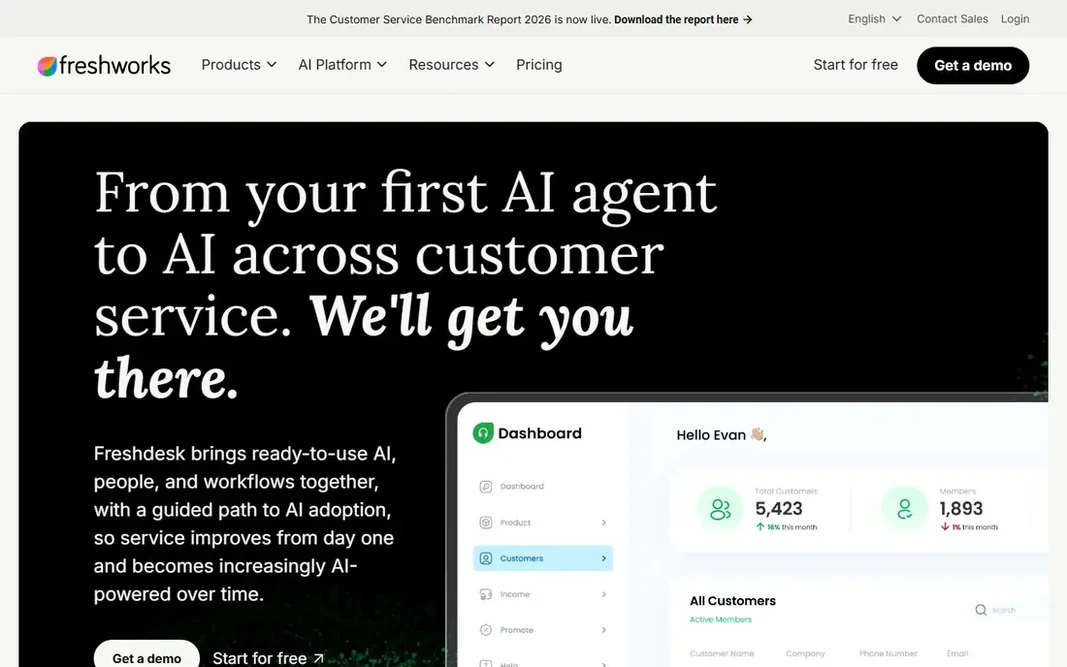
Freshdesk works best for value for expanding teams. For an expanding team that wants AI without an enterprise budget, it remains a solid shortlist candidate. Trade-offs to know: Exact pricing not shown on the homepage. No starting price is listed for Freshdesk here; confirm pricing on the vendor site. As for free access: Free trial (14 days).

Free plan: Free trial (14 days)

Website: freshworks.com/freshdesk

Strengths

  • Guided path from first AI agent to full AI service
  • Broad integration set including WhatsApp and Shopify

Watch out for

  • Advanced AI features sit on higher levels
3

HubSpot Service Hub

HubSpot-based teams
Free

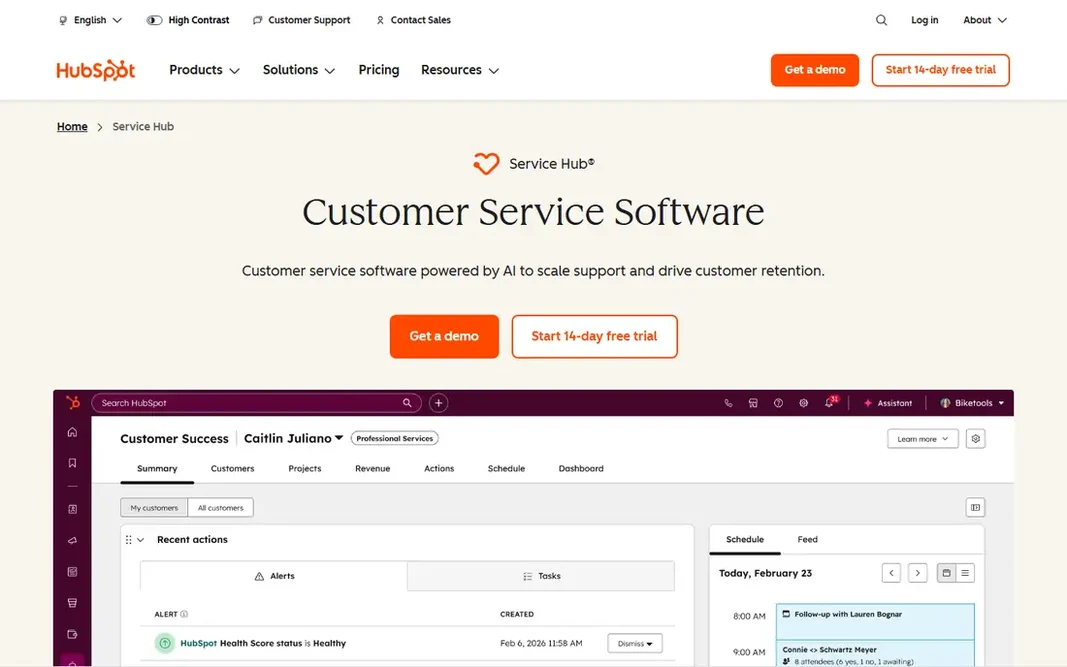
HubSpot Service Hub is designed for HubSpot-based teams. A support rep sees every deal, marketing touchpoint and prior ticket for a customer in one record. The customer success workspace tracks health scores and retention alongside tickets. Honest limits: Best value only inside the HubSpot ecosystem. The free level bundles contact management, ticketing and team email at $0 a month with no credit card. Starter begins at $10 per seat a month (discounted from $20 for new customers), Professional at $100 per seat a month, and Enterprise at $150 per seat a month, all in USD. Worth adding: the main limit is the per-seat math: a ten-person team on Professional pays far more than a flat-rate help desk. The value fades if the rest of the business does not use HubSpot. Beyond that, for HubSpot shops, though, the free level alone is a credible starting point. HubSpot Service Hub cost at the entry level: Free. HubSpot Service Hub has a free plan.

Free plan: Yes

Website: hubspot.com/products/service

Strengths

  • AI customer agent on Professional
  • Marketing and service

Watch out for

  • Per-seat pricing climbs quick at Professional and Enterprise
4

LiveChat (Text)

Live chat that sells
See website

LiveChat (Text) makes the most sense for live chat that sells. LiveChat, now presented as Text by LiveChat, is live chat software built to grow sales along with answer questions. In practice, agents see who is browsing, which pages visitors view, and live cart contents, then start conversations, qualify leads and recover abandoned carts from the same window. Also, a free 14-day trial needs no credit card. LiveChat (Text) does not show a starting price in this comparison, so check the vendor site for current pricing. Free plan details: Free trial (14 days). Trade-offs to know: Chat-first.

Free plan: Free trial (14 days)

Website: livechat.com

Strengths

  • Live visitor monitoring and live cart preview
  • 200+ eCommerce and CMS integrations

Watch out for

  • Not a full ticketing suite
5

Zendesk

All-round AI help desk
See website

Zendesk makes the most sense for all-round AI help desk. A 14-day free trial needs no credit card, which makes it easy to test against a real ticket queue. Also, the honest catch is complexity and cost. No starting price is listed for Zendesk here; confirm pricing on the vendor site. Free options: Free trial (14 days). Watch-outs: The full product can feel heavy for tiny teams.

Free plan: Free trial (14 days)

Website: zendesk.com

Strengths

  • Capable marketplace of integrations
  • Proven at very high volumes

Watch out for

  • Pricing sits behind a sales conversation for bigger levels
6

Intercom

Chat-first AI service
$19 per seat/month

Think of Intercom for chat-first AI service. A 14-day free trial needs no card. The main drawbacks: AI resolution fees add up ($0.99 per Fin resolution). The model rewards teams with high chat volume and decent help content, but finance should model the per-resolution fees against ticket volume before signing, since a successful AI agent that resolves thousands of chats is also an expanding line item. Intercom starts at: $19 per seat/month. Free plan details: Free trial (14 days).

Free plan: Free trial (14 days)

Website: intercom.com

Strengths

  • Capable integrations
  • Outcome-based pricing with spending limits

Watch out for

  • Per-seat plus usage pricing needs careful budgeting

FAQ

Can I try these options before paying?

Often, yes. HubSpot Service Hub has a free plan and Zoho Desk, Freshdesk, LiveChat (Text) and others offer a free trial. Use your own data and a real task during the test, and check what the free tier or trial limits before you rely on it.

What should I look for in a free trial?

Route real tickets, not demo data. Check how quick agents find customer history, whether automations trigger correctly, how the mobile app feels, and whether reports answer the questions your manager actually asks. A trial that only tests the demo workspace tells you very little.

Which options for customer service software have a free plan?

HubSpot Service Hub is the only tool in this list with a free plan. Free plans usually cap users, projects or features, so check the limits on the vendor page. Several others offer a trial instead.

How are the tools for customer service software ordered?

Zoho Desk sits first and Intercom last because the order follows typical fit for customer service software, then price clarity and free access. It is a judgement call, so read each profile for fit and limits.

Is Zoho Desk the right pick for everyone comparing customer service software?

No single tool suits every team. Zoho Desk comes first because it fits budget-friendly ticketing, while Freshdesk suits value for growing teams and HubSpot Service Hub suits HubSpot-based teams. Match the tool to your own size, budget and workflow before deciding.