Marketing · Researched comparison

7 Top Marketing Project Management Tools Compared (2026)

TaskReports may earn a fee from some links on this page, and some placements are paid and labelled. Neither one decides the order. See our disclosure.

The short answer

If you need creative teams that live in proofing, Hive is the first tool to look at here. If your case is different, CoSchedule suits teams that plan around a marketing calendar and Monday.com suits visual campaign boards and workflows. Details, prices and limits for the rest of the 7 tools are below.

On this page

Key takeaways

  • Hive sits first on this list: creative teams that live in proofing.
  • A free plan is offered by 6 of the 7 tools, including Hive, CoSchedule, Monday.com and Asana.
  • The main caution on Monday.com: premium plans need a 3-seat minimum.
  • For social teams with heavy client approvals, Planable is worth a look.

Quick comparison

ToolPrice fromFree optionWatch out forBest fit
---------------
Hive$5/user/monthYesProofingCreative teams that live in proofing
CoSchedule$19/user/monthYesContent Calendar and Suite are custom-pricedTeams that plan around a marketing calendar
Monday.com$9/seat/monthYesPremium plans require a 3-seat minimumVisual campaign boards and workflows
Workamajig$49/user/monthNoNo free trialAgencies that bill by the hour
Asana$10.99/user/monthYesProofing requires the Advanced tierContent and campaign coordination
Wrike$10/user/monthYesKey features sit in higher tiersMarketing teams that require proofing plus reporting
Planable$33/workspace/monthYesAnalytics is a premium add-onSocial teams with heavy client approvals
★ Best overall

Hive

Creative teams that live in proofing

  • Adaptable add-on pricing
  • Proofing with AI brand checks
Price$5/user/month (Starter, billed annually)
See Hive pricing

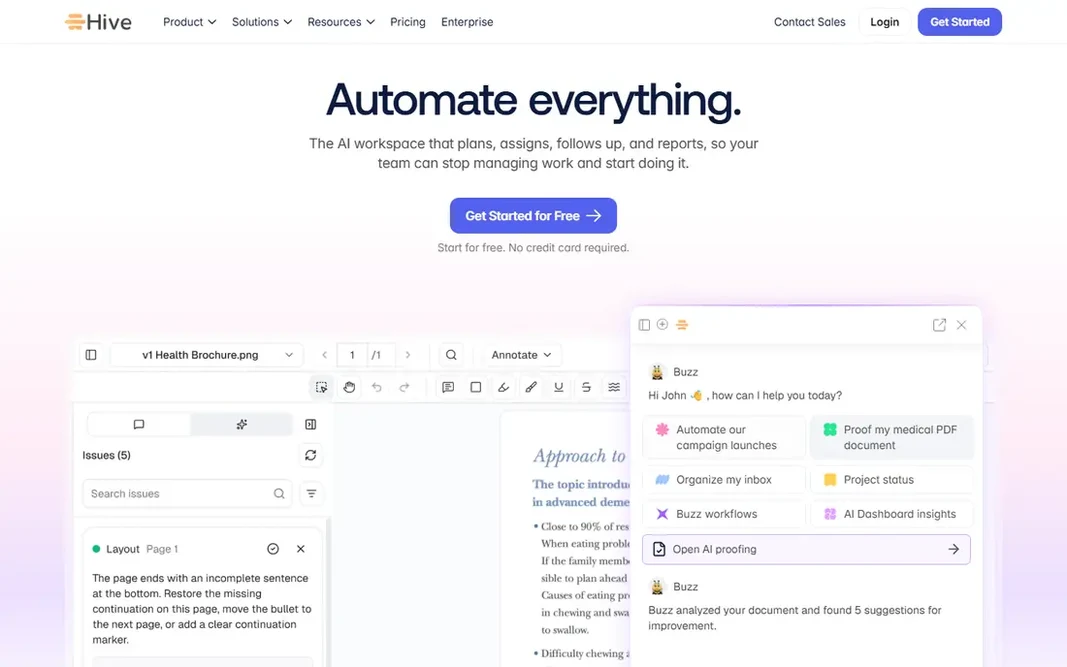
Hive targets creative teams that live in proofing. Hive pitches itself straight at marketing, creative, and agency teams, and the feature list reads like their wish list: Gantt, Kanban, table, and calendar views on the same data, proofing and approvals for images, video, and PDFs, time tracking and resourcing for billable work, plus optional CRM and finance extras. Add up the extras before you compare Hive's base price to anyone else's. Downsides: Proofing. the main limit is the add-on model: proofing and approvals, timesheets, resourcing, and advanced dashboards each cost about $5 more per user a month, so a completely loaded seat runs closer to $25. Marketing templates for content calendars and premium campaigns come ready made. As for the details, the pricing is the friendliest here. Price to start with Hive: $5/user/month. Free access exists with Hive.

Price: $5/user/month (Starter, billed annually)

Free plan: Yes

Website: hive.com

Watch out for

  • Timesheets and analytics are premium add-ons
2

CoSchedule

Teams that plan around a marketing calendar
$19/user/month (Social Calendar, billed yearly)

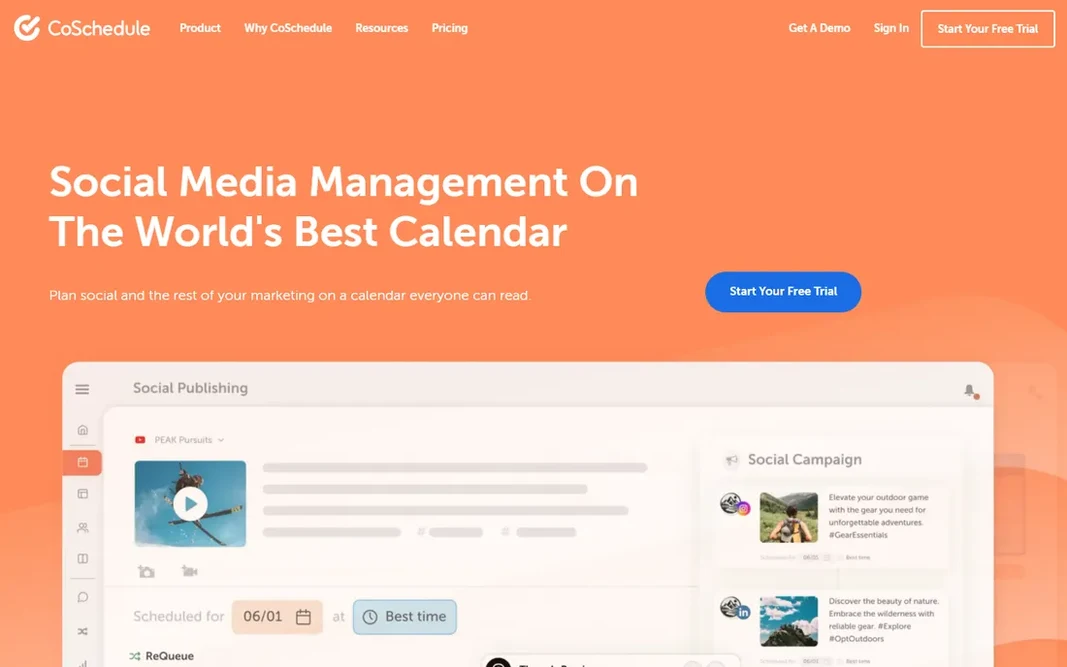
Pick CoSchedule if this describes you: teams that plan around a marketing calendar. CoSchedule starts from the artifact every marketer already uses: the calendar. The free calendar plan includes one user, and the Social Calendar costs $19 per user per month billed yearly. Limits to weigh: Content Calendar and Suite are custom-priced. Social posts, blog content, and campaigns sit on one shared calendar that anyone in the company can read, and features like ReQueue automatically reshare evergreen posts to fill quiet days. The Agency Calendar at $59 per user a month brings client calendars and white-label features, whereas the Content Calendar and full Marketing Suite, with approval workflows, intake forms, and digital asset management, are custom-priced. CoSchedule pricing: $19/user/month. CoSchedule offers a free plan. Highlights: Calendar-first planning marketers understand immediately.

Free plan: Yes

Website: coschedule.com

Strengths

  • ReQueue keeps social feeds active
  • Free calendar plan

Watch out for

  • Project management depth is lighter than rivals
3

Monday.com

Visual campaign boards and workflows
$9/seat/month (Basic, billed yearly)

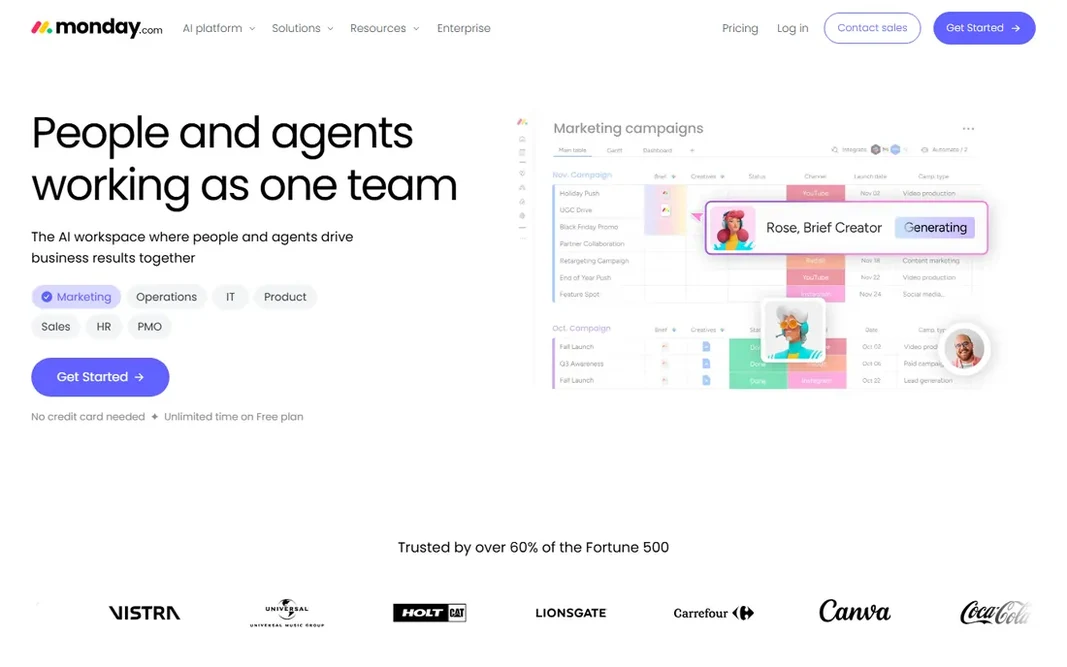
For visual campaign boards and workflows, Monday.com is a natural candidate. Time tracking and chart views wait until Pro. Worth adding: pricing starts with a free plan for up to two seats, then Basic at $9, Standard at $12, and Pro at $19 per seat a month when billed yearly. Drawbacks to consider: premium plans need a 3-seat minimum. Monday.com is the tool marketing teams adopt fastest, largely since the boards look like the campaign, not like a database. The main limit is the 3-seat minimum on premium plans, which makes the real entry price $27, $36, or $57 a month. The features marketers want most, timeline and Gantt views, automations, guest access, arrive at Standard. Marketing templates include content calendars, campaign tracking, and creative requests, and the column-based structure bends to unusual workflows without custom code. For everyday use, the homepage even pitches marketing-specific AI agents that draft posts and run campaigns. The starting price for Monday.com: $9/seat/month. You can start on Monday.com without paying.

Free plan: Yes

Website: monday.com

Strengths

  • Ample free plan
  • Solid automations and integrations

Watch out for

  • Timeline and automations need Standard or higher
4

Workamajig

Agencies that bill by the hour
$49/user/month (teams of 10+)

Workamajig is designed for agencies that bill by the hour. Workamajig is not a general task tool with marketing features bolted on. Honest limits: Steep price for small teams. Best features of Workamajig: Digital proofing included. Worth adding: inside those teams, it replaces three or four subscriptions. For a creative agency or an in-house team that bills internally, replacing the patchwork of PM, time-tracking, and accounting tools is the whole sales pitch, and the product provides it. The starting price for Workamajig: $49/user/month. There is no free plan with Workamajig.

Free plan: No

Website: workamajig.com

Strengths

  • Scales to large agencies
  • Accounting in one system

Watch out for

  • No free trial
5

Asana

Content and campaign coordination
$10.99/user/month (Starter, billed annually)

Asana serves content and campaign coordination. Also, if your team largely needs clean task coordination and quick adoption, Starter is enough. Worth adding: the Advanced level layers on approvals and proofing, native time tracking, and workload views, which is where it starts to feel like a real marketing operations tool instead of a task list. What to check first: Proofing needs the Advanced level. The free Personal plan now includes only two users. So most teams land on Starter at $10.99 per user a month or Advanced at $24.99, both billed yearly. Portfolios group campaigns together, goals link work to targets, and the timeline view keeps launch dates honest. On top of that, if creative review happens in Asana, budget for Advanced. Asana pricing: $10.99/user/month. A free plan is available with Asana.

Free plan: Yes

Website: asana.com

Strengths

  • Proofing and approvals on Advanced
  • Huge integration library

Watch out for

  • Free plan capped at 2 users
6

Wrike

Marketing teams that require proofing plus reporting
$10/user/month (Team, billed yearly)

For marketing teams that require proofing plus reporting, Wrike is a natural candidate. It merges project plans, Gantt charts, request forms, and creative proofing in one workspace, and its template library contains marketing-specific starting points for campaign launches and content production. Worth adding: Wrike is customizable to a fault, and without someone owning the setup, teams end up with five different ways to run a campaign. In practice, budget setup time or a consultant, and note that resource management and advanced reporting live in the pricier Pinnacle and Apex levels. Dashboards roll task data up into the kind of reports a CMO actually reads. Beyond that, the honest catch is administration. Starting cost for Wrike: $10/user/month. Wrike has a free plan. Where it falls short: Needs real admin effort to set up well.

Free plan: Yes

Website: wrike.com

Strengths

  • Capable dashboards and reporting
  • Built-in proofing and approvals

Watch out for

  • Key features sit in higher levels
7

Planable

Social teams with heavy client approvals
$33/workspace/month (Basic, billed annually)

Planable makes the most sense for social teams with heavy client approvals. Planable solves one painful marketing workflow better than anyone: getting content approved. The main limit is that analytics costs additional and agencies running dozens of client workspaces multiply the per-workspace fee rapidly. It is also a content tool first, so pair it with a real PM tool if you need project tracking. Beyond that, posts render in feed, calendar, and Instagram grid views, clients comment and approve in context without learning the tool, and multi-step approval chains move drafts to scheduled without email threads. The starting price for Planable: $33/workspace/month. Planable has a free plan. What to check first: Analytics is a premium add-on.

Free plan: Yes

Website: planable.io

Strengths

  • Multi-step approval workflows
  • Per-workspace pricing with unlimited users

Watch out for

  • Costs multiply with plenty of client workspaces

FAQ

Can I try these options before paying?

Often, yes. Hive, CoSchedule, Monday.com and others have a free plan. Use your own data and a real task during the test, and check what the free tier or trial limits before you rely on it.

How are the tools for marketing project management tools ordered?

The order follows typical fit for marketing project management tools, with Hive first and Planable last, then price clarity and free access. It is editorial judgement, not a score, so another team could rank the tools differently.

How is a marketing project management tool different from a regular PM tool?

Regular PM tools track tasks, owners, and dates. If your team spends its time waiting on feedback instead of doing tasks, those extras matter.

Is Hive the right pick for everyone comparing marketing project management tools?

No single tool suits every team. Hive comes first because it fits creative teams that live in proofing, while CoSchedule suits teams that plan around a marketing calendar and Monday.com suits visual campaign boards and workflows. Match the tool to your own size, budget and workflow before deciding.

Do these tools publish their prices?

Yes. Every tool from Hive to Planable shows a starting price, though seats, add-ons and billing terms still change the final cost.

What is the best project management software for marketing departments?

This list starts with Hive, which fits creative teams that live in proofing. For other needs, CoSchedule is aimed at teams that plan around a marketing calendar, and Monday.com at visual campaign boards and workflows. Check each tool's price and main limit first.