Marketing · Researched comparison

Best Platforms for Content Creators in 2026: 8 Tools Compared

TaskReports may earn a fee from some links on this page, and some placements are paid and labelled. Neither one decides the order. See our disclosure.

The short answer

Start with Kit if you need email-first creators who sell digital products. Look at Substack for premium newsletters with minimal setup, and at Ko-fi for tips, memberships and shop with low fees. The remaining 5 options are covered below with prices and limits.

On this page

Key takeaways

  • The list opens with Kit, aimed at email-first creators who sell digital products.
  • Before buying Patreon, weigh this: 10 percent platform fee for new creators plus processing.
  • Kajabi fits all-in-one course and membership business.
  • Free plans are common here: 6 of 8 tools have one, including Kit, Substack, Ko-fi and Patreon.
  • Pricing across the list, from Kit to Kajabi, is by quote only.

Quick comparison

ToolBest forEntry priceWatch out for
------------
KitEmail-first creators who sell digital productsSee websiteTransaction fee on Commerce sales
SubstackPremium newsletters with minimal setupSee websiteLimited design and automation compared with email platforms
Ko-fiTips, memberships and shop with low feesSee websiteSmaller built-in audience than Patreon
PatreonMembership levels with a built-in audienceSee websiteFee never drops as you grow
GumroadSelling digital products with no monthly feeSee websiteStorefront customization is limited
MemberfulMemberships plugged into your own websiteSee websiteNo free plan
GhostOwning your publication and subscriber dataSee websiteSelf-hosting needs technical setup and maintenance
KajabiAll-in-one course and membership businessSee websiteProduct and contact limits on the Basic plan
★ Best overall

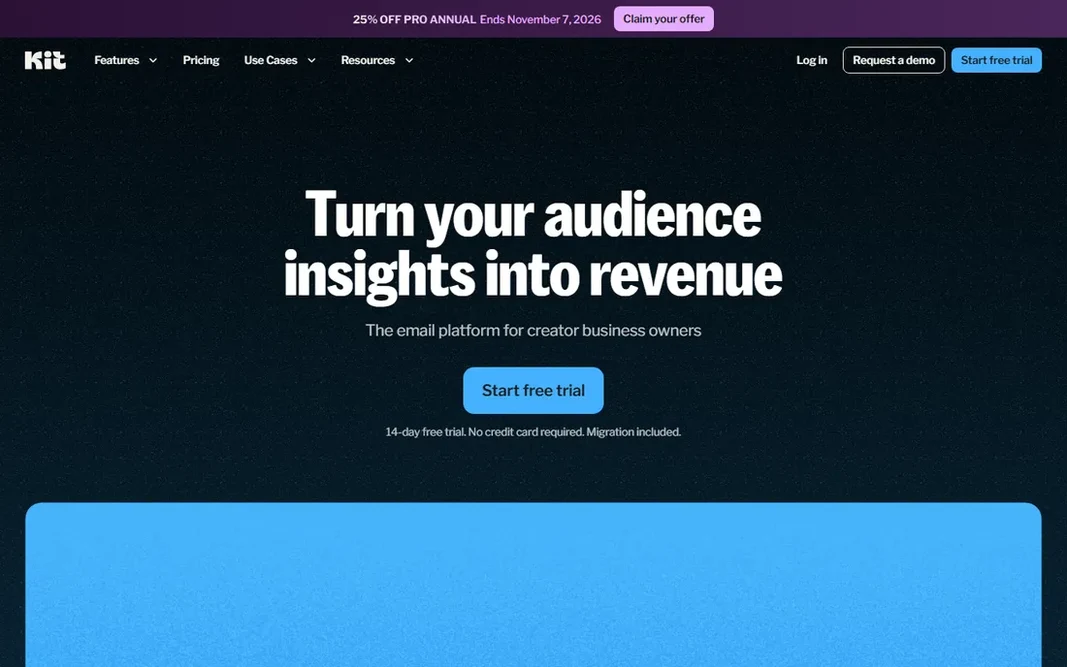
Kit

Email-first creators who sell digital products

  • Email automation designed for creators
  • Free plan for starting out
PriceSee website
See Kit pricing

Kit is aimed squarely at email-first creators who sell digital products. The free plan spans the basics, and premium Creator plans add automations, sequences and deeper reporting as your list grows. That is meaningfully less expensive than the 10 percent products, though you handle your own tax compliance since Kit is not the merchant of record. Kit shows no starting price here, so confirm the cost on the vendor site. You can start on Kit without paying. Points against: Advanced automation and reporting sit on premium plans.

Price: See website

Free plan: Yes

Website: kit.com

Watch out for

  • Transaction fee on Commerce sales
2

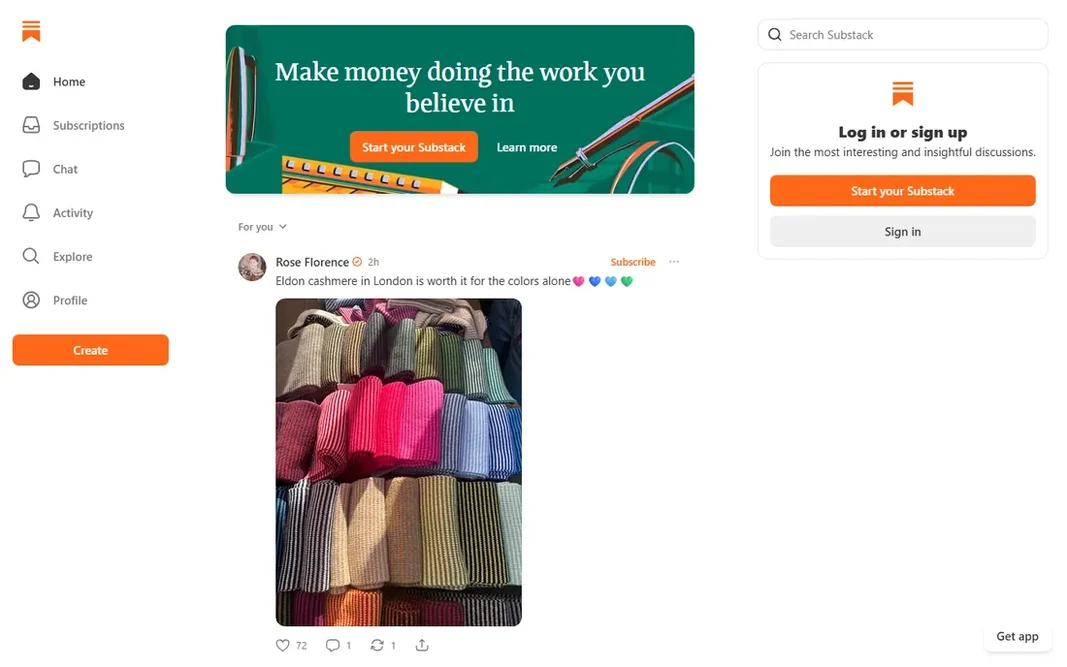
Substack

Premium newsletters with minimal setup
See website

Substack serves premium newsletters with minimal setup. Per Substack's own support page, the fee stack is 10 percent of each subscription payment to Substack, plus Stripe card processing of 2.9 percent plus $0.30, plus a 0.7 percent Stripe recurring billing fee. Where it falls short: Restricted design and automation compared to email systems. Substack is the fastest route from "I want to write a newsletter" to "people are paying for my newsletter." Publishing is free no matter how large your list grows. You only pay when readers pay you. No starting price is listed for Substack here; confirm pricing on the vendor site. You can start on Substack without paying.

Free plan: Yes

Website: substack.com

Strengths

  • Simplest path from writing to premium subscriptions
  • Built-in reader network helps discovery

Watch out for

  • 10 percent fee on premium subscriptions plus Stripe charges

3

Ko-fi

Tips, memberships and shop with low fees
See website

Ko-fi works best for tips, memberships and shop with low fees. The premium Gold plan, listed at $12 a month in current guides, drops the product fee to 0 percent across the board. Downsides: 5 percent fee on shop and membership sales on the free plan. The trade-off is discovery, since Ko-fi has no built-in reader network, so it fits best for creators who bring their own audience. Ko-fi does not show a starting price in this comparison, so check the vendor site for current pricing. Free access exists with Ko-fi.

Free plan: Yes

Website: ko-fi.com

Strengths

  • One page for tips, memberships
  • Gold plan removes remaining fees cheaply

Watch out for

  • Smaller built-in audience than Patreon
4

Patreon

Membership levels with a built-in audience
See website

Patreon makes the most sense for membership levels with a built-in audience. Patreon is the name most fans already know, and that recognition removes friction: people understand what "support me on Patreon" means without an explanation. Legacy creators on older plans keep their 5, 8 or 12 percent rates. No starting price is listed for Patreon here; confirm pricing on the vendor site. Free access exists with Patreon. The main drawbacks: 10 percent system fee for new creators plus processing.

Free plan: Yes

Website: patreon.com

Strengths

  • No upfront cost to launch
  • Tiered subscriptions with community tools built in

Watch out for

  • Fee never drops as you grow
5

Gumroad

Selling digital products with no monthly fee
See website

Gumroad was built for selling digital products with no monthly fee. Gumroad is the simplest way to sell a digital product online: upload your ebook, course, template or music, share the link, and get premium. As for the details, there is no subscription and no free-versus-premium level decision. Downsides: 10 percent is steep at scale with no volume discount. That tax handling is a genuine advantage for solo creators selling internationally, and it partly justifies the fee. But 10 percent with no monthly choice and no volume discount means high-earning sellers eventually pay more than they would on a flat-fee product. Gumroad shows no starting price here, so confirm the cost on the vendor site. Gumroad includes a free tier.

Free plan: Yes

Website: gumroad.com

Strengths

  • No monthly fee
  • You only pay when you sell

Watch out for

  • Storefront customization is restricted
6

Memberful

Memberships plugged into your own website
See website

Memberful is built with memberships plugged into your own website in mind. Memberful takes a different approach from Patreon: rather than hosting your membership on its system, it bolts subscriptions onto your own website. Also, Memberful is owned by Patreon, which acquired it in 2023, and it continues to operate as a separate product for creators and publishers who already have a site. From a buyer's view, you keep your domain, your design and your brand, and Memberful manages the member management, payments and access control behind the scenes. It links up with WordPress and links to Stripe for processing. Memberful does not show a starting price in this comparison, so check the vendor site for current pricing. No free plan comes with Memberful. What to check first: No free plan.

Free plan: No

Website: memberful.com

Strengths

  • Memberships plug into your existing site and brand
  • Works with WordPress and Stripe

Watch out for

  • You need your own website and audience first
7

Ghost

Owning your publication and subscriber data
See website

Ghost serves owning your publication and subscriber data. Either way, there is no product revenue share. More specifically, your subscriber list, your content and your domain are yours, exportable and portable, with no algorithm between you and your readers. Stripe manages premium subscriptions straight, so your only percentage cost is standard card processing. That ownership is the entire pitch. Ghost does not show a starting price in this comparison, so check the vendor site for current pricing. Ghost includes a free tier. Downsides: Self-hosting needs technical setup and maintenance.

Free plan: Yes

Website: ghost.org

Strengths

  • Open-source software you can self-host free
  • List and data outright

Watch out for

  • The hosted Ghost(Pro) service is a monthly subscription
8

Kajabi

All-in-one course and membership business
See website

Kajabi makes the most sense for all-in-one course and membership business. Kajabi charges 0 percent product transaction fee when you use Kajabi Payments (standard card processing of around 2.9 percent plus $0.30 still applies). Worth adding: per 2026 plan comparisons, the Basic plan runs $143 a month billed yearly ($179 monthly), Growth is $199 a month billed yearly, and Pro is $399 a month billed yearly. The pricing logic is the inverse of Patreon's: you pay a flat subscription and keep your revenue. Kajabi is for creators who run their content as a business and want one login for all of it: online courses, coaching programs, memberships, email marketing, landing pages and a website. There is no free plan, but a 14-day trial and a 30-day money-back guarantee soften the entry. Kajabi shows no starting price here, so confirm the cost on the vendor site. Free options: Free trial. Upsides: funnels and community in one subscription. Watch-outs: Product and contact limits on the Basic plan.

Free plan: Free trial

Website: kajabi.com

Strengths

  • 0 percent system transaction fee on Kajabi Payments
  • Refined templates

Watch out for

  • No free plan and the priciest entry point here

FAQ

Which options for platforms for content creators have a free plan?

On this list, 6 of 8 tools include a free plan, among them Kit, Substack, Ko-fi and Patreon. Caps on seats, usage or features are common, so test the free plan against your real workload. One other tool offers a trial instead.

Do these tools publish their prices?

No. None of the tools, from Kit to Kajabi, shows a fixed starting price here, so budget time for quotes.

Can I try these tools before paying?

Often, yes. Kit, Substack, Ko-fi and others have a free plan and Kajabi offers a free trial. Use your own data and a real task during the test, and check what the free tier or trial limits before you rely on it.

What happens to my audience if I leave a platform?

Substack lets list exports too. Before committing, check the export policy: your email list is the one asset no product should hold hostage.

How are the tools for platforms for content creators ordered?

Kit sits first and Kajabi last because the order follows typical fit for platforms for content creators, then price clarity and free access. It is a judgement call, so read each profile for fit and limits.