Marketing · Researched comparison

The 6 Best Platforms for Webinars to Shortlist in 2026

TaskReports may earn a fee from some links on this page, and some placements are paid and labelled. Neither one decides the order. See our disclosure.

The short answer

For European and compliance-conscious teams with variable attendance, Livestorm is where this list starts. Demio is better for Marketers who prioritize attendee experience and simplicity, and Zoom Webinars is better for firms already on Zoom that require dependable large-audience webinars. The remaining 3 options are covered below with prices and limits.

On this page

Key takeaways

  • Livestorm is the opening pick, best for European and compliance-conscious teams with variable attendance.
  • Only Livestorm offers a free plan among these 6 tools.
  • What to know about Livestorm first: usage-based pricing is unpredictable for high-frequency webinar programs.
  • ClickMeeting fits Educators, coaches and SMBs wanting budget-friendly live + automatic webinars.
  • For the cheapest start, look at ClickMeeting: From $30/month.

Quick comparison

ToolIdeal forEntry priceOfficial site
------------
LivestormEuropean and compliance-conscious teams with variable attendanceFrom $3.00 per attendeelivestorm.co
DemioMarketers who prioritize attendee experience and simplicity$45/month billed annuallydemio.com
Zoom WebinarsBusinesses already on Zoom that require dependable large-audience webinarsFrom $79/month per licensezoom.com
WebinarJamMarketers and creators running pitch webinars where conversion matters more than polish$49/monthwebinarjam.com
Webex Webinars (Cisco)Large enterprises, particularly Cisco shops, running town halls and global eventsSee websitewebex.com
ClickMeetingEducators, coaches and SMBs wanting low-cost live + automatic webinarsFrom $30/monthclickmeeting.com
★ Best overall

Livestorm

European and compliance-conscious teams with variable attendance

  • Pay-per-attendee model: you pay for who displays up
  • Adding team members is free
PriceFrom $3.00 per attendee (Pro, usage-based credits; hosts free, no-shows not charged); Enterprise custom
See Livestorm pricing

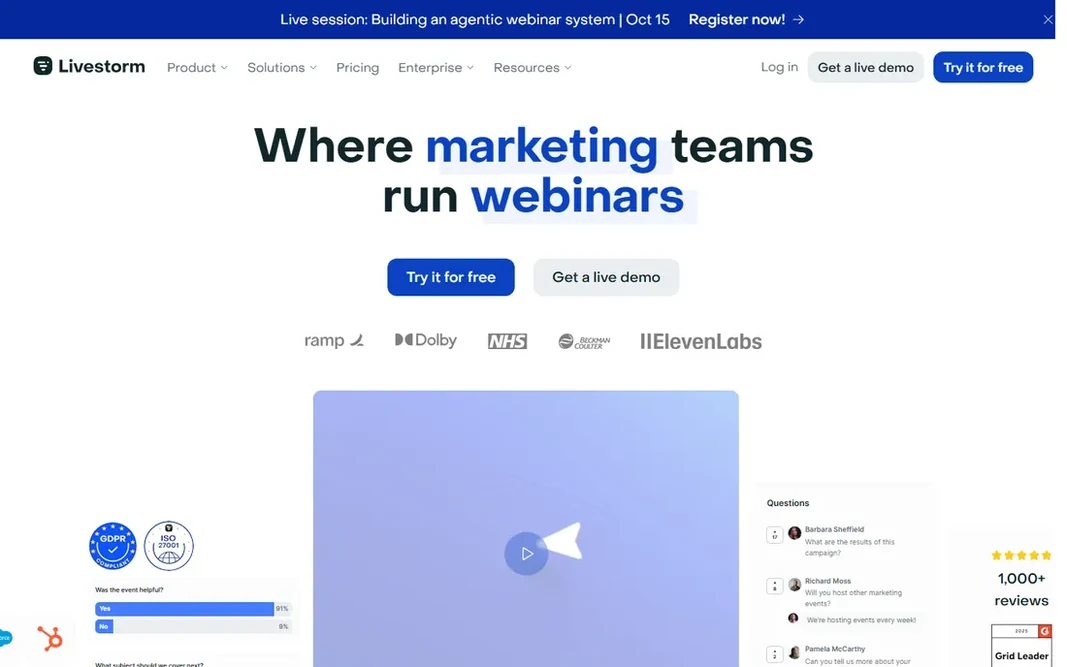
Pick Livestorm if this describes you: European and compliance-conscious teams with variable attendance. Livestorm's per-attendee model flips the usual math: hosts are free and no-shows are not charged. So a 10-presenter webinar with 200 attendees costs for 200 attendees, not 10 licenses. That beats per-host pricing whenever many presenters are involved. Also, best for variable-attendance programs and compliance-conscious teams. The system is completely browser-based with branded registration, native HubSpot sync on Pro, and EU hosting with ISO 27001 and GDPR compliance. Livestorm starts at: From $3.00 per attendee. Livestorm has a free plan. Where it is weaker: Advanced features (Salesforce/Marketo/Pardot sync) are Enterprise-gated. What Livestorm does well: Completely browser-based with branded registration and native HubSpot sync on Pro; ISO 27001.

Price: From $3.00 per attendee (Pro, usage-based credits; hosts free, no-shows not charged); Enterprise custom

Free plan: Yes

Website: livestorm.co

Watch out for

  • Usage-based pricing is unpredictable for high-frequency webinar programs
2

Demio

Marketers who prioritize attendee experience and simplicity
$45/month billed yearly ($63 per month), Starter (50 attendees, 1 host); Growth/Premium priced per host by attendee tier (150-3,000 attendees)
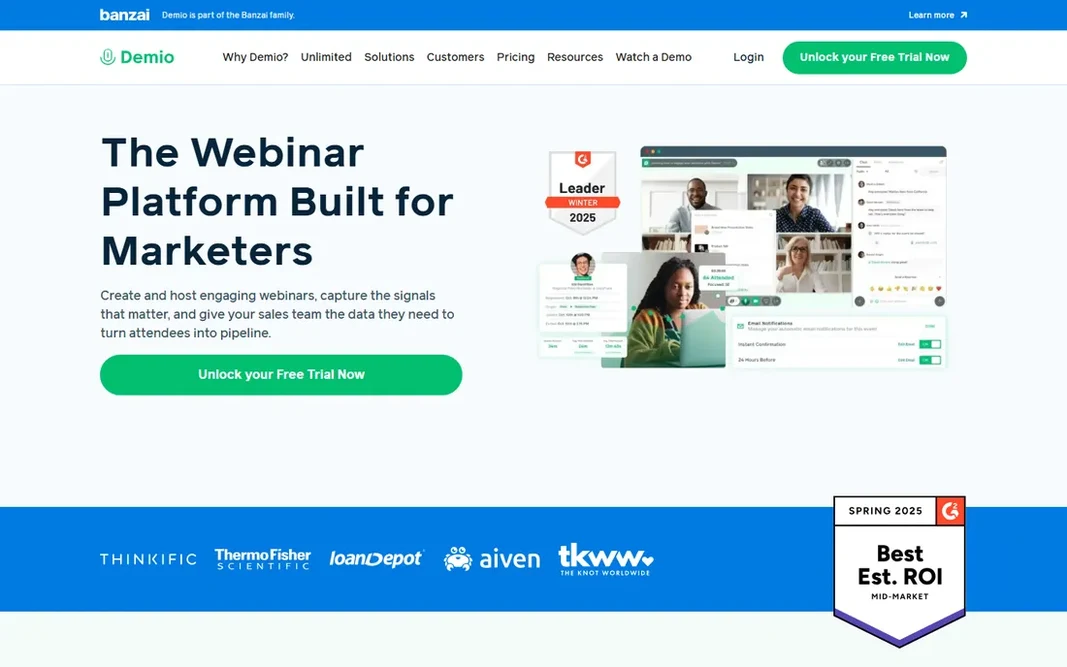
Demio is built with Marketers who prioritize attendee experience and simplicity in mind. Demio is the experience pick: the most modern, beautiful webinar UX in the category, 100% browser-based with no downloads. The fastest path from signup to a professional-looking live webinar. More specifically, automation is restricted compared with evergreen specialists. Per-host pricing is the constraint: budget per presenter, not per account, and Starter's 50-attendee cap is low per dollar. On cost, Demio starts like this: $45/month billed annually. As for free access: Free trial (14 days). Honest limits: Low attendee caps per dollar (50 on Starter).

Free plan: Free trial (14 days)

Website: demio.com

Strengths

  • Capable engagement tools (featured CTAs, polls, handouts) and CRM integrations on higher levels
  • Modern webinar UX: genuinely the easiest system to learn

Watch out for

  • Per-host pricing scales badly: adding presenters multiplies the bill
3

Zoom Webinars

Businesses already on Zoom that require dependable large-audience webinars
From $79/month per license (<500 attendees, per month billing); Sessions annual plans from $990/year (<100 attendees); requires a premium Zoom Workplace plan on top

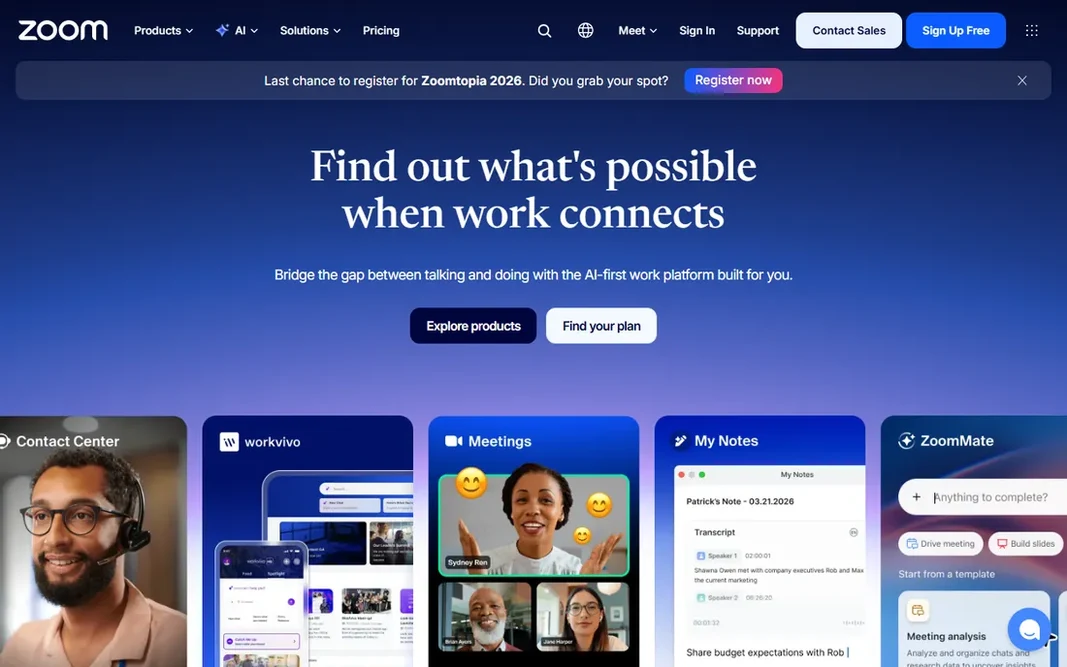
Choose Zoom Webinars for firms already on Zoom that require dependable large-audience webinars. Q&A, polls, breakout rooms and simulive handle the webinar feature set, with deep integrations to HubSpot, Salesforce, Marketo and Pardot. Worth adding: the cheap monthly level lacks branding and production tools. What to check first: Layered pricing: base Workplace license + webinar add-on, priced per license, so costs multiply with hosts. Beyond that, budget the stack, not the add-on. From a buyer's view, the pricing is layered: the $79/month attendee-tier add-on sits on top of a premium Workplace license (~$149.90/year/license), and branded Sessions plans with event hubs and backstage start at $990/year for under 100 attendees. Entry price for Zoom Webinars: From $79/month per license. Free options: Free trial.

Free plan: Free trial

Website: zoom.com

Strengths

  • Rock-solid reliability at scale: the safe choice for audiences up to 10,000
  • Everyone already knows Zoom, so attendee friction is near zero

Watch out for

  • The cheap monthly plan is a large Zoom call without branding
4

WebinarJam

Marketers and creators running pitch webinars where conversion matters more than polish
$49/month ($39/month billed annually), Starter (100 attendees); Basic $99/month ($79 annual, 500 attendees); Professional $299/month ($229 annual, 2,000 attendees)

WebinarJam serves Marketers and creators running pitch webinars where conversion matters more than polish. WebinarJam is the sales webinar specialist: panic button, live gives you, attendee spotlight and replica replays are conversion features the corporate systems do not bother with. Beyond that, check the session duration caps (1 to 4 hours by level) before buying if your events run long. More specifically, best for sales-driven live webinars; corporate training teams should compare GoTo or Zoom. In daily use, pairs with EverWebinar (same company) for automatic replays. Starting cost for WebinarJam: $49/month. On free options: Free trial (14 days). Strengths: Designed for high-conversion live sales: panic button. Trade-offs to know: Native integrations are thin (ActiveCampaign primarily).

Free plan: Free trial (14 days)

Website: webinarjam.com

Strengths

  • 30-day money-back guarantee
  • Live gives you

Watch out for

  • Everything else via Zapier/API
5

Webex Webinars (Cisco)

Large enterprises, particularly Cisco shops, running town halls and global events
See website (quote-based; enterprise pricing)

Webex Webinars (Cisco) targets large enterprises, particularly Cisco shops, running town halls and global events. Webex Webinars is the enterprise-events pick: Cisco-grade security and compliance, up to 100,000 participants, live translation in 100+ languages, and breakout, rehearsal and production tools for town halls and global events. As for the details, setup usually involves IT. This comparison lists no price for Webex Webinars (Cisco); ask the vendor. There is no free plan with Webex Webinars (Cisco). What to check first: Heavier and more complicated than marketing-focused rivals.

Free plan: No

Website: webex.com

Strengths

  • Enterprise-grade security and compliance from Cisco: the safe choice for regulated industries
  • Massive scale (up to 100,000 participants) with live translation in 100+ languages

Watch out for

  • Pricing is opaque and enterprise-oriented with no self-serve path for small teams
6

ClickMeeting

Educators, coaches and SMBs wanting low-cost live + automatic webinars
From $30/month (Live, 25 attendees; $300/year); Automated from $45/month; Enterprise custom

Where ClickMeeting fits: Educators, coaches and SMBs wanting budget-friendly live + automatic webinars. Integrations handle HubSpot, Pipedrive, Moodle, PayPal and Zapier. ClickMeeting is the education pick: whiteboard, breakout rooms, attendance certificates and automatic webinars with monetization built in, at attendee-based pricing that scales cleanly from 25 to 1,000 participants. What you pay to start with ClickMeeting: From $30/month. Free plan details: Free trial (14 days). Upsides: Education-friendly features: whiteboard. Honest limits: Interface and feature polish trail Demio and Livestorm.

Free plan: Free trial (14 days)

Website: clickmeeting.com

Strengths

  • Automatic and on-demand webinars plus premium-webinar monetization (PayPal/Stripe) built in
  • Breakout rooms, certificates

Watch out for

  • Storage limits and add-on fees (additional presenters, parallel events) add up

FAQ

Can I try these tools before paying?

Often, yes. Livestorm has a free plan and Demio, Zoom Webinars, WebinarJam and ClickMeeting offer a free trial. Use your own data and a real task during the test, and check what the free tier or trial limits before you rely on it.

How many attendees can these products deal with?

WebinarJam levels run 100 to 5,000; Demio scales to 3,000. GoTo Reach/raise include 500 to 1,000; Zoom takes care of up to 10,000; Webex up to 100,000. From a buyer's view, most SMB webinars draw under 500 live attendees, so buy for your real audience plus headroom, not the product maximum.

Do these tools publish their prices?

Not all of them. Webex Webinars (Cisco) publishes no starting price, so expect a quote request for it. The rest, Livestorm included, show a starting price, though seats and billing terms still change the final cost.

How are the tools for platforms for webinars ordered?

Livestorm sits first and ClickMeeting last because the order follows typical fit for platforms for webinars, then price clarity and free access. It is a judgement call, so read each profile for fit and limits.

Is Livestorm the right pick for everyone comparing platforms for webinars?

No single tool suits every team. Livestorm comes first because it fits European and compliance-conscious teams with variable attendance, while Demio suits Marketers who prioritize attendee experience and ease of use and Zoom Webinars suits companies already on Zoom that need dependable large-audience webinars. Match the tool to your own size, budget and workflow before deciding.