Retail and Hospitality · Researched comparison

Comparing 7 Restaurant Scheduling Software Options in 2026

TaskReports may earn a fee from some links on this page, and some placements are paid and labelled. Neither one decides the order. See our disclosure.

The short answer

Start with ZoomShift if you need small teams that want plain, low cost scheduling. Homebase is better for single location restaurants on a budget, and Connecteam is better for frontline teams needing scheduling plus operations. Prices, free plans and limits for all 7 tools follow.

On this page

Key takeaways

  • This list starts with ZoomShift, which is built for small teams that want plain, low cost scheduling.
  • 5 of 7 tools offer a free plan: ZoomShift, Homebase, Connecteam, 7shifts, Sling.
  • Sling suits budget teams that want an ample free plan.
  • For the cheapest start, look at ZoomShift: $2 per user/month.
  • What to know about Homebase first: restaurant specific features are thinner than 7shifts.

Quick comparison

ToolBest forStarts atWatch out for
------------
ZoomShiftSmall teams that want plain, low cost scheduling$2 per user/monthReporting is basic
HomebaseSingle location restaurants on a budget$30 per location/monthPayroll costs extra per employee
ConnecteamFrontline teams needing scheduling plus operations$29 per monthAdvanced scheduling needs higher tiers
When I WorkSmall teams that want straightforward scheduling$2.50 per user/monthNo free plan
PlandayExpanding teams needing rules and payroll reporting$2.99 per user/monthNo free plan
7shiftsRestaurants that want POS based forecasting$39.99 per location/monthPrice jumps sharply between tiers
SlingBudget teams that want an ample free plan$2 per user/monthFewer integrations than larger rivals
★ Best overall

ZoomShift

Small teams that want plain, low cost scheduling

  • Free Essentials plan for up to 20 employees at one location
  • Straightforward pricing with no base fee
Price$2 per user/month
See ZoomShift pricing

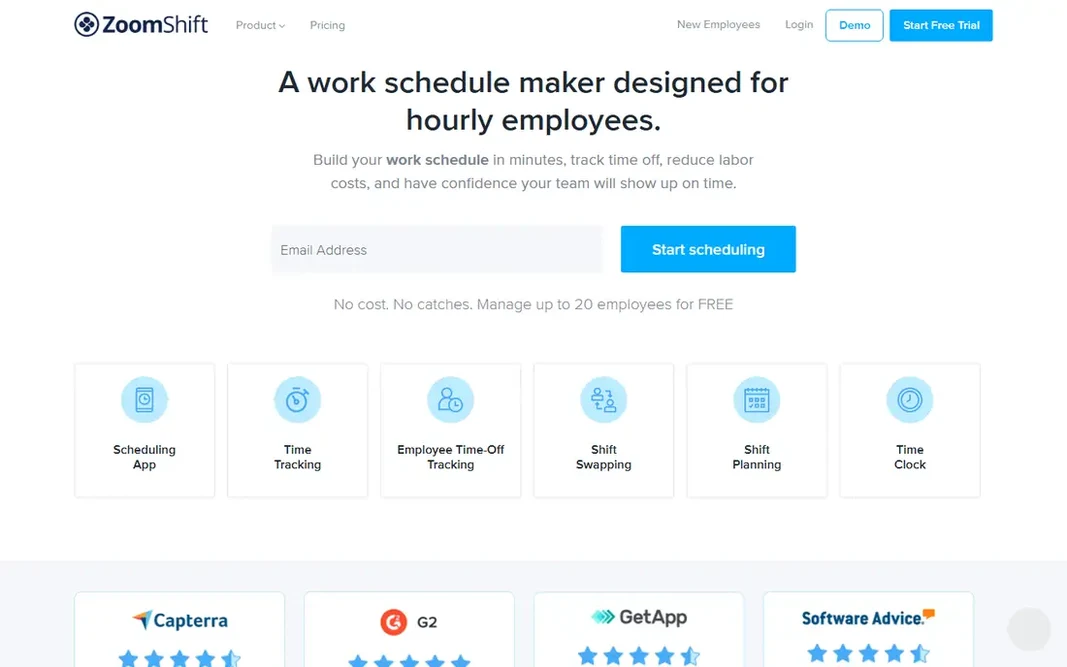
ZoomShift is built with small teams that want plain, low cost scheduling in mind. ZoomShift is the plainest tool on this list, and that is its selling point. What you pay to start with ZoomShift: $2 per user/month. ZoomShift includes a free tier. Limits to weigh: Geofencing and overtime warnings need the Premium plan.

Price: $2 per user/month

Free plan: Yes

Website: zoomshift.com

Watch out for

  • Reporting is entry-level
2

Homebase

Single location restaurants on a budget
$30 per location/month

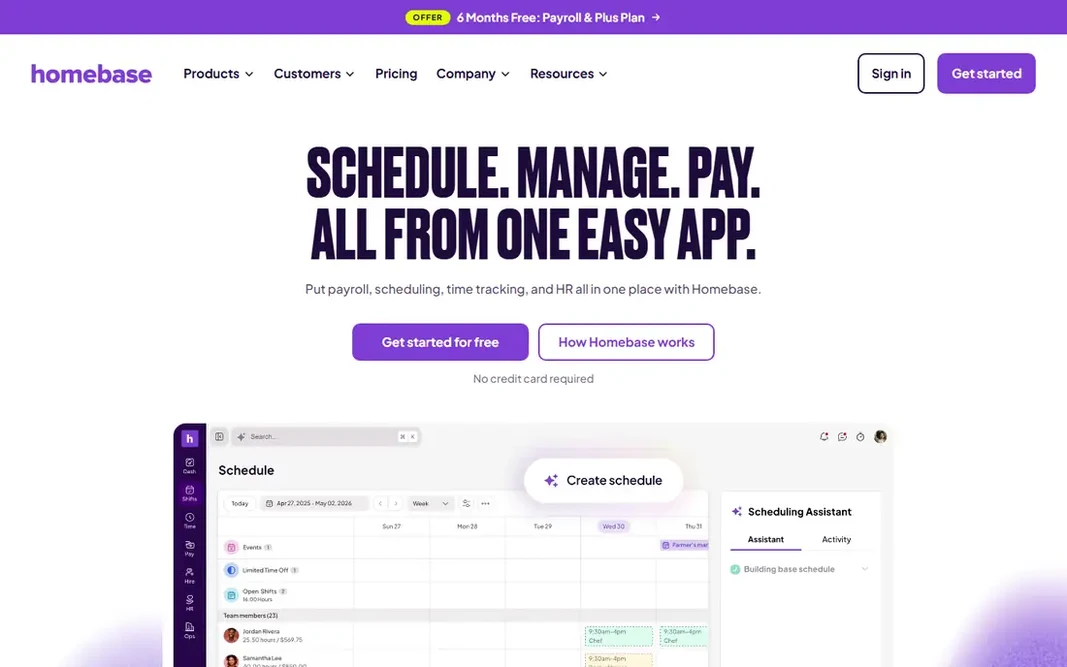
In short, Homebase is for single location restaurants on a budget. Essentials, at $30 per location a month (or $24 billed yearly), layers on GPS time tracking, late arrival alerts, and more solid scheduling tools, whereas Plus brings AI assisted scheduling and PTO tracking. The Basic plan is free for one location and up to 10 employees, and premium plans charge per location instead of per user, so adding a server never raises the subscription. Drawbacks to consider: Payroll costs additional per employee. More specifically, the trade off is depth. Its payroll add on, at $49 a month plus $6 per employee, is convenient but layers on up for bigger teams. Starting cost for Homebase: $30 per location/month. Homebase offers a free plan.

Free plan: Yes

Website: joinhomebase.com

Strengths

  • Built in payroll add on
  • Flat per location pricing keeps costs stable as you hire

Watch out for

  • Restaurant specific features are thinner than 7shifts
3

Connecteam

Frontline teams needing scheduling plus operations
$29 a month

Connecteam is a good fit for frontline teams needing scheduling plus operations. If scheduling is all you need, a focused tool will cost less. Where it is weaker: Each hub is billed separately, which layers on up. More specifically, scheduling features for example auto assignment and unlimited geofences also sit on higher levels. Connecteam cost at the entry level: $29 per month. You can start on Connecteam without paying.

Free plan: Yes

Website: connecteam.com

Strengths

  • Team chat
  • Flat base price for the first 30 users

Watch out for

  • Scheduling alone is less restaurant specific than 7shifts
4

When I Work

Small teams that want straightforward scheduling
$2.50 per user/month

When I Work is built with small teams that want straightforward scheduling in mind. Plans are straightforward: $2.50 per user a month for a single location or schedule, and $5 per user a month for several locations and schedules, with no long term contracts. For everyday use, When I Work keeps scheduling deliberately straightforward. When I Work cost at the entry level: $2.50 per user/month. Free access: Free trial. Highlights: GPS clock ins with geofencing. Downsides: only a 14 day trial; No free plan.

Free plan: Free trial

Website: wheniwork.com

Strengths

  • Very simple to set up
  • One click auto scheduling and open shifts

Watch out for

  • No biometric clock in choice
5

Planday

Expanding teams needing rules and payroll reporting
$2.99 per user/month

In short, Planday is for expanding teams needing rules and payroll reporting. Payroll reporting and integrations are solid, and employee documents like contracts and policies live in the same system. Starting cost for Planday: $2.99 per user/month. On free options: Free trial. Drawbacks to consider: Plus brings a $15 monthly subscription fee on top of per user pricing; No free plan.

Free plan: Free trial

Website: planday.com

Strengths

  • Document storage for contracts and policies
  • Working time rules with automatic compliance warnings

Watch out for

  • Minimum 5 users on Starter
6

7shifts

Restaurants that want POS based forecasting
$39.99 per location/month

7shifts targets restaurants that want POS based forecasting. Premium plans start at $39.99 per location a month. Honest limits: Payroll is a premium add on. The jump to the level with full labor compliance and unlimited employees is steep. From a buyer's view, if you run one or more restaurants and want scheduling driven by sales data, 7shifts is the benchmark, but price the add ons before you commit. Price to start with 7shifts: $39.99 per location/month. 7shifts includes a free tier.

Free plan: Yes

Website: 7shifts.com

Strengths

  • POS integrations pull real sales data into scheduling
  • Tip pooling and labor compliance tools included on higher levels

Watch out for

  • Price jumps sharply between levels
7

Sling

Budget teams that want an ample free plan
$2 per user/month

Sling serves budget teams that want an ample free plan. If your central need is a low cost, simple schedule with honest labor cost warnings, Sling is hard to beat. Entry price for Sling: $2 per user/month. You can start on Sling without paying. Where it shines: time tracking basics. Honest limits: Advanced reporting needs a premium plan.

Free plan: Yes

Website: getsling.com

Strengths

  • Labor cost shown in live as you schedule
  • Toast and Square integrations

Watch out for

  • No AI scheduling or sales forecasting

FAQ

Can I try these options before paying?

Often, yes. ZoomShift, Homebase, Connecteam and others have a free plan and When I Work and Planday offer a free trial. Use your own data and a real task during the test, and check what the free tier or trial limits before you rely on it.

What is the cheapest option for restaurant scheduling software in this list?

On published monthly entry prices, ZoomShift is the lowest here at $2 per user/month. Entry price is only part of the cost, because seats, add-ons and billing terms can change the total.

How are the tools for restaurant scheduling software ordered?

ZoomShift sits first and Sling last because the order follows typical fit for restaurant scheduling software, then price clarity and free access. It is a judgement call, so read each profile for fit and limits.

Does scheduling software manage tip pooling?

7shifts gives you tip pooling as a premium add on, and some rivals contain entry-level tip handling. If tip pooling is central to your operation, confirm exactly how it works, and what it costs, before choosing.

Do these tools publish their prices?

Yes. Every tool from ZoomShift to Sling shows a starting price, though seats, add-ons and billing terms still change the final cost.