Sales and CRM · Researched comparison

Sales Software: 7 Tools Worth Comparing in 2026

TaskReports may earn a fee from some links on this page, and some placements are paid and labelled. Neither one decides the order. See our disclosure.

The short answer

Close comes first here, mainly for inside sales teams doing high-volume outbound calls. For a different need, Salesforce covers bigger teams that require deep customization and scale and monday sales CRM covers teams that want to handle sales on adaptable, visual boards. The remaining 4 options are covered below with prices and limits.

On this page

Key takeaways

  • Top of the list is Close, which targets inside sales teams doing high-volume outbound calls.
  • Close has the lowest monthly starting price in this list: $9/user/month.
  • Freshsales fits teams that want AI lead scoring at a low entry price.
  • Salesforce comes with a trade-off: administration overhead grows quickly and most teams need a dedicated admin.
  • HubSpot Sales Hub is the only tool of the 7 with a free plan.

Quick comparison

ToolBest fitFree accessMain limit
------------
CloseInside sales teams doing high-volume outbound callsFree trialMarketing features and broad integrations are thinner than general CRMs
SalesforceBigger teams that require deep customization and scaleFree trialImplementation and consulting costs can exceed the subscription itself
Monday sales CRMTeams that want to handle sales on adaptableFree trialNeeds configuration before it feels like a CRM
PipedriveSales-driven SMBs that live inside a visual pipelineFree trialContact caps and email sync limits apply on Essential
HubSpot Sales HubTeams that want a free CRMYesCosts climb fast as you add seats and premium add-ons
KeapSolo companies and tiny teamsNoOverkill for teams that only need pipeline management
FreshsalesTeams that want AI lead scoring at a lowFree trialNo permanent free plan, only a trial
★ Best overall

Close

Inside sales teams doing high-volume outbound calls

  • Power dialer and predictive dialer choices built in
  • Calling
Price$9/user/month (Solo)
See Close pricing

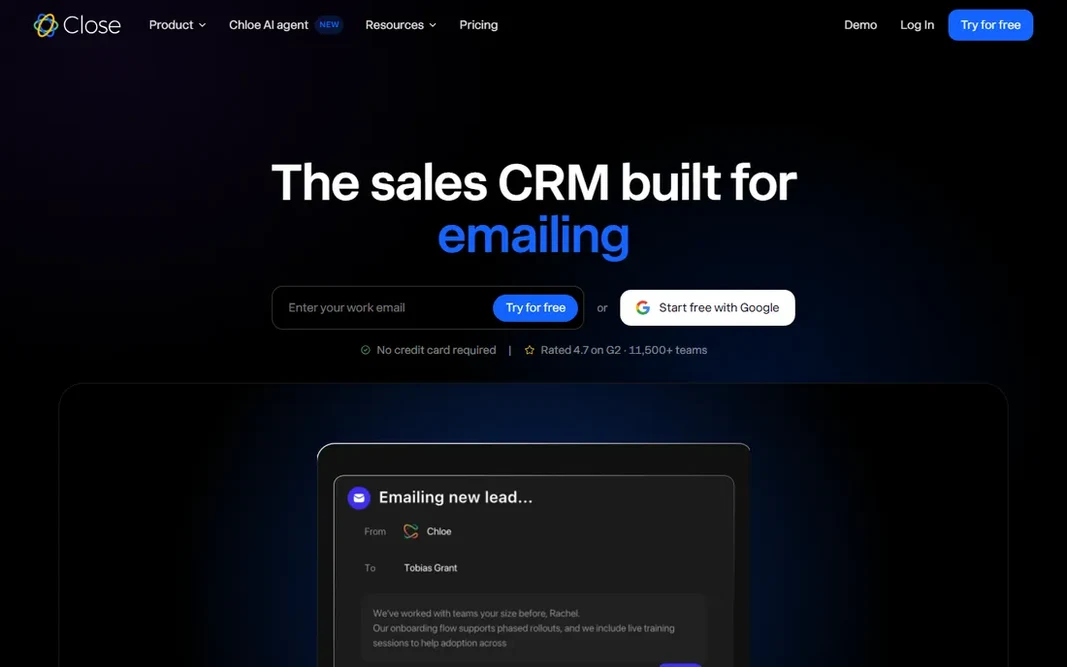
Close is built with inside sales teams doing high-volume outbound calls in mind. Close is the only tool here built around the phone first. Integrations focus on the sales stack: Twilio (which powers the calling), Zapier, Slack and a handful of dozen others. Solo at $9 per user a month includes one user with calling and SMS. The Growth plan at $49 and Scale at $139 add predictive dialing, more automation and deeper reporting. This is a specialist buy. Reps call, text and email from inside the CRM, with power dialing, call recording, voicemail drops and automatic logging. As for the details, if your team makes fifty-plus calls a day, Close removes the tab-switching that slows every other CRM down. Close pricing: $9/user/month. As for free access: Free trial. The main drawbacks: The interface optimizes for callers, which can frustrate teams with other workflows. Highlights: Reporting is tailored to call-heavy sales motions.

Price: $9/user/month (Solo)

Free plan: Free trial

Website: close.com

Watch out for

  • Marketing features and wide integrations are thinner than general CRMs
2

Salesforce

Bigger teams that require deep customization and scale

$25/user/month (Starter Suite)

Think of Salesforce for bigger teams that require deep customization and scale. Professional runs $80 per user a month and Enterprise $165, and both assume someone on your side knows how to configure workflows, validation rules and reports. Worth adding: everything beyond Starter gets serious. In practice, buy Starter if you want Salesforce's data model at small-business pricing. That is real CRM functionality at a price smaller teams can justify. Buy the larger editions only when you have the people to run them. For everyday use, Salesforce's real cost is seldom the subscription; it is the implementation and the admin time. On cost, Salesforce starts like this: $25/user/month. As for free access: Free trial. Honest limits: Implementation and consulting costs can exceed the subscription itself.

Free plan: Free trial

Website: salesforce.com

Strengths

  • Customization depth is unmatched once you have an admin
  • The AppExchange marketplace gives you thousands of integrations and extras

Watch out for

  • Administration overhead grows rapidly and most teams need a dedicated admin
3

Monday sales CRM

Teams that want to handle sales on adaptable, visual boards
$12/seat/month (Basic)

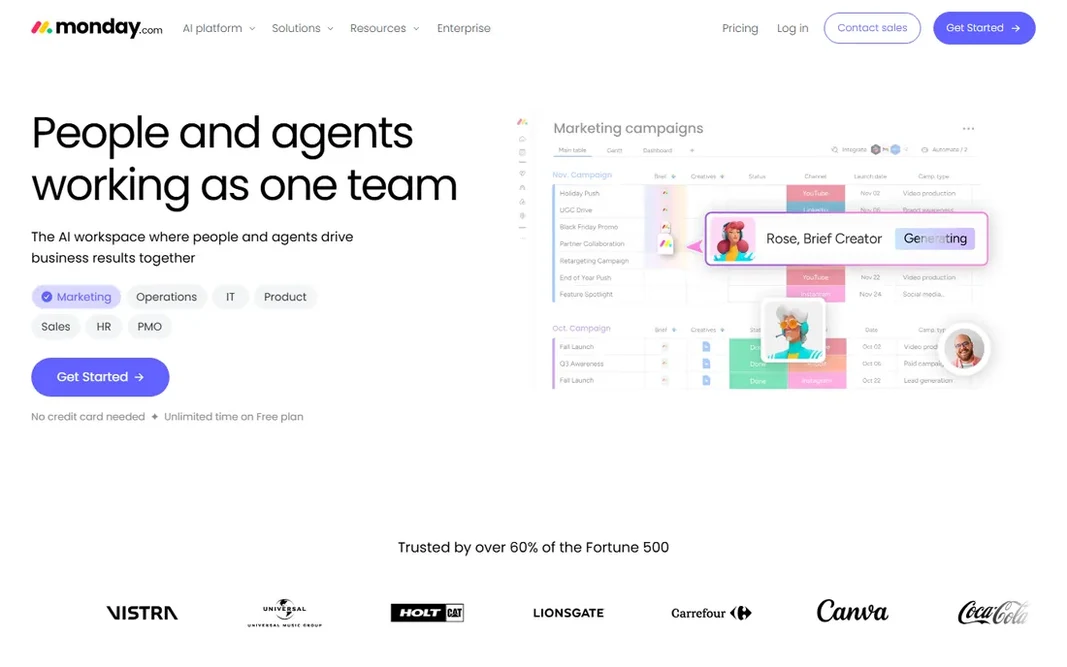
Pick monday sales CRM if this describes you: teams that want to run sales on adaptable, visual boards. Deals, leads and activities live on boards you can reshape into pipelines, lists, calendars or dashboards. The automation builder manages the routine follow-ups without code. In daily use, standard ($17), Pro ($28) and Enterprise (custom) add more automation runs, private boards and advanced reporting. Worth adding: the honest caveat is that you build the CRM yourself. Email integration works through Gmail and Outlook connectors, and calling needs an external app. On cost, monday sales CRM starts like this: $12/seat/month. Free plan details: Free trial. Trade-offs to know: Email and calling integrations are extras instead of native. Upsides: Board-based interface adapts to any sales process.

Free plan: Free trial

Website: monday.com

Strengths

  • Low per-seat starting price
  • Not just pipelines

Watch out for

  • Needs configuration before it feels like a CRM
4

Pipedrive

Sales-driven SMBs that live inside a visual pipeline
$14/user/month (Essential)

Pick Pipedrive if this describes you: Sales-driven SMBs that live inside a visual pipeline. Integrations handle Google Workspace, Microsoft 365, Slack, Zoom and Zapier, and setup takes hours, not weeks. Upsides: Workflow automation and email sync work well out of the box. Advanced at $39 and Professional at $64 add automation, several pipelines and deeper insights. For teams of five to fifty where the pipeline is the job, this is the most focused buy on the list. Entry price for Pipedrive: $14/user/month. As for free access: Free trial. Points against: Contact caps and email sync limits apply on Essential.

Free plan: Free trial

Website: pipedrive.com

Strengths

  • Quick to learn in an afternoon
  • Per-seat entry price is among the lowest

Watch out for

  • Marketing automation and advanced reporting sit on higher levels
5

HubSpot Sales Hub

Teams that want a free CRM with room to grow
Free plan available / Starter $20/seat/month

Think of HubSpot Sales Hub for teams that want a free CRM with room to grow. You get a genuinely usable CRM for up to 2 million contacts with deal pipelines, email templates, call tracking and meeting links, all free. In practice, if you like the free plan, commit to it. Drawbacks to consider: The free level limits some reporting and automation depth that premium plans gate. If you outgrow it, budget carefully since the middle levels are the most costly part. In daily use, Sales Hub Professional opens at $90 per seat a month, and onboarding for that level is $1,500, which the vendor charges upfront. For a small team getting organized, that is frequently enough for per year or more. Also, starter at $20 per seat a month brings straightforward automation, more email templates and custom reporting without a big jump. The starting price for HubSpot Sales Hub: Free plan available / Starter $20/seat/month. Free access exists with HubSpot Sales Hub. Reasons to shortlist it: Ample free CRM spans contacts, firms, deals.

Free plan: Yes

Website: hubspot.com

Strengths

  • Tickets and pipeline with no credit card required
  • Email tracking

Watch out for

  • Costs climb quick as you add seats and premium extras
6

Keap

Solo companies and tiny teams wanting CRM plus marketing automation in one bill
$159/month (Pro) + $999 onboarding

Keap works best for solo companies and tiny teams wanting CRM plus marketing automation in one bill. A freelancer or consultant sending regular campaigns gets CRM plus email plus invoicing for $159, which beats buying three separate tools. Do the math before you commit. Pro at $159 a month includes 1,500 contacts with marketing automation, appointment booking, quotes and invoicing. For everyday use, Keap sells one promise: the CRM, the email campaigns, the invoices and the payments all in one place. So a solo business owner runs the entire operation from one login. If not, skip it. Also, the $999 onboarding fee is mandatory and buys guided setup over multiple weeks. On cost, Keap starts like this: $159/month. There is no free plan with Keap. What Keap does well: Automation builder manages follow-up sequences well. The main drawbacks: $159 a month plus a $999 onboarding fee is the steepest entry price here.

Free plan: No

Website: keap.com

Strengths

  • Invoicing and payments in one system
  • Strong fit for service companies with repeat clients

Watch out for

  • Overkill for teams that only need pipeline management
7

Freshsales

Teams that want AI lead scoring at a low entry price
$9/user/month (Growth)

For teams that want AI lead scoring at a low entry price, Freshsales is a natural candidate. Freshsales is Freshworks' answer to Pipedrive: a sales CRM with a modern interface and a starting price under $10 per seat. The Growth plan at $9 per user a month contains the visual sales pipeline, built-in phone with call recording, email integration, AI contact scoring and workflow automation. Trade-offs to know: No permanent free plan, only a trial. That is a solid bundle at this price point. Integration depth with outside apps is decent through the Freshworks marketplace and Zapier, but the most solid connections are inside Freshworks itself. Pro ($39) and Enterprise ($59) add several sales pipelines, AI deal insights, territory management and dedicated account managers. Price to start with Freshsales: $9/user/month. As for free access: Free trial.

Free plan: Free trial

Website: freshworks.com

Strengths

  • Modern interface with fast setup
  • Clean

Watch out for

  • Advanced AI features and territory management need Pro or Enterprise levels

FAQ

What is the cheapest option for sales software in this list?

On published monthly entry prices, Close is the lowest here at $9/user/month. Entry price is only part of the cost, because seats, add-ons and billing terms can change the total.

Can I try these options before paying?

Often, yes. HubSpot Sales Hub has a free plan and Close, Salesforce, monday sales CRM and others offer a free trial. Use your own data and a real task during the test, and check what the free tier or trial limits before you rely on it.

Do these tools publish their prices?

Yes. Every tool from Close to Freshsales shows a starting price, though seats, add-ons and billing terms still change the final cost.

Can sales software replace my email marketing tool?

At times. If email is a major channel with complicated campaigns, a dedicated email product plus a pipeline-focused CRM like Pipedrive is normally the more solid combination.

How are the tools for sales software ordered?

Close sits first and Freshsales last because the order follows typical fit for sales software, then price clarity and free access. It is a judgement call, so read each profile for fit and limits.