
Developer Tools · Researched comparison

Replacing GitHub Actions: 6 Alternatives Compared

TaskReports may earn a fee from some links on this page, and some placements are paid and labelled. Neither one decides the order. See our disclosure.

The short answer

If you need Microsoft and Azure teams, Azure Pipelines is the first tool to look at here. Jenkins is better for self-hosted control and custom pipelines, and CircleCI is better for quick cloud builds and test splitting. The remaining 3 options are covered below with prices and limits.

On this page

Key takeaways

  • The list opens with Azure Pipelines, aimed at Microsoft and Azure teams.
  • Azure Pipelines, Jenkins, CircleCI, GitLab CI/CD, Drone CI: these are the 5 tools out of 6 that offer a free plan.
  • The cheapest monthly starting price in the list is $15 per month, offered by CircleCI.
  • Drone CI is the one to check for container native self-hosted pipelines.
  • Jenkins comes with a trade-off: you maintain servers, upgrades and plugins.

Quick comparison

ToolBest forFree accessKey limitation
------------
Azure PipelinesMicrosoft and Azure teamsYesBest value sits inside Microsoft workflows
JenkinsSelf-hosted control and custom pipelinesYesSetup takes real engineering time
CircleCIQuick cloud builds and test splittingYesDeployment scripting needs extra work
BuildkiteHybrid pipelines on your own agentsFree trialYou manage agents and compute
GitLab CI/CDAll-in-one DevOps pipelinesYesYAML limits frustrate some complex pipelines
Drone CIContainer native self-hosted pipelinesYesSelf-hosting and setup are on you

How we chose

TaskReports used vendor pricing pages and product documentation as the base, then compared plans, free access and documented limits for 6 tools. Where a price is missing, the vendor does not list one publicly or ties it to a quote. Always confirm before budgeting. Position on the page reflects fit for a typical buyer first, with price clarity and free access breaking ties. Treat it as a guide, not a ruling.

★ Best overall

Azure Pipelines

Microsoft and Azure teams

  • SaaS or self-hosted agents
  • Enterprise controls

In short, Azure Pipelines is for Microsoft and Azure teams. It is the natural fit when code, identity and hosting already sit in Microsoft services. Its strength is ecosystem fit, with Azure, Microsoft 365 and Active Directory working together without additional glue. Drawbacks to consider: Best value sits inside Microsoft workflows. In daily use, YAML pipelines, parallel jobs, approvals and self-hosted agents handle enterprise delivery needs. As for the details, the pragmatic choice for Azure heavy organisations. Azure Pipelines shows no starting price here, so confirm the cost on the vendor site. Azure Pipelines includes a free tier.

Price: See website

Free plan: Yes

Website: azure.microsoft.com/en-us/products/devops/pipelines

Watch out for

  • Interface and service breadth can feel complicated
2

Jenkins

Self-hosted control and custom pipelines
Free

Jenkins works best for self-hosted control and custom pipelines. Distributed builds, pipeline as code and a long history in enterprise teams make it a safe choice for unusual requirements. As for the details, if self-hosted control and custom pipelines matters most to you, Jenkins deserves a close look. Points against: Setup takes real engineering time. It hands you full control, since you run it on your own servers and shape pipelines with code or a visual editor. Its strength is adaptability, with plugins for almost every build, test and deployment need you can name. The choice when control and self-hosting matter more than a managed service. Jenkins pricing: Free. Free access exists with Jenkins.

Free plan: Yes

Website: jenkins.io

Strengths

  • Free and open source
  • Huge plugin ecosystem

Watch out for

  • You maintain servers, upgrades and plugins
3

CircleCI

Quick cloud builds and test splitting
$15 per month

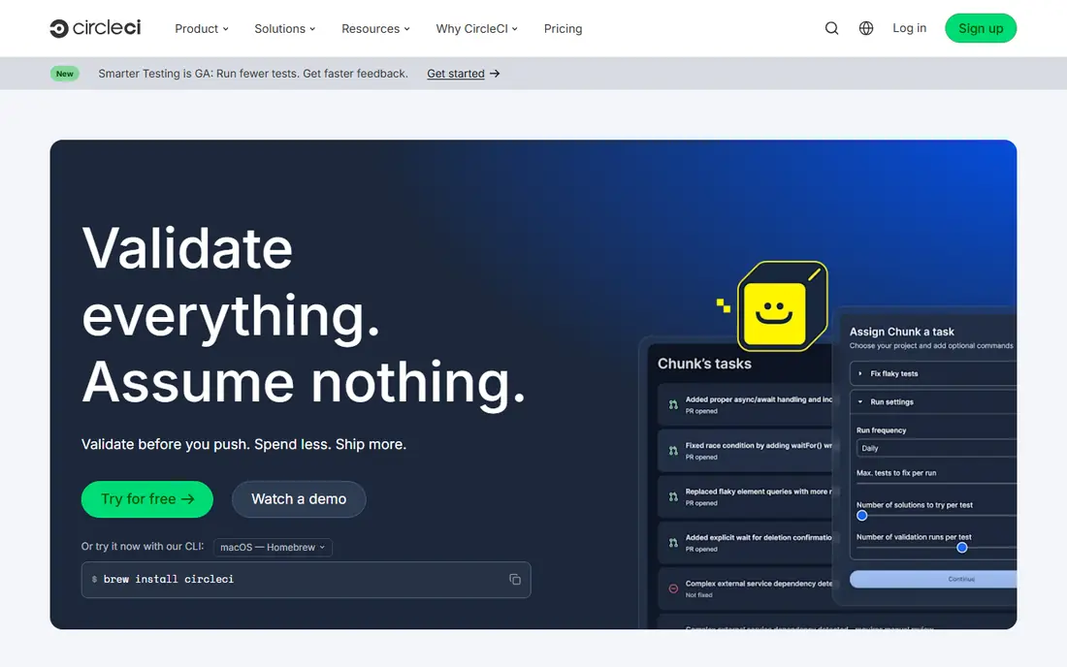
In short, CircleCI is for quick cloud builds and test splitting. Start with CircleCI when quick cloud builds and test splitting is the primary job to be done. Its strength is speed, with test splitting and caching that help large test suites finish sooner. Where it falls short: Credit based pricing can rise with heavy use. From a buyer's view, Orbs, reusable configuration and Docker, macOS and Linux executors include most modern stacks. As for the details, watch credit use in the first month and tune caching before you scale the team. Entry price for CircleCI: $15 per month. CircleCI offers a free plan.

Free plan: Yes

Website: circleci.com

Strengths

  • Test splitting for large suites
  • Solid caching and parallelism

Watch out for

  • Deployment scripting needs additional work
4

Buildkite

Hybrid pipelines on your own agents
See website

Buildkite was built for hybrid pipelines on your own agents. It splits the job cleanly, with a managed control plane and build agents that run on infrastructure you control. Its strength is compute economics, since you choose where builds run and how much capacity to keep. In practice, Pipelines as code, agent queues and integrations with major cloud providers suit bigger engineering teams. From a buyer's view, shortlist it when build volume is high and runner costs dominate the bill. This comparison lists no price for Buildkite; ask the vendor. On free options: Free trial. The main drawbacks: Governance features are lighter than enterprise suites.

Free plan: Free trial

Website: buildkite.com

Strengths

  • Clear scaling for large build fleets
  • Solid for compute cost control

Watch out for

  • You handle agents and compute
5

GitLab CI/CD

All-in-one DevOps pipelines
$29 per user a month

GitLab CI/CD targets all-in-one DevOps pipelines. The main limit is the wider system can feel heavy for a team that only wants a quick CI runner. What to check first: Broader system can feel heavy if you only need CI. Highlights: registry and security scanning in one system. Starting cost for GitLab CI/CD: $29 per user per month. GitLab CI/CD has a free plan.

Free plan: Yes

Website: about.gitlab.com

Strengths

  • Code, CI
  • Built-in review apps

Watch out for

  • YAML limits frustrate some complicated pipelines
6

Drone CI

Container native self-hosted pipelines
Free

For container native self-hosted pipelines, Drone CI is a natural candidate. It takes a container first approach, so each pipeline step runs as a container and behaves the same everywhere. Beyond that, shortlist it if you like containers, self-hosting and a clean YAML model. The main drawbacks: Self-hosting and setup are on you. More specifically, self-hosting, Docker support and a plugin model suit teams that want a light, modern Jenkins style tool. The main limit is you run the servers, and the plugin ecosystem is smaller than the largest rivals. Drone CI cost at the entry level: Free. You can start on Drone CI without paying.

Free plan: Yes

Website: drone.io

Strengths

  • YAML pipelines that run anywhere Docker runs
  • Container based steps

Watch out for

  • Ecosystem is smaller than Jenkins or GitLab

FAQ

Can I try these tools before paying?

Often, yes. Azure Pipelines, Jenkins, CircleCI and others have a free plan and Buildkite offers a free trial. Use your own data and a real task during the test, and check what the free tier or trial limits before you rely on it.

Do these tools publish their prices?

Not all of them. Azure Pipelines and Buildkite publish no starting price, so expect a quote request for those. The rest, Jenkins included, show a starting price, though seats and billing terms still change the final cost.

What is the cheapest option for GitHub Actions in this list?

On published monthly entry prices, CircleCI is the lowest here at $15 per month. Entry price is only part of the cost, because seats, add-ons and billing terms can change the total.

What are the best github actions alternatives?

This list starts with Azure Pipelines, which fits Microsoft and Azure teams. For other needs, Jenkins is aimed at self-hosted control and custom pipelines, and CircleCI at fast cloud builds and test splitting. Check each tool's price and main limit first.

Is Azure Pipelines the right pick for everyone comparing GitHub Actions?

No single tool suits every team. Azure Pipelines comes first because it fits Microsoft and Azure teams, while Jenkins suits self-hosted control and custom pipelines and CircleCI suits fast cloud builds and test splitting. Match the tool to your own size, budget and workflow before deciding.