Collaboration · Researched comparison

7 Best Business Instant Messaging Software Options for 2026

TaskReports may earn a fee from some links on this page, and some placements are paid and labelled. Neither one decides the order. See our disclosure.

The short answer

Start with Zoho Cliq if you need businesses already on Zoho. Look at Google Chat for Google Workspace teams, and at Slack for largest integration ecosystem. All 7 tools are compared below on price, free plan and limits.

On this page

Key takeaways

  • Zoho Cliq is the opening pick, best for firms already on Zoho.
  • Before buying Pumble, weigh this: integration catalog is small.
  • 7 of the 7 tools have a free plan, including Zoho Cliq, Google Chat, Slack and Pumble.
  • Microsoft Teams is the one to check for Microsoft 365 shops.

Quick comparison

ToolSuited toBiggest drawbackStarting priceFree access
---------------
Zoho CliqBusinesses already on ZohoInterface feels utilitarian$1 per user/monthYes
Google ChatGoogle Workspace teamsAdmin controls are basic$7 per user/monthYes
SlackLargest integration ecosystemExpensive at scale$8.75 per user/monthYes
PumbleFree unlimited team chatFewer advanced admin features$2.49 per user/monthYes
ZulipOrganized async conversationsSmaller integration directory$6.67 per user/monthYes
Rocket.ChatOpen-source team chat with federationPlan lineup has changed often$8 per user/monthYes
Microsoft TeamsMicrosoft 365 shopsInterface feels heavy$4 per user/monthYes

How we chose

Each tool was reviewed on what its vendor publishes: price, plan limits, core features and stated drawbacks. We did not run hands-on tests. Where a price is missing, the vendor does not list one publicly or ties it to a quote. Always confirm before budgeting. The sequence is a judgement call: typical use case first, then pricing transparency, then free access. Use the profiles to check fit.

★ Best overall

Zoho Cliq

Businesses already on Zoho

  • Deep integration with Zoho CRM, Projects, Books
  • 100 GB storage per user on premium plans
Price$1 per user/month (Unlimited plan)
See Zoho Cliq pricing

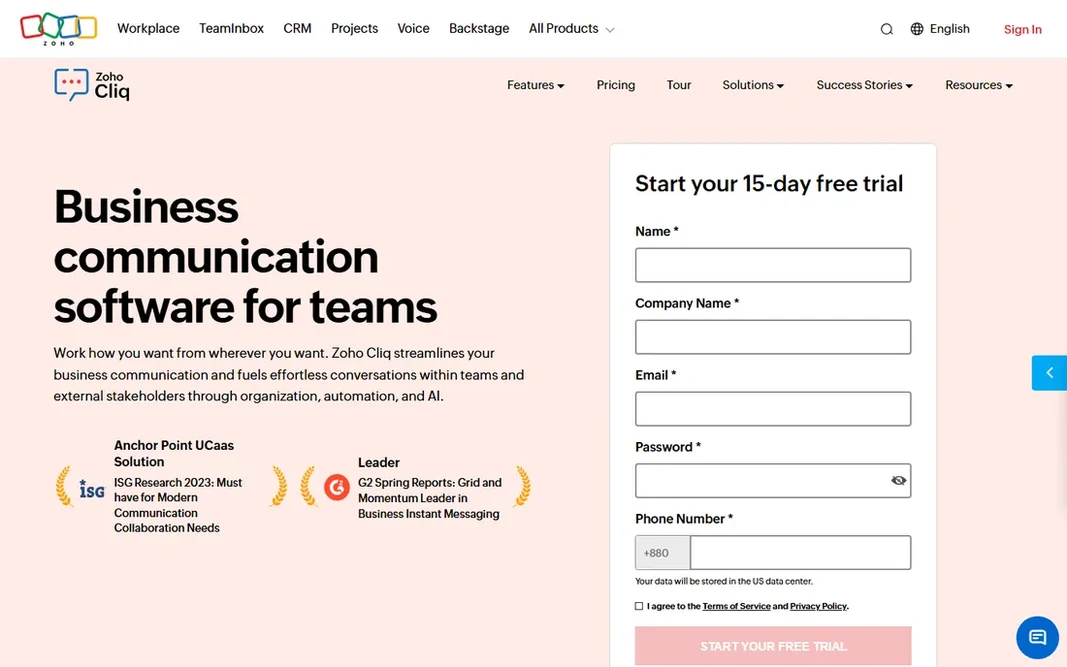
Zoho Cliq is a good fit for firms already on Zoho. If your business already lives in Zoho, Cliq costs almost nothing to add. Also, external integrations are restricted, the bot and automation story is weaker than Slack's, and the interface prioritizes function over polish. It is a value play for Zoho shops, not a general-purpose Slack killer. The Unlimited plan is $1 per user a month. It plugs straight into Zoho CRM, Projects, Books, and the rest of the suite, so customer records and project data surface inside conversations. As for the details, the free plan is usable, and premium plans bundle 100 GB of storage per user. Zoho Cliq starts at: $1 per user/month. Zoho Cliq has a free plan. Drawbacks to consider: Interface feels utilitarian.

Price: $1 per user/month (Unlimited plan)

Free plan: Yes

Website: zoho.com/cliq

Watch out for

  • Thin outside the Zoho ecosystem
2

Google Chat

Google Workspace teams
$7 per user/month (Google Workspace Business Starter, billed yearly)
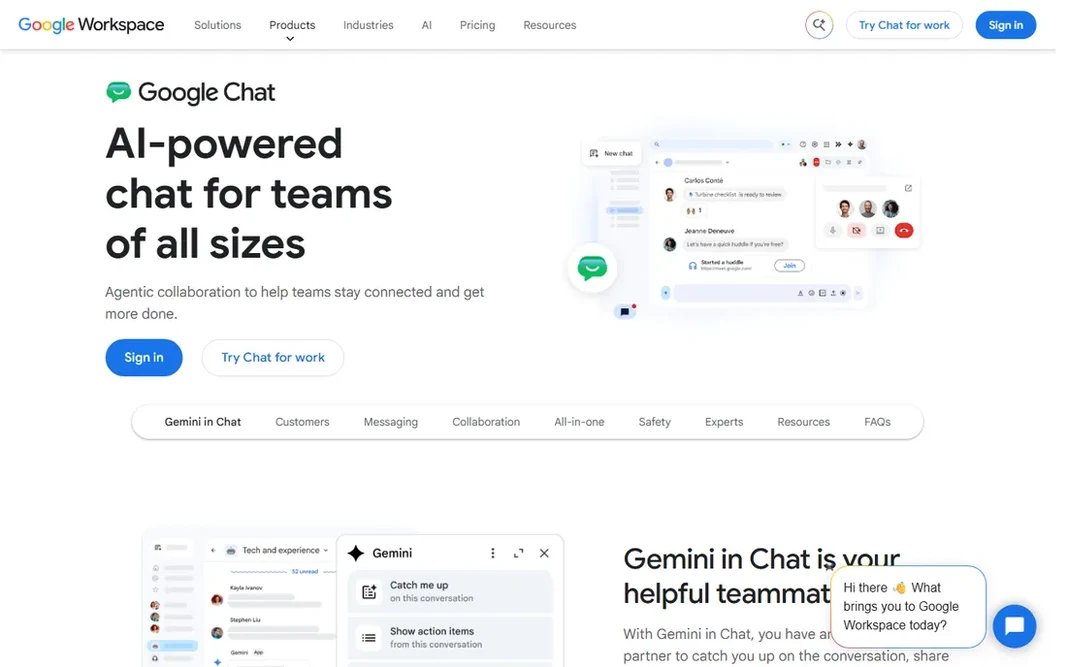
Google Chat is designed for Google Workspace teams. It does not try to be a system for everything. It is the messaging layer inside Google Workspace, with Spaces acting as topic-based rooms where files, tasks, and conversations sit together. Limits to weigh: Chat quality relies on the Workspace plan. Best features of Google Chat: Meet integration. Worth adding: the weakness is depth. If your company already runs on Gmail and Drive, Chat is the path of least resistance. Google Chat pricing: $7 per user/month. Google Chat offers a free plan.

Free plan: Yes

Website: chat.google.com

Strengths

  • Free for anyone with a Google account
  • Tight Gmail, Drive

Watch out for

  • Admin controls are entry-level
3

Slack

Largest integration ecosystem
$8.75 per user/month ($7.25 billed yearly)

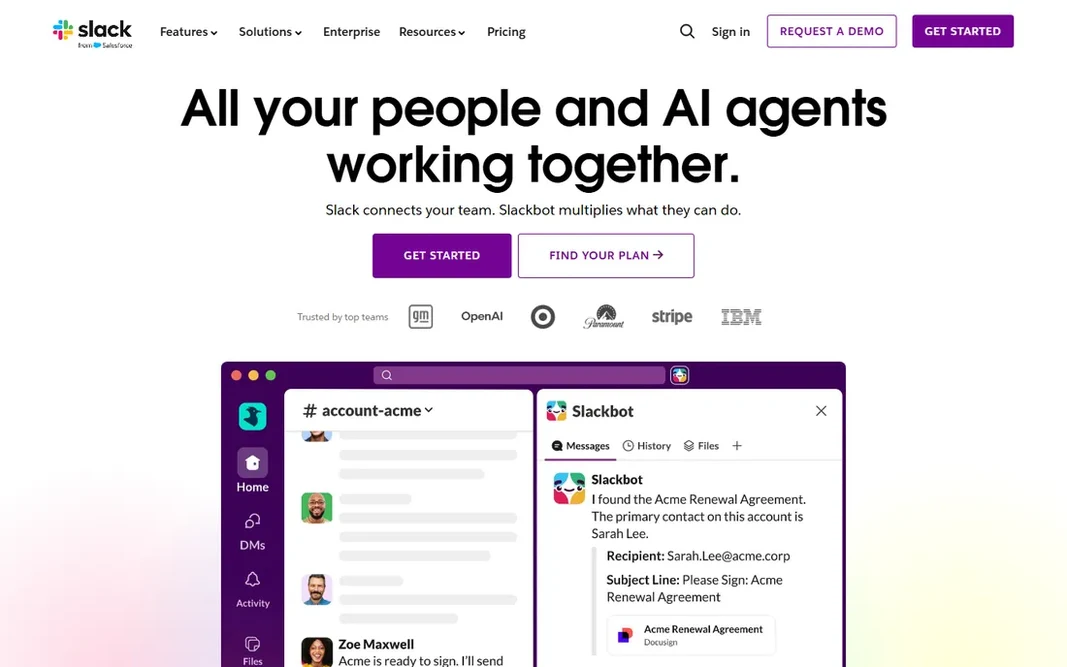
Slack targets largest integration ecosystem. The reason is everything around the chat: more than 2,600 integrations, Workflow Builder for no-code automation, Slack Connect for shared channels with clients and vendors, and canvases and lists that keep light project work inside the conversation. Trade-offs to know: Pricey at scale. Beyond that, Pro runs $8.75 per user a month, or $7.25 billed yearly, and Business+ doubles that to $18 ($15 annually) for SSO, compliance exports, and more solid AI. In practice, on premium plans, message history is unlimited and completely searchable, which turns the tool into a company memory. Slack starts at: $8.75 per user/month. Slack offers a free plan.

Free plan: Yes

Website: slack.com

Strengths

  • Unlimited searchable history on premium plans
  • 2,600+ app integrations

Watch out for

  • Free plan message history is short
4

Pumble

Free unlimited team chat
$2.49 per user/month (Pro, billed yearly)

Think of Pumble for free unlimited team chat. That free level is genuinely ample, including 1:1 voice and video calls and 10 GB of workspace storage. Also, integrations are restricted compared to Slack or Teams, and advanced admin and compliance tooling is thinner. Pumble pricing: $2.49 per user/month. Pumble offers a free plan. Drawbacks to consider: Younger company with less track record.

Free plan: Yes

Website: pumble.com

Strengths

  • Free plan has no user or history limits
  • 24/7 human support on all plans

Watch out for

  • Integration catalog is small
5

Zulip

Organized async conversations
$6.67 per user/month (Cloud Standard, billed yearly)

Think of Zulip for organized async conversations. Zulip organizes every channel into topics, and that one design decision changes everything about how a busy team communicates. Trade-offs to know: Smaller integration directory. Worth adding: distributed teams and open-source communities swear by it. The main limit is the ramp-up time. Entry price for Zulip: $6.67 per user/month. You can start on Zulip without paying.

Free plan: Yes

Website: zulip.com

Strengths

  • Topic-based threading keeps discussions findable
  • Cheap premium plans

Watch out for

  • Mobile apps trail the web experience
6

Rocket.Chat

Open-source team chat with federation
$8 per user/month (Pro, billed yearly)

Rocket.Chat serves open-source team chat with federation. Rocket.Chat is the open-source choice that behaves like a commercial product. Beyond that, two caveats. First, self-hosting Rocket.Chat is a genuine infrastructure commitment, with MongoDB and regular upgrades to run. Beyond that, the community edition is free and unlimited for self-hosted deployments. The company has leaned into interoperability, with native Matrix and XMPP federation so different organizations can message each other without switching systems. In practice, for organizations that want open source without giving up federation, it is a capable pick. Rocket.Chat pricing: $8 per user/month. You can start on Rocket.Chat without paying. Drawbacks to consider: Interface feels dated next to Slack.

Free plan: Yes

Website: rocket.chat

Strengths

  • Native Matrix and XMPP federation
  • Completely open-source core with unlimited self-hosted users

Watch out for

  • Plan lineup has changed frequently
7

Microsoft Teams

Microsoft 365 shops
$4 per user/month (Teams Essentials, billed yearly)

In short, Microsoft Teams is for Microsoft 365 shops. The interface carries the weight of the entire Microsoft stack, external integrations lag behind Slack's directory. The standalone Essentials plan excludes the email and Office apps that make the bundle attractive in the first place. As for the details, buy it as part of Microsoft 365, or buy something else. On top of that, the free plan is unusually ample, with unlimited message history and 100-participant meetings, and Teams Essentials at $4 per user per month brings longer meetings, 10 GB storage, and phone support. For everyday use, if your company already pays for Microsoft 365, Teams is not really a choice. It is the chat that came with the suite, sitting next to Outlook, OneDrive, SharePoint, and the Office apps your staff already use. Entry price for Microsoft Teams: $4 per user/month. Microsoft Teams offers a free plan. Drawbacks to consider: Interface feels heavy.

Free plan: Yes

Website: teams.microsoft.com

Strengths

  • Meetings for up to 300 participants on premium plans
  • Free level keeps unlimited history

Watch out for

  • Weak outside the Microsoft ecosystem

FAQ

Which options for business instant messaging software have a free plan?

On this list, 7 of 7 tools include a free plan, among them Zoho Cliq, Google Chat, Slack and Pumble. Caps on seats, usage or features are common, so test the free plan against your real workload.

Is Zoho Cliq the right pick for everyone comparing business instant messaging software?

No single tool suits every team. Zoho Cliq comes first because it fits companies already on Zoho, while Google Chat suits Google Workspace teams and Slack suits largest integration ecosystem. Match the tool to your own size, budget and workflow before deciding.

How are the tools for business instant messaging software ordered?

The order follows typical fit for business instant messaging software, with Zoho Cliq first and Microsoft Teams last, then price clarity and free access. It is editorial judgement, not a score, so another team could rank the tools differently.

Do these tools publish their prices?

Yes. Every tool from Zoho Cliq to Microsoft Teams shows a starting price, though seats, add-ons and billing terms still change the final cost.

Is Slack still worth it in 2026?

For small teams on a budget, the free plan's 90-day history limit pushes you toward premium plans rapidly, and Pumble or Teams may be better value.