
Project Management · Researched comparison

Calendar Apps in India in 2026: A Guide to 5 Tools

TaskReports may earn a fee from some links on this page, and some placements are paid and labelled. Neither one decides the order. See our disclosure.

The short answer

If you need quick natural language event entry, Fantastical is the first tool to look at here. For a different need, Calendly covers letting clients book meeting times and Outlook Calendar covers Microsoft 365 workplaces. The full list of 5 tools follows, with prices and free plan facts.

On this page

Key takeaways

  • Top of the list is Fantastical, which targets quick natural language event entry.
  • Before buying Google Calendar, weigh this: advanced booking pages need a premium Workspace plan.
  • For Zoho users and team schedules in India, Zoho Calendar is worth a look.
  • Pricing for Fantastical is quote-based, which adds a sales step before you can compare cost.

Quick comparison

ToolSuited toFree accessDomain
------------
FantasticalQuick natural language event entryFree trialflexibits.com
CalendlyLetting clients book meeting timesYescalendly.com
Outlook CalendarMicrosoft 365 workplacesYesoutlook.live.com
Google CalendarEveryday personal and shared schedulesYescalendar.google.com
Zoho CalendarZoho users and team schedules in IndiaYeszoho.com
★ Best overall

Fantastical

Quick natural language event entry

  • Attractive day, week
  • Capable Apple integration
PriceSee website
See Fantastical pricing

Fantastical was built for quick natural language event entry. For heavy Apple calendar users who value speed, it can still be worth the price. Beyond that, Fantastical is the calendar for people who produce plenty of events and hate tapping through forms. Trade-offs to know: Best features need a subscription. Pricing is listed on the Flexibits site, so we mark it as See website. The free choice is a trial instead of a lasting free level. Views are clear and attractive, and on Apple devices it feels like a refined upgrade over the built-in app, with weather and time zone details in view. This comparison lists no price for Fantastical; ask the vendor. Free access: Free trial.

Price: See website

Free plan: Free trial

Website: flexibits.com/fantastical

Watch out for

  • No lasting free plan
2

Calendly

Letting clients book meeting times
Free

For letting clients book meeting times, Calendly is a natural candidate. The free plan includes one event type and entry-level booking, which is enough to test it with clients. Honest limits: Branding and advanced routing need premium plans. That matters for freelancers, tutors, consultants, and sales teams talking to clients abroad. From a buyer's view, premium plans add more event types, team routing, and branding controls. Calendly pricing: Free. Free access exists with Calendly.

Free plan: Yes

Website: calendly.com

Strengths

  • Time zone handling
  • Calendar sync

Watch out for

  • Free plan limits event types
3

Outlook Calendar

Microsoft 365 workplaces
Free

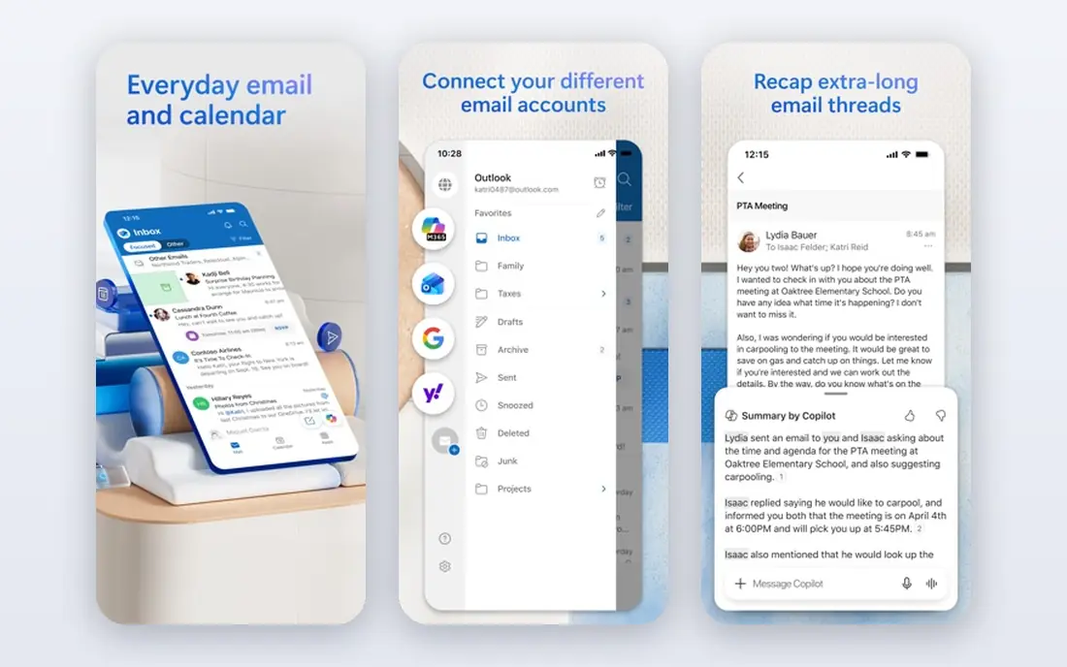
Think of Outlook Calendar for Microsoft 365 workplaces. For purely personal or family use, Google Calendar is more straightforward and friendlier, since Outlook still feels built for work first. Worth adding: a free Outlook account provides you a usable calendar, whereas Microsoft 365 plans add more storage and business features. You can move from an email thread to a meeting invite without switching apps, and shared work calendars, rooms, and Teams links are built in. Entry price for Outlook Calendar: Free. You can start on Outlook Calendar without paying. Points against: Some booking tools need a premium plan.

Free plan: Yes

Website: outlook.live.com

Strengths

  • Teams integration
  • Solid work scheduling

Watch out for

  • Personal features feel work-first
4

Google Calendar

Everyday personal and shared schedules
Free

Google Calendar is aimed squarely at everyday personal and shared schedules. Premium Google Workspace plans add more booking pages and admin controls, but most readers will not need them at first. Points against: Design is plain compared to some rivals. Also, the personal plan is free with a Google account, which handles most students, families, and small teams. Also, you can add Indian holidays, share calendars with family or a team, and get reminders that work across Android, iPhone, and the web. Entry price for Google Calendar: Free. Google Calendar has a free plan.

Free plan: Yes

Website: calendar.google.com

Strengths

  • Gmail and Meet integration
  • Indian holiday calendars

Watch out for

  • Advanced booking pages need a premium Workspace plan
5

Zoho Calendar

Zoho users and team schedules in India
Free

Choose Zoho Calendar for Zoho users and team schedules in India. Zoho Calendar makes sense if your work already lives in Zoho, since it sits beside Zoho Mail, CRM, and other Zoho apps without additional sync tools. Worth adding: if you are already a Zoho household or office, those trade-offs are worth it for the deep links inside the suite. Drawbacks to consider: External sync with Google or Outlook can lag. For teams in India working with clients abroad, the several time zone view helps avoid early morning or late night mistakes, and group calendars keep an entire team on the same page. A free level handles personal use, with premium Zoho plans adding more storage and admin features. Also, the honest weakness is sync: bringing in Google or Outlook calendars can feel slower than using those apps straight. The design is less refined than Google Calendar. What you pay to start with Zoho Calendar: Free. Zoho Calendar has a free plan.

Free plan: Yes

Website: zoho.com/calendar

Strengths

  • Team calendars
  • Solid Zoho Mail and CRM links

Watch out for

  • Interface feels dated in places

FAQ

Which options for calendar apps in india have a free plan?

Calendly, Outlook Calendar, Google Calendar and Zoho Calendar offer a free plan in this list. Free plans usually cap users, projects or features, so check the limits on the vendor page. One other tool offers a trial instead.

Do these tools publish their prices?

Not all of them. Fantastical publishes no starting price, so expect a quote request for it. The rest, Calendly included, show a starting price, though seats and billing terms still change the final cost.

Can I schedule meetings across IST and other time zones?

Google Calendar, Zoho Calendar, Outlook Calendar, and Calendly all convert times for attendees. But you should still confirm the time in the invite message for important calls, since daylight saving changes abroad can confuse a first meeting.

Does Google Calendar contain Indian holidays?

Yes. You can add a Holidays in India calendar from the calendar settings, which includes national and plenty of regional holidays. Check the list for your state, since regional holidays vary, and add local observances manually where needed.

Is Calendly free to use in India?

premium plans add more event types, team features, and branding, and prices are listed on the Calendly site in US dollars, so check the current conversion before subscribing.

Can I try these tools before paying?

Often, yes. Calendly, Outlook Calendar, Google Calendar and Zoho Calendar have a free plan and Fantastical offers a free trial. Use your own data and a real task during the test, and check what the free tier or trial limits before you rely on it.