Developer Tools · Researched comparison

6 Cloud App Deployment Platforms Ranked for 2026

TaskReports may earn a fee from some links on this page, and some placements are paid and labelled. Neither one decides the order. See our disclosure.

The short answer

Start with AWS Elastic Beanstalk if you need teams standardized on AWS who want less setup. Alternatives: Heroku for beginners and teams that value simplicity above all, and DigitalOcean App Platform for straightforward apps on familiar DigitalOcean infrastructure. Details, prices and limits for the rest of the 6 tools are below.

On this page

Key takeaways

  • This list starts with AWS Elastic Beanstalk, which is built for teams standardized on AWS who want less setup.
  • DigitalOcean App Platform comes with a trade-off: no free level, fewer advanced features, smaller region count, autoscaling entry-level.
  • Only 4 of the 6 tools have a free plan (AWS Elastic Beanstalk, Vercel, Render, Netlify), so check the caps.
  • For Jamstack sites and marketing-led web apps, Netlify is worth a look.

Quick comparison

ToolSuited toPrice fromOfficial site
------------
AWS Elastic BeanstalkTeams standardized on AWS who want less setupPay for underlying AWS resourcesaws.amazon.com
HerokuBeginners and teams that value simplicity above allSee websiteheroku.com
DigitalOcean App PlatformStraightforward apps on familiar DigitalOcean infrastructureSee websitedigitalocean.com
VercelNext.js and frontend teams that want instant everythingFreevercel.com
RenderFull-stack apps without DevOps overheadFreerender.com
NetlifyJamstack sites and marketing-led web appsFreenetlify.com
★ Best overall

AWS Elastic Beanstalk

Teams standardized on AWS who want less setup

  • No product fee
  • Full AWS services underneath, mature
PricePay for underlying AWS resources
See AWS Elastic Beanstalk pricing

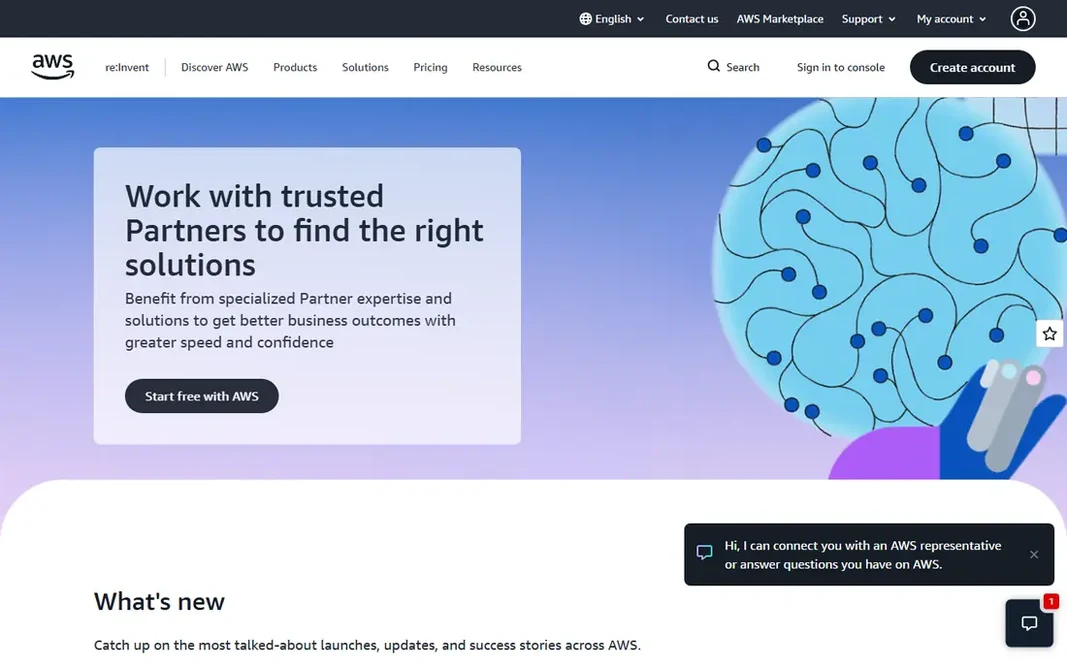
AWS Elastic Beanstalk targets teams standardized on AWS who want less setup. The experience feels dated next to modern systems, and AWS complexity leaks through. Worth adding: store them in git, and environment rebuilds become repeatable rather than tribal knowledge. Elastic Beanstalk deploys apps onto AWS infrastructure without a system markup: you pay only for the EC2, RDS and other resources used. AWS Elastic Beanstalk starts at: Pay for underlying AWS resources. You can start on AWS Elastic Beanstalk without paying.

Price: Pay for underlying AWS resources

Free plan: Yes

Website: aws.amazon.com

Watch out for

  • Dated experience, AWS complexity remains, slower deploys, console feels old
2

Heroku

Beginners and teams that value simplicity above all
See website

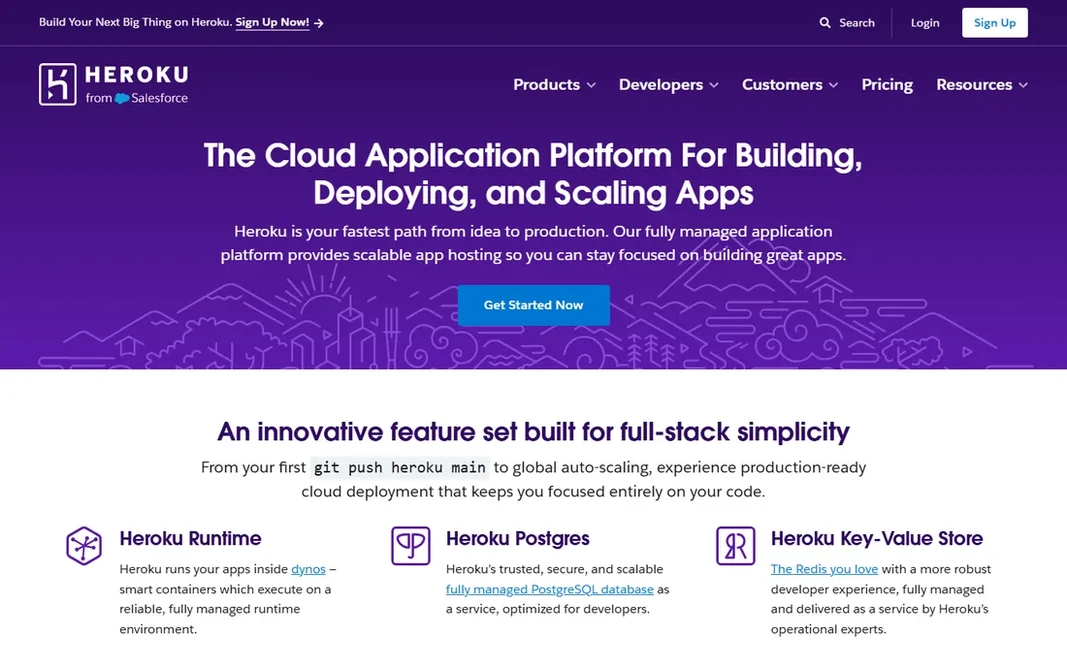
Heroku is designed for beginners and teams that value simplicity above all. Heroku defined platform-as-a-service simplicity: git push heroku central and the app is live. It remains a fine choice for teams that prioritize simplicity and can afford it, but price-conscious developers have moved on. Worth adding: Heroku's add-on marketplace is still its superpower for beginners: Postgres, Redis, monitoring and logging provision with one click. In practice, price the extras alongside dynos, since they are where Heroku bills quietly grow. No starting price is listed for Heroku here; confirm pricing on the vendor site. Heroku has no free plan. Where it is weaker: dyno sleeping removed only on premium, innovation pace slowed.

Free plan: No

Website: heroku.com

Strengths

  • Huge add-on marketplace
  • Mature product

Watch out for

  • No free level anymore, pricey at scale
3

DigitalOcean App Platform

Straightforward apps on familiar DigitalOcean infrastructure
See website

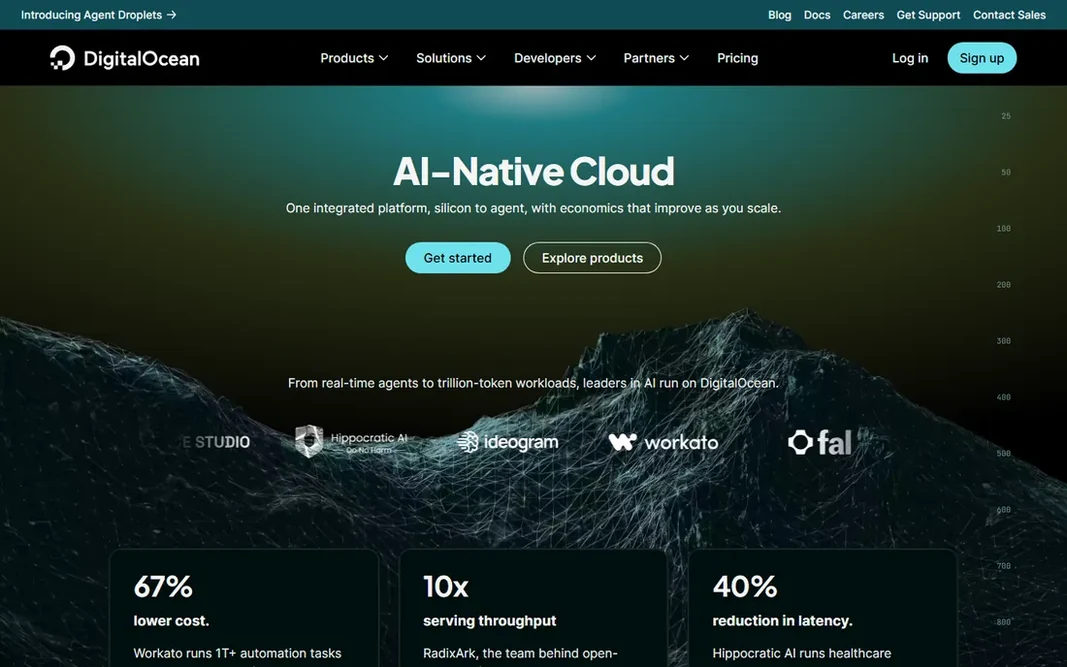
In short, DigitalOcean App Platform is for straightforward apps on familiar DigitalOcean infrastructure. DigitalOcean's App Platform brings git-push deploys to its famously straightforward cloud. Best features of DigitalOcean App Platform: links up with managed databases. On top of that, DigitalOcean App Platform's predictable per-container pricing makes budgeting simple for agencies managing client apps. In practice, pricing is per container size with predictable monthly costs, and managed databases and spaces integrate cleanly. No starting price is listed for DigitalOcean App Platform here; confirm pricing on the vendor site. No free plan comes with DigitalOcean App Platform.

Free plan: No

Website: digitalocean.com

Strengths

  • Predictable costs
  • Decent docs

Watch out for

  • No free level, fewer advanced features, smaller region count, autoscaling entry-level
4

Vercel

Next.js and frontend teams that want instant everything
Free; Pro plans see website

Vercel makes the most sense for next.js and frontend teams that want instant everything. Vercel made git-push deployment with a preview URL for every pull request the industry standard. For everyday use, costs scale with bandwidth and function executions, so high-traffic apps should model pricing early. Worth adding: link a repo and every commit deploys; every pull request gets its own live URL for review. For frontend-led teams, the developer experience is unmatched. Vercel cost at the entry level: Free. Free access exists with Vercel. Where it is weaker: Costs climb with bandwidth, vendor lock-in concerns. What works well: quick builds.

Free plan: Yes

Website: vercel.com

Strengths

  • Best-in-class Next.js support
  • Global edge network

Watch out for

  • Backend beyond serverless needs work
5

Render

Full-stack apps without DevOps overhead
Free; premium plans see website

Render serves full-stack apps without DevOps overhead. Render positions itself as the modern Heroku: push code and get a live app with a database, background workers and cron jobs. More specifically, pricing is straightforward per service, and the free level lets you prototype real architectures. Highlights: databases and workers. What to check first: fewer regions than hyperscalers, scaling less granular, smaller ecosystem. New environments spin up identically, which removes the works-on-my-machine class of bugs. Render's blueprint files let you define the entire stack as code: web service, database, workers and cron jobs in one file. For startups that want infrastructure without an ops hire, Render hits the sweet spot. On cost, Render starts like this: Free. You can start on Render without paying.

Free plan: Yes

Website: render.com

Strengths

  • Automatic deploys
  • Free level for experiments

Watch out for

  • Free services sleep when idle
6

Netlify

Jamstack sites and marketing-led web apps
Free; Pro plans see website

Choose Netlify for Jamstack sites and marketing-led web apps. Netlify pioneered the git-based static hosting workflow and remains very good at it. Where Netlify stands out: decent free level. Netlify's build minutes burn fastest on monorepos that rebuild everything per commit. Configure ignore rules so only changed sites rebuild, and the free build allowance stretches much further. The starting price for Netlify: Free. A free plan is available with Netlify. Points against: build minutes restricted free; Dynamic backends need functions.

Free plan: Yes

Website: netlify.com

Strengths

  • Mature static and edge hosting
  • Forms and identity built in

Watch out for

  • Less suited to heavy APIs

FAQ

Do these tools publish their prices?

Not all of them. Heroku and DigitalOcean App Platform publish no starting price, so expect a quote request for those. The rest, AWS Elastic Beanstalk included, show a starting price, though seats and billing terms still change the final cost.

How are the tools for cloud app deployment platform ordered?

AWS Elastic Beanstalk sits first and Netlify last because the order follows typical fit for cloud app deployment platform, then price clarity and free access. It is a judgement call, so read each profile for fit and limits.

Can I try these tools before paying?

Often, yes. AWS Elastic Beanstalk, Vercel, Render and Netlify have a free plan. Use your own data and a real task during the test, and check what the free tier or trial limits before you rely on it.

Is AWS Elastic Beanstalk the right pick for everyone comparing cloud app deployment platform?

No single tool suits every team. AWS Elastic Beanstalk comes first because it fits teams standardized on AWS who want less setup, while Heroku suits beginners and teams that value simplicity above all and DigitalOcean App Platform suits simple apps on familiar DigitalOcean infrastructure. Match the tool to your own size, budget and workflow before deciding.