Project Management · Researched comparison

6 Strong Cloud Based Project Management Software in 2026

TaskReports may earn a fee from some links on this page, and some placements are paid and labelled. Neither one decides the order. See our disclosure.

The short answer

For marketing and professional services teams, Wrike is where this list starts. ClickUp is better for teams that want everything in one app, and Teamwork is better for client-service teams that bill by the hour. Details, prices and limits for the rest of the 6 tools are below.

On this page

Key takeaways

  • The list opens with Wrike, aimed at marketing and professional services teams.
  • For teams that want flat pricing with no per-user fees, Basecamp is worth a look.
  • 6 of the 6 tools have a free plan, including Wrike, ClickUp, Teamwork and monday.com.
  • Teamwork comes with a trade-off: less suited to internal product teams than client work.

Quick comparison

ToolPrice fromFree tierWatch out forSuited to
---------------
Wrike$10/user/monthYesPricing page displayed no plan prices during our checkMarketing and professional services teams
ClickUp$9/user/monthYesPerformance can lag in very large workspacesTeams that want everything in one app
Teamwork$9.99/user/monthYesThe platform's agency focus shows in every workflowClient-service teams that bill by the hour
monday.comSee websiteYesCosts scale with seats and can surprise growing teamsVisual teams that want configurable workflows
Asana$10.99/user/monthYesAdvanced features like portfolios require premium tiersTeams that live in timelines and portfolios
BasecampSee websiteYesFewer views and power features than rivalsTeams that want flat pricing with no per-user fees
★ Best overall

Wrike

Marketing and professional services teams

  • Live collaboration with proofing
  • Capable request forms and approval workflows for creative teams
Price$10/user/month (Team plan, billed annually, per Wrike's own site)
See Wrike pricing

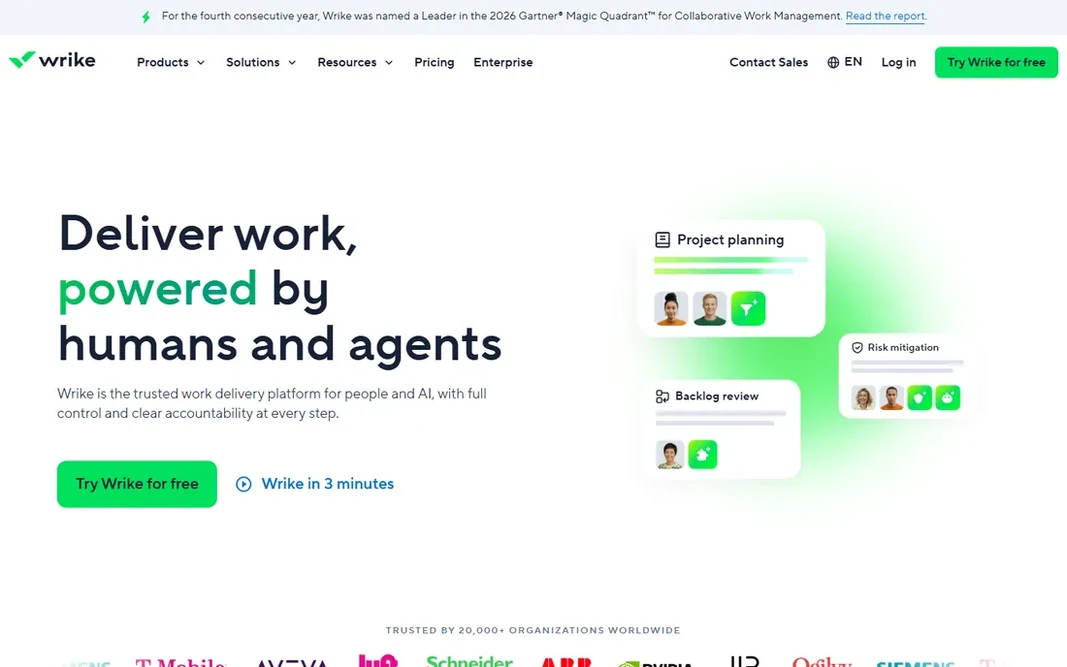
Think of Wrike for marketing and professional services teams. Wrike targets the messy middle of collaborative work: marketing campaigns, creative production and professional services delivery. Beyond that, Wrike fits teams with structured intake and review processes. Where it is weaker: The interface packs a lot in and takes learning. Request forms, approval workflows and proofing tools reflect that focus, letting teams intake work, review assets and track delivery without leaving the system. More straightforward teams may find its depth unnecessary; Asana or monday.com will feel lighter. Wrike's own site puts the Team plan at $10 per user a month billed yearly, with Business at $25, and advertises a free plan. Price to start with Wrike: $10/user/month. Wrike includes a free tier.

Price: $10/user/month (Team plan, billed annually, per Wrike's own site)

Free plan: Yes

Website: wrike.com

Watch out for

  • Pricing page displayed no plan prices during our check
2

ClickUp

Teams that want everything in one app
$9/user/month (Core plan, billed yearly; $12 month-to-month)

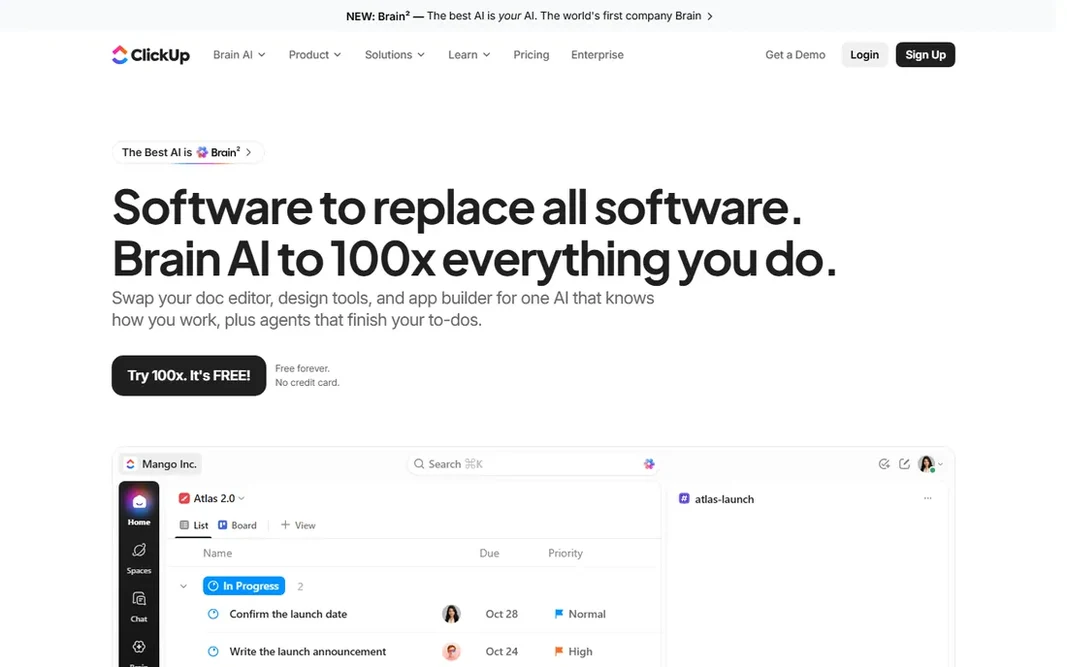
Choose ClickUp for teams that want everything in one app. ClickUp's pitch is consolidation: tasks, documents, goals, time tracking, whiteboards and dashboards in a single app, replacing the stack of tools most teams duct-tape together. As for the details, the Core plan is $9 per user a month billed yearly ($12 month-to-month), with Business at $17. Drawbacks to consider: Performance can lag in very large workspaces. The Free Forever plan handles a surprising amount of ground. For small companies paying for four or five subscriptions, that consolidation alone justifies a look. As for the details, ClickUp can do so much that new teams spend weeks configuring it, and the interface carries the weight of all those features. On cost, ClickUp starts like this: $9/user/month. A free plan is available with ClickUp.

Free plan: Yes

Website: clickup.com

Strengths

  • Published pricing with a clear upgrade path
  • Whiteboards and chat in one place

Watch out for

  • The sheer number of features can overwhelm new users
3

Teamwork

Client-service teams that bill by the hour
$9.99/user/month (Basics plan, billed yearly)

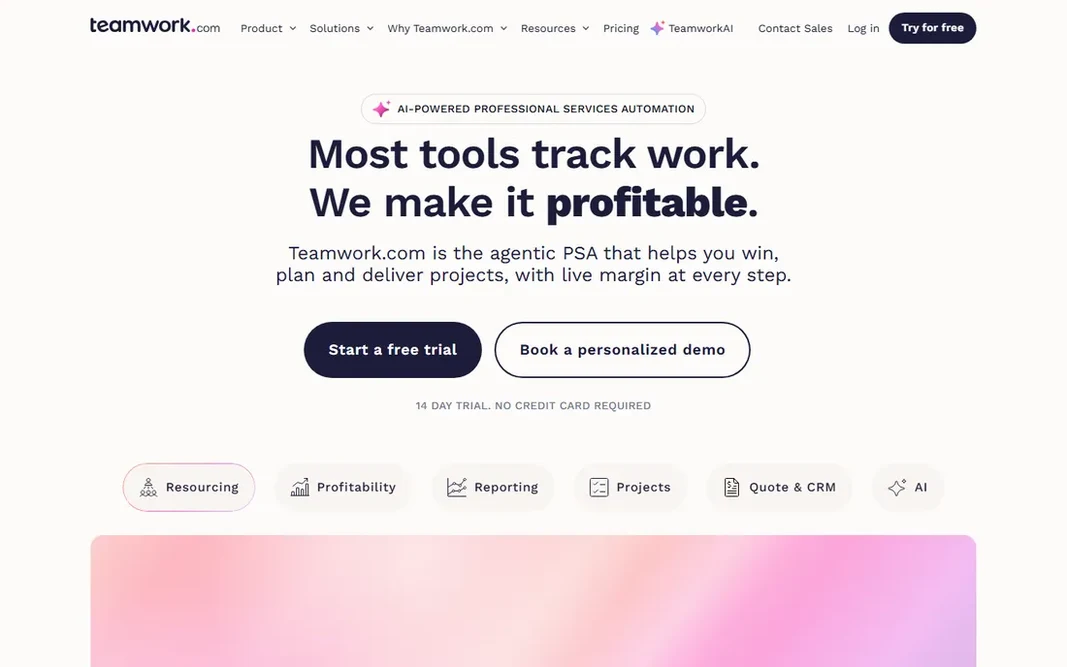
Teamwork is designed for client-service teams that bill by the hour. Teamwork is project management for firms that sell hours. The flip side is specialization. The starting price for Teamwork: $9.99/user/month. A free plan is available with Teamwork. What to check first: The product's agency focus displays in every workflow.

Free plan: Yes

Website: teamwork.com

Strengths

  • Free level for tiny teams
  • Published pricing from $9.99 per user

Watch out for

  • Less suited to internal product teams than client work
4

monday.com

Visual teams that want configurable workflows
See website (pricing page did not display plan prices)

monday.com is built with visual teams that want configurable workflows in mind. Colorful boards, dashboards and automations make project status legible at a glance, which is why it appeals to teams that found traditional project tools intimidating. The pricing page confirmed a free plan and that premium plans start at a 3-user minimum, but displayed no plan prices during our check, so we mark it "See website" per our rules. monday.com does not show a starting price in this comparison, so check the vendor site for current pricing. You can start on monday.com without paying.

Free plan: Yes

Website: monday.com

Strengths

  • Flexible enough to run projects
  • CRM and operations

Watch out for

  • Costs scale with seats and can surprise expanding teams
5

Asana

Teams that live in timelines and portfolios
$10.99/user/month (Starter plan, billed yearly; $13.49 month-to-month)

Where Asana fits: teams that live in timelines and portfolios. At $10.99 per user, a 40-person team pays over $5,000 per year before extras, so expanding teams should model the cost at their target headcount, not their current one. Pricing is published and straightforward: the Starter plan is $10.99 per user a month billed yearly ($13.49 month-to-month). The Personal plan is free forever for small teams getting started. In practice, the interface stays clean even as project complexity grows, which is harder than it looks. Price to start with Asana: $10.99/user/month. Asana has a free plan. Where it falls short: Per-user costs climb quick as teams grow.

Free plan: Yes

Website: asana.com

Strengths

  • Ample free Personal plan
  • Solid automation and 200+ integrations

Watch out for

  • Advanced features like portfolios need premium levels
6

Basecamp

Teams that want flat pricing with no per-user fees
See website (Unlimited Edition is $300/month flat, per Basecamp's pricing page)

In short, Basecamp is for teams that want flat pricing with no per-user fees. Rather than per-user pricing, premium plans charge a flat rate: the pricing page confirms the Unlimited Edition at $300 a month total, with unlimited users and unlimited projects. As for the details, for a 10-person team, the less expensive per-project levels make more sense. Teams that want Gantt charts, custom fields and automation will outgrow it; teams drowning in tool complexity frequently find it a relief. There is a free plan restricted to one project. As for the details, for a 100-person company, that is $3 per user a month. Basecamp shows no starting price here, so confirm the cost on the vendor site. Basecamp includes a free tier. Where it is weaker: Fewer views and power features than rivals.

Free plan: Yes

Website: basecamp.com

Strengths

  • Flat-rate pricing with unlimited users on premium levels
  • Free plan for single projects

Watch out for

  • The simplicity that fans love can frustrate teams wanting Gantt charts and custom fields

FAQ

Which options for cloud based project management software have a free plan?

6 of the 6 tools have a free plan, including Wrike, ClickUp, Teamwork and monday.com. Free plans usually cap users, projects or features, so check the limits on the vendor page.

What is the cheapest option for cloud based project management software in this list?

On published monthly entry prices, ClickUp is the lowest here at $9/user/month. Entry price is only part of the cost, because seats, add-ons and billing terms can change the total.

How are the tools for cloud based project management software ordered?

Wrike sits first and Basecamp last because the order follows typical fit for cloud based project management software, then price clarity and free access. It is a judgement call, so read each profile for fit and limits.

Can I try these options before paying?

Often, yes. Wrike, ClickUp, Teamwork and others have a free plan. Use your own data and a real task during the test, and check what the free tier or trial limits before you rely on it.