Developer Tools · Researched comparison

Top 8 Cloud Platforms for 2026, Compared

TaskReports may earn a fee from some links on this page, and some placements are paid and labelled. Neither one decides the order. See our disclosure.

The short answer

Start with Oracle Cloud Infrastructure if you need Oracle database shops and teams chasing the lowest unit prices. IBM Cloud is the stronger choice for regulated industries and firms standardizing on Red Hat OpenShift, while DigitalOcean suits small teams and solo developers who want cloud without the ramp-up time.

On this page

Key takeaways

  • Oracle Cloud Infrastructure takes the first slot, best suited to Oracle database shops and teams chasing the lowest unit prices.
  • Only 4 of the 8 tools have a free plan (Oracle Cloud Infrastructure, Microsoft Azure, Amazon Web Services, Google Cloud), so check the caps.
  • Check the limits for IBM Cloud before you commit: smaller community and fewer external tutorials than the big three.
  • Alibaba Cloud fits firms serving customers in China and across Asia-Pacific.

Quick comparison

ToolSuited toBiggest drawbackEntry priceFree tier
---------------
Oracle Cloud InfrastructureOracle database shops and teams chasing the lowest unitNon-Oracle workloads get less attentionPay-as-you-goYes
IBM CloudRegulated industries and businesses standardizing on Red Hat OpenShiftPricing pages are hard to navigatePay-as-you-goFree trial
DigitalOceanSmall teams and solo developersSmaller global region countFlat-rate dropletsFree trial
Microsoft AzureFirms already running Windows Server, Microsoft 365 or.NETEnterprise sales culture seeps into supportPay-as-you-goYes
Amazon Web ServicesTeams that expect to grow into a very broadThe console overwhelms beginnersPay-as-you-goYes
VultrTeams wanting cheap flat-rate compute with broad global coverageManaged services are thinner than DigitalOcean'sFlat-rate compute plansNo
Google CloudData analytics, machine learning and Kubernetes workloadsEnterprise sales support lags the other twoPay-as-you-goYes
Alibaba CloudCompanies serving customers in China and across Asia-PacificLimited relevance if your customers are US-onlyPay-as-you-goFree trial
★ Best overall

Oracle Cloud Infrastructure

Oracle database shops and teams chasing the lowest unit prices

  • The most ample free level: always-free Arm compute
  • Consistent low prices in every region
PricePay-as-you-go (usage-based)
See Oracle Cloud Infrastructure pricing

Oracle Cloud Infrastructure makes the most sense for Oracle database shops and teams chasing the lowest unit prices. Oracle's free level is the real deal: two always-free autonomous databases, Arm-based compute VMs, 200 GB of block storage and 10 TB of outbound transfer every month, with no expiration. If your database is Oracle or your bandwidth bills are painful, the math deserves a spreadsheet. Limits to weigh: Smaller ecosystem of external tools and community content. Highlights: Direct interconnection with Azure. In practice, the main limit is ecosystem gravity. In daily use, the system shines brightest for Oracle Database and Java workloads; a generic web app gains less. More specifically, for a side project or a cost-sensitive startup, that is production hosting at zero dollars. Premium prices undercut the big three on compute, storage and particularly network egress, which Oracle prices the same in every region. Entry price for Oracle Cloud Infrastructure: Pay-as-you-go. Free access exists with Oracle Cloud Infrastructure.

Price: Pay-as-you-go (usage-based)

Free plan: Yes

Website: oracle.com/cloud

Watch out for

  • Non-Oracle workloads get less attention
2

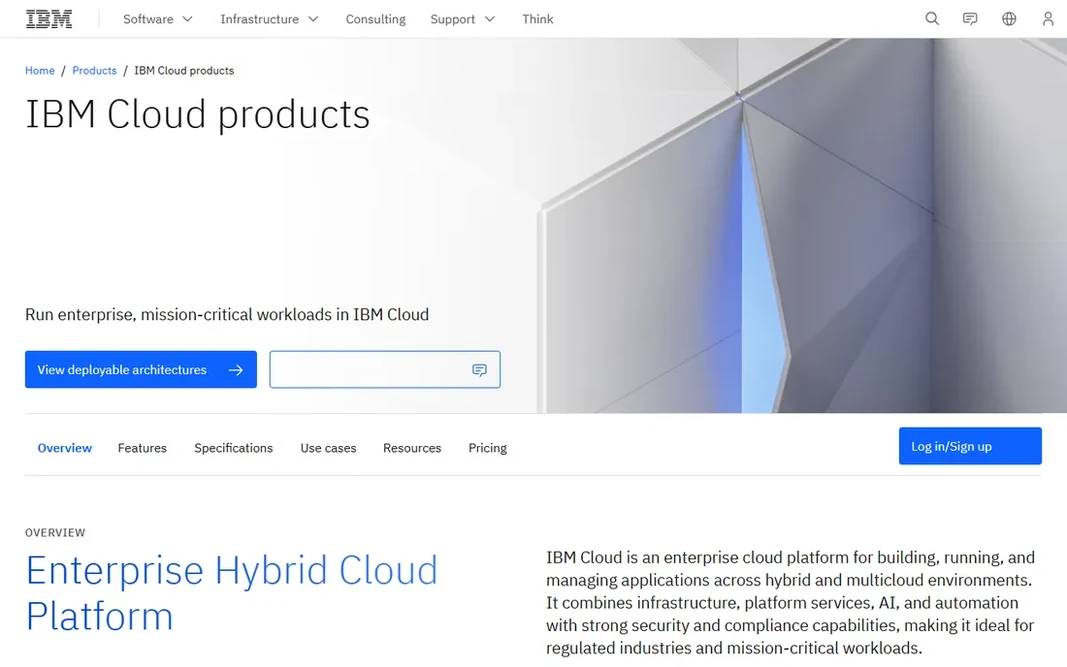
IBM Cloud

Regulated industries and businesses standardizing on Red Hat OpenShift
Pay-as-you-go (usage-based)

IBM Cloud is built with regulated industries and businesses standardizing on Red Hat OpenShift in mind. Watsonx provides it a credible AI story for enterprises that want models inside their compliance boundary. In daily use, for an usual small business, it is overkill. Starting cost for IBM Cloud: Pay-as-you-go. Free plan details: Free trial. Trade-offs to know: Pricing pages are hard to navigate.

Free plan: Free trial

Website: ibm.com/cloud

Strengths

  • Red Hat OpenShift integration is first-class
  • Healthcare and government

Watch out for

  • The catalog feels enterprise-first, with less for solo developers
3

DigitalOcean

Small teams and solo developers who want cloud without the ramp-up time
Flat-rate droplets (see website; entry servers cost a few dollars a month)

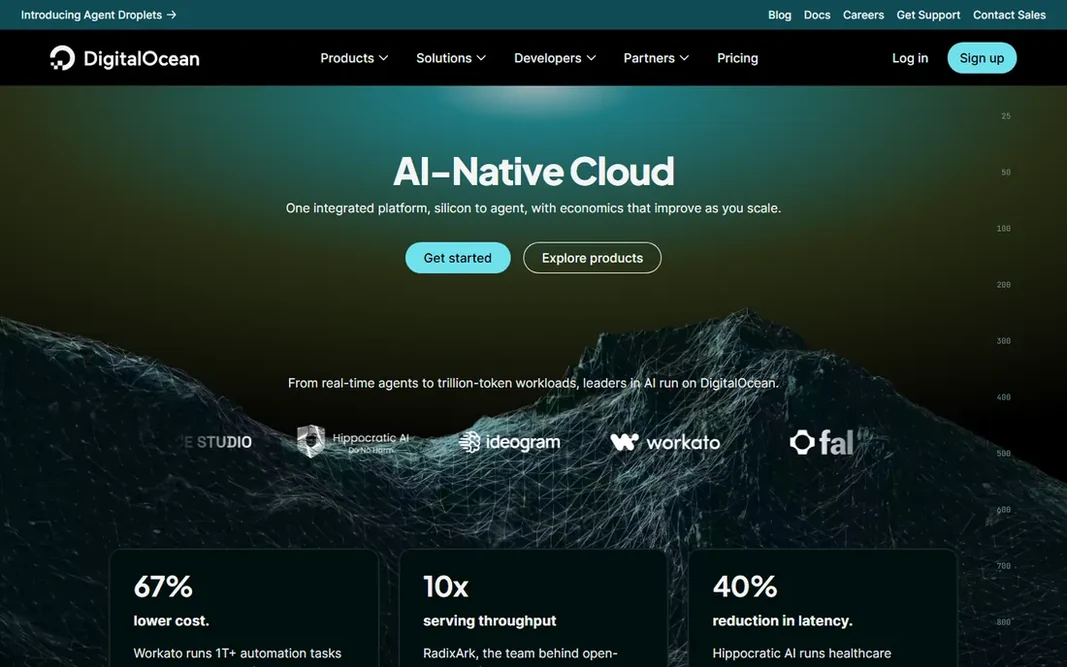
DigitalOcean is built with small teams and solo developers who want cloud without the ramp-up time in mind. Droplets (virtual servers) have fixed monthly prices, managed databases and Kubernetes exist for when you grow. The documentation library answers most questions before you ask support. As for the details, GPU and AI offerings are expanding but remain narrower than the hyperscalers. The ceiling is real, though. Also, price your expected usage for per year, not per month: flat pricing is the feature, so make sure the flat number actually beats usage-based alternatives at your scale. Beyond that, for a marketing site, a SaaS MVP or a handful of client projects, it is the fastest route from signup to production. For everyday use, if you later need 200 managed services, private 5G edge zones or a dedicated compliance team, you will outgrow it. The starting price for DigitalOcean: Flat-rate droplets. As for free access: Free trial. Watch-outs: Limited compliance certifications for regulated industries.

Free plan: Free trial

Website: digitalocean.com

Strengths

  • The simplest console of any provider here
  • Flat monthly pricing with no surprise bills

Watch out for

  • Far fewer managed services than the hyperscalers
4

Microsoft Azure

Firms already running Windows Server, Microsoft 365 or.NET
Pay-as-you-go (usage-based; no flat entry price)

Microsoft Azure serves firms already running Windows Server, Microsoft 365 or.NET. Identity, email, databases and hosting sit under one account and one bill, and hybrid setups that keep some servers on-premises are a genuine strength. The $200 credit lasts 30 days, which passes quick when you are learning in the evenings. The main drawbacks: Documentation and the portal frustrate non-Microsoft users. 12 months of free monthly amounts on widely used services plus 65+ always-free services soften that. Worth adding: if your office runs on Microsoft 365 and your app runs on.NET or SQL Server, Azure is the path of least resistance. More specifically, Azure OpenAI Service also makes it the natural home for teams building on OpenAI models inside a Microsoft contract. Entry price for Microsoft Azure: Pay-as-you-go. Microsoft Azure includes a free tier.

Free plan: Yes

Website: azure.microsoft.com

Strengths

  • Solid compliance coverage for regulated industries
  • Spending protection on the free account

Watch out for

  • Enterprise sales culture seeps into support
5

Amazon Web Services

Teams that expect to grow into a very broad service catalog
Pay-as-you-go (usage-based; no flat entry price)

Choose Amazon Web Services for teams that expect to grow into a very broad service catalog. Turn on billing alerts on day one, and treat the AWS pricing calculator as required reading before any production launch. Also, EC2 for virtual servers, S3 for file storage, RDS for databases and Lambda for serverless functions handle what most small firms ever touch. As for the details, the honest catch is cost control. In daily use, the global network means you can put servers close to your customers on every continent. Pay-as-you-go pricing means your bill moves with traffic, and services like data transfer and managed databases can dwarf the compute line item. Starting cost for Amazon Web Services: Pay-as-you-go. You can start on Amazon Web Services without paying. Where it shines: contractors and external tools. Where it is weaker: Support plans with quick response times cost additional; Billing is famously hard to predict.

Free plan: Yes

Website: aws.amazon.com

Strengths

  • Solid startup credit programs
  • The largest service catalog (200+ services) and the widest global footprint (124 availability zones in 39 regions)

Watch out for

  • Surprise invoices are a typical complaint
6

Vultr

Teams wanting cheap flat-rate compute with broad global coverage
Flat-rate compute plans (see website; entry instances cost a few dollars per month)

Vultr is aimed squarely at teams wanting cheap flat-rate compute with broad global coverage. Vultr competes straight with DigitalOcean on simplicity and normally wins on price and region count. In practice, thirty-three regions provide you placement options across Asia, Latin America and the Middle East that budget rivals skip. For agencies hosting client sites or developers running side projects across numerous regions, the combination of flat pricing and wide coverage is hard to beat. Vultr pricing: Flat-rate compute plans. Vultr has no free plan. The main drawbacks: Managed services are thinner than DigitalOcean's.

Free plan: No

Website: vultr.com

Strengths

  • Transparent hourly and monthly pricing
  • GPU instances with published per-hour rates for AI work

Watch out for

  • No free level for extended testing
7

Google Cloud

Data analytics, machine learning and Kubernetes workloads
Pay-as-you-go (usage-based; no flat entry price)

Google Cloud serves data analytics, machine learning and Kubernetes workloads. The $300 new-customer credit is the largest trial pot among the hyperscalers, and 20+ always-free products mean small experiments can run indefinitely at zero cost. Drawbacks to consider: Enterprise sales support lags the other two. Strengths: GKE displays it. More specifically, during the trial you cannot add GPUs or request quota raises, so plan a second test if your workload needs accelerators. On top of that, the trade-offs are reach and familiarity. Google Cloud pricing: Pay-as-you-go. Google Cloud offers a free plan.

Free plan: Yes

Website: cloud.google.com

Strengths

  • BigQuery and Vertex AI are genuinely best-in-class for data and AI work
  • Kubernetes originated at Google

Watch out for

  • Per-second billing with sustained-use discounts still confuses newcomers
8

Alibaba Cloud

Companies serving customers in China and across Asia-Pacific
Pay-as-you-go (usage-based)

Pick Alibaba Cloud if this describes you: companies serving customers in China and across Asia-Pacific. Across Southeast Asia, Japan, Korea and India it is also a price-competitive alternative with solid coverage. Downsides: Restricted relevance if your customers are US-only. Beyond that, elastic compute, databases and CDN products include the standard stack. For an US-focused small business, there is little reason to start here. What you pay to start with Alibaba Cloud: Pay-as-you-go. Free plan details: Free trial.

Free plan: Free trial

Website: alibabacloud.com

Strengths

  • The most solid cloud presence inside mainland China, which foreign hyperscalers cannot match
  • Wide APAC region coverage

Watch out for

  • The console and billing feel less refined

FAQ

Do these tools publish their prices?

Yes. Every tool from Oracle Cloud Infrastructure to Alibaba Cloud shows a starting price, though seats, add-ons and billing terms still change the final cost.

How much does cloud hosting cost for a small business?

The hyperscalers get costly through data transfer and managed services, not compute. Use the free credits first, then measure a full month before judging.

Which options for cloud platform have a free plan?

On this list, Oracle Cloud Infrastructure, Microsoft Azure, Amazon Web Services and Google Cloud include a free plan. Caps on seats, usage or features are common, so test the free plan against your real workload. Several others offer a trial instead.

Is Oracle Cloud Infrastructure the right pick for everyone comparing cloud platform?

No single tool suits every team. Oracle Cloud Infrastructure comes first because it fits Oracle database shops and teams chasing the lowest unit prices, while IBM Cloud suits regulated industries and companies standardizing on Red Hat OpenShift and DigitalOcean suits small teams and solo developers who want cloud without the learning curve. Match the tool to your own size, budget and workflow before deciding.

What is the difference between pay-as-you-go and flat-rate cloud pricing?

Pay-as-you-go (AWS, Azure, Google Cloud, IBM, Oracle, Alibaba) bills per hour or per second of usage, so costs scale with traffic but surprise bills are possible. Flat-rate (DigitalOcean, Vultr, Akamai) charges a fixed monthly price per server, so the bill is predictable but you pay for idle capacity.

Do I need AWS, or is a smaller cloud enough?

Most small companies never need AWS. If your workload is websites, web apps, databases and file storage, DigitalOcean, Vultr or Akamai Cloud manage it at a lower price with less complexity.