Developer Tools · Researched comparison

Coding Software Compared: 8 Tools, Prices and Limits

TaskReports may earn a fee from some links on this page, and some placements are paid and labelled. Neither one decides the order. See our disclosure.

The short answer

JetBrains IntelliJ IDEA leads the list, best for Java and Kotlin developers who want the deepest IDE intelligence. Trae is the stronger choice for developers who want AI IDE features at no cost, while Nova suits Mac developers who want a native editor with publishing built in. Details, prices and limits for the rest of the 8 tools are below.

On this page

Key takeaways

  • JetBrains IntelliJ IDEA takes the first slot, best suited to Java and Kotlin developers who want the deepest IDE intelligence.
  • One limit worth knowing about JetBrains IntelliJ IDEA: costly compared to free editors.
  • For developers who want a quick native editor with cheap AI, Zed is worth a look.
  • A free plan is offered by 6 of the 8 tools, including Trae, Visual Studio Code, Replit and Cursor.

Quick comparison

ToolBest fitFree optionVendor site
------------
JetBrains IntelliJ IDEAJava and Kotlin developers who want the deepest IDE intelligenceFree trialjetbrains.com
TraeDevelopers who want AI IDE features at no costYestrae.ai
NovaMac developers who want a native editor with publishing built inFree trial (30 days)nova.app
Visual Studio CodeDevelopers who want the biggest ecosystem at no costYescode.visualstudio.com
ReplitBuilding and deploying apps entirely in the browserYesreplit.com
CursorDevelopers who want the most refined AI-agent coding experienceYescursor.com
GitHub CopilotAdding AI to whatever IDE you already useYesgithub.com
ZedDevelopers who want a quick native editor with cheap AIYeszed.dev

How we chose

Pricing pages, product documentation and feature lists were the main sources, and every entry carries at least one honest drawback. Seat minimums, billing terms and add-ons can move the real cost, so the starting prices here are a guide and not a quote. The order reflects how well each tool fits the most common buying scenario for coding software, then price clarity, then free plan access. It is a starting point, not a verdict.

★ Best overall

JetBrains IntelliJ IDEA

Java and Kotlin developers who want the deepest IDE intelligence

  • Unmatched Java and Kotlin refactoring and analysis
  • Perpetual fallback license
Price$199 a year (first year, individual use)
See JetBrains IntelliJ IDEA pricing

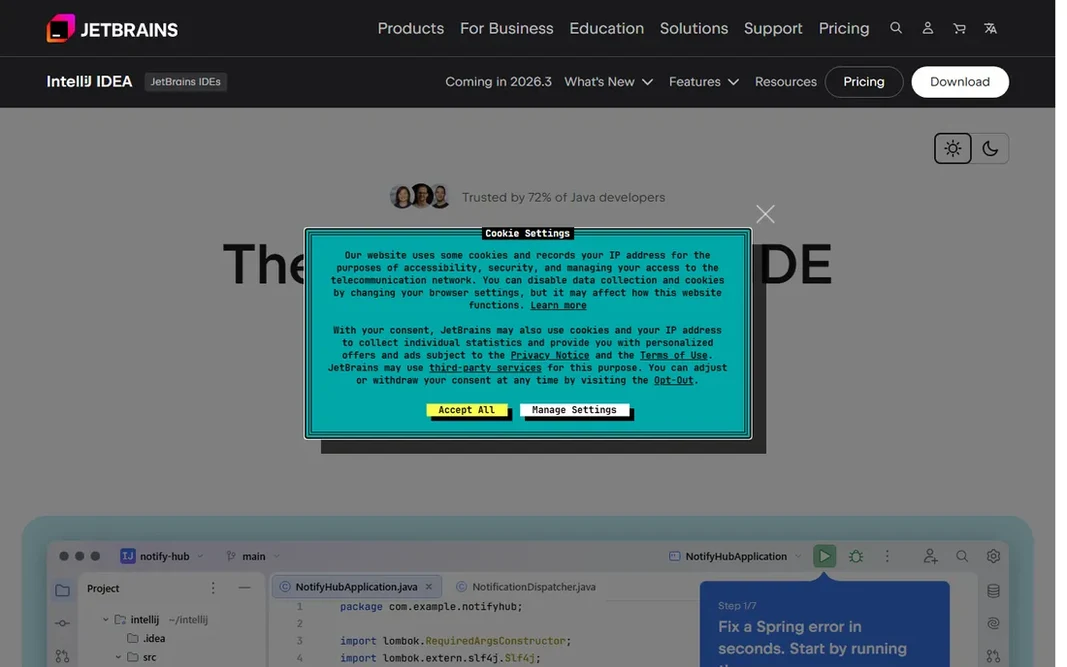
JetBrains IntelliJ IDEA targets Java and Kotlin developers who want the deepest IDE intelligence. IntelliJ IDEA Ultimate remains the gold standard for JVM development. Its static analysis, refactoring tools and framework support are deeper than anything in the free-editor world, and for large Java or Kotlin codebases that depth pays for itself in avoided bugs. JetBrains responded to the agent era with Junie, its coding agent. The AI Free, Pro ($10/month) and Ultimate ($30/month) levels, plus the Air agentic environment launched in 2026. The honest complaint is the double subscription: IDE license plus AI subscription stacks up quick next to Cursor's single $20. If you want budget-friendly unlimited agent usage, Cursor wins on price. Individual pricing is $199 for the first year, dropping to $159 in year two and $119 from year three, and every annual subscription comes with a perpetual fallback license. So you keep the last version if you stop paying. On cost, JetBrains IntelliJ IDEA starts like this: $199 per year. Free access: Free trial. Honest limits: Heavy on system resources.

Price: $199 a year (first year, individual use)

Free plan: Free trial

Website: jetbrains.com/idea

Watch out for

  • Pricey compared to free editors
2

Trae

Developers who want AI IDE features at no cost

Free; Pro $10/month

For developers who want AI IDE features at no cost, Trae is a natural candidate. The caveat is data. Prompts and code context flow through ByteDance infrastructure, and researchers have flagged telemetry behavior, so commercial teams should clear it with their security policy before installing, particularly where employers restrict ByteDance software. The main drawbacks: Model quality can be inconsistent. Trae is ByteDance's AI-native IDE, and its headline is the price: a genuinely free level with access to top-tier models, with premium plans starting around $10 per month. Beyond that, the Builder mode breaks prompts into implementation tasks, produces multi-file diffs and asks permission before terminal commands, closely mirroring Cursor's Composer. For students, hobbyists and side projects, the value is unmatched. What you pay to start with Trae: Free. A free plan is available with Trae.

Free plan: Yes

Website: trae.ai

Strengths

  • Free level with frontier-model access
  • Builder mode mirrors Cursor's agent

Watch out for

  • ByteDance ownership raises data questions for commercial work
3

Nova

Mac developers who want a native editor with publishing built in
$99 (includes one year of updates)

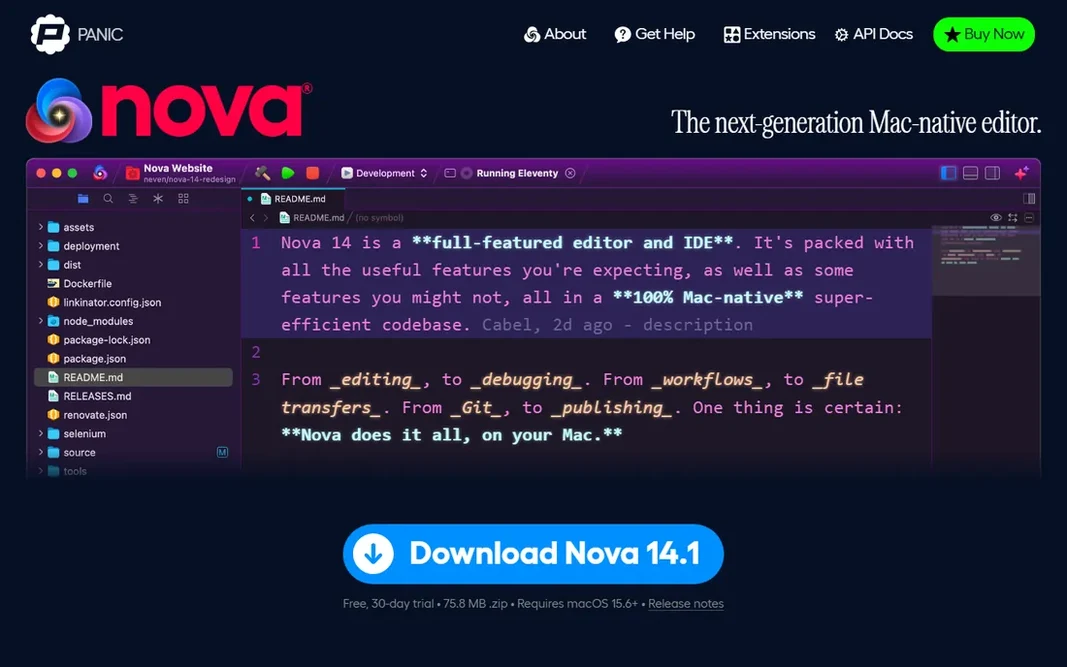
Nova is designed for Mac developers who want a native editor with publishing built in. Nova is Panic's love letter to Mac web development. For everyday use, if you need Windows or Linux, it is not a choice. Honest limits: Smaller extension library than VS Code. The price is $99, which bundles per year of updates, then $49 per year to keep receiving them, with a 30-day free trial to decide. It is macOS only, and the extension library cannot touch VS Code's 70,000. Nova starts at: $99. Free access: Free trial (30 days). What Nova does well: One-time purchase model.

Free plan: Free trial (30 days)

Website: nova.app

Strengths

  • Terminal and remote publishing
  • Beautiful native Mac experience

Watch out for

  • MacOS only
4

Visual Studio Code

Developers who want the biggest ecosystem at no cost
Free

Pick Visual Studio Code if this describes you: developers who want the biggest ecosystem at no cost. Live Share still makes live pair programming trivially simple. Where it falls short: AI features rely on a separate subscription. On top of that, the cost story is the cleanest here. Worth adding: on a machine with 8GB of RAM running Docker, that difference is felt. Starting cost for Visual Studio Code: Free. You can start on Visual Studio Code without paying.

Free plan: Yes

Website: code.visualstudio.com

Strengths

  • 70,000+ extensions handling nearly everything
  • Containers and WSL

Watch out for

  • Electron-based, heavy on RAM
5

Replit

Building and deploying apps entirely in the browser
Free; Core $20/month

Replit targets building and deploying apps entirely in the browser. Replit collapsed the entire stack into the browser: an AI agent that builds the app, a full IDE, and deployment hosting in one account. In daily use, core is $20 per month ($18 annual) and comes with $20 of usage credits; Pro is $100 with $100 of credits. The pricing changed in February 2026 and rewards careful reading. In daily use, the subscription buys a credit pool that agent usage, compute and deployments all draw from, and heavy building can push real bills well past the plan price. Price to start with Replit: Free. Free access exists with Replit. Best features of Replit: No local setup. Honest limits: Cost unpredictability frustrates builders.

Free plan: Yes

Website: replit.com

Strengths

  • AI agent and hosting in one browser tab
  • Runs 50+ languages with real server code

Watch out for

  • Agent can burn credits in loops
6

Cursor

Developers who want the most refined AI-agent coding experience
Free; Pro $20/month

Cursor is built with developers who want the most refined AI-agent coding experience in mind. The pricing needs attention. Since mid-2025, each premium plan includes a monthly credit pool equal to its price: Pro at $20 contains about $20 of model usage, Pro+ at $60 contains about $70, Ultra at $200 contains about $400. Honest limits: Daily agent work frequently needs Pro+ at $60. As for the details, Cursor's own guidance says daily agent users should expect $60 to $100 per month, which makes Pro the wrong benchmark for heavy use. Students get per year of Pro free. More specifically, Cursor started as a VS Code fork and became the reference AI-native IDE. Cursor starts at: Free. You can start on Cursor without paying.

Free plan: Yes

Website: cursor.com

Strengths

  • Model choice across frontier providers
  • Cloud agents and automations

Watch out for

  • Teams pricing climbed in 2026
7

GitHub Copilot

Adding AI to whatever IDE you already use
Free tier; Pro $10/month

GitHub Copilot works best for adding AI to whatever IDE you already use. The free level's 2,000 completions per month spans light use, and Pro at $10 per month is the cheapest serious AI coding subscription available. Copilot is the AI layer instead of the editor, and that is its strength. Also, against Cursor, Copilot wins on price and IDE freedom but loses on agent depth: Cursor's whole-codebase agents deal with larger refactors better. Teams that require to standardize AI tooling across different editors without forcing everyone onto one. What you pay to start with GitHub Copilot: Free tier. A free plan is available with GitHub Copilot. Main advantages: Works in VS Code, JetBrains. Downsides: Not a full agent system like Cursor.

Free plan: Yes

Website: github.com/features/copilot

Strengths

  • Neovim and more
  • Agent mode takes care of scoped tasks

Watch out for

  • Still needs review for subtle bugs
8

Zed

Developers who want a quick native editor with cheap AI
Free; AI about $10/month

Zed was built for developers who want a fast native editor with cheap AI. The pricing gap is deliberate: the editor itself is free. The AI add-on runs about $10 per month, a fraction of Cursor's Pro level. Where it falls short: Smaller extension ecosystem. On top of that, Zed's argument is physics. Built natively rather than on Electron, it opens in a fraction of a second and sips memory where VS Code and Cursor gulp it. On top of that, if raw speed matters more to you than agent sophistication, Zed is the rational pick. Zed pricing: Free. Zed has a free plan.

Free plan: Yes

Website: zed.dev

Strengths

  • Live collaboration built in
  • Native performance

Watch out for

  • Newer product with less polish in places

FAQ

Is JetBrains IntelliJ IDEA the right pick for everyone comparing coding software?

No single tool suits every team. JetBrains IntelliJ IDEA comes first because it fits Java and Kotlin developers who want the deepest IDE intelligence, while Trae suits developers who want AI IDE features for free and Nova suits Mac developers who want a native editor with publishing built in. Match the tool to your own size, budget and workflow before deciding.

Which options for coding software have a free plan?

On this list, 6 of 8 tools include a free plan, among them Trae, Visual Studio Code, Replit and Cursor. Caps on seats, usage or features are common, so test the free plan against your real workload. Several others offer a trial instead.

Can I use these tools for commercial work safely?

Yes, with attention to data policies. Trae routes code through ByteDance infrastructure, which some employers restrict, so check your company's policy first.

How are the tools for coding software ordered?

The order follows typical fit for coding software, with JetBrains IntelliJ IDEA first and Zed last, then price clarity and free access. It is editorial judgement, not a score, so another team could rank the tools differently.

Do these tools publish their prices?

Yes. Every tool from JetBrains IntelliJ IDEA to Zed shows a starting price, though seats, add-ons and billing terms still change the final cost.