Developer Tools · Researched comparison

Top 6 Concept Testing Platforms for 2026, Compared

TaskReports may earn a fee from some links on this page, and some placements are paid and labelled. Neither one decides the order. See our disclosure.

The short answer

Start with UserTesting if you need enterprise teams needing a huge participant panel. Alternatives: Optimal for testing information architecture with card sorts and tree tests, and Maze for product teams validating prototypes quick. All 6 tools are compared below on price, free plan and limits.

On this page

Key takeaways

  • UserTesting takes the first slot, best suited to enterprise teams needing a huge participant panel.
  • The main caution on Lookback: no built-in participant panel.
  • For global panel testing with adaptable pricing, Userlytics is worth a look.
  • Starting prices begin at $34/session with Userlytics.

Quick comparison

ToolIdeal forStarting priceWatch out for
------------
UserTestingEnterprise teams needing a huge participant panelCustomOnboarding is geared toward large organizations
OptimalTesting information architecture with card sorts and tree testsFrom $199/monthHigher entry price than Lyssna
MazeProduct teams validating prototypes quickFreeSmaller built-in panel than UserTesting
LookbackLive moderated 1:1 interviewsFrom $299/yearNo free plan
PlaybookUXAdaptable pay-as-you-go testing without a subscriptionFrom $59/participantPanel reliability gets mixed reviews
UserlyticsGlobal panel testing with adaptable pricingFrom $34/sessionNo free plan
★ Best overall

UserTesting

Enterprise teams needing a huge participant panel

  • One of the largest purpose-built research panels
  • Machine-learning dashboards and highlight reels
PriceCustom (entry ~$25,000/year)
See UserTesting pricing

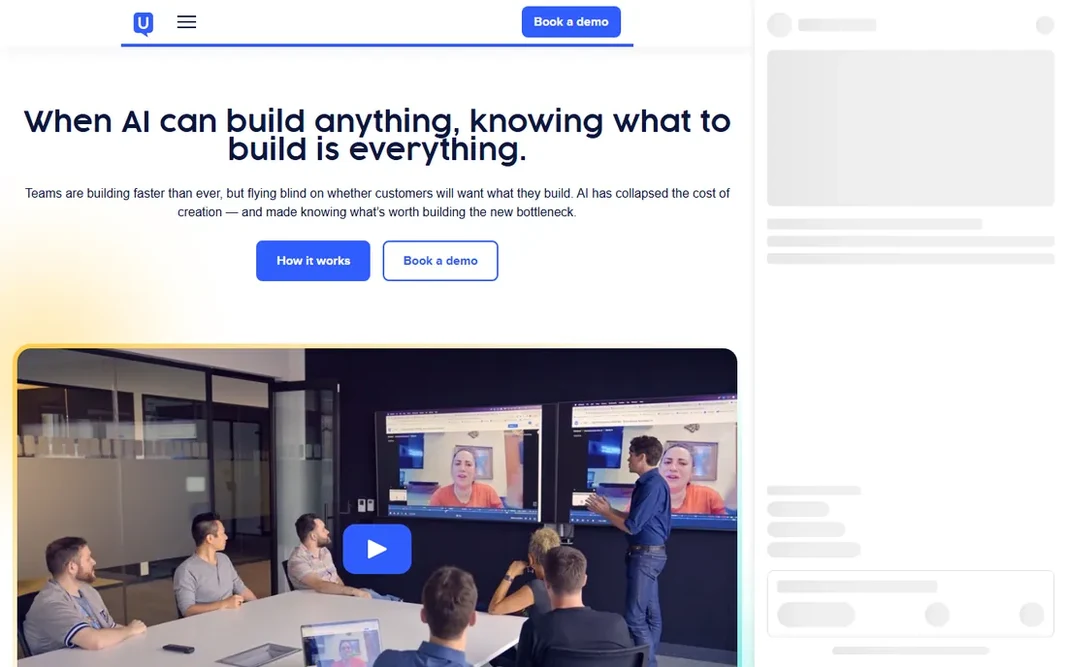
UserTesting serves enterprise teams needing a huge participant panel. For firms running research as a continuous program, the panel depth and the capacity to benchmark experiences over time are the reasons it stays. If you need thousands of qualified participants in specific demographics and a research repository the entire company can use, that budget makes sense. The trade-off is cost and complexity. Worth adding: pricing is custom and starts in the tens of thousands a year, which rules out small teams and one-off studies. In practice, there is no free plan, only trials and demos. What you pay to start with UserTesting: Custom. UserTesting has no permanent free option. Drawbacks to consider: Onboarding is geared toward large organizations.

Price: Custom (entry ~$25,000/year)

Free plan: No

Website: usertesting.com

Watch out for

  • Overkill for teams running occasional tests
2

Optimal

Testing information architecture with card sorts and tree tests
From $199/month

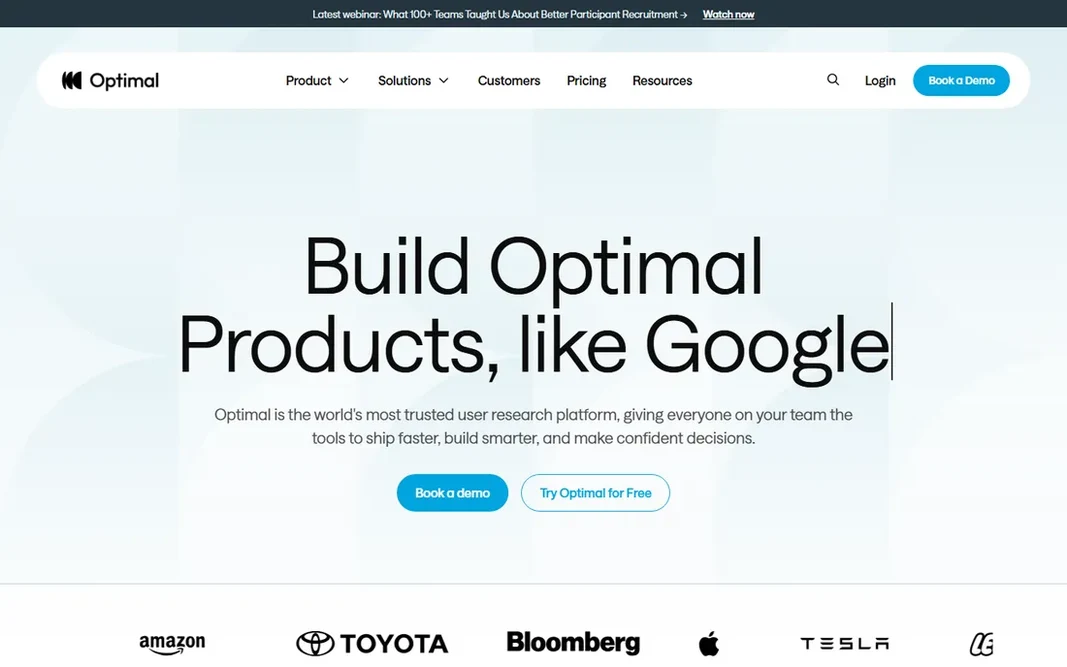
Optimal is built with testing information architecture with card sorts and tree tests in mind. What you get for the money is rigor: advanced cluster analysis, guided study flows and methods designed for IA research. Teams restructuring a site navigation or validating a new product taxonomy before a rebuild will get more value from Optimal than from a general-purpose test tool. Points against: Ramp-up time for the advanced analytics. Its card sorting and tree testing tools are the industry standard for finding out whether your navigation makes sense to anyone besides your own team. It also handles first-click testing, surveys and prototype validation, with built-in participant recruitment and AI-driven synthesis of results. The starting price for Optimal: From $199/month. On free options: Free trial.

Free plan: Free trial

Website: optimalworkshop.com

Strengths

  • Industry-standard card sorting and tree testing
  • Live site testing and prototype validation in one suite

Watch out for

  • Higher entry price than Lyssna
3

Maze

Product teams validating prototypes quick
Free; premium from ~$99/month

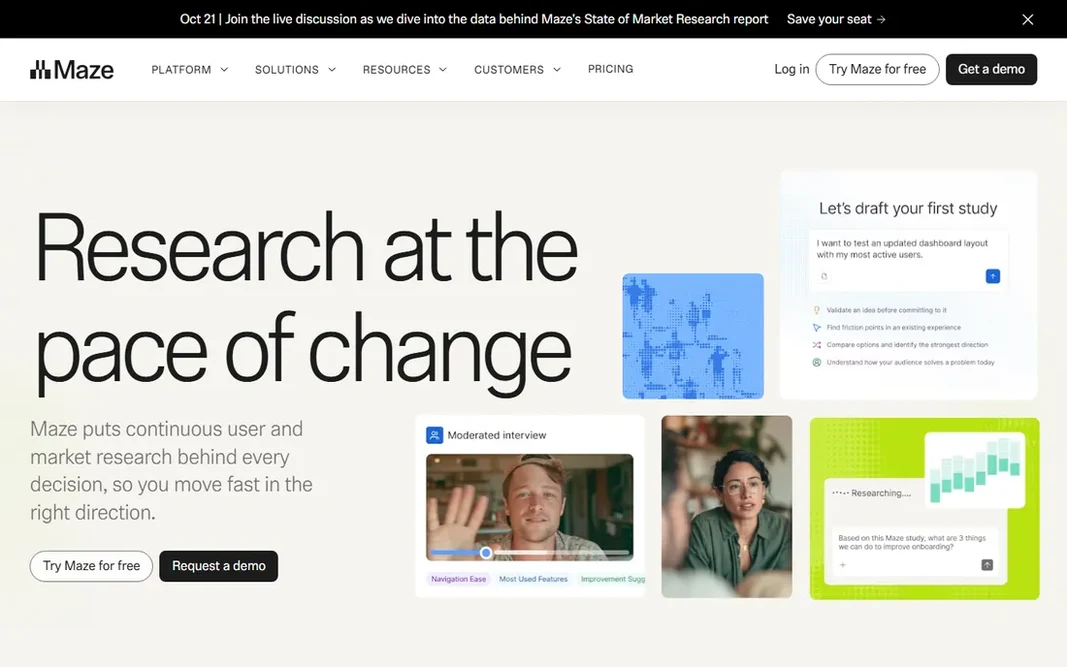
Choose Maze for product teams validating prototypes fast. Maze turned prototype testing into something a designer can do in an afternoon without booking a researcher. If your research life is largely unmoderated prototype tests and fast five-second tests, that limitation seldom matters. For everyday use, a free level gets you started, and premium plans start around $99 a month for teams that require more tests and AI features like automatic follow-up questions and synthesized reports. You import a Figma flow, set tasks and questions, share a link, and get heatmaps, misclick data and path analysis back within hours. From a buyer's view, the free plan covers genuine unmoderated testing, not a demo, which is why small product teams adopt it first and keep it. Entry price for Maze: Free. A free plan is available with Maze. Where it falls short: Smaller built-in panel than UserTesting.

Free plan: Yes

Website: maze.co

Strengths

  • Launches a test in minutes with Figma import
  • Ample free plan for small teams

Watch out for

  • Reporting is more straightforward than a full research repository
4

Lookback

Live moderated 1:1 interviews
From $299/year (Freelance)

Lookback targets live moderated 1:1 interviews. The Freelance plan begins at $299 a year for solo researchers, with Team and Insights Hub tiers for bigger groups and a free 60-day trial to evaluate. The honest limitation is that recruiting is on you, so factor in whatever you pay for participant sourcing. Drawbacks to consider: No built-in participant panel. It does not supply participants. Instead it provides you the tools to run and analyze live moderated sessions: screen, face and voice capture, live observation for stakeholders, session highlighting and collaboration features so the team can discuss findings right after the interview. Pricing is refreshingly low-cost next to the enterprise tools. Lookback cost at the entry level: From $299/year. Free options: Free trial.

Free plan: Free trial

Website: lookback.io

Strengths

  • Face and voice capture with session highlighting
  • Designed for remote observation of live sessions

Watch out for

  • Most useful for teams that recruit their own users
5

PlaybookUX

Adaptable pay-as-you-go testing without a subscription
From $59/participant (pay as you go)

Choose PlaybookUX for adaptable pay-as-you-go testing without a subscription. PlaybookUX is made for teams whose testing volume is irregular. The pay-as-you-go choice starts around $59 per participant with no subscription, handling unmoderated and moderated testing with its own panel, recruitment of consumers and professionals, transcriptions, timestamped notes and highlight reels. Honest limits: Grow plan begins at $267/month billed annually; Panel reliability gets mixed reviews. Where PlaybookUX stands out: No subscription required on pay-as-you-go. When you only need a handful of tests a quarter, that model beats paying for seats you barely use. The subscription levels add more: the Grow plan at around $267 a month billed yearly brings card sorting and tree testing with the panel, plus the capacity to send your own users through unmoderated tests, and Scale at around $450 a month layers on moderated testing with your own customers and surveys. For everyday use, enterprise is custom. For occasional concept validation without an annual commitment, the pricing structure is one of the most adaptable here. What you pay to start with PlaybookUX: From $59/participant. Free access: Free trial.

Free plan: Free trial

Website: playbookux.com

Strengths

  • Includes unmoderated and moderated testing with its own panel
  • Card sorting and tree testing on subscription plans

Watch out for

  • Per-participant costs add up on larger studies
6

Userlytics

Global panel testing with adaptable pricing
From $34/session; subscription from $699/month

Where Userlytics fits: global panel testing with adaptable pricing. Like every panel-based product here, it tests reactions to something that already exists. So it shines for usability validation instead of exploring a raw concept with no prototype. More specifically, there is no free plan, though demos are available. Userlytics pricing: From $34/session. Userlytics has no free tier. Drawbacks to consider: Per-session costs add up quick on large studies.

Free plan: No

Website: userlytics.com

Strengths

  • Sentiment analysis and a proprietary ULX benchmark score
  • Pay-per-session pricing scales with actual use

Watch out for

  • No free plan

FAQ

Is UserTesting the right pick for everyone comparing concept testing platforms?

No single tool suits every team. UserTesting comes first because it fits enterprise teams needing a huge participant panel, while Optimal suits testing information architecture with card sorts and tree tests and Maze suits product teams validating prototypes fast. Match the tool to your own size, budget and workflow before deciding.

Which concept testing platforms have a free plan?

Maze is the only tool in this list with a free plan. Free plans usually cap users, projects or features, so check the limits on the vendor page. Several others offer a trial instead.

What is the cheapest option for concept testing platforms in this list?

On published monthly entry prices, Userlytics is the lowest here at $34/session. Entry price is only part of the cost, because seats, add-ons and billing terms can change the total.

Can I try these options before paying?

Often, yes. Maze has a free plan and Optimal, Lookback and PlaybookUX offer a free trial. Use your own data and a real task during the test, and check what the free tier or trial limits before you rely on it.