
Field Service · Researched comparison

Shortlist: 6 Best HVAC Software Options for 2026

TaskReports may earn a fee from some links on this page, and some placements are paid and labelled. Neither one decides the order. See our disclosure.

The short answer

Start with Kickserv if you need straightforward job tracking. For a different need, Housecall Pro covers small businesses quick setup and ServiceTitan covers larger HVAC businesses. Prices, free plans and limits for all 6 tools follow.

On this page

Key takeaways

  • Top of the list is Kickserv, which targets straightforward job tracking.
  • No starting price is shown for any of the 6 tools, Kickserv and Jobber included, so plan time for sales calls.
  • Jobber suits small service businesses.
  • Check the limits for Kickserv before you commit: feature set is narrower than bigger products.
  • Neither Kickserv nor Jobber, nor any of the other 4 tools, has a permanent free plan; trials and quotes are the norm.

Quick comparison

ToolIdeal forFree optionKey limitation
------------
KickservStraightforward job trackingFree trialLimited marketing and reporting tools
Housecall ProSmall businesses quick setupFree trialReporting depth trails ServiceTitan
ServiceTitanBigger HVAC businessesNoImplementation takes time and training
WorkizBudget small teamsFree trialHVAC-specific depth is limited
FieldEdgeDispatch and costingNoPricing is quote-based
JobberSmall service businessesFree trialLarger firms need higher tiers
★ Best overall

Kickserv

Straightforward job tracking

  • Quick to learn
  • Low-cost for small businesses
PriceSee website
See Kickserv pricing

Kickserv works best for straightforward job tracking. Jobs, customers, schedules and invoices sit in a clean interface that office staff learn rapidly. That simplicity helps a firm moving from spreadsheets, since there is little training overhead. What to check first: Restricted marketing and reporting tools. What works well: Straightforward job. Also, pricing is low-cost, and the system handles the daily workflow for a small team. As for the details, a firm that grows rapidly may outgrow Kickserv. For a small firm that wants the simplest possible step up from paper, Kickserv is a practical choice. No starting price is listed for Kickserv here; confirm pricing on the vendor site. Free access: Free trial.

Price: See website

Free plan: Free trial

Website: kickserv.com

Watch out for

  • Feature set is narrower than bigger products
2

Housecall Pro

Small businesses quick setup
See website

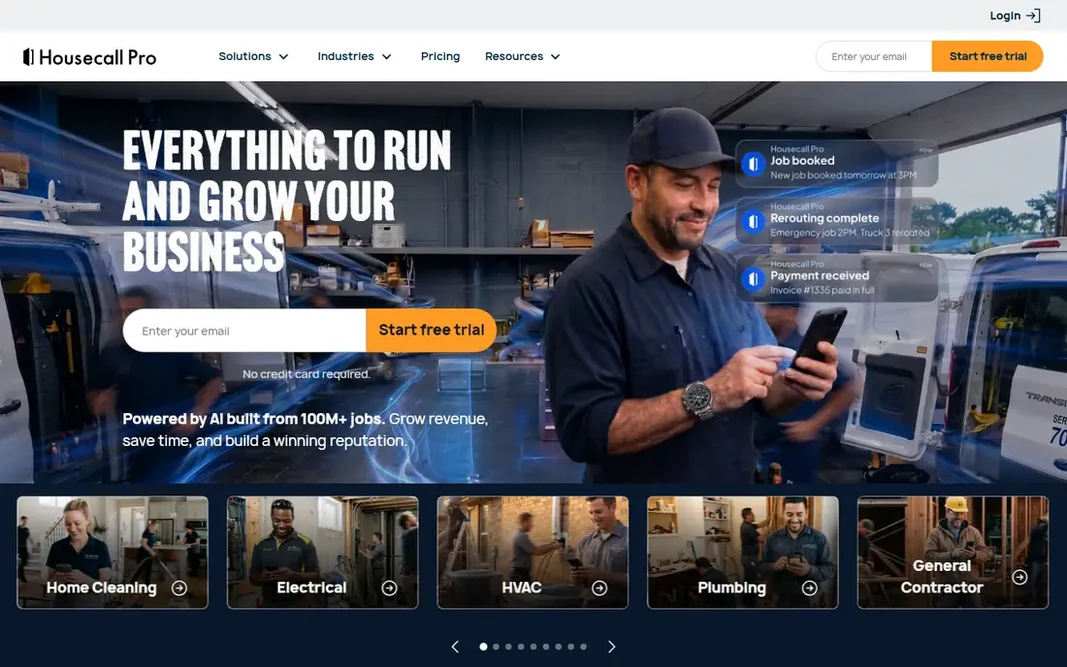
Housecall Pro is aimed squarely at small businesses quick setup. Pricing also varies by plan and user count, so check the full quote. Online booking lets customers schedule jobs without a phone call, dispatch assigns technicians from a calendar view, and invoicing plus card payments close the job loop in the same app. Drawbacks to consider: Reporting depth trails ServiceTitan. Setup is quicker than ServiceTitan, and the interface is friendly for office staff who are new to field service software. For a firm moving off paper and spreadsheets, Housecall Pro is a natural first system. Housecall Pro does not show a starting price in this comparison, so check the vendor site for current pricing. Free plan details: Free trial.

Free plan: Free trial

Website: housecallpro.com

Strengths

  • Online booking and dispatch
  • Invoicing and payment tools

Watch out for

  • Bigger businesses may outgrow some features
3

ServiceTitan

Bigger HVAC businesses
See website

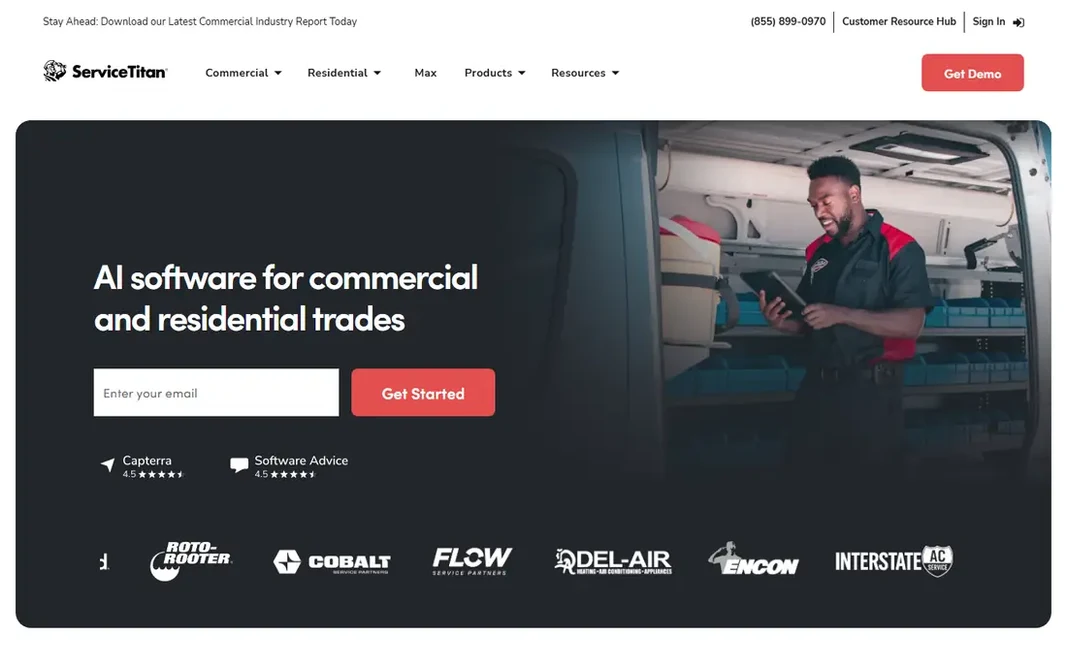
ServiceTitan is aimed squarely at bigger HVAC businesses. The pricebook is a standout, letting technicians present decent, better and best choices on site with clear pricing. A two-truck shop may find it heavy and costly. Where it is weaker: Implementation takes time and training. Also, pricing is quote-based and targeted at bigger businesses, and implementation needs training for office staff and technicians alike. More specifically, cost and setup are the barriers. ServiceTitan shows no starting price here, so confirm the cost on the vendor site. There is no free plan with ServiceTitan.

Free plan: No

Website: servicetitan.com

Strengths

  • Deep reporting
  • Integrations with accounting tools

Watch out for

  • Pricing is quote-based and fits bigger businesses
4

Workiz

Budget small teams
See website

Workiz is designed for budget small teams. As for the details, pricing is friendlier than bigger products, which helps a new firm or a solo technician getting organized. In practice, feature depth is smaller than ServiceTitan or FieldEdge, particularly for equipment tracking and advanced costing. As for the details, the interface is clean, and setup does not demand a long onboarding project. In practice, scheduling, dispatch, invoicing and online booking include the daily workflow, and an optional phone system can tie calls to jobs. Workiz shows no starting price here, so confirm the cost on the vendor site. Free options: Free trial. Where it is weaker: Smaller feature set than ServiceTitan.

Free plan: Free trial

Website: workiz.com

Strengths

  • Budget-friendly plans for small teams
  • Phone system integration choice

Watch out for

  • HVAC-specific depth is restricted
5

FieldEdge

Dispatch and costing
See website

FieldEdge targets dispatch and costing. For dispatch-led HVAC operations, it remains a solid pick. Where it is weaker: Interface feels dated in places. The interface feels dated in some areas compared to Housecall Pro, and pricing is quote-based, so comparison takes a sales conversation. This comparison lists no price for FieldEdge; ask the vendor. No free plan comes with FieldEdge.

Free plan: No

Website: fieldedge.com

Strengths

  • Equipment and customer history tracking
  • QuickBooks integration

Watch out for

  • Pricing is quote-based
6

Jobber

Small service businesses
See website

Jobber is a good fit for small service businesses. Bigger businesses may also need higher levels for full features. HVAC-specific depth, like equipment tracking and advanced job costing, is thinner than on FieldEdge or ServiceTitan. Scheduling, quoting, invoicing and payments work together, and a client hub lets customers approve quotes, view job details and pay online. That self-service layer cuts office phone time, which matters for a small team. More specifically, Jobber suits a small service firm that serves homes and wants a clean, simple system. Jobber shows no starting price here, so confirm the cost on the vendor site. On free options: Free trial. Points against: Larger businesses need higher levels.

Free plan: Free trial

Website: getjobber.com

Strengths

  • Client hub for approvals
  • Clean scheduling and quoting

Watch out for

  • HVAC-specific features are thinner than FieldEdge

FAQ

Can I try these options before paying?

Often, yes. Kickserv, Housecall Pro, Workiz and Jobber offer a free trial. Use your own data and a real task during the test, and check what the free tier or trial limits before you rely on it.

Does any tool for HVAC software here have a free plan?

No tool in this list, Kickserv and Jobber included, has a permanent free plan. Kickserv, Housecall Pro, Workiz, Jobber offer a trial. Trials and quotes are the usual route, so plan a short evaluation period.

Do these tools publish their prices?

No. None of the tools, from Kickserv to Jobber, shows a fixed starting price here, so budget time for quotes.

Is Kickserv the right pick for everyone comparing HVAC software?

No single tool suits every team. Kickserv comes first because it fits simple job tracking, while Housecall Pro suits small firms fast setup and ServiceTitan suits larger HVAC firms. Match the tool to your own size, budget and workflow before deciding.