Collaboration · Researched comparison

Top 6 Instant Messaging Apps for 2026, Compared

TaskReports may earn a fee from some links on this page, and some placements are paid and labelled. Neither one decides the order. See our disclosure.

The short answer

Start with Microsoft Teams if you need Microsoft 365 workplaces. Look at Discord for gaming and interest communities, and at WhatsApp for everyday personal chats. The remaining 3 options are covered below with prices and limits.

On this page

Key takeaways

  • Microsoft Teams sits first on this list: Microsoft 365 workplaces.
  • Pricing for Microsoft Teams is quote-based, which adds a sales step before you can compare cost.
  • 6 of the 6 tools have a free plan, including Microsoft Teams, Discord, WhatsApp and WeChat.
  • For large groups and channels, Telegram is worth a look.
  • Before buying WhatsApp, weigh this: tied to a phone number.

Quick comparison

ToolBest forEntry priceDomain
------------
Microsoft TeamsMicrosoft 365 workplacesSee websitemicrosoft.com
DiscordGaming and interest communitiesFreediscord.com
WhatsAppEveryday personal chatsFreewhatsapp.com
WeChatDaily life in China and Chinese-speaking circlesFreewechat.com
SignalPrivate one-to-one and group chatsFreesignal.org
TelegramLarge groups and channelsFreetelegram.org
★ Best overall

Microsoft Teams

Microsoft 365 workplaces

  • Capable admin controls
  • Meetings and chat in one app

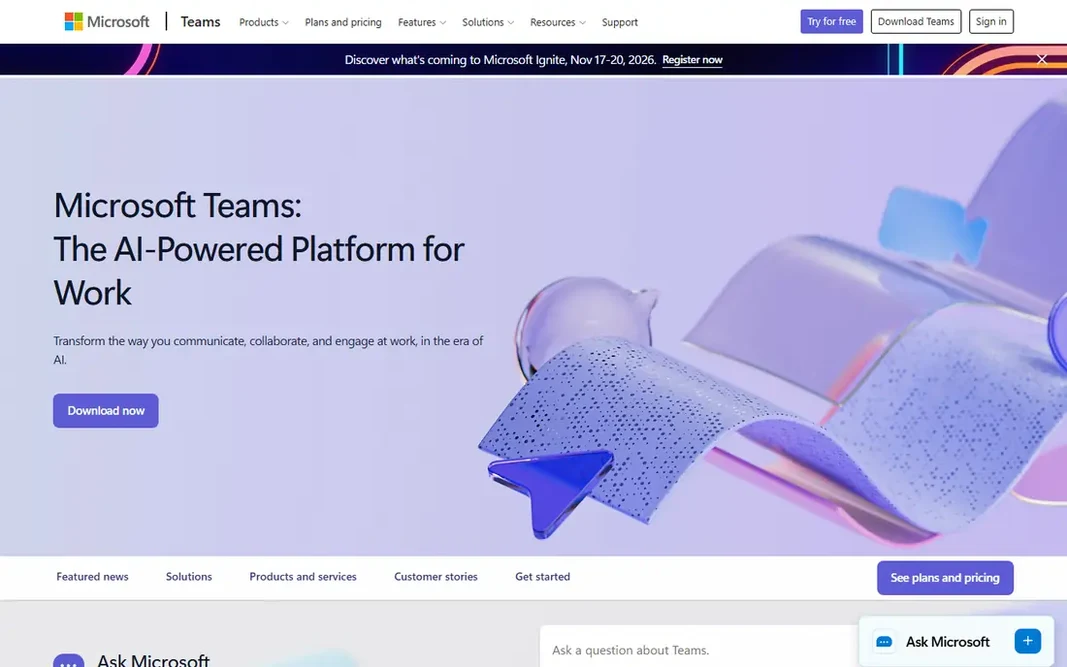
Microsoft Teams is a good fit for Microsoft 365 workplaces. Microsoft Teams makes the most sense when your work already runs on Microsoft 365. As for the details, for casual personal chat, Teams feels heavier than it needs to be. Downsides: Interface can feel heavy for casual chat. Its strengths fade if your team does not use Outlook, OneDrive, or SharePoint. But for a company standardized on Microsoft, Teams is the natural pick, since it removes the need for a separate chat subscription and keeps meetings and messages in one place. Admin controls include compliance, retention, and guest access, which matters for bigger businesses and regulated work. Pricing for Microsoft Teams is not stated here, so ask the vendor for current figures. Free access exists with Microsoft Teams.

Price: See website

Free plan: Yes

Website: microsoft.com/en-us/microsoft-teams/group-chat-software

Watch out for

  • Guest access takes setup
2

Discord

Gaming and interest communities
Free

Discord targets gaming and interest communities. Discord started with gamers and grew into a home for study groups, fan clubs, creator communities, and hobby servers of every kind. What to check first: Not end-to-end encrypted by default. Its signature feature is voice channels that people can drop in and out of without dialing anyone, which makes it feel more like a shared room than a phone call. Messages are not end-to-end encrypted by default, so Discord is a poor fit for sensitive private talks. Starting cost for Discord: Free. Free access exists with Discord.

Free plan: Yes

Website: discord.com

Strengths

  • Always-open voice channels
  • Adaptable servers with roles and permissions

Watch out for

  • Interface can overwhelm newcomers
3

WhatsApp

Everyday personal chats
Free

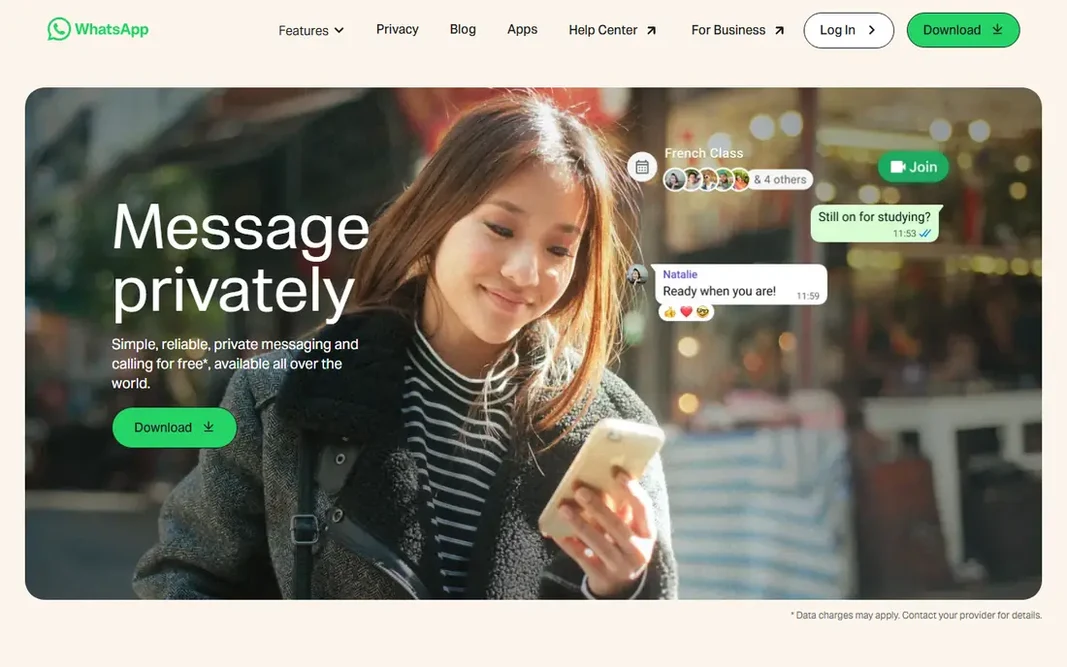
In short, WhatsApp is for everyday personal chats. WhatsApp wins on reach. The trade-offs are modest but real. Honest limits: Backup encryption needs a manual setting. For most personal use, though, WhatsApp is the low-friction default, and that network effect is hard to beat. Your account rests on a phone number, so switching numbers takes care, and chat backups stored with a cloud provider need their own encryption toggle to stay completely private. WhatsApp cost at the entry level: Free. WhatsApp includes a free tier.

Free plan: Yes

Website: whatsapp.com

Strengths

  • Huge user base
  • End-to-end encrypted chats and calls

Watch out for

  • Restricted multi-device freedom compared to some rivals
4

WeChat

Daily life in China and Chinese-speaking circles
Free

WeChat makes the most sense for daily life in China and Chinese-speaking circles. For anyone living in China, doing business there, or keeping in touch with family who use it daily, WeChat is close to essential, since so much ordinary life runs through it. Judge WeChat by your circle: if the people you have to reach live on it, nothing else substitutes, but if they do not, a more straightforward chat app will serve you better. Highlights: Messaging plus payments. What to check first: Account recovery can be hard abroad. Outside that context, its appeal narrows quick. Contacts in the United States or Europe are far less likely to use it. Its data handling follows Chinese rules that differ from what Signal or WhatsApp users expect. What you pay to start with WeChat: Free. Free access exists with WeChat.

Free plan: Yes

Website: wechat.com

Strengths

  • Services in one app
  • Huge user base in China

Watch out for

  • Privacy and data rules differ from Western apps
5

Signal

Private one-to-one and group chats
Free

In short, Signal is for private one-to-one and group chats. Disappearing messages, sealed sender choices, and a clean interface keep the focus on conversation instead of feeds. Worth adding: the honest drawback is reach. Downsides: Fewer playful extras and integrations. Plenty of contacts will not have Signal yet, so you may end up running it alongside a more widely used app instead of replacing everything with it. It also lacks the bots, channels, and mini-apps that make Telegram and WeChat feel expansive. The starting price for Signal: Free. A free plan is available with Signal.

Free plan: Yes

Website: signal.org

Strengths

  • End-to-end encryption by default
  • Nonprofit structure with open source code

Watch out for

  • Smaller user base than WhatsApp
6

Telegram

Large groups and channels
Free

For large groups and channels, Telegram is a natural candidate. File sharing limits are ample, bots deal with polls, reminders, and straightforward automation, and the app runs well on older phones. What to check first: Huge public groups can attract spam. the main limit is privacy nuance. For everyday use, public groups also need active moderation, since size invites spam and off-topic noise. The starting price for Telegram: Free. Telegram has a free plan.

Free plan: Yes

Website: telegram.org

Strengths

  • Quick sync across devices
  • Very large groups and channels

Watch out for

  • End-to-end encryption is not the default for regular chats

FAQ

Which options for instant messaging app have a free plan?

6 of the 6 tools have a free plan, including Microsoft Teams, Discord, WhatsApp and WeChat. Free plans usually cap users, projects or features, so check the limits on the vendor page.

Is Microsoft Teams the right pick for everyone comparing instant messaging app?

No single tool suits every team. Microsoft Teams comes first because it fits Microsoft 365 workplaces, while Discord suits gaming and interest communities and WhatsApp suits everyday personal chats. Match the tool to your own size, budget and workflow before deciding.

Can I try these tools before paying?

Often, yes. Microsoft Teams, Discord, WhatsApp and others have a free plan. Use your own data and a real task during the test, and check what the free tier or trial limits before you rely on it.

How are the tools for instant messaging app ordered?

The order follows typical fit for instant messaging app, with Microsoft Teams first and Telegram last, then price clarity and free access. It is editorial judgement, not a score, so another team could rank the tools differently.

Is WhatsApp or Signal better for privacy?

Signal is more solid for privacy since end-to-end encryption includes every chat by default, and the app carries no ads or trackers. For everyday chats both are fine, whereas Signal is the safer pick for sensitive talks.