Customer Support · Researched comparison

Top 6 Knowledge Base Software Options for 2026, Compared

TaskReports may earn a fee from some links on this page, and some placements are paid and labelled. Neither one decides the order. See our disclosure.

The short answer

Start with HelpDocs if you need teams wanting a standalone KB without a help desk. Look at Helpjuice for mid-size companies wanting a branded help center, and at Notion for startups that want a wiki, docs and tracking in one. The full list of 6 tools follows, with prices and free plan facts.

On this page

Key takeaways

  • Top of the list is HelpDocs, which targets teams wanting a standalone KB without a help desk.
  • Confluence suits internal company wikis and engineering teams.
  • What to know about Notion first: no real help-center features like deflection analytics or versioned publishing.
  • Confluence is the lowest-priced starter here at $5.42/user/month.
  • Notion, HubSpot Knowledge Base, Confluence: these are the 3 tools out of 6 that offer a free plan.

Quick comparison

ToolStarting priceFree planBiggest drawbackSuited to
---------------
HelpDocs$99/monthFree trial (14 days)Smaller integration list than the big suitesTeams wanting a standalone KB without a help desk
Helpjuice$249/month flatFree trial (14 days)Steep minimum for small teams with no per-seat optionMid-sized firms wanting a branded help center
Notion$10/member/monthYesAI requires the $20 Business plan for every seatStartups that want a wiki, docs and tracking in one
Zendesk Guide$55/agent/monthFree trial (14 days)AI add-ons stack fast on top of seat pricesEnterprise support teams already on Zendesk
HubSpot Knowledge Base$90/seat/monthYesAI is metered in credits that can run out earlySupport teams already running HubSpot CRM
Confluence$5.42/user/monthYesNo customer-facing help center or self-service portal built inInternal company wikis and engineering teams
★ Best overall

HelpDocs

Teams wanting a standalone KB without a help desk

  • Dedicated standalone help center with flat pricing
  • Unlimited viewers on every plan
Price$99/month (Sprout, billed annually)
See HelpDocs pricing

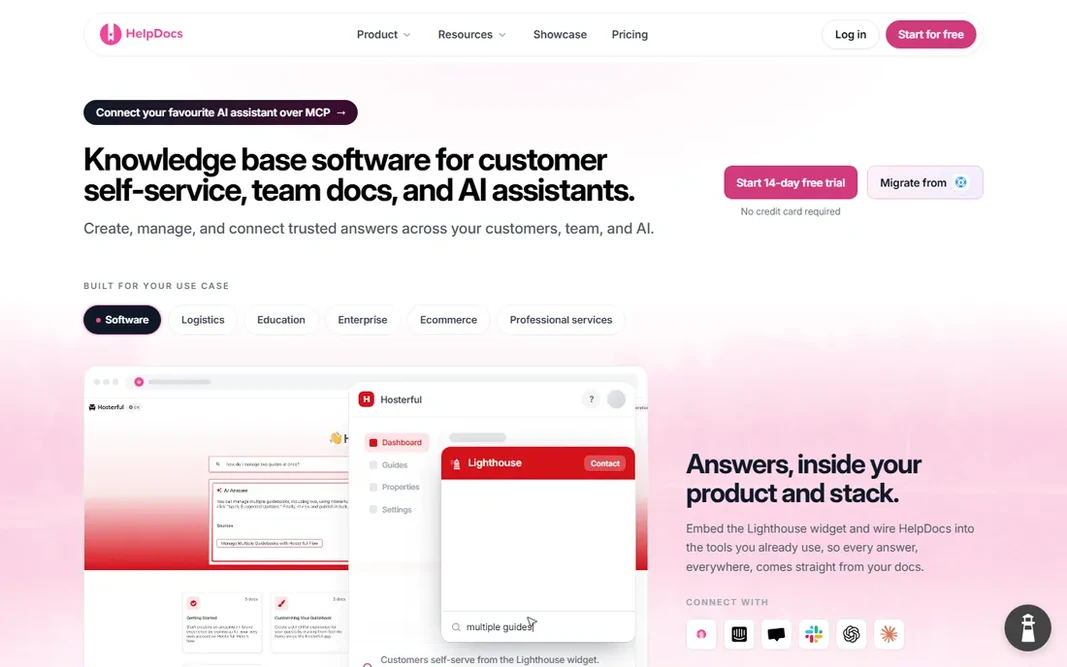
HelpDocs makes the most sense for teams wanting a standalone KB without a help desk. Sprout at $99 a month billed yearly ($129 month-to-month) includes five editors with unlimited viewers and bundles 1,000 AI credits a month. That makes it less expensive than Helpjuice for small writing teams. Teams that grow past 15 editors will be comparing it against suite products anyway. HelpDocs cost at the entry level: $99/month. Free plan details: Free trial (14 days). Honest limits: Smaller integration list than the big suites.

Price: $99/month (Sprout, billed annually)

Free plan: Free trial (14 days)

Website: helpdocs.io

Watch out for

  • Editor count caps are the price lever, so expanding writing teams climb levels
2

Helpjuice

Mid-sized firms wanting a branded help center
$249/month flat (Knowledge Base plan)

Helpjuice serves mid-sized firms wanting a branded help center. Onboarding contains handcrafted help-center design and migration support with manual content cleanup. As for the details, the pricing page does not state an annual-versus-monthly split, so confirm the billing period with sales before you budget. Where it is weaker: The entry plan has no AI features at all. For everyday use, pricing is flat per plan, which is both the appeal and the catch. The Knowledge Base plan runs $249 a month for up to 30 users, but it comes with none of the AI features. Helpjuice cost at the entry level: $249/month flat. Free access: Free trial (14 days).

Free plan: Free trial (14 days)

Website: helpjuice.com

Strengths

  • Flat pricing that gets cheap per user at scale
  • Unlimited articles on every plan

Watch out for

  • Steep minimum for small teams with no per-seat choice
3

Notion

Startups that want a wiki, docs and tracking in one
$10/member/month (Plus, billed yearly)

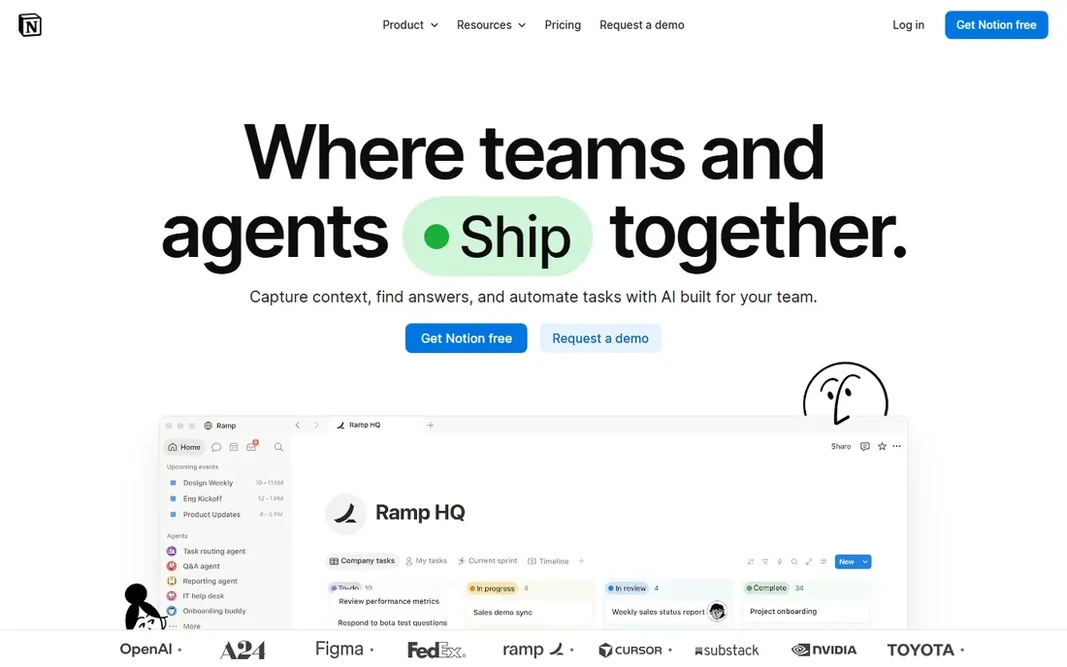
Notion was built for startups that want a wiki, docs and tracking in one. Block-based pages, synced blocks and databases hold a wiki, meeting notes, project trackers and light documentation in one place. More specifically, guests are free on every plan, and the template library means a new team can stand up a structured wiki in an afternoon. What to check first: No real help-center features like deflection analytics or versioned publishing. More specifically, use Notion for internal knowledge up to a handful of dozen people. Plan the move to a dedicated system when structure starts to rot. Full AI now needs Business at $20 per member a month, with credit-metered Custom Agents on top. The starting price for Notion: $10/member/month. A free plan is available with Notion.

Free plan: Yes

Website: notion.com

Strengths

  • Guests are free on every plan
  • Huge template ecosystem and near-zero ramp-up time

Watch out for

  • AI needs the $20 Business plan for every seat
4

Zendesk Guide

Enterprise support teams already on Zendesk
$55/agent/month (Suite Team, billed annually)

Zendesk Guide is designed for enterprise support teams already on Zendesk. The trade is pricing structure. Also, Zendesk Guide is the reference product for large support operations. It pairs a refined customer portal with the ticket system most support leaders already know: article suggestions appear inside tickets, AI answers draw from your articles, and deflection analytics present which content pulls its weight. As for the details, Copilot costs $50 per agent a month, and AI resolutions are metered at $1.50 committed or $2.00 pay-as-you-go after a small allowance. Zendesk Guide pricing: $55/agent/month. Free plan details: Free trial (14 days). Trade-offs to know: AI extras stack quick on top of seat prices.

Free plan: Free trial (14 days)

Website: zendesk.com

Strengths

  • Native tie to tickets with deflection analytics
  • Mature help center with multi-brand support and solid multilingual routing

Watch out for

  • The knowledge base is gated behind the full Suite, so small teams overpay
5

HubSpot Knowledge Base

Support teams already running HubSpot CRM
$90/seat/month (Service Hub Professional, billed yearly)

HubSpot Knowledge Base works best for support teams already running HubSpot CRM. HubSpot's knowledge base makes sense only if you are already committed to the HubSpot system. The Knowledge Gaps panel is a thoughtful detail: it spots questions your articles do not include and drafts new articles for them. In daily use, model your seat count plus expected AI resolutions before signing, and watch credit auto top-up. Do not shop this by the sticker price. What you pay to start with HubSpot Knowledge Base: $90/seat/month. HubSpot Knowledge Base offers a free plan. Honest limits: AI is metered in credits that can run out early.

Free plan: Yes

Website: hubspot.com

Strengths

  • Knowledge Gaps panel drafts articles for missing topics
  • Tied to tickets and customer records

Watch out for

  • The KB opens at $90 per seat a month plus a mandatory $1,500 onboarding fee
6

Confluence

Internal company wikis and engineering teams
$5.42/user/month (Standard, billed yearly)

Confluence works best for internal company wikis and engineering teams. The free plan for up to 10 users with unlimited pages is genuinely handy; Standard at $5.42 per user a month billed yearly layers on permissions, automation and AI credits per user. As for the details, there is no branded self-service portal, no deflection analytics and no ticket integration from day one. Where it is weaker: No customer-facing help center or self-service portal built in. For everyday use, the limitation is scope: Confluence builds internal knowledge, not customer-facing help centers. Pick Confluence when the audience is your own staff; pick a portal product when the audience is your customers. Price to start with Confluence: $5.42/user/month. Confluence includes a free tier.

Free plan: Yes

Website: atlassian.com

Strengths

  • Free plan includes 10 users with unlimited pages
  • Best-in-class live collaboration with the deepest Jira integration

Watch out for

  • Per-seat pricing layers on up quick and SSO costs additional on lower levels

FAQ

Can I use Notion or Confluence as a customer help center?

Not well. Both are designed for internal collaboration, and neither provides a branded public portal, deflection analytics or ticket integration. Some teams publish Notion pages externally with the Sites feature, but for real customer self-service, a dedicated portal product from the list above will serve readers better and provide you the analytics to boost content.

Can I try these options before paying?

Often, yes. Notion, HubSpot Knowledge Base and Confluence have a free plan and HelpDocs, Helpjuice and Zendesk Guide offer a free trial. Use your own data and a real task during the test, and check what the free tier or trial limits before you rely on it.

Do these tools publish their prices?

Yes. Every tool from HelpDocs to Confluence shows a starting price, though seats, add-ons and billing terms still change the final cost.

Which options for knowledge base software have a free plan?

Notion, HubSpot Knowledge Base and Confluence offer a free plan in this list. Free plans usually cap users, projects or features, so check the limits on the vendor page. Several others offer a trial instead.

What is the cheapest option for knowledge base software in this list?

On published monthly entry prices, Confluence is the lowest here at $5.42/user/month. Entry price is only part of the cost, because seats, add-ons and billing terms can change the total.