Education · Researched comparison

7 Top LMS Platforms Compared (2026)

TaskReports may earn a fee from some links on this page, and some placements are paid and labelled. Neither one decides the order. See our disclosure.

The short answer

If you need creators and academies wanting unlimited courses, Thinkific is the first tool to look at here. Alternatives: Teachable for solo creators and small course firms, and 360Learning for teams up to 100 wanting expert-led collaborative training. The remaining 4 options are covered below with prices and limits.

On this page

Key takeaways

  • Number one here is Thinkific, a fit for creators and academies wanting unlimited courses.
  • TalentLMS is the only tool of the 7 with a free plan.
  • One limit worth knowing about 360Learning: only the Team level publishes a price.
  • Starting prices begin at $8/user/month with 360Learning.
  • iSpring Learn is the one to check for mid-sized companies whose training content lives in PowerPoint.

Quick comparison

ToolFree planBest fitKey limitation
------------
ThinkificFree trial (30 days)Creators and academies wanting unlimited coursesCertificates and memberships need Start or higher
TeachableFree trial (7 days)Solo creators and small course companiesProduct and student caps per tier force upgrades
360LearningFree trial (30 days)Teams up to 100 wanting expert-led collaborative trainingBusiness and Enterprise are custom-quoted
TalentLMSYesSmall to midsize firms needing training live quickAdvanced AI and automation sit on higher tiers
LearnUponFree trialMid-market businesses training employees, customers and partners togetherOpaque quote-only pricing
DoceboFree trialMid-market and enterprise firms training at scaleNo published pricing
iSpring LearnFree trialMid-sized companies whose training content lives in PowerPointNot a skills-intelligence platform
★ Best overall

Thinkific

Creators and academies wanting unlimited courses

  • Unlimited courses and up to 10,000 students on every named plan
  • SCORM support and learning paths on Plus
Price$54/month (Basic); Start $109; Grow $219
See Thinkific pricing

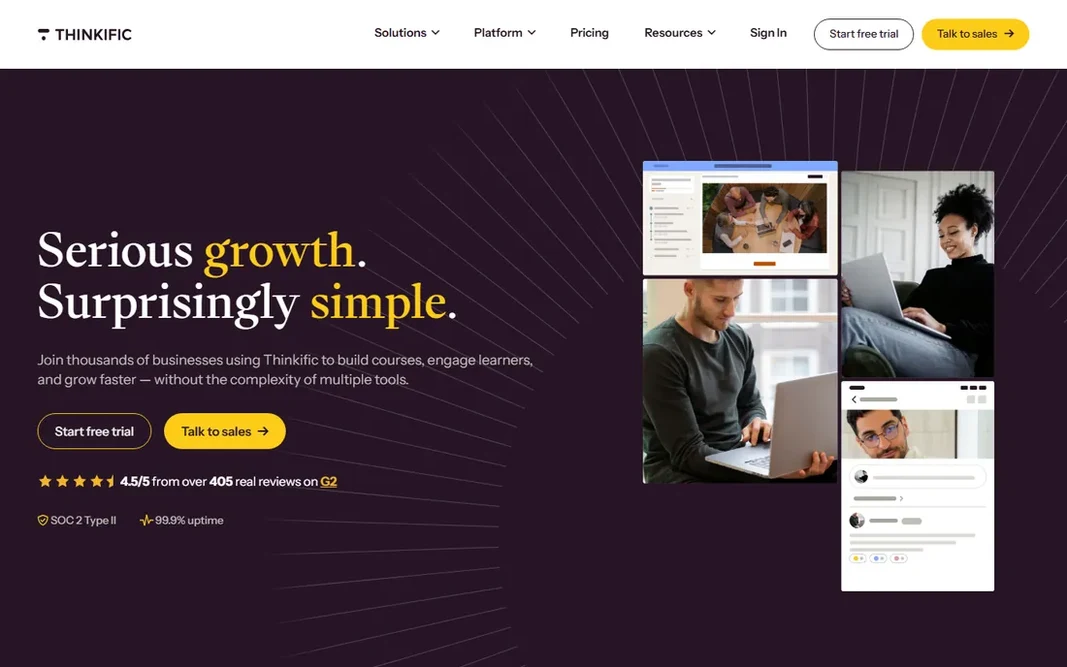
Where Thinkific fits: creators and academies wanting unlimited courses. Certificates and memberships need Start or above; the branded mobile app is a $199-a-month add-on. On top of that, for creators selling courses to their own audience with full design control, the unlimited publishing is the appeal. Drawbacks to consider: Using your own Stripe/PayPal triggers a per-sale surcharge. Beyond that, no product transaction fees when using Thinkific Payments keeps the revenue math clean. In practice, pricing is published: Entry-level $54, Start $109, Grow $219 per month (confirmed on Thinkific's own site, September 2026). The starting price for Thinkific: $54/month. Trial and free access: Free trial (30 days).

Price: $54/month (Basic); Start $109; Grow $219

Free plan: Free trial (30 days)

Website: thinkific.com

Watch out for

  • Certificates and memberships need Start or higher
2

Teachable

Solo creators and small course companies
$39/month (Starter); Builder $89; Growth $189

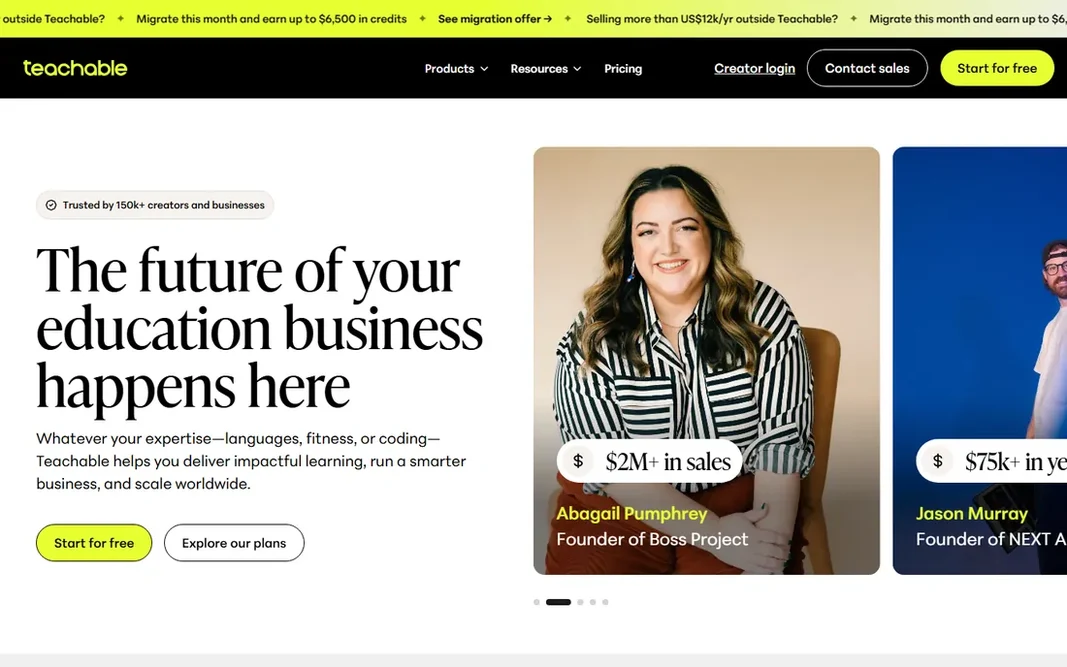
For solo creators and small course companies, Teachable is a natural candidate. Teachable is the simplest path from expertise to a sellable course. For a solo creator validating a first course, Starter is the low-risk entry. Where it falls short: Product and student caps per level force upgrades. For everyday use, for anyone with real sales volume, start at Builder. Worth adding: starter's 7.5% transaction fee means monthly sales past roughly $500 to $700 make Builder's $89 flat plan less expensive. In practice, pricing is consistent across 2026 sources citing Teachable's own page: Starter $39, Builder $89, Growth $189 per month. Teachable pricing: $39/month. Free access: Free trial (7 days).

Free plan: Free trial (7 days)

Website: teachable.com

Strengths

  • EU VAT handling built in
  • AI course-start tools accelerate creation

Watch out for

  • The 7.5% transaction fee on Starter makes the cheap plan costly at scale
3

360Learning

Teams up to 100 wanting expert-led collaborative training
$8/user/month (Team plan, up to 100 users; no minimum)

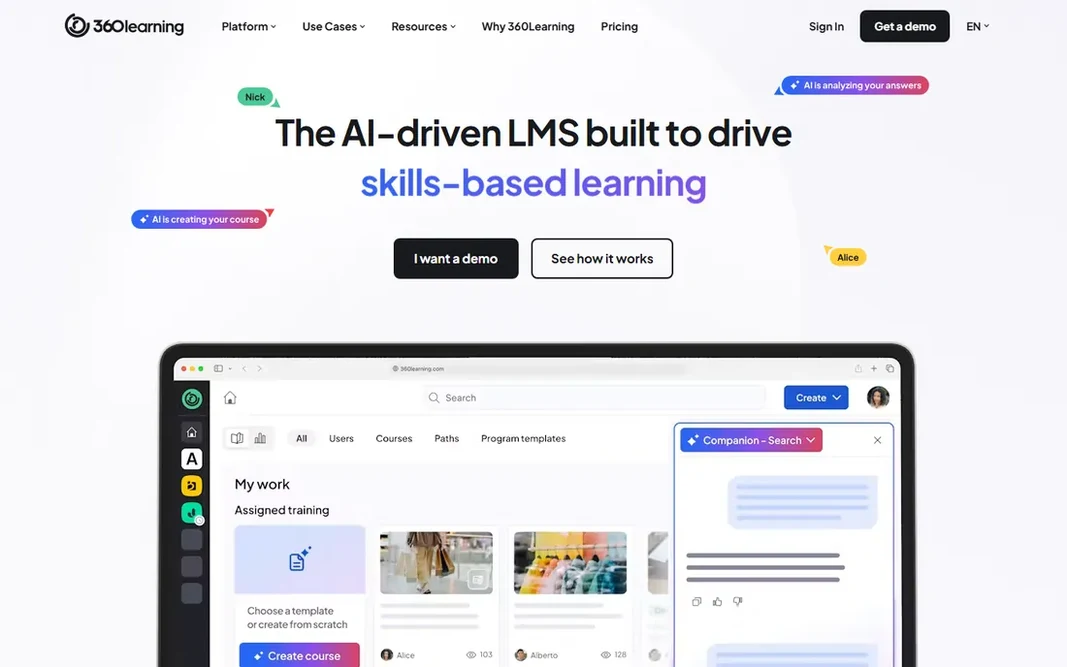
Where 360Learning fits: teams up to 100 wanting expert-led collaborative training. 360Learning inverts the usual LMS model: rather than L&D building courses top-down, subject-matter experts build them collaboratively with peer review built in. Past 100 users you enter quote territory, where SSO, security and integration requirements set the price. For everyday use, the Team plan is transparent at $8 per user per month with no minimum user count (confirmed in the vendor's own pricing FAQ). Price to start with 360Learning: $8/user/month. On free options: Free trial (30 days). Drawbacks to consider: It is a creation system; Business and Enterprise are custom-quoted.

Free plan: Free trial (30 days)

Website: 360learning.com

Strengths

  • Collaborative authoring turns subject-matter experts into course creators with peer review
  • Transparent entry price with no minimum user count

Watch out for

  • Not a pre-built content library
4

TalentLMS

Small to midsize firms needing training live quick
$119/month (Core, billed annually; $149 monthly) for 1-40 users

TalentLMS makes the most sense for small to midsize companies needing training live quick. Pricing is transparent per user band: Core $119 per month annually for up to 40 users, Grow and Pro above. For a business training up to a handful of hundred people without an L&D department, it is the most complete package at the price. Watch-outs: Advanced AI and automation sit on higher levels. Worth adding: TalentLMS is the quickest route from "we need training" to training running. In practice, setup takes days, the interface needs no dedicated administrator. The feature set (branches for departments, SSO, gamification, course e-commerce) handles what SMBs actually use. Also, watch the bands. Pricing follows registered-user counts, so inactive users can push you into a higher level. The Flex choice bills monthly-active users instead, which fits seasonal workforces. Price to start with TalentLMS: $119/month. You can start on TalentLMS without paying.

Free plan: Yes

Website: talentlms.com

Strengths

  • AI authoring and a pre-built course library add-on
  • Wide features (branches, SSO, gamification, e-commerce) at SMB prices

Watch out for

  • Per-user-band pricing forces plan jumps at headcount thresholds
5

LearnUpon

Mid-market businesses training employees, customers and partners together
See website (quote-based; third-party estimates vary widely, unverified)

LearnUpon is a good fit for mid-market firms training employees, customers and partners together. LearnUpon's multi-portal architecture is the differentiator: one account trains employees, customers and partners through separate branded portals with reporting per audience. Also, no transaction fees on sold courses keeps the e-commerce math clean, and integrations with Salesforce, HubSpot and HRIS tools link training to the systems that matter. Everything runs through sales. Third-party pricing estimates vary so widely they are useless for budgeting, implementation fees are quoted separately, and small teams may find the process heavy for their needs. Check the vendor site for LearnUpon pricing; none is listed in this comparison. Trial and free access: Free trial. Reasons to shortlist it: HubSpot and HRIS integrations. Where it is weaker: Admin overhead grows with several portals.

Free plan: Free trial

Website: learnupon.com

Strengths

  • Customers and partners from one account
  • Clean multi-portal architecture: train employees

Watch out for

  • Opaque quote-only pricing
6

Docebo

Mid-market and enterprise firms training at scale
See website (quote-based; no published pricing)

Docebo targets mid-market and enterprise businesses training at scale. Automatic content curation, personalization and skills intelligence run across employees, customers and partners at tens of thousands of learners, with 400-plus integrations into HRIS, CRM and content tools. For everyday use, implementation is a project with professional services, not an afternoon. Points against: Complicated setup usually needing dedicated admin resources. For everyday use, small teams should not be here; enterprises training at scale should start here. The commercial reality is enterprise throughout. Check the vendor site for Docebo pricing; none is listed in this comparison. Free options: Free trial.

Free plan: Free trial

Website: docebo.com

Strengths

  • Enterprise-grade AI system: content curation
  • Personalization and skills intelligence

Watch out for

  • No published pricing
7

iSpring Learn

Mid-sized companies whose training content lives in PowerPoint
See website (per-user pricing varies by volume; third-party figures conflict)

For mid-sized firms whose training content lives in PowerPoint, iSpring Learn is a natural candidate. iSpring Learn is for the company whose training already exists as slide decks. More specifically, if your content is PowerPoint and your learners are on phones, the conversion-to-delivery path is the shortest here. iSpring Learn shows no starting price here, so confirm the cost on the vendor site. Free access: Free trial. Points against: Not a skills-intelligence system.

Free plan: Free trial

Website: ispring.com

Strengths

  • Billing only for users who log in
  • Tight PowerPoint-to-course conversion with a full authoring toolkit bundled in every plan

Watch out for

  • Weaker on open-ended analytics and external learning standards

Pre-purchase checklist

  • Confirm the entry price on the vendor page. For LearnUpon, Docebo and iSpring Learn that means a quote rather than a fixed price.
  • Look at the free plan from TalentLMS closely: its caps decide whether it is usable for real work.
  • Use real work to test the free trial from Thinkific, Teachable, 360Learning and others, rather than a demo project.
  • Read the limits listed for Thinkific first: using your own Stripe/PayPal triggers a per-sale surcharge.
  • Ask iSpring Learn about contract length, onboarding fees and user minimums before you sign.
  • Ask whether Thinkific integrates with your current software, and whether that comes standard or as an add-on.

FAQ

Which options for LMS platforms have a free plan?

TalentLMS is the only tool in this list with a free plan. Free plans usually cap users, projects or features, so check the limits on the vendor page. Several others offer a trial instead.

Do these tools publish their prices?

Not all of them. LearnUpon, Docebo and iSpring Learn publish no starting price, so expect a quote request for those. The rest, Thinkific included, show a starting price, though seats and billing terms still change the final cost.

What is the cheapest option for LMS platforms in this list?

On published monthly entry prices, 360Learning is the lowest here at $8/user/month. Entry price is only part of the cost, because seats, add-ons and billing terms can change the total.

What is a LMS?

A learning management system hosts training content, enrolls learners, tracks completions and produces the records: who finished what, when, and how they scored. Creators use them to sell courses.

Can I try these options before paying?

Often, yes. TalentLMS has a free plan and Thinkific, Teachable, 360Learning and others offer a free trial. Use your own data and a real task during the test, and check what the free tier or trial limits before you rely on it.