Project Management · Researched comparison

Comparing 6 Note Taking and Task Management Apps in 2026

TaskReports may earn a fee from some links on this page, and some placements are paid and labelled. Neither one decides the order. See our disclosure.

The short answer

Any.do comes first here, mainly for straightforward family and team to-do lists. Amplenote fits notes that turn into planned days; Evernote fits capturing and searching everything. Prices, free plans and limits for all 6 tools follow.

On this page

Key takeaways

  • Any.do sits first on this list: straightforward family and team to-do lists.
  • What to know about Taskade first: the AI-builder pivot may feel unfocused for straightforward note-taking.
  • Only 5 of the 6 tools have a free plan (Any.do, Evernote, Taskade, TickTick, Notion), so check the caps.
  • The lowest published monthly entry price here is $10 per user/month, from Taskade.
  • Notion suits building a personal or team knowledge workspace.

Quick comparison

ToolStarting priceFree planMain limitIdeal for
---------------
Any.doSee websiteYesLimited note depthStraightforward family and team to-do lists
AmplenoteSee websiteFree trial (15 days)No permanent free planNotes that turn into planned days
EvernoteSee websiteYesTask management features lag behindCapturing and searching everything
Taskade$10 per user/monthYesLearning curve for advanced featuresAI-assisted team tasks and notes
TickTickSee websiteYesNote-taking is basicTasks plus calendar, habits, and focus timer
NotionSee websiteYesCan get slow in very large workspacesBuilding a personal or team knowledge workspace
★ Best overall

Any.do

Straightforward family and team to-do lists

  • Very simple to pick up
  • Family boards and shared grocery lists
PriceSee website
See Any.do pricing

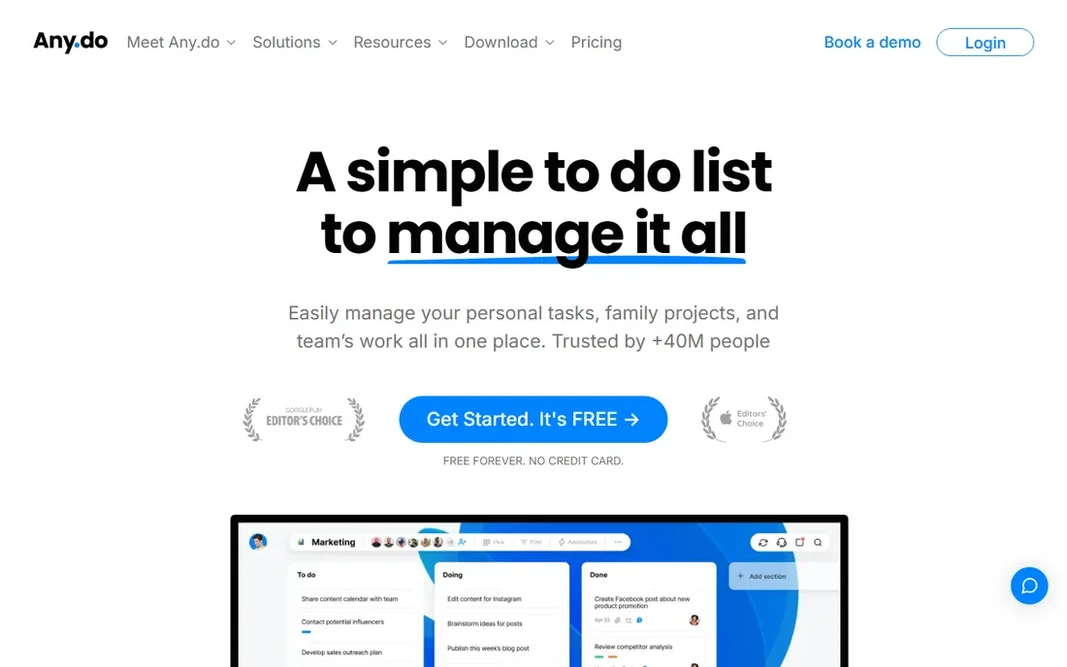
Any.do is a good fit for simple family and team to-do lists. Any.do targets households and small teams who want shared lists without learning a productivity system. Power users will outgrow Any.do rapidly, and the premium plan costs more than TickTick's for less functionality. Family boards, a shared grocery list that groups items by aisle, and task creation through WhatsApp are practical features for real families. Also, the 40 million user claim reflects a decade of mobile-first growth. This comparison lists no price for Any.do; ask the vendor. Any.do has a free plan. What to check first: Premium pricing is steep relative to features.

Price: See website

Free plan: Yes

Website: any.do

Watch out for

  • Restricted note depth
2

Amplenote

Notes that turn into planned days
See website

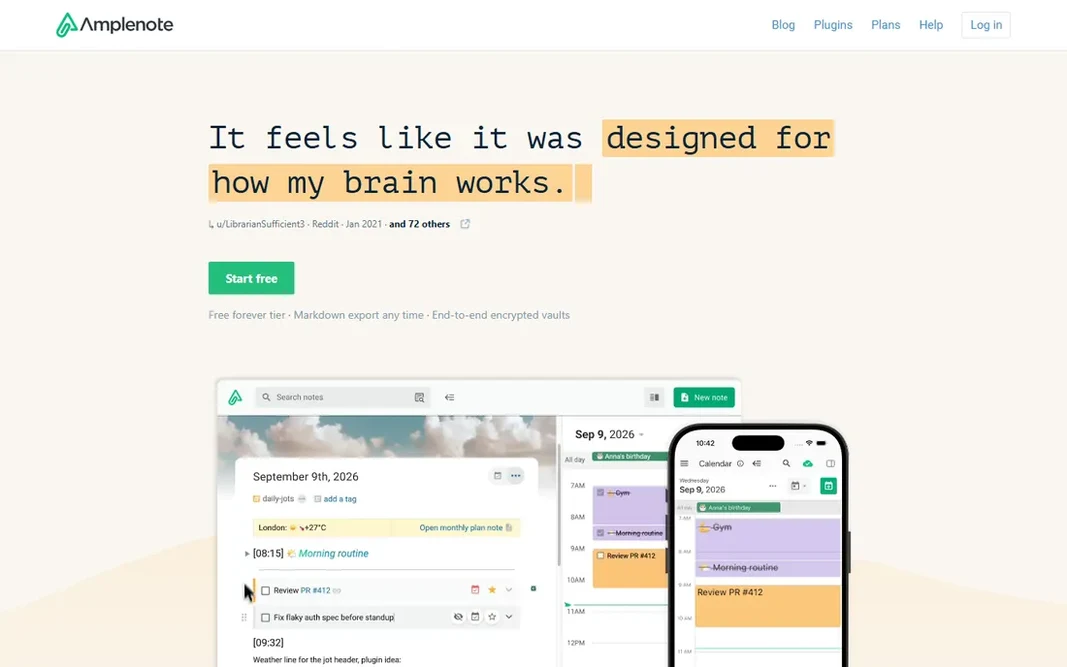
Amplenote is aimed squarely at notes that turn into planned days. The completed-task stats are unusually in-depth, and the mood tracker alongside productivity is a genuinely distinctive feature for people who want to understand their energy patterns. Importers from Evernote, Obsidian, Notion, and Markdown make switching in painless, which lowers the risk of trying it. Downsides: No permanent free plan. Main advantages: Imports from Evernote, Obsidian, Notion, Markdown. The honest catch is maturity. Amplenote is a smaller product than Notion or Evernote, and its free level is only a trial. No starting price is listed for Amplenote here; confirm pricing on the vendor site. On free options: Free trial (15 days).

Free plan: Free trial (15 days)

Website: amplenote.com

Strengths

  • Thought-to-plan workflow with quarterly goals
  • Detailed completion stats

Watch out for

  • Smaller team and community than the giants
3

Evernote

Capturing and searching everything
See website

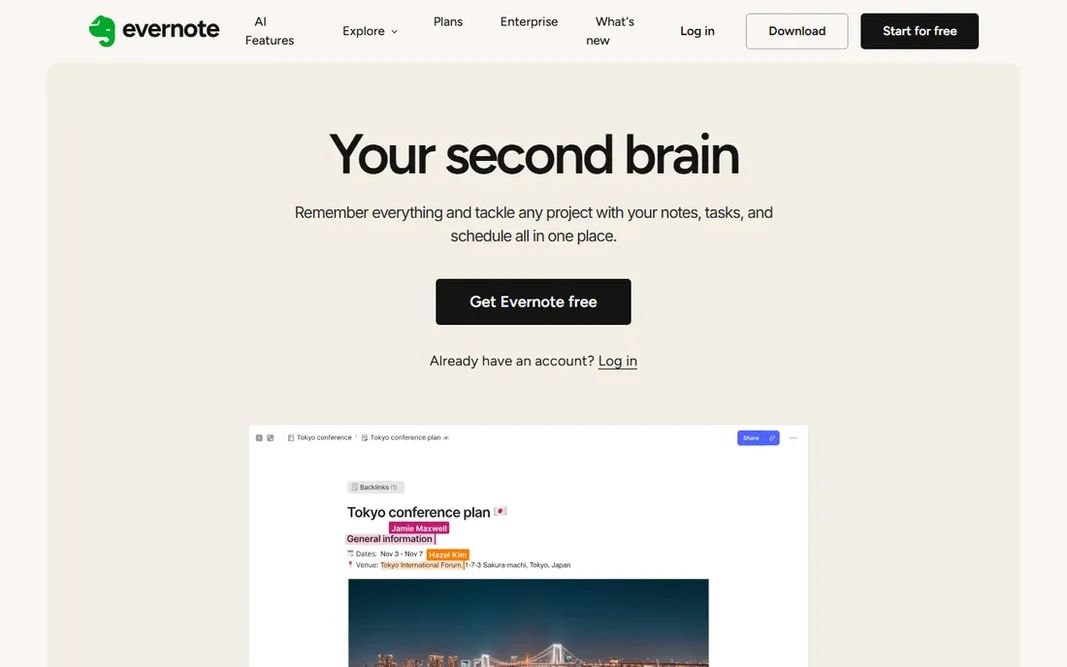
Evernote works best for capturing and searching everything. If your workflow is collect first and organize later, few apps deal with the chaos as well. Beyond that, Evernote suits note-heavy people who require light tasks, not task-driven people who require light notes. Evernote does not show a starting price in this comparison, so check the vendor site for current pricing. A free plan is available with Evernote. Where it falls short: Pricing history has pushed numerous users away.

Free plan: Yes

Website: evernote.com

Strengths

  • Feature-rich search even inside PDFs
  • Long track record

Watch out for

  • Task management features lag behind
4

Taskade

AI-assisted team tasks and notes
$10 per user/month (billed yearly)

Choose Taskade for AI-assisted team tasks and notes. The honest catch is that Taskade now pitches itself as an AI system first, which can feel like overkill if you just want notes and to-dos. Underneath the AI marketing, the core is still solid: structured documents that work as notes, task lists, kanban boards, and mind maps, with live collaboration. Downsides: The AI-builder pivot may feel unfocused for straightforward note-taking. Taskade has grown from a straightforward task-and-notes app into an AI workspace with agents, automations, and an app builder. The free plan is usable, and Pro costs $10 per user a month when billed yearly. The starting price for Taskade: $10 per user/month. Taskade has a free plan.

Free plan: Yes

Website: taskade.com

Strengths

  • Free plan is genuinely usable
  • Notes, tasks

Watch out for

  • Ramp-up time for advanced features
5

TickTick

Tasks plus calendar, habits, and focus timer
See website

Where TickTick fits: tasks plus calendar, habits, and focus timer. TickTick is what you get when a to-do list absorbs a calendar, a Pomodoro timer, and a habit tracker. Honest limits: Note-taking is entry-level. Turn off the features you do not use or the app feels crowded. More specifically, the honest catch is depth of notes. TickTick shows no starting price here, so confirm the cost on the vendor site. You can start on TickTick without paying.

Free plan: Yes

Website: ticktick.com

Strengths

  • Pomodoro timer
  • Very good mobile widgets

Watch out for

  • Interface can feel busy with everything enabled
6

Notion

Building a personal or team knowledge workspace
See website

Notion targets building a personal or team knowledge workspace. Reminders, recurring tasks, and fast capture are serviceable but not best in class. Notion does not show a starting price in this comparison, so check the vendor site for current pricing. You can start on Notion without paying. Downsides: Task reminders are weaker than dedicated to-do apps.

Free plan: Yes

Website: notion.so

Strengths

  • One workspace for notes, tasks, wikis, databases
  • AI that answers questions with citations

Watch out for

  • Can get slow in very large workspaces

FAQ

What is the cheapest option for note taking and task management app in this list?

On published monthly entry prices, Taskade is the lowest here at $10 per user/month. Entry price is only part of the cost, because seats, add-ons and billing terms can change the total.

Which app is best for combining Notion with a task manager?

For most readers this guide would start with Any.do, built for straightforward family and team to-do lists. Amplenote is the alternative for notes that turn into planned days, and Evernote for capturing and searching everything. The right answer depends on budget and workflow.

Can I try these tools before paying?

Often, yes. Any.do, Evernote, Taskade and others have a free plan and Amplenote offers a free trial. Use your own data and a real task during the test, and check what the free tier or trial limits before you rely on it.

How are the tools for note taking and task management app ordered?

The order follows typical fit for note taking and task management app, with Any.do first and Notion last, then price clarity and free access. It is editorial judgement, not a score, so another team could rank the tools differently.

What is the difference between Notion and Evernote?

Notion is an adaptable workspace where notes, tasks, and databases link together; it is aimed at structuring information. Evernote is a capture-first app optimized for collecting and searching content. Pick Notion to organize, Evernote to collect.

Is Any.do the right pick for everyone comparing note taking and task management app?

No single tool suits every team. Any.do comes first because it fits simple family and team to-do lists, while Amplenote suits notes that turn into planned days and Evernote suits capturing and searching everything. Match the tool to your own size, budget and workflow before deciding.