Project Management · Researched comparison

Best Online Meeting Platforms in 2026: 6 Tools Compared

TaskReports may earn a fee from some links on this page, and some placements are paid and labelled. Neither one decides the order. See our disclosure.

The short answer

For organizations standardized on Microsoft 365, Microsoft Teams is where this list starts. For a different need, Whereby covers browser-based meetings with no downloads and Zoom covers teams that want the universal default. All 6 tools are compared below on price, free plan and limits.

On this page

Key takeaways

  • Microsoft Teams is the opening pick, best for organizations standardized on Microsoft 365.
  • Google Meet suits businesses on Google Workspace.
  • No starting price is published for Microsoft Teams, Whereby, Zoom and others; expect a quote.
  • Free plans are common here: 6 of 6 tools have one, including Microsoft Teams, Whereby, Zoom and Jitsi.
  • A fair warning about Microsoft Teams: can feel heavy for simple meetings.

Quick comparison

ToolSuited toFree tierWatch out for
------------
Microsoft TeamsOrganizations standardized on Microsoft 365YesCan feel heavy for simple meetings
WherebyBrowser-based meetings with no downloadsYesLess suited to very large events
ZoomTeams that want the universal defaultYesFree plan limits group meetings
JitsiAnyone who wants free video conferencingYesFeatures depend on community development
Zoho MeetingCost-conscious teams in the Zoho worldYesAdvanced features trail the leaders
Google MeetBusinesses on Google WorkspaceYesFewer webinar features than Zoom
★ Best overall

Microsoft Teams

Organizations standardized on Microsoft 365

  • Meetings, chat
  • Capable enterprise admin controls

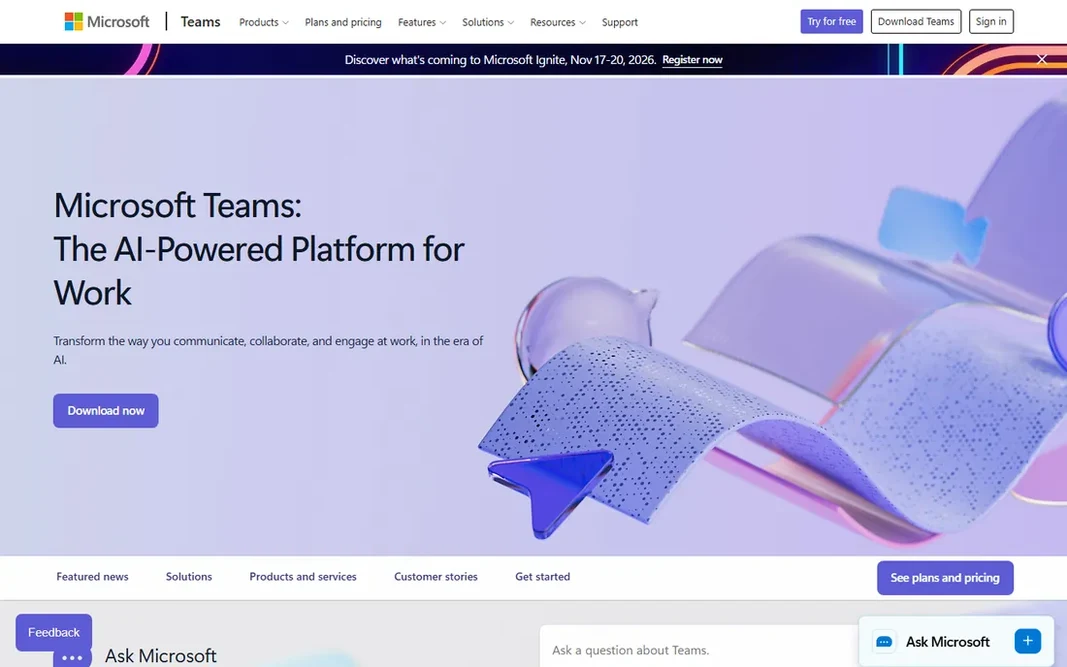
Where Microsoft Teams fits: organizations standardized on Microsoft 365. The main limit is weight. Organizations not already on Microsoft 365 get less value. But if your company runs on Outlook and Office, Teams is the natural center of collaboration. Also, Microsoft Teams is the meeting product for the Microsoft 365 world. In practice, the enterprise story is solid: compliance, retention policies, and admin controls that IT departments trust. This comparison lists no price for Microsoft Teams; ask the vendor. Free access exists with Microsoft Teams. Points against: Best value only inside the Microsoft ecosystem.

Price: See website

Free plan: Yes

Website: microsoft.com/en-us/microsoft-teams/group-chat-software

Watch out for

  • Can feel heavy for straightforward meetings
2

Whereby

Browser-based meetings with no downloads
See website

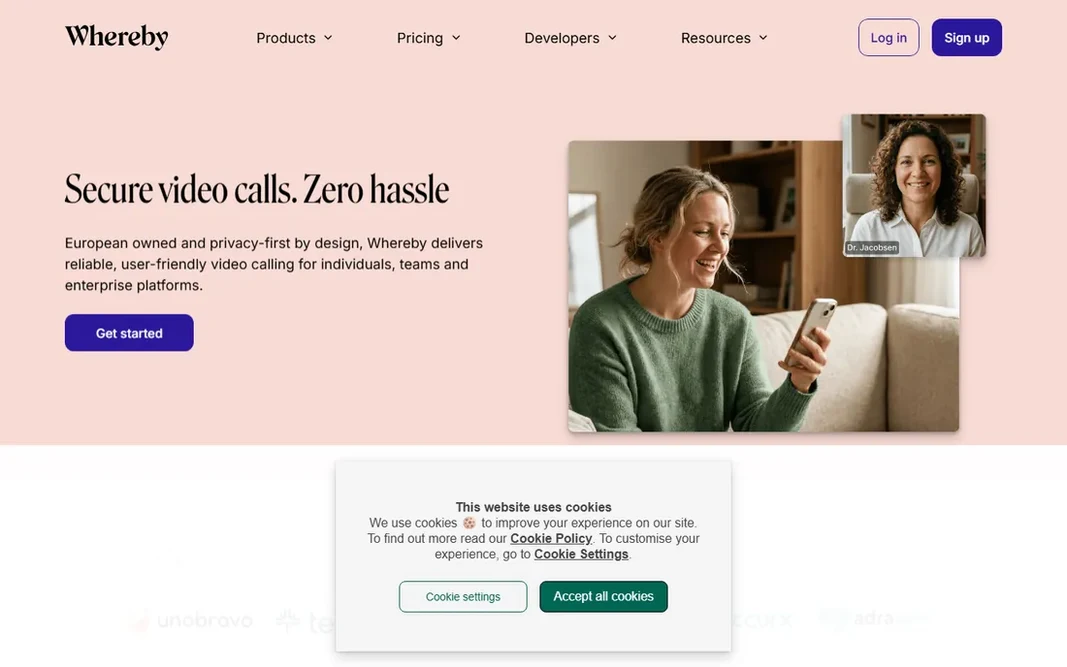
Whereby is built with browser-based meetings with no downloads in mind. Whereby's entire philosophy is removing friction. From a buyer's view, the company is built in Europe with GDPR and HIPAA compliance and ISO 27001 certification, which appeals to privacy-conscious organizations. Its feature set is deliberately focused. As for the details, meetings run entirely in the browser with no downloads, and permanent room links mean your meeting URL never changes. Worth adding: for use cases like telehealth, tutoring, or customer support, where guests join once and should never install anything, that simplicity is decisive. No starting price is listed for Whereby here; confirm pricing on the vendor site. Whereby offers a free plan. Limits to weigh: Smaller feature set than the giants.

Free plan: Yes

Website: whereby.com

Strengths

  • Runs entirely in the browser
  • GDPR and HIPAA compliant with ISO 27001 certification

Watch out for

  • Less suited to very large events
3

Zoom

Teams that want the universal default
See website

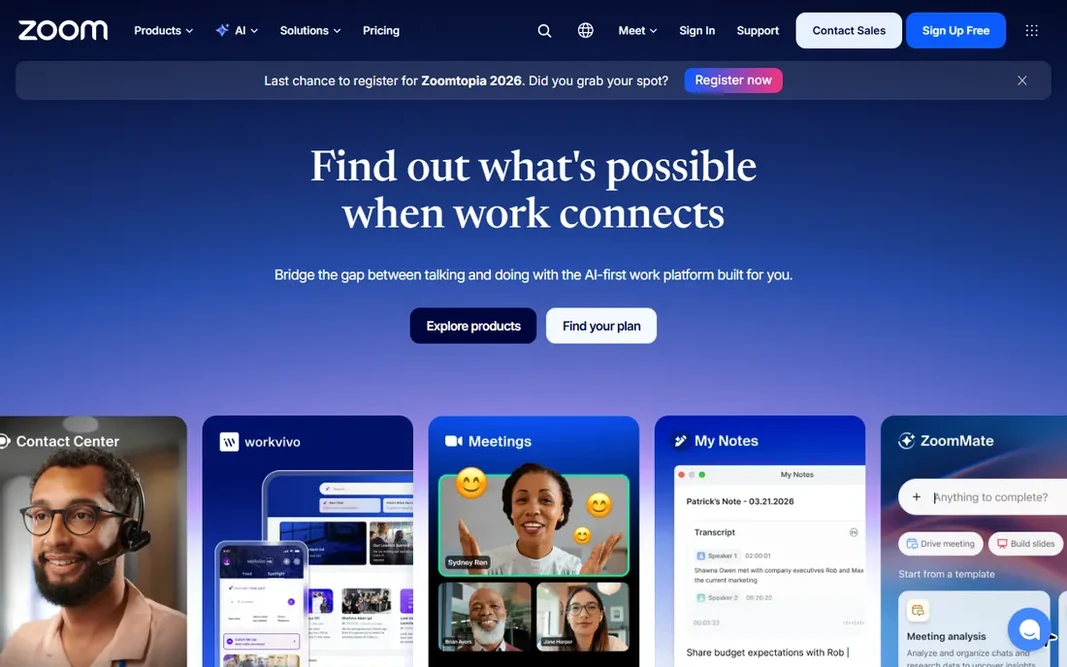
Zoom is a good fit for teams that want the universal default. Zoom became the generic word for video meetings for a reason. The free plan caps group meetings, and the features that matter most to firms, longer meetings, cloud recording, webinars, live in premium levels with extras that stack up. Drawbacks to consider: Pricing layers on up with extras. But as the safe default, Zoom still sets the standard. In daily use, the system has grown well beyond meetings into Zoom Workplace: chat, phone, whiteboard, and contact center. Also, AI features now capture notes, summarize discussions, and extract action items automatically. That breadth makes Zoom a genuine collaboration hub instead of just a call tool. This comparison lists no price for Zoom; ask the vendor. Zoom offers a free plan.

Free plan: Yes

Website: zoom.us

Strengths

  • AI companion for summaries and action items
  • Everyone already knows how to use it

Watch out for

  • Free plan limits group meetings
4

Jitsi

Anyone who wants free video conferencing
Free

Jitsi is built with anyone who wants free video conferencing in mind. Jitsi is the open-source answer to video conferencing, and it is fully free. Worth adding: privacy-conscious teams appreciate that there is no vendor tracking them, and developers can extend or embed Jitsi freely. The honest catch is support and polish. The free public service includes no SLA, and recent changes have added limits to public meetings. Anyone can start a meeting in the browser with no account. The software can be self-hosted for organizations that want full control over their data. That combination is unmatched: no other tool here gives you this much for zero cost. Jitsi pricing: Free. Jitsi offers a free plan. What Jitsi does well: No account needed to join. The main drawbacks: No official support on the free service.

Free plan: Yes

Website: jitsi.org

Strengths

  • Fully free and open source
  • Self-hosting choice for full control

Watch out for

  • Features rely on community development
5

Zoho Meeting

Cost-conscious teams in the Zoho world
See website

Where Zoho Meeting fits: cost-conscious teams in the Zoho world. The free plan lets meetings up to 60 minutes with 100 participants, including screen sharing and recording, which spans numerous small teams entirely. For internal teams and Zoho shops watching their budget, it is hard to beat on value. Trade-offs to know: Advanced features trail the leaders. On top of that, AI-generated transcriptions and session keynotes add modern touches, and security comes with meeting locks, moderator controls, and encrypted streams. From a buyer's view, premium plans start at prices well below the big names, making it one of the cheapest ways to get unlimited professional meetings. Zoho Meeting does not show a starting price in this comparison, so check the vendor site for current pricing. Zoho Meeting includes a free tier.

Free plan: Yes

Website: zoho.com/meeting

Strengths

  • Very low-cost premium plans
  • Links up with the full Zoho suite

Watch out for

  • Brand is less familiar to external guests
6

Google Meet

Businesses on Google Workspace
See website

Choose Google Meet for firms on Google Workspace. Google Meet wins on simplicity. Beyond that, anyone with a Google Account can create a meeting with up to 100 participants for up to 60 minutes at no cost, and one-on-one calls have no time limit. In daily use, scheduling, recording, and admin controls live inside the same ecosystem as Gmail, Drive, and Calendar, and external guests can join without a Google Account once invited. Google Meet shows no starting price here, so confirm the cost on the vendor site. Google Meet has a free plan. Drawbacks to consider: Fewer webinar features than Zoom.

Free plan: Yes

Website: meet.google.com

Strengths

  • Tight integration with Gmail and Calendar
  • No downloads needed

Watch out for

  • Free meetings restricted to 60 minutes and 100 participants

FAQ

Do I need to install software to join a video meeting?

Not always. Google Meet, Whereby, and Jitsi run entirely in the browser, and Zoom and Teams offer browser joining as well. For the best experience with advanced features like virtual backgrounds, the desktop apps still help, but guests can normally join with nothing installed.

Do these tools publish their prices?

Not all of them. Microsoft Teams, Whereby, Zoom and others publish no starting price, so expect a quote request for those. The rest, Jitsi included, show a starting price, though seats and billing terms still change the final cost.

Can I try these options before paying?

Often, yes. Microsoft Teams, Whereby, Zoom and others have a free plan. Use your own data and a real task during the test, and check what the free tier or trial limits before you rely on it.

Is Microsoft Teams the right pick for everyone comparing online meeting platforms?

No single tool suits every team. Microsoft Teams comes first because it fits organizations standardized on Microsoft 365, while Whereby suits browser-based meetings with no downloads and Zoom suits teams that want the universal default. Match the tool to your own size, budget and workflow before deciding.

What is the best online meeting product overall?

Start with Microsoft Teams if you need organizations standardized on Microsoft 365. Whereby is the better match for browser-based meetings with no downloads, and Zoom for teams that want the universal default. The best choice depends on budget, team size and workflow.

Is Zoom or Microsoft Teams better for business?

Teams is the better choice if your company already uses Microsoft 365, since meetings, chat, and Office apps work together and the cost is bundled. Zoom is the better choice for external meetings and webinars, since guests join more easily and its event features are more solid.