Project Management · Researched comparison

How to Pick Online Service for Signing PDFs: 6 Tools Compared

TaskReports may earn a fee from some links on this page, and some placements are paid and labelled. Neither one decides the order. See our disclosure.

The short answer

If you need straightforward team signing, Dropbox Sign is the first tool to look at here. For a different need, Adobe Acrobat Sign covers PDF-heavy workflows and PandaDoc covers proposals that end in a signature. Details, prices and limits for the rest of the 6 tools are below.

On this page

Key takeaways

  • This list starts with Dropbox Sign, which is built for simple team signing.
  • A fair warning about Dropbox Sign: fewer advanced workflow tools than DocuSign.
  • The lowest published monthly entry price here is $8 per month, from SignNow.
  • Only PandaDoc offers a free plan among these 6 tools.
  • DocuSign is the one to check for widely recognised signing.

Quick comparison

ToolEntry priceFree tierDomain
------------
Dropbox Sign$15 per monthFree trialdropbox.com
Adobe Acrobat SignSee websiteNoadobe.com
PandaDoc$19 per monthYespandadoc.com
Signeasy$10 per monthFree trialsigneasy.com
SignNow$8 per monthFree trialsignnow.com
DocuSign$11 per monthFree trialdocusign.com
★ Best overall

Dropbox Sign

Straightforward team signing

  • Simple Dropbox storage link
  • Clean and quick signing flow
Price$15 a month
See Dropbox Sign pricing

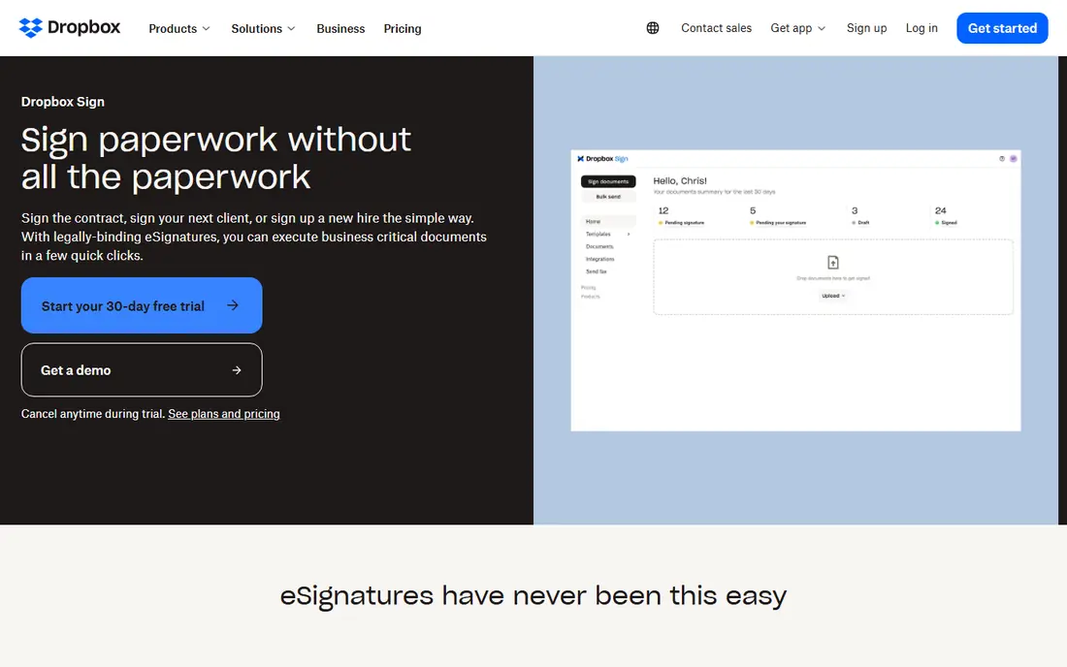
Think of Dropbox Sign for straightforward team signing. Dropbox Sign keeps the sending process short. Upload a PDF, add signers and fields, send it, and track the result from a straightforward dashboard. Watch-outs: Fewer advanced workflow tools than DocuSign. Beyond that, the trade-off is depth. If you need complicated multi-stage approvals, compare the higher tiers carefully. In practice, templates help repeat work, for example standard client agreements or consent forms, stay consistent. The starting price for Dropbox Sign: $15 per month. Trial and free access: Free trial.

Price: $15 a month

Free plan: Free trial

Website: dropbox.com/sign

Watch out for

  • Premium plans needed for regular sending
2

Adobe Acrobat Sign

PDF-heavy workflows
See website

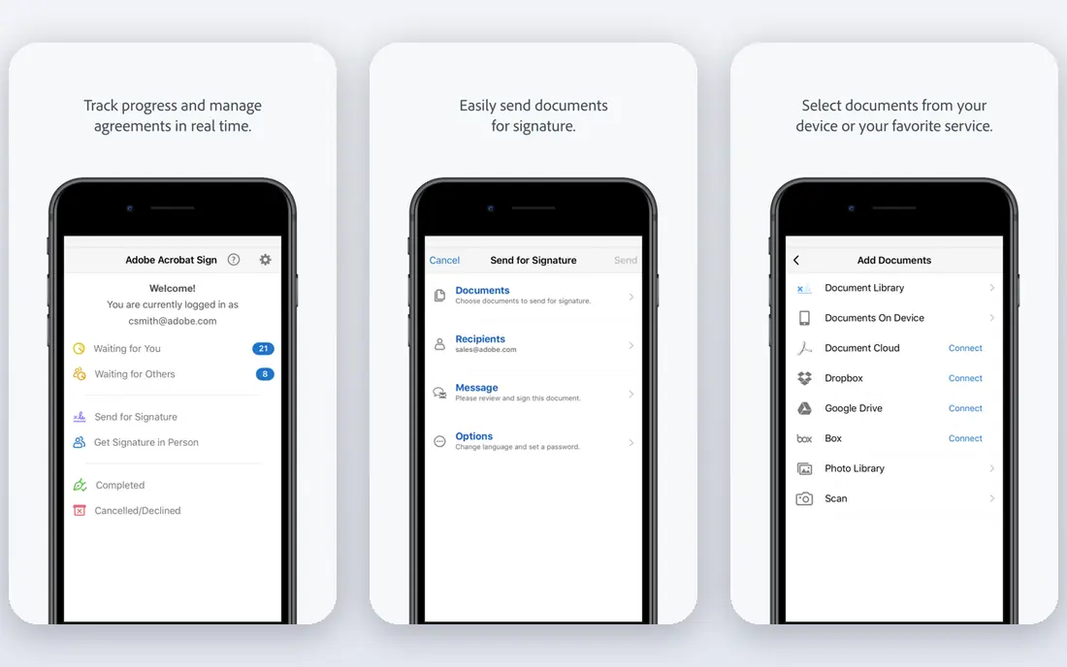
Adobe Acrobat Sign is a good fit for PDF-heavy workflows. You can prepare a document, place signature fields, send it for signature and store the completed version without moving between unrelated tools. Teams that already pay for Acrobat commonly get signing included, which makes the added cost simple to justify. What to check first: Transaction limits apply on some plans. Acrobat Sign is a decent pick for PDF-centred teams. A weaker pick for a sender who only needs a straightforward signature tool and nothing else. Pricing and transaction allowances vary by plan, so you should confirm the current limits before you commit to a yearly contract. As for the details, as a standalone purchase, the value is less clear-cut. Pricing for Adobe Acrobat Sign is not stated here, so ask the vendor for current figures. Adobe Acrobat Sign has no permanent free option.

Free plan: No

Website: adobe.com

Strengths

  • Solid compliance features
  • Familiar Adobe workflow

Watch out for

  • Standalone pricing can be confusing
3

PandaDoc

Proposals that end in a signature
$19 per month

PandaDoc is a good fit for proposals that end in a signature. PandaDoc is best viewed as a document tool that comes with signing, instead of a signing tool alone. Worth adding: for proposal-led work, though, the combination of drafting, sending and signing in one place is a genuine time saver. For everyday use, for a person who only signs a handful of PDFs per month, PandaDoc may feel bigger than necessary. As for the details, sales teams can build a proposal, add pricing tables, send it for approval and collect a signature in the same document. What you pay to start with PandaDoc: $19 per month. PandaDoc offers a free plan. The main drawbacks: Pricing rises with seats.

Free plan: Yes

Website: pandadoc.com

Strengths

  • Proposal and quote building built in
  • Useful document analytics

Watch out for

  • More tool than a pure signature sender needs
4

Signeasy

Solo users and small teams
$10 a month

For solo users and small teams, Signeasy is a natural candidate. For most small companies, that gap will not matter. Mobile signing is a strength here, including in-person signing when you meet a client face to face. Trade-offs to know: Smaller integration library. In practice, Signeasy does not match the largest products on enterprise controls or on the sheer number of external connections. In practice, the compromise is scale and integrations. Signeasy cost at the entry level: $10 per month. Free plan details: Free trial.

Free plan: Free trial

Website: signeasy.com

Strengths

  • Unlimited documents on entry premium plan
  • Clear pricing

Watch out for

  • Fewer enterprise controls than DocuSign
5

SignNow

Budget-conscious small teams
$8 a month

SignNow serves budget-conscious small teams. SignNow has long been the value pick in this category, and its entry price remains hard to beat for small teams. You get templates, audit trails, reminders and mobile signing without paying a premium brand price. For everyday use, for teams that send steadily and want predictable costs, SignNow deserves a close look before you default to the best-known name. More specifically, the interface is functional instead of refined, and a handful of advanced features sit behind higher levels. Beyond that, business plans that allow unlimited users can also change the maths for a team that would otherwise pay per seat at a rival. On cost, SignNow starts like this: $8 per month. Free plan details: Free trial. The main drawbacks: Some advanced features need higher plans.

Free plan: Free trial

Website: signnow.com

Strengths

  • Low entry price
  • Unlimited users on some business plans

Watch out for

  • Interface feels less refined than DocuSign
6

DocuSign

Widely recognised signing
$11 a month

Think of DocuSign for widely recognised signing. DocuSign is the name most recipients already know, and that familiarity has real value when you send an agreement to a new client. For businesses that send contracts every week, that consistency can cut questions and delays. On top of that, personal plans allow a small number of sends a month, and Standard and Business Pro plans contain 100 envelopes per user a year on the annual plans described in current pricing guides. Beyond that, if you send more than that, overage charges apply, so a low monthly price can turn into a higher annual bill. Entry price for DocuSign: $11 per month. As for free access: Free trial. What to check first: Cost rises rapidly for teams.

Free plan: Free trial

Website: docusign.com

Strengths

  • In-depth audit trails
  • Widely recognised by recipients

Watch out for

  • Envelope limits on standard plans

FAQ

How are the online service for signing PDFs ordered?

The order follows typical fit for online service for signing PDFs, with Dropbox Sign first and DocuSign last, then price clarity and free access. It is editorial judgement, not a score, so another team could rank the tools differently.

Is Dropbox Sign the right pick for everyone comparing online service for signing PDFs?

No single tool suits every team. Dropbox Sign comes first because it fits simple team signing, while Adobe Acrobat Sign suits PDF-heavy workflows and PandaDoc suits proposals that end in a signature. Match the tool to your own size, budget and workflow before deciding.

Are online PDF signatures legally valid?

Some documents have special rules, so check requirements for wills, certain real estate papers and court filings. When in doubt, ask a lawyer about the specific document type.

Do these tools publish their prices?

Not all of them. Adobe Acrobat Sign publishes no starting price, so expect a quote request for it. The rest, Dropbox Sign included, show a starting price, though seats and billing terms still change the final cost.

Which online service for signing PDFs have a free plan?

PandaDoc is the only tool in this list with a free plan. Free plans usually cap users, projects or features, so check the limits on the vendor page. Several others offer a trial instead.