IT and Security · Researched comparison

8 Parental Control Software, Compared by Cost and Features

TaskReports may earn a fee from some links on this page, and some placements are paid and labelled. Neither one decides the order. See our disclosure.

The short answer

For a solid free level for entry-level filtering, Kaspersky Safe Kids is where this list starts. Norton Family is the stronger choice for budget controls for Windows and Android homes, while Qustodio suits in-depth activity reports on every device. Prices, free plans and limits for all 8 tools follow.

On this page

Key takeaways

  • Kaspersky Safe Kids sits first on this list: a solid free level for entry-level filtering.
  • Mobicip is the lowest-priced starter here at $2.99/month.
  • FamilyTime fits location tracking on a tight budget.
  • 3 of 8 tools offer a free plan: Kaspersky Safe Kids, Qustodio, Google Family Link.
  • What to know about Norton Family first: no support for child devices on macOS.

Quick comparison

ToolSuited toFree optionKey limitation
------------
Kaspersky Safe KidsA solid free level for entry-level filteringYesCannot be purchased in the US
Norton FamilyBudget controls for Windows and Android homesFree trial (30 days)No social media message monitoring
QustodioIn-depth activity reports on every deviceYesSocial monitoring is Android-heavy
Net NannyLive web content filteringNoNo Android support
MobicipBudget-friendly filtering for mixed-device familiesFree trial (7 days)No live screen viewing or remote camera
BarkMonitoring teens' texts and social mediaFree trial (7 days)Officially available in only a few countries
Google Family LinkFree controls for Android familiesYesThin supervision on iPhones
FamilyTimeLocation tracking on a tight budgetFree trial (3 days)Short 3-day trial
★ Best overall

Kaspersky Safe Kids

A solid free level for entry-level filtering

  • Ample free level with no device limit
  • AV-TEST approved for parental control seven years running

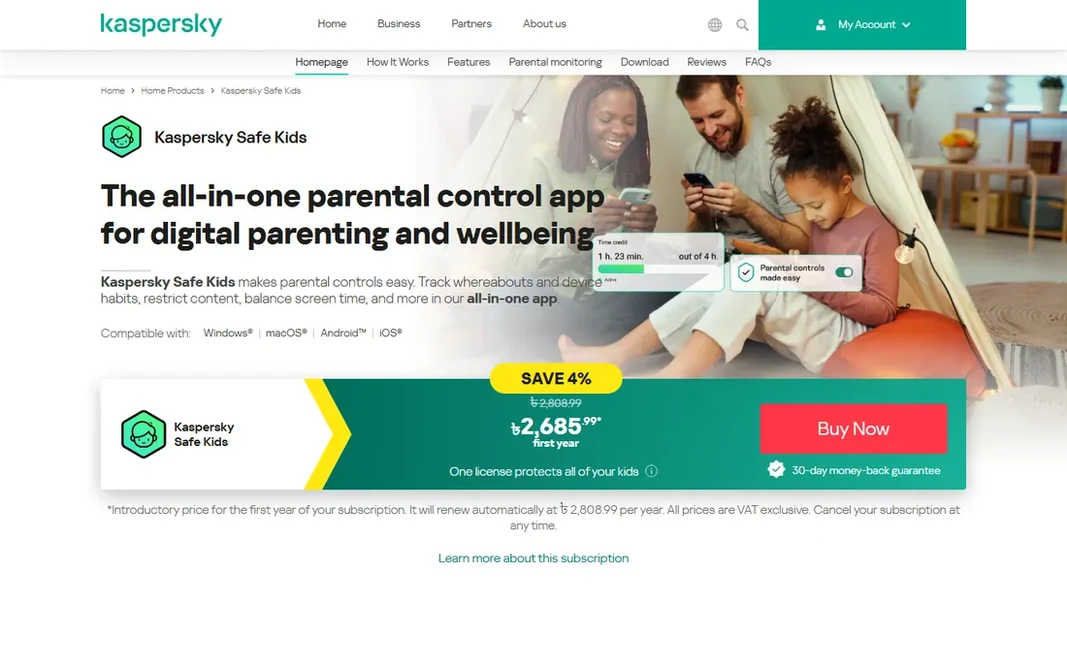
Kaspersky Safe Kids targets a capable free level for entry-level filtering. More importantly, Kaspersky products cannot currently be purchased in the US because of a government ban. Pricing varies by region, so check the Kaspersky site for your country. Limits to weigh: Cannot be purchased in the US. Also, Apple's restrictions blunt the iOS version: web filtering only applies inside the Safe Kids browser. You cannot block apps on iPhones as you can on Android. Kaspersky Safe Kids does not show a starting price in this comparison, so check the vendor site for current pricing. A free plan is available with Kaspersky Safe Kids.

Price: See website

Free plan: Yes

Website: kaspersky.com/safe-kids

Watch out for

  • IOS filtering only works inside the Safe Kids browser
2

Norton Family

Budget controls for Windows and Android homes
$49.99/year

Where Norton Family fits: budget controls for Windows and Android homes. For Windows PCs and Android phones, Norton Family is one of the best values in the category. The trade-offs are plain: no support for children's Macs, no social media message monitoring, and text and call supervision on Android has been discontinued. From a buyer's view, a single $49.99 annual plan includes unlimited devices and contains web filtering across dozens of content categories, screen time scheduling with instant lock, location tracking with geofencing, YouTube supervision and search supervision that displays what kids look up. Also, if you already subscribe to Norton 360 Deluxe or higher, check your account first, since parental controls may already be included. Starting cost for Norton Family: $49.99/year. Trial and free access: Free trial (30 days). Limits to weigh: No support for child devices on macOS.

Free plan: Free trial (30 days)

Website: us.norton.com

Strengths

  • One flat price with unlimited devices
  • 60-day money-back guarantee

Watch out for

  • No social media message monitoring
3

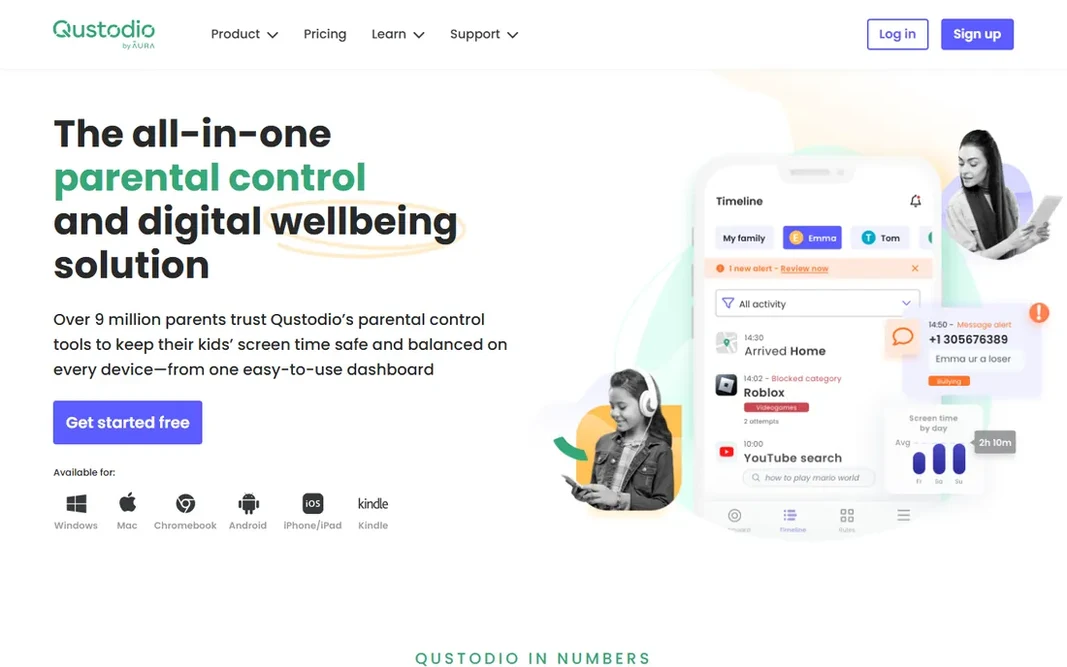
Qustodio

In-depth activity reports on every device
$59.95/year (Basic, up to 5 devices)

Qustodio was built for in-depth activity reports on every device. The dashboard breaks down each child's activity app by app and site by site, with daily and weekly reports sent to your inbox. Beyond that, setup runs about 15 minutes per device. The free plan comes with web filtering, time limits and location on a single device, which is more than most rivals provide away. Qustodio is the choice for parents who want to see everything. Price to start with Qustodio: $59.95/year. You can start on Qustodio without paying. Where it falls short: Social monitoring is Android-heavy. What users get: Ample free plan includes one device.

Free plan: Yes

Website: qustodio.com

Strengths

  • IOS and Kindle
  • Most in-depth activity dashboard in the category

Watch out for

  • Calls and messages on iOS need a Windows or Mac computer
4

Net Nanny

Live web content filtering
$39.99/year (1 desktop)

In short, Net Nanny is for live web content filtering. There is no free level, so the money-back window is your only trial. More specifically, the main limit is coverage. Net Nanny currently does not support Android at all. Its macOS support ends at older system versions, so verify compatibility with your kids' actual devices before paying. Pricing is annual and scales with device count: $39.99 per year for a single Windows or Mac desktop, $54.99 for the five-device Family Protection Pass, and $89.99 for 20 devices. More specifically, instead of working from a fixed blocklist, its dynamic filter examines each page in live and lets you set content categories to allow, warn or block. On cost, Net Nanny starts like this: $39.99/year. Net Nanny has no free tier. Watch-outs: MacOS support stops at older versions.

Free plan: No

Website: netnanny.com

Strengths

  • Family Feed hands a live view of searches and app use
  • Trusted brand since 1996

Watch out for

  • No Android support
5

Mobicip

Budget-friendly filtering for mixed-device families
$2.99/month (billed yearly, Lite)

Choose Mobicip for low-cost filtering for mixed-device families. All plans bundle app and website blocking, screen time limits, schedules, family locator and activity reports. Where it shines: Cheapest entry price among premium choices. It is a filtering and scheduling tool first, not a deep message monitor. Mobicip pricing: $2.99/month. Free plan details: Free trial (7 days). Drawbacks to consider: No live screen viewing or remote camera.

Free plan: Free trial (7 days)

Website: mobicip.com

Strengths

  • Chromebook and Kindle
  • Includes iOS, Android, Windows, Mac

Watch out for

  • Social monitoring includes only a handful of systems
6

Bark

Monitoring teens' texts and social media
$14/month or $99/year (Premium)

Where Bark fits: monitoring teens' texts and social media. Bark Jr at $5 per month or $49 per year manages screen time, web filtering and location. In practice, premium at $14 per month or $99 per year adds the full monitoring suite. One subscription includes every kid and every device in the house. From a buyer's view, the catch: getting the most out of Bark on iPhones means adding the Bark Sync charger accessory at $6 per month or $49 per year, and the app is officially available only in the US, South Africa, Australia and Guam. More specifically, Bark takes the opposite approach from Qustodio: rather than showing you every message, it scans texts, email, YouTube and 30+ social apps for signs of bullying, predators, depression or drug references, then alerts you only when something looks wrong. Bark starts at: $14/month or $99/year. Trial and free access: Free trial (7 days). What Bark does well: AI scans 30+ apps and surfaces only flagged concerns. What to check first: Officially available in only a few countries.

Free plan: Free trial (7 days)

Website: bark.us

Strengths

  • One flat price handles unlimited kids and devices
  • Filtering and location

Watch out for

  • Deep iPhone monitoring needs the Bark Sync accessory
8

FamilyTime

Location tracking on a tight budget
$29/year (MyFamily, 1 device)

FamilyTime is designed for location tracking on a tight budget. FamilyTime wins on price. The MyFamily plan begins at $29 per year for one device, MyFamily3 is $49 for three devices, and MyFamily5 is $69 for five, and every plan comes with the same complete feature set, so you pay only for device count. In practice, the 3-day trial is brief, so test the features you care about most, notably location accuracy, before it ends. More specifically, the main limit is polish: reviews say some features do not work as smoothly as advertised, and iPhone setup can be fiddly. FamilyTime pricing: $29/year. Free access: Free trial (3 days). Honest limits: Short 3-day trial.

Free plan: Free trial (3 days)

Website: familytime.io

Strengths

  • Every level comes with the full feature set
  • Cheapest premium plans in the category

Watch out for

  • Feature reliability gets mixed reviews

FAQ

Which options for parental control software have a free plan?

On this list, Kaspersky Safe Kids, Qustodio and Google Family Link include a free plan. Caps on seats, usage or features are common, so test the free plan against your real workload. Several others offer a trial instead.

How are the tools for parental control software ordered?

Kaspersky Safe Kids sits first and FamilyTime last because the order follows typical fit for parental control software, then price clarity and free access. It is a judgement call, so read each profile for fit and limits.

Is Kaspersky Safe Kids the right pick for everyone comparing parental control software?

No single tool suits every team. Kaspersky Safe Kids comes first because it fits a strong free tier for basic filtering, while Norton Family suits budget controls for Windows and Android homes and Qustodio suits detailed activity reports on every device. Match the tool to your own size, budget and workflow before deciding.

What is the cheapest option for parental control software in this list?

On published monthly entry prices, Mobicip is the lowest here at $2.99/month. Entry price is only part of the cost, because seats, add-ons and billing terms can change the total.