Project Management · Researched comparison

PDF Scanning App: 7 Options Side by Side (2026)

TaskReports may earn a fee from some links on this page, and some placements are paid and labelled. Neither one decides the order. See our disclosure.

The short answer

Genius Scan comes first here, mainly for one time purchase. For a different need, SwiftScan covers quick frequent scanning and Scanner Pro covers Apple users who scan commonly. The remaining 4 options are covered below with prices and limits.

On this page

Key takeaways

  • Top of the list is Genius Scan, which targets one time purchase.
  • iScanner comes with a trade-off: free tier is limited.
  • Free access is easy to find: 7 of the 7 tools have a free plan, for example Genius Scan, SwiftScan, Scanner Pro and iScanner.
  • Docutain suits privacy minded scanning.

Quick comparison

ToolBest forPrice fromFree option
------------
Genius ScanOne time purchaseFreeYes
SwiftScanQuick frequent scanningFreeYes
Scanner ProApple users who scan commonlyFreeYes
iScannerAI cleanup and toolsFreeYes
Google DriveFree built in scanningFreeYes
Adobe ScanClean scans and text recognitionFreeYes
DocutainPrivacy minded scanningFreeYes
★ Best overall

Genius Scan

One time purchase

  • Quick scans
  • One time premium purchase choice

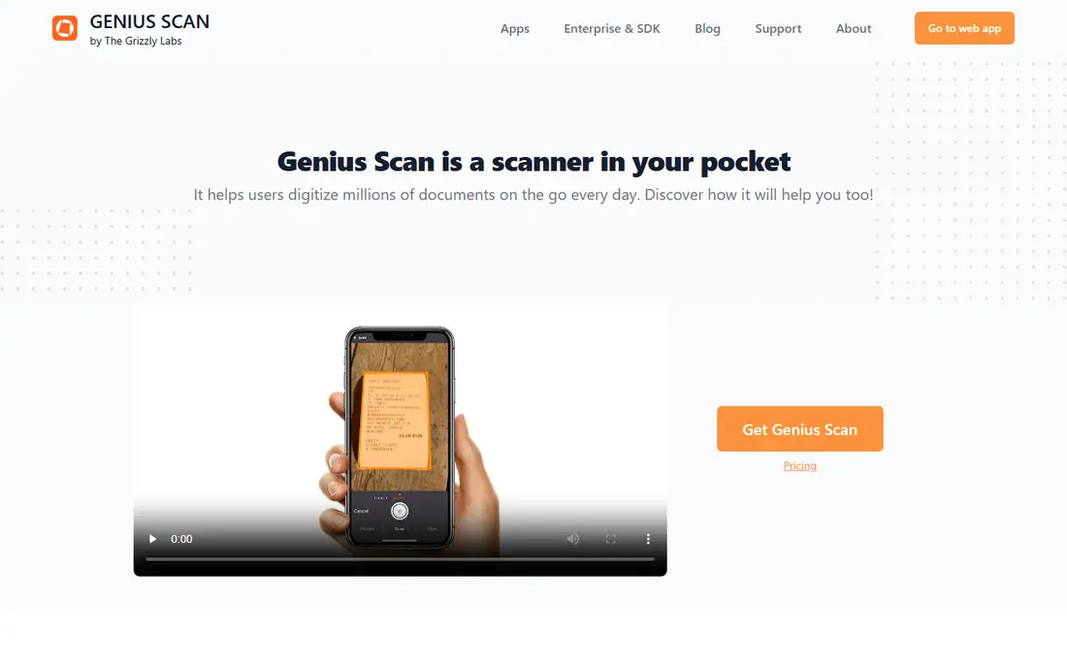
Genius Scan is aimed squarely at one time purchase. Scans are quick, edge detection performs well, and PDF export is straightforward. Check the current in app price, since app store pricing varies. For everyday use, Genius Scan fits people who scan a handful of times a week and dislike subscriptions. Genius Scan cost at the entry level: Free. A free plan is available with Genius Scan. Watch-outs: Fewer cloud workflow tools.

Price: Free

Free plan: Yes

Website: thegrizzlylabs.com/genius-scan

Watch out for

  • Text recognition needs the premium level
2

SwiftScan

Quick frequent scanning
Free

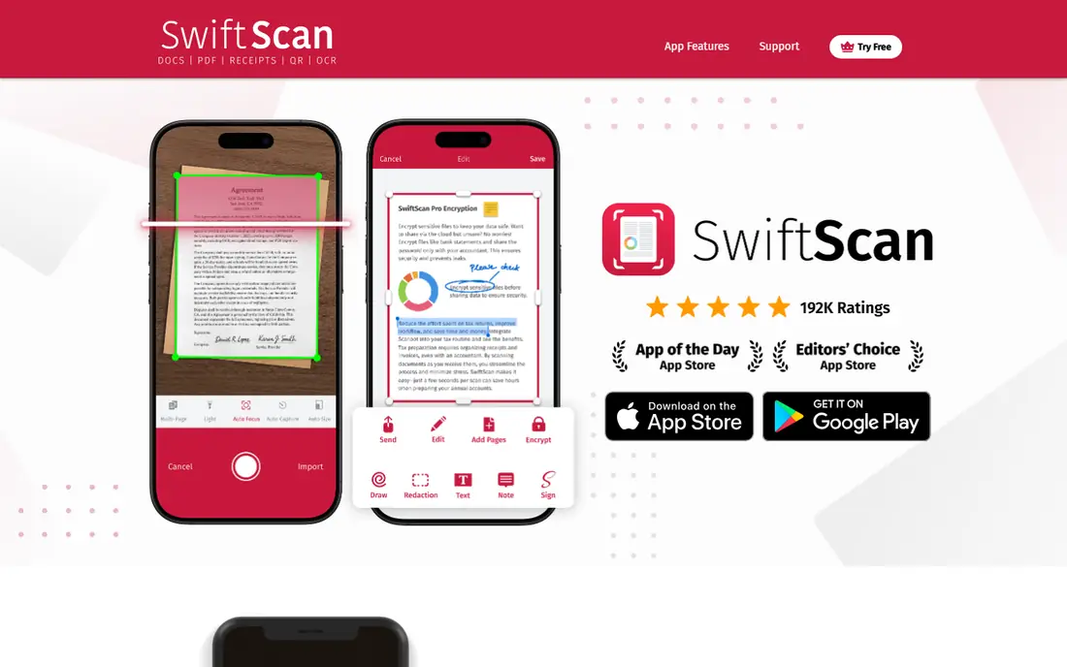
SwiftScan was built for fast frequent scanning. Automatic file naming and workflow choices help freelancers who scan receipts and contracts all week. Where it falls short: Free scans carry a watermark. On top of that, the free level watermarks scans, which rules it out for client facing documents except when you pay. Starting cost for SwiftScan: Free. SwiftScan includes a free tier.

Free plan: Yes

Website: swiftscan.app

Strengths

  • Cloud sync and workflows
  • Fast capture

Watch out for

  • Text recognition needs a premium plan
3

Scanner Pro

Apple users who scan commonly
Free

Pick Scanner Pro if this describes you: Apple users who scan commonly. Text recognition runs on device, which is a privacy plus for sensitive documents, and workflows help you send scans to the right folder or app. Limits to weigh: Full features sit behind a subscription. In daily use, occasional scanners may prefer a free choice. The app is free to download, with premium features behind Scanner Pro Plus. Scanner Pro cost at the entry level: Free. Scanner Pro has a free plan.

Free plan: Yes

Website: readdle.com/scannerpro

Strengths

  • Clean workflow tools
  • Capable Apple integration

Watch out for

  • Apple only
4

iScanner

AI cleanup and tools
Free

Think of iScanner for AI cleanup and tools. AI cleanup helps with poor light and skewed pages, which is handy for receipts and old documents. The feature list is wider than most single purpose scanners. Entry price for iScanner: Free. A free plan is available with iScanner. Where it is weaker: Subscription needed for full features.

Free plan: Yes

Website: iscannerapp.com

Strengths

  • Signing and editing choices
  • AI edge cleanup

Watch out for

  • Free level is restricted
5

Google Drive

Free built in scanning
Free

Google Drive is a good fit for free built in scanning. Scans save straight to Drive, where text recognition makes them searchable, and sharing is straightforward. From a buyer's view, Scanner controls are thinner than in dedicated apps, with less control over cleanup and naming. Starting cost for Google Drive: Free. You can start on Google Drive without paying. Drawbacks to consider: Fewer scanner controls than dedicated apps.

Free plan: Yes

Website: google.com/drive

Strengths

  • Scans save straight to Drive
  • Free

Watch out for

  • Needs a Google account
6

Adobe Scan

Clean scans and text recognition
Free

Adobe Scan serves clean scans and text recognition. Editing PDFs, combining files, and additional cloud storage sit behind Acrobat plans, and cloud sync needs an account. In daily use, if you only need clean scans, the free app is enough. Honest limits: Full Acrobat features need a subscription. In daily use, the free level spans unlimited scans without a watermark, which is rare. As for the details, if you edit PDFs daily, check the Acrobat price before you commit. From a buyer's view, text recognition makes scans searchable, which matters when you later have to find a contract clause or an invoice number. Price to start with Adobe Scan: Free. Adobe Scan has a free plan.

Free plan: Yes

Website: adobe.com/acrobat/mobile/scanner-app.html

Strengths

  • Solid auto capture and cleanup
  • No watermark on free scans

Watch out for

  • Account needed for cloud sync
7

Docutain

Privacy minded scanning
Free

Choose Docutain for privacy minded scanning. The app is straightforward and simple to pick up. Trade-offs to know: Some features need a premium plan. Docutain centres on clean scanning with document management built in, including tags that help with tax and expense paperwork. In practice, some advanced features need a premium plan. What you pay to start with Docutain: Free. Docutain includes a free tier.

Free plan: Yes

Website: docutain.com

Strengths

  • Tax and expense tags
  • On device processing choices

Watch out for

  • Smaller user base than leaders

FAQ

Which options for PDF scanning app have a free plan?

7 of the 7 tools have a free plan, including Genius Scan, SwiftScan, Scanner Pro and iScanner. Free plans usually cap users, projects or features, so check the limits on the vendor page.

Can I try these tools before paying?

Often, yes. Genius Scan, SwiftScan, Scanner Pro and others have a free plan. Use your own data and a real task during the test, and check what the free tier or trial limits before you rely on it.

How are the tools for PDF scanning app ordered?

Genius Scan sits first and Docutain last because the order follows typical fit for PDF scanning app, then price clarity and free access. It is a judgement call, so read each profile for fit and limits.

Is Microsoft Lens still available?

No. Microsoft retired Microsoft Lens in early 2026, removing it from app keeps and stopping new scans.

Do these tools publish their prices?

Yes. Every tool from Genius Scan to Docutain shows a starting price, though seats, add-ons and billing terms still change the final cost.

Can a scanner app make PDFs searchable?

Adobe Scan, Scanner Pro, Google Drive, and premium levels of multiple rivals turn scanned pages into searchable PDFs. Test recognition on your own documents, since accuracy varies with print quality and handwriting.