Project Management · Researched comparison

Project Tracker App Buyer's Guide: 6 Tools for 2026

TaskReports may earn a fee from some links on this page, and some placements are paid and labelled. Neither one decides the order. See our disclosure.

The short answer

This list puts Linear first for software and product teams. For a different need, Trello covers straightforward kanban boards and Notion covers docs plus tasks in one place. The remaining 3 options are covered below with prices and limits.

On this page

Key takeaways

  • Linear is the opening pick, best for software and product teams.
  • For high-volume enterprise projects, Wrike is worth a look.
  • The cheapest monthly starting price in the list is $5 per user/month, offered by Trello.
  • 6 out of 6 tools include a free plan, among them Linear, Trello, Notion and ClickUp.

Quick comparison

ToolBest fitStarts atFree access
------------
LinearSoftware and product teams$8 per user/monthYes
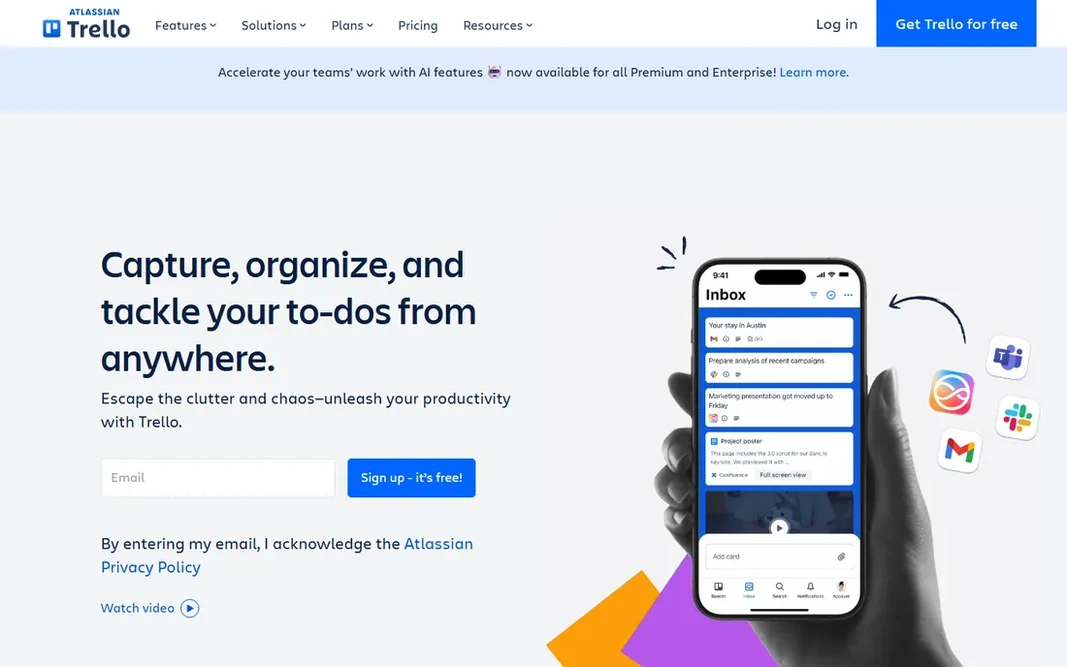
TrelloStraightforward kanban boards$5 per user/monthYes
NotionDocs plus tasks in one place$10 per user/monthYes
ClickUpAll-in-one value$7 per user/monthYes
Monday.comVisual, ops-heavy teams$9 per user/monthYes
WrikeHigh-volume enterprise projects$10 per user/monthYes
★ Best overall

Linear

Software and product teams

  • Keyboard-first speed engineers love
  • Free level includes 250 issues
Price$8 per user/month (billed yearly)
See Linear pricing

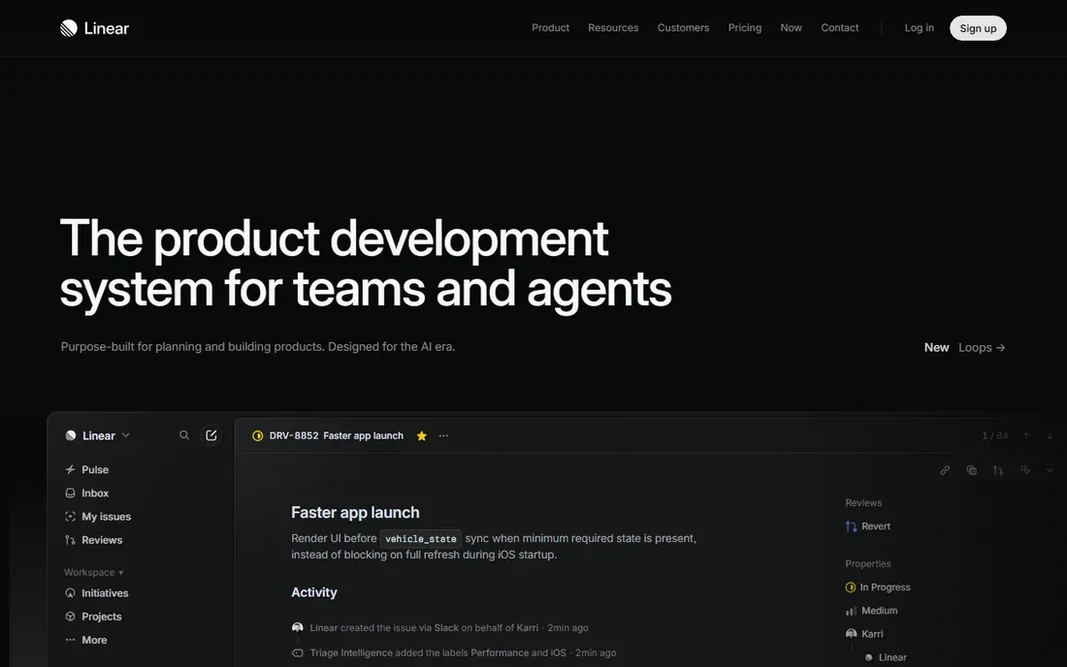
Pick Linear if this describes you: software and product teams. The tradeoff is philosophy. Linear is opinionated, which is why it is quick, but marketing or operations teams will find it rigid compared to Monday or Notion. The Standard plan at $8 per user a month undercuts most rivals, and the free level takes care of 250 issues, enough for a small product team to run for months. Starting cost for Linear: $8 per user/month. Linear offers a free plan. Drawbacks to consider: Opinionated means less adaptable for non-software work.

Price: $8 per user/month (billed yearly)

Free plan: Yes

Website: linear.app

Watch out for

  • Integrations are developer-centric
2

Trello

Straightforward kanban boards
$5 per user/month (billed yearly)

Trello makes the most sense for straightforward kanban boards. Trello is the whiteboard that became software, and it is still the fastest way to get a team tracking work. In daily use, the honest limit is complexity. That is not a failure; it is the product doing its job. Entry price for Trello: $5 per user/month. You can start on Trello without paying. What to check first: Weak for dependencies and reporting.

Free plan: Yes

Website: trello.com

Strengths

  • The simplest board here
  • Free plan spans 10 collaborators

Watch out for

  • Power users outgrow it quick
3

Notion

Docs plus tasks in one place
$10 per user/month (billed yearly)

For docs plus tasks in one place, Notion is a natural candidate. If your work is specs, meeting notes, and wikis with tasks attached, keeping it all in Notion removes a whole category of tool-switching. The Plus plan at $10 per user a month layers on unlimited blocks, file uploads, and version history, and the free plan is ample for individuals. Worth adding: the free plan also limits blocks once two or more members join a workspace. As for the details, beyond that, treat it as the wiki layer and run execution somewhere else. Do not mistake it for a full tracker. The starting price for Notion: $10 per user/month. A free plan is available with Notion. Where it is weaker: Not a real project tracker past 30 people. Reasons to shortlist it: Linked databases build exactly the views you need.

Free plan: Yes

Website: notion.so

Strengths

  • Ample free level for individuals
  • Wikis, docs

Watch out for

  • Reporting and sprint enforcement are weak
4

ClickUp

All-in-one value
$7 per user/month (billed yearly)

Pick ClickUp if this describes you: all-in-one value. Assign one person to own the setup and keep it clean. Also note the AI pricing: Brain AI runs about $9 per user a month on top, so factor that in if AI summaries are part of your plan. What to check first: AI features cost additional per seat. What works well: Free Forever plan with unlimited tasks and members. As for the details, the main limit is discipline. ClickUp lets you build almost anything, which means teams build everything, and workspaces turn into mazes of half-used views. For small teams that want one workspace for tasks, docs, and goals, the math is hard to beat. The starting price for ClickUp: $7 per user/month. ClickUp offers a free plan.

Free plan: Yes

Website: clickup.com

Strengths

  • Most features per dollar in the category
  • Time tracking in one app

Watch out for

  • Automations are capped on lower levels
5

Monday.com

Visual, ops-heavy teams
$9 per user/month (billed yearly)

Monday.com was built for visual, ops-heavy teams. The Basic plan opens at $9 per user per month, with a free plan for up to two users and a 14-day Pro trial. Premium plans have a three-user minimum, and the features that make Monday feature-rich, timelines and automations, only appear on the Standard tier at $12 per seat a month. Honest limits: Three-user minimum on premium plans. Read the fine print before budgeting. For engineering teams, Linear will feel faster. Monday.com cost at the entry level: $9 per user/month. Monday.com includes a free tier.

Free plan: Yes

Website: monday.com

Strengths

  • Colorful visual boards non-technical teams enjoy
  • 14-day Pro trial plus a free plan

Watch out for

  • Timelines and automations start on the $12 Standard level
6

Wrike

High-volume enterprise projects
$10 per user/month (billed yearly)

Wrike targets high-volume enterprise projects. Wrike is aimed at organizations where projects number in the hundreds and resource planning is the job. In practice, the tradeoff is weight. In daily use, the Team plan at $10 per user a month comes with Gantt charts, dashboards, and integrations, with higher levels adding resource management, approvals, and advanced analytics. As for the details, marketing and professional services teams with heavy campaign volume get real value from its workload views. Entry price for Wrike: $10 per user/month. You can start on Wrike without paying. Honest limits: Pricing climbs on higher levels. What works well: Manages complicated.

Free plan: Yes

Website: wrike.com

Strengths

  • Decent approval workflows
  • High-volume portfolios

Watch out for

  • Interface feels enterprise-dense

Pre-purchase checklist

  • Prices are a starting point; Trello shows $5 per user/month to start, so verify what your seat count would cost.
  • Look at free plan limits closely: Linear, Trello, Notion and others have one, and the caps decide whether it is usable for real work.
  • Before choosing Linear, weigh its main limit: opinionated means less adaptable for non-software work.
  • Total up the real monthly cost of Linear, including add-ons, extra users and usage-based fees.
  • Map your must-have features to a specific Notion plan before you compare prices.

FAQ

Do these tools publish their prices?

Yes. Every tool from Linear to Wrike shows a starting price, though seats, add-ons and billing terms still change the final cost.

Which options for project tracker app have a free plan?

6 of the 6 tools have a free plan, including Linear, Trello, Notion and ClickUp. Free plans usually cap users, projects or features, so check the limits on the vendor page.

Can I try these tools before paying?

Often, yes. Linear, Trello, Notion and others have a free plan. Use your own data and a real task during the test, and check what the free tier or trial limits before you rely on it.

How are the tools for project tracker app ordered?

The order follows typical fit for project tracker app, with Linear first and Wrike last, then price clarity and free access. It is editorial judgement, not a score, so another team could rank the tools differently.