Customer Support · Researched comparison

6 Remote Support Software Options Ranked for 2026

TaskReports may earn a fee from some links on this page, and some placements are paid and labelled. Neither one decides the order. See our disclosure.

The short answer

Start with RemotePC if you need cheapest access to your own computers. If your case is different, Splashtop suits best value for IT support teams and BeyondTrust suits strict security and compliance requirements. The other 3 tools in the list cover narrower or pricier cases.

On this page

Key takeaways

  • This list starts with RemotePC, which is built for cheapest access to your own computers.
  • The cheapest monthly starting price in the list is $10/technician/month, offered by Zoho Assist.
  • The main caution on RemotePC: geared to remote access more than help-desk support.
  • For quick, light remote sessions, AnyDesk is worth a look.

Quick comparison

ToolSuited toBiggest drawbackStarting priceFree tier
---------------
RemotePCCheapest access to your own computersFewer technician workflows$29.50/yearFree trial (7 days)
SplashtopBest value for IT support teamsNo true free tierFrom ~$25/monthFree trial
BeyondTrustStrict security and compliance requirementsExpensiveCustom quoteNo
TeamViewerThe most widely recognized remote support brandExpensive for small teamsFrom $24.90/monthYes
Zoho AssistThe most handy free plan, plus Zoho ecosystemMulti-monitor support limited$10/technician/monthYes
AnyDeskQuick, light remote sessionsRegion-dependent pricingFrom ~$22.90/monthYes
★ Best overall

RemotePC

Cheapest access to your own computers

  • No-install web access
  • Very cheap annual plans
Price$29.50/year (1 computer)
See RemotePC pricing

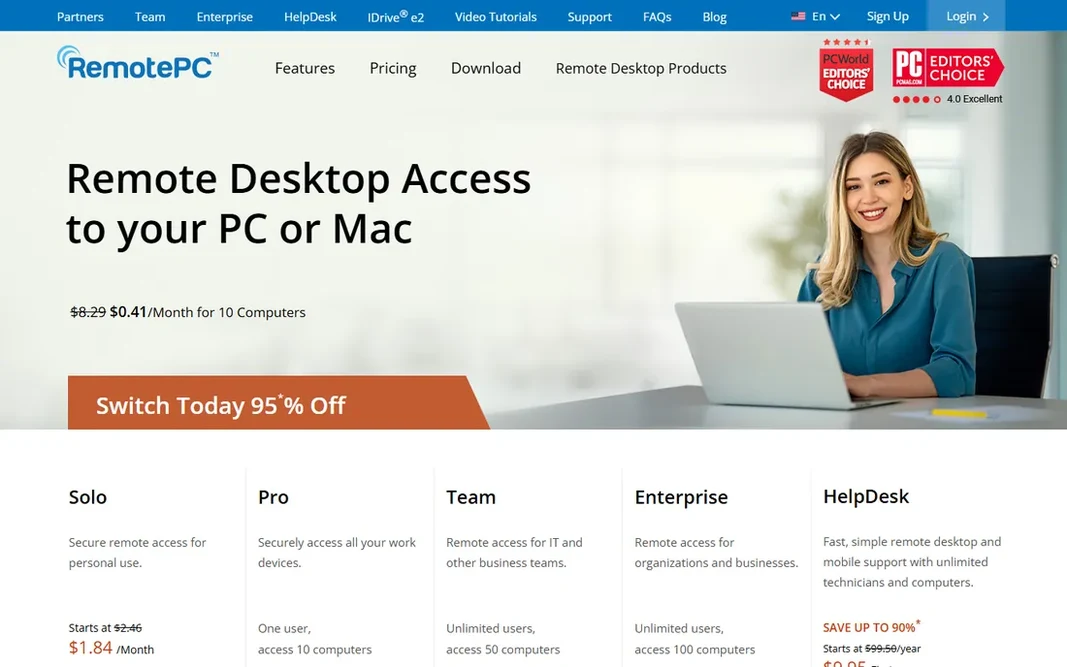
RemotePC targets cheapest access to your own computers. RemotePC flips the pricing model: you pay per computer, not per technician, beginning at $29.50 per year for one machine. Where it is weaker: Fewer technician workflows. Worth adding: if your need is "reach my machines," buy this; if it is "support hundreds of users," look at the enterprise tools. On top of that, the interface is plain but functional. Price to start with RemotePC: $29.50/year. As for free access: Free trial (7 days).

Price: $29.50/year (1 computer)

Free plan: Free trial (7 days)

Website: remotepc.com

Watch out for

  • Geared to remote access more than help-desk support
2

Splashtop

Best value for IT support teams
From ~$25/month

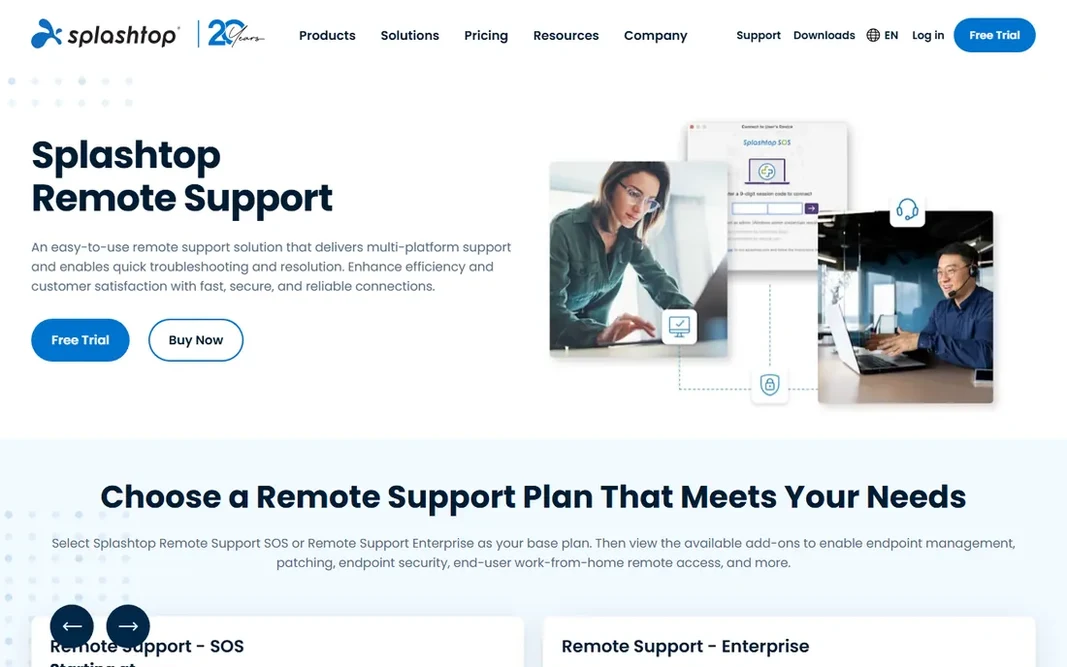
Splashtop targets best value for IT support teams. The newer unified product brings endpoint management and security, which makes it a more solid long-term pick for small MSPs expanding beyond pure support. Entry price for Splashtop: From ~$25/month. As for free access: Free trial. Trade-offs to know: No true free level.

Free plan: Free trial

Website: splashtop.com/remote-support

Strengths

  • Very good value for small teams
  • SOS for attended support

Watch out for

  • Feature depth below TeamViewer at enterprise scale
3

BeyondTrust

Strict security and compliance requirements
Custom quote

Where BeyondTrust fits: strict security and compliance requirements. Session forensics and access controls go deeper than any tool here. The main drawbacks: Quote-based pricing. Beyond that, for everyone else, Splashtop or Zoho Assist handle the same sessions for a tenth of the price. Entry price for BeyondTrust: Custom quote. No free plan comes with BeyondTrust.

Free plan: No

Website: beyondtrust.com/remote-support

Strengths

  • Enterprise-grade security and audit trails
  • Compliance-ready

Watch out for

  • Costly
4

TeamViewer

The most widely recognized remote support brand
From $24.90/month

For the most widely recognized remote support brand, TeamViewer is a natural candidate. TeamViewer is the name everyone knows: quick connections, cross-platform support, file transfer, session recording and unattended access in one package. Its ubiquity means clients already trust the brand when you send a session link. Worth adding: personal use is free, but the commercial detection can flag business-looking sessions. Also, commercial plans start at $24.90 per month for just three managed devices, and costs climb quick. TeamViewer pricing: From $24.90/month. TeamViewer includes a free tier. Limits to weigh: Costly for small teams.

Free plan: Yes

Website: teamviewer.com

Strengths

  • Attended and unattended access
  • Huge installed base and brand trust

Watch out for

  • Costs scale hard with devices
5

Zoho Assist

The most handy free plan, plus Zoho ecosystem
$10/technician/month

Where Zoho Assist fits: the most handy free plan, plus Zoho ecosystem. Premium plans start at $10 a tech a month, among the cheapest here. Integration with Zoho Desk and CRM makes it natural for Zoho shops. For everyday use, session quality is solid, though multi-monitor support lags the leaders. In practice, for freelancers, tiny IT teams and Zoho users, the free level alone may be all you need. Zoho Assist pricing: $10/technician/month. A free plan is available with Zoho Assist. Where it is weaker: Smaller brand recognition.

Free plan: Yes

Website: zoho.com/assist

Strengths

  • Straightforward pricing
  • CRM and Books

Watch out for

  • Advanced features need premium levels
6

AnyDesk

Quick, light remote sessions
From ~$22.90/month (Solo)

AnyDesk targets quick, light remote sessions. AnyDesk built its name on speed: the DeskRT codec keeps sessions snappy even on weak connections, and the client is tiny. It deals with attended and unattended access with solid mobile support. Where it falls short: Connection-based licensing since late 2025. Beyond that, note the licensing change: since October 2025 AnyDesk uses connection-based licensing with region-dependent pricing, starting around $22.90 per month for Solo in the US. It is no longer the flat-rate budget choice it was. Still very good for speed, but check the current pricing for your region before committing. AnyDesk pricing: From ~$22.90/month. AnyDesk offers a free plan.

Free plan: Yes

Website: anydesk.com

Strengths

  • Light install
  • Low-latency DeskRT codec

Watch out for

  • Region-dependent pricing

FAQ

What is the cheapest option for remote support software in this list?

On published monthly entry prices, Zoho Assist is the lowest here at $10/technician/month. Entry price is only part of the cost, because seats, add-ons and billing terms can change the total.

What is the difference between remote support and remote access?

Remote support links a technician to someone else's machine to fix problems, typically attended, with session links and tools. Most tools here do both, but RemotePC concentrates on access whereas Rescue centres on support.

Can I try these options before paying?

Often, yes. TeamViewer, Zoho Assist and AnyDesk have a free plan and RemotePC and Splashtop offer a free trial. Use your own data and a real task during the test, and check what the free tier or trial limits before you rely on it.

How are the tools for remote support software ordered?

The order follows typical fit for remote support software, with RemotePC first and AnyDesk last, then price clarity and free access. It is editorial judgement, not a score, so another team could rank the tools differently.

Do I need unattended access?

If you run machines that nobody sits at, servers, office PCs after hours, lab computers, then yes: unattended access lets you link anytime without someone clicking accept. Buy unattended access only when your workflow actually needs it.

Is RemotePC the right pick for everyone comparing remote support software?

No single tool suits every team. RemotePC comes first because it fits cheapest access to your own computers, while Splashtop suits best value for IT support teams and BeyondTrust suits strict security and compliance requirements. Match the tool to your own size, budget and workflow before deciding.