Collaboration · Researched comparison

Top 7 Screen Share Software Options for 2026, Compared

TaskReports may earn a fee from some links on this page, and some placements are paid and labelled. Neither one decides the order. See our disclosure.

The short answer

If you need sharing screens on live sales calls, CrankWheel is the first tool to look at here. For a different need, TeamViewer covers IT support with full remote control and AnyDesk covers low-latency remote access. The full list of 7 tools follows, with prices and free plan facts.

On this page

Key takeaways

  • This list starts with CrankWheel, which is built for sharing screens on live sales calls.
  • What to know about TeamViewer first: commercial pricing is steep and billed yearly.
  • A free plan is offered by 7 of the 7 tools, including CrankWheel, TeamViewer, AnyDesk and Whereby.
  • Google Meet is the one to check for Google Workspace teams.

Quick comparison

ToolBest fitBiggest drawbackStarting priceFree tier
---------------
CrankWheelSharing screens on live sales callsNo two-way video or audio$29/monthYes
TeamViewerIT support with full remote controlAuto-renews with strict cancellation terms$24.90/monthYes
AnyDeskLow-latency remote accessSession limits on lower tiers$28.90/monthYes
WherebyBrowser-only meetings with no downloadsFewer native integrations$5.82/monthYes
ZoomScheduled meetings with screen sharingPer-user pricing adds up on bigger teams$13.33/user/monthYes
Microsoft TeamsBusinesses already on Microsoft 365Chat and search lag behind Slack$4.00/user/monthYes
Google MeetGoogle Workspace teamsNo desktop app, browser only$7/user/monthYes
★ Best overall

CrankWheel

Sharing screens on live sales calls

  • Works on old devices
  • Viewer needs nothing but a browser link
Price$29/month (Solo)
See CrankWheel pricing

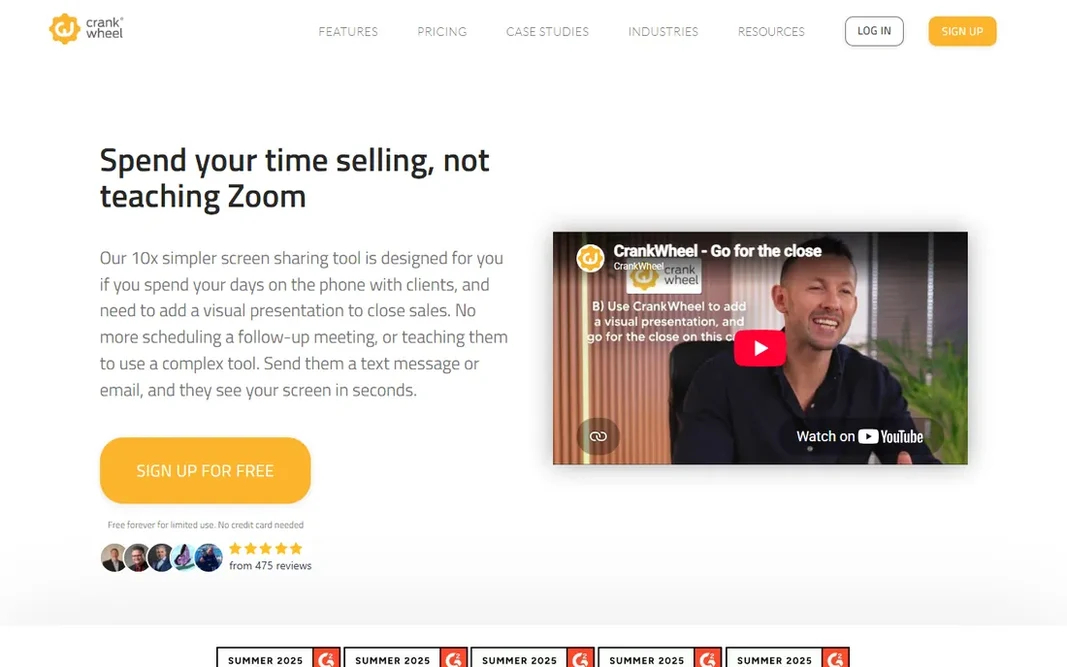
CrankWheel is aimed squarely at sharing screens on live sales calls. CrankWheel solves a narrow problem better than anyone: you are on a phone call with a prospect and want to display them your screen right now. Also, sales teams in insurance, mortgages, solar and agencies use it to turn voice calls into visual presentations mid-conversation. Worth adding: solo at $29 a month ($180 per year) provides one user unlimited meetings, and Team plans scale from there. It brings screen sharing to the phone call you are already on. CrankWheel pricing: $29/month. CrankWheel has a free plan. Where it is weaker: it is screen sharing only; Priced for sales use, not general meetings.

Price: $29/month (Solo)

Free plan: Yes

Website: crankwheel.com

Watch out for

  • No two-way video or audio
2

TeamViewer

IT support with full remote control
$24.90/month (billed yearly)

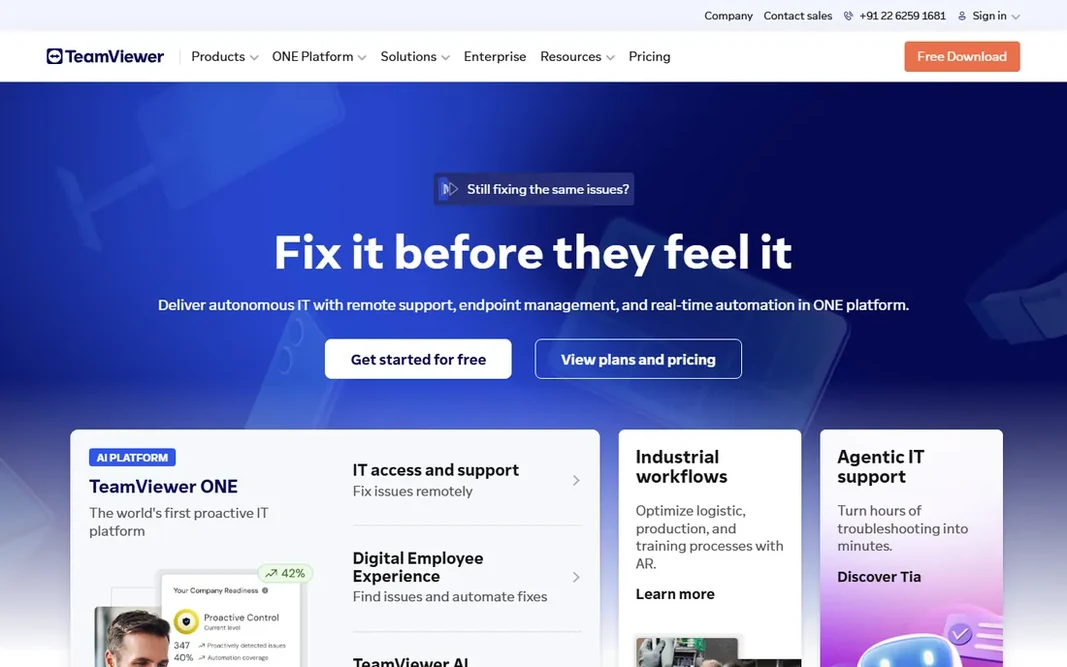
Where TeamViewer fits: IT support with full remote control. Free use is strictly for personal, non-commercial sessions. From a buyer's view, contracts auto-renew yearly and need 28 days' notice to cancel, so calendar that. As for the details, pricing opens at $24.90 per month with annual billing for the Remote Access plan (one user, three managed devices), rising to $50.90 for Business with 200 managed devices and phone support. For everyday use, unattended access lets you link to office machines or servers without anyone on the other end. Also, with permission, a support technician can take full control of a customer's computer: move the mouse, type, transfer files, restart the machine. On cost, TeamViewer starts like this: $24.90/month. A free plan is available with TeamViewer. Trade-offs to know: Commercial pricing is steep and billed yearly.

Free plan: Yes

Website: teamviewer.com

Strengths

  • Linux and mobile
  • Unattended access to managed devices

Watch out for

  • Overkill if you only have to display your screen
3

AnyDesk

Low-latency remote access
$28.90/month (billed annually)

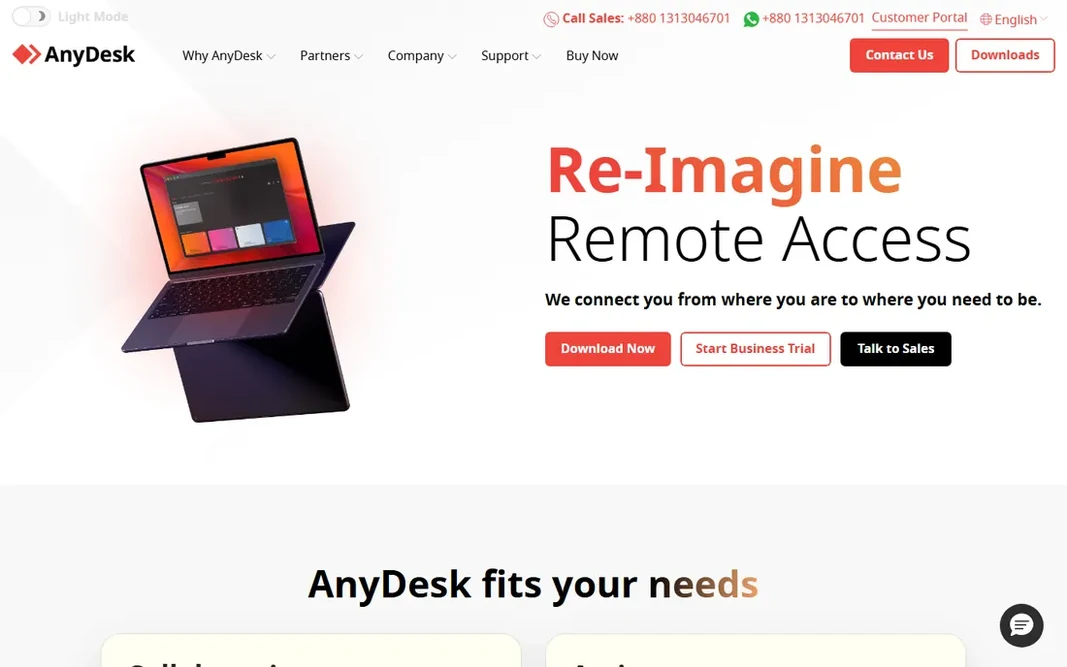
Where AnyDesk fits: low-latency remote access. The Solo plan at $28.90 per month with annual billing handles a single user with one connection and 100 managed devices for unattended access. Its DeskRT codec keeps sessions responsive on poor connections, and the client is a handful of megabytes that can run portable without installation. As for the details, standard at $49.90 scales to small teams with 500 managed devices. There is an on-premises Ultimate level for organizations that cannot let session data leave their network. For technicians supporting users on bad hotel Wi-Fi or old hardware, that matters more than any feature list. AnyDesk starts at: $28.90/month. A free plan is available with AnyDesk. Limits to weigh: Session limits on lower levels.

Free plan: Yes

Website: anydesk.com

Strengths

  • Quick connections even on weak networks thanks to the DeskRT codec
  • Tiny installer that runs without admin rights

Watch out for

  • Interface is functional instead of friendly
4

Whereby

Browser-only meetings with no downloads
$5.82/month (billed annually)

Whereby is aimed squarely at browser-only meetings with no downloads. Whereby's entire pitch is the absence of friction. On top of that, Pro at $5.82 per month with annual billing ($6.99 month to month) removes the time limit, brings three rooms, unlimited recording and custom branding. For consultants, coaches and small agencies who meet clients in the browser all day, that simplicity is the product. For everyday use, business at $9.99 per month layers on more hosts and 200 attendees. Whereby will not replace Zoom for a 200-person all-hands. Price to start with Whereby: $5.82/month. Whereby has a free plan. Drawbacks to consider: Smaller feature set than Zoom or Teams.

Free plan: Yes

Website: whereby.com

Strengths

  • Permanent room links that feel like your own office
  • Guests join from a link with no install or account

Watch out for

  • Fewer native integrations
5

Zoom

Scheduled meetings with screen sharing
$13.33/user/month (billed annually)

Zoom is aimed squarely at scheduled meetings with screen sharing. The free Basic plan is fine for short internal calls; the 40-minute group cap is the primary reason small businesses upgrade. If your meetings are largely internal and short, the free plan plus a calendar integration may be all you need. Limits to weigh: Free plan caps group meetings at 40 minutes. What users get: remote control and whiteboard. For everyday use, the Pro plan at $13.33 per user a month with annual billing ($16.99 month to month) removes the time cap and layers on 5 GB of cloud storage, AI Companion summaries and longer cloud recording. For everyday use, per-user pricing is the thing to model: a 12-person team pays about $160 per month before extras. Zoom starts at: $13.33/user/month. Zoom includes a free tier.

Free plan: Yes

Website: zoom.com

Strengths

  • Capable integrations with calendars and CRMs
  • Screen sharing with annotation

Watch out for

  • Security settings need attention on public links
6

Microsoft Teams

Businesses already on Microsoft 365
$4.00/user/month (billed annually)

Microsoft Teams is built with firms already on Microsoft 365 in mind. Teams Essentials at $4.00 per user a month with annual billing is the standalone choice for firms that want Teams without Office apps. It spans unlimited 30-hour meetings with up to 300 participants and 10 GB of storage per user. Limits to weigh: The client is heavy on system resources. Beyond that, if your company already pays for Microsoft 365, stop reading and use Teams. Buy it for the bundle, not for the chat. Microsoft Teams pricing: $4.00/user/month. Microsoft Teams includes a free tier. Reasons to shortlist it: Screen sharing built into chat.

Free plan: Yes

Website: microsoft.com/en-us/microsoft-teams

Strengths

  • Deep Office and OneDrive integration
  • Calls and meetings

Watch out for

  • Little reason to choose it outside the Microsoft world
7

Google Meet

Google Workspace teams
$7/user/month (billed annually)

Google Meet serves Google Workspace teams. The free level lets 60-minute meetings with up to 100 participants, which spans a surprising amount of small-business use. Worth adding: for day-to-day team screen sharing inside the Google ecosystem, it is hard to beat on simplicity. Premium features arrive through Google Workspace: Business Starter at $7 per user a month with annual billing raises the basics and layers on custom email and 30 GB of pooled storage, whereas Standard ($14) brings recording and 150-participant meetings. Entry price for Google Meet: $7/user/month. Google Meet has a free plan. Reasons to shortlist it: Free level includes 60-minute meetings. Where it is weaker: Advanced features need a Workspace plan; No desktop app, browser only.

Free plan: Yes

Website: meet.google.com

Strengths

  • Screen sharing from a Calendar invite in one click
  • Runs entirely in the browser with no install

Watch out for

  • Fewer webinar tools than Zoom or Webex

FAQ

How does CrankWheel differ from Zoom?

Sales reps use CrankWheel to add visuals to a call already in progress. They use Zoom when both sides have to be on camera. The tools complement each other more than they compete.

Do these tools publish their prices?

Yes. Every tool from CrankWheel to Google Meet shows a starting price, though seats, add-ons and billing terms still change the final cost.

Can I try these options before paying?

Often, yes. CrankWheel, TeamViewer, AnyDesk and others have a free plan. Use your own data and a real task during the test, and check what the free tier or trial limits before you rely on it.

Can guests join without downloading anything?

TeamViewer and AnyDesk need the remote party to run a small client, which is fine for planned support sessions but friction for first-time clients. For the lowest-friction client meetings, browser-first tools win.

Zoom vs Teams vs Meet: which should a small business pick?

Pick the one that matches the tools you already pay for. On Google Workspace, Meet wins on simplicity. Feature differences at the small-business level are smaller than the switching cost of making everyone learn a new app.

Which options for screen share software have a free plan?

7 of the 7 tools have a free plan, including CrankWheel, TeamViewer, AnyDesk and Whereby. Free plans usually cap users, projects or features, so check the limits on the vendor page.