Collaboration · Researched comparison

Screen Sharing Software in 2026: A Guide to 7 Tools

TaskReports may earn a fee from some links on this page, and some placements are paid and labelled. Neither one decides the order. See our disclosure.

The short answer

Dead Simple Screen Sharing comes first here, mainly for instant free sharing with absolutely no signup. Look at Zoho Meeting for teams already paying for Zoho apps, and at Whereby for browser-based meetings with permanent room links. All 7 tools are compared below on price, free plan and limits.

On this page

Key takeaways

  • This list starts with Dead Simple Screen Sharing, which is built for instant free sharing with absolutely no signup.
  • The main caution on Zoho Meeting: best value only inside the Zoho ecosystem.
  • 6 out of 7 tools include a free plan, among them Dead Simple Screen Sharing, Zoho Meeting, Whereby and Zoom.
  • GoToMeeting suits dependable scheduled meetings for small firms.

Quick comparison

ToolFree optionIdeal forWatch out for
------------
Dead Simple Screen SharingYesInstant free sharing with absolutely no signupBare-bones feature set
Zoho MeetingYesTeams already paying for Zoho appsWebinar features are a separate product
WherebyYesBrowser-based meetings with permanent room linksFewer enterprise admin controls than Zoom or Teams
ZoomYesVideo meetings where sharing is one part of the packageFree plan cuts group meetings at 40 minutes
ScreenleapYesSharing screens from inside a website or productSmaller user base means fewer tutorials and community answers
AnyDeskYesLow-latency remote desktop, particularly on weak connectionsPremium plans are billed annually only
GoToMeetingFree trialDependable scheduled meetings for small companiesNo permanent free tier, trial only
★ Best overall

Dead Simple Screen Sharing

Instant free sharing with absolutely no signup

  • Fully free with no account required
  • Unlimited time and participants

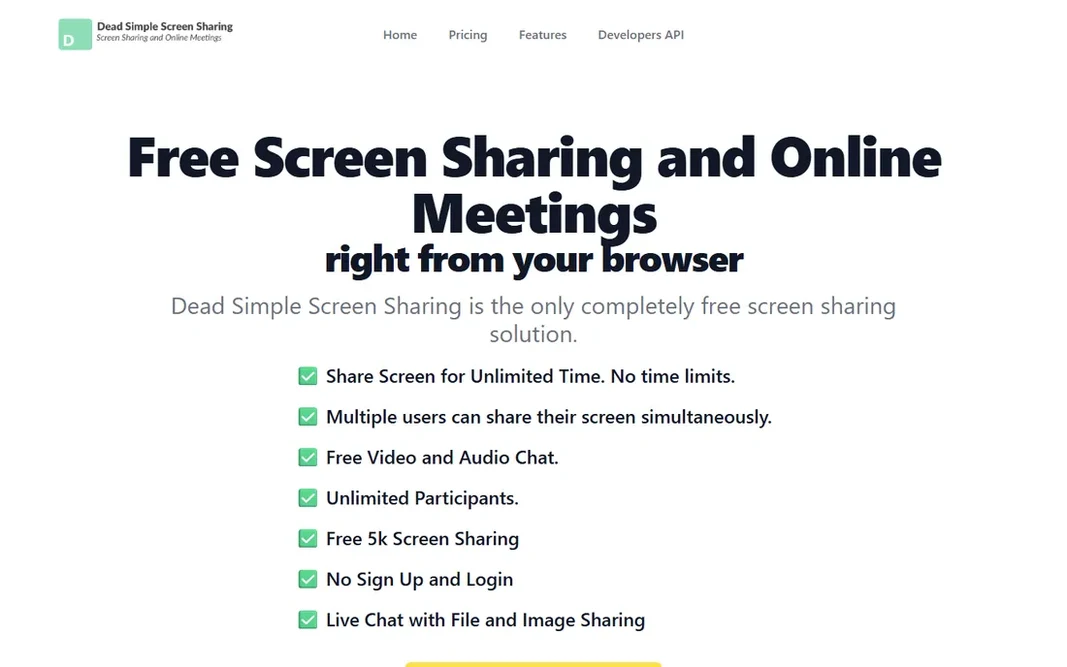
Dead Simple Screen Sharing works best for instant free sharing with absolutely no signup. You click "share your screen," get a meeting code, hand it to the other person, and they watch in their browser. Where it is weaker: Bare-bones feature set. More specifically, for the job of "show someone my screen in the next thirty seconds," nothing here is quicker or less expensive. As for the details, expectations should be set accordingly. What you pay to start with Dead Simple Screen Sharing: Free. Dead Simple Screen Sharing has a free plan.

Price: Free

Free plan: Yes

Website: deadsimplescreensharing.com

Watch out for

  • Advanced features like custom URLs and APIs require a separate premium service
2

Zoho Meeting

Teams already paying for Zoho apps
See website

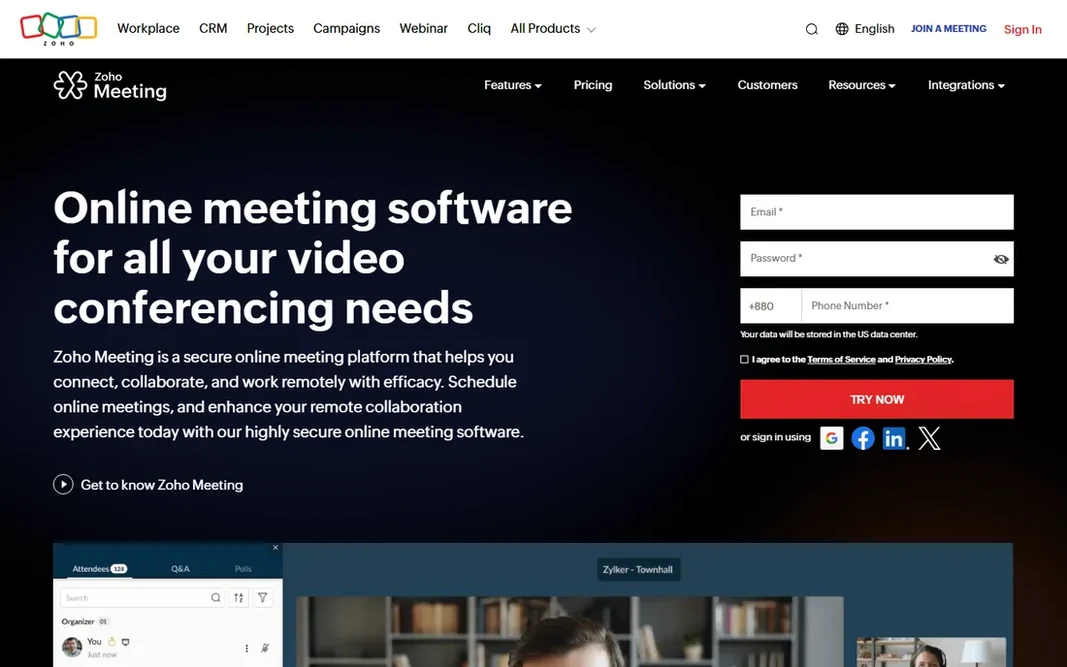
Zoho Meeting works best for teams already paying for Zoho apps. The free level is genuinely ample: up to 100 participants, 60-minute meetings, screen sharing, and chat. Worth adding: Zoho Meeting is the sensible pick if your company already lives in Zoho. Beyond that, Screen sharing comes with the usual full-screen and application choices, plus remote control for support scenarios. If you are comparing total cost for a Zoho shop, Zoho Meeting normally wins on price. Check the vendor site for Zoho Meeting pricing; none is listed in this comparison. Zoho Meeting offers a free plan. What to check first: Webinar features are a separate product.

Free plan: Yes

Website: zoho.com/meeting

Strengths

  • Screen sharing with remote control hand-off
  • Deep integration with Zoho CRM and other Zoho apps

Watch out for

  • Best value only inside the Zoho ecosystem
3

Whereby

Browser-based meetings with permanent room links
$10.99/month (Pro)

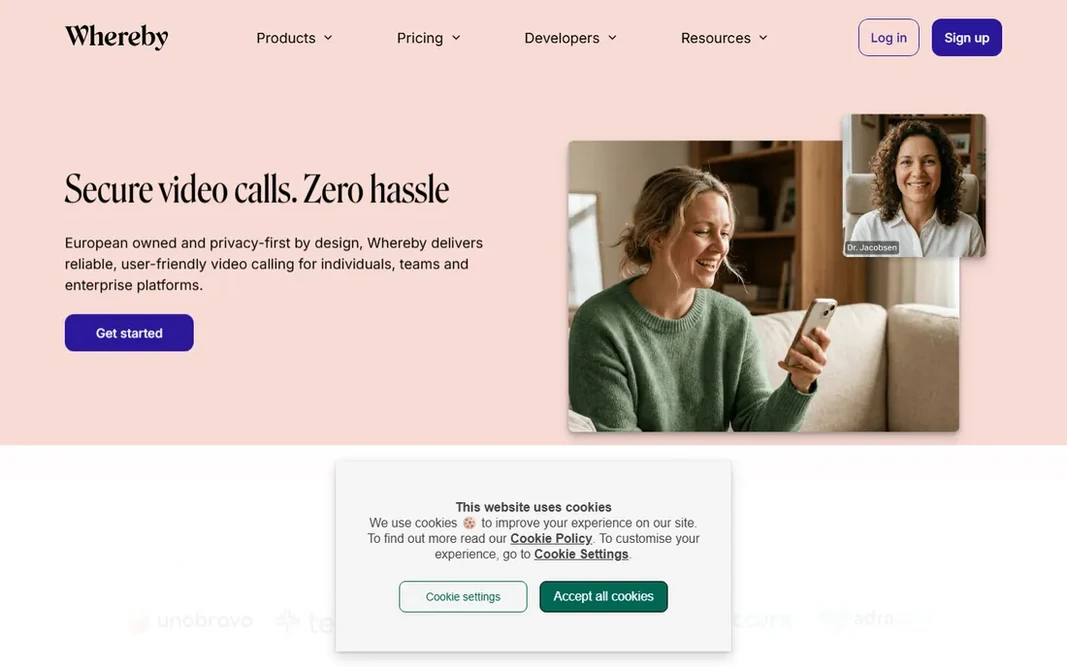
Where Whereby fits: browser-based meetings with permanent room links. Whereby's pitch is radical simplicity: your meeting lives at a permanent URL, people click it, they are in, cameras on, screen shareable, nothing to install. It is built on WebRTC, works in any modern browser, and the company emphasizes European hosting with GDPR and HIPAA compliance. Trade-offs to know: Fewer enterprise admin controls than Zoom or Teams. The free plan gives one room, four participants, and 30-minute meetings. As for the details, if your meetings are small and your guests are non-technical, Whereby's browser-first approach beats everything here on friction. Pro at $10.99 a month removes the time limit, permits 100 participants, and layers on custom branding and unlimited recording. The starting price for Whereby: $10.99/month. Whereby includes a free tier.

Free plan: Yes

Website: whereby.com

Strengths

  • Screen sharing with no install on either side
  • Meetings run entirely in the browser with no downloads

Watch out for

  • Free level limits meetings to 30 minutes and 4 participants
4

Zoom

Video meetings where sharing is one part of the package
$14.16/user/month (billed annually)

Zoom was built for video meetings where sharing is one part of the package. Zoom became a verb for a reason. Also, Screen sharing supports the full screen, a single application window, or a portion of the screen, and the host can grant remote control to any participant. For everyday use, premium levels start with Pro at around $14.16 per user a month on annual billing, removing the time cap and adding cloud recording and AI meeting summaries. Zoom starts at: $14.16/user/month. Free access exists with Zoom. Drawbacks to consider: Screen sharing alone is overkill if you never need video.

Free plan: Yes

Website: zoom.com

Strengths

  • Annotation and whiteboard built in
  • Remote control hand-off for the presenter

Watch out for

  • Free plan cuts group meetings at 40 minutes
5

Screenleap

Sharing screens from inside a website or product
$15/month (Basic)

In short, Screenleap is for sharing screens from inside a website or product. Entry-level at $15 a month raises that to 8 hours a day and 30 viewers with control sharing. Pro at $31 a month removes time limits and supports 150 viewers. Points against: The free level caps you at 40 minutes per day. More specifically, the free plan spans 40 minutes of sharing per day for up to 8 viewers. For everyday use, Screenleap's entire philosophy is zero friction for the viewer. More specifically, if you need sharing embedded in a customer experience instead of a standalone meeting app, start here. Price to start with Screenleap: $15/month. You can start on Screenleap without paying.

Free plan: Yes

Website: screenleap.com

Strengths

  • Viewers need nothing but a browser
  • Control sharing on premium plans

Watch out for

  • Smaller user base means fewer tutorials and community answers
6

AnyDesk

Low-latency remote desktop, particularly on weak connections
See website

Pick AnyDesk if this describes you: low-latency remote desktop, particularly on weak connections. Pricing sits on a Solo plan for individuals and Standard and Advanced levels for teams, all billed annually. Beyond that, AnyDesk built its reputation on speed. Honest limits: Free level sessions can be interrupted if commercial use is suspected. Its proprietary codec keeps the connection feeling snappy even on poor bandwidth, which is why it became the favorite of support technicians in regions with unreliable internet. On top of that, the client is a handful of megabytes, runs without installation, and links with a nine-digit address. AnyDesk shows no starting price here, so confirm the cost on the vendor site. Free access exists with AnyDesk.

Free plan: Yes

Website: anydesk.com

Strengths

  • Free for personal use
  • Famously responsive on slow or unstable networks

Watch out for

  • Premium plans are billed yearly only
7

GoToMeeting

Dependable scheduled meetings for small companies
$12/organizer/month (billed annually)

Choose GoToMeeting for dependable scheduled meetings for small firms. GoToMeeting is the veteran of business web conferencing, from the company formerly known as LogMeIn. It does scheduled meetings with screen sharing, HD video, and audio conferencing in a way that has been refined over numerous years. Organizers get a personal meeting room link, attendees join from browsers or apps, and screen sharing spans the full desktop or individual applications. On top of that, choose GoToMeeting if you want a steady, unflashy meeting tool and already trust the GoTo ecosystem. What you pay to start with GoToMeeting: $12/organizer/month. On free options: Free trial. Trade-offs to know: The interface feels conservative next to newer rivals.

Free plan: Free trial

Website: goto.com

Strengths

  • Unlimited meetings and cloud recording on premium plans
  • Straightforward scheduling and one-click join

Watch out for

  • No permanent free level, trial only

FAQ

Can I try these options before paying?

Often, yes. Dead Simple Screen Sharing, Zoho Meeting, Whereby and others have a free plan and GoToMeeting offers a free trial. Use your own data and a real task during the test, and check what the free tier or trial limits before you rely on it.

What is the best screen sharing software for meetings?

The first pick on this list is Dead Simple Screen Sharing, because it suits instant free sharing with absolutely no signup. Zoho Meeting is better for teams already paying for Zoho apps, and Whereby for browser-based meetings with permanent room links. Check price and limits against your own needs before choosing.

How are the tools for screen sharing software ordered?

Dead Simple Screen Sharing sits first and GoToMeeting last because the order follows typical fit for screen sharing software, then price clarity and free access. It is a judgement call, so read each profile for fit and limits.

Do these tools publish their prices?

Not all of them. Zoho Meeting and AnyDesk publish no starting price, so expect a quote request for those. The rest, Dead Simple Screen Sharing included, show a starting price, though seats and billing terms still change the final cost.

Which options for screen sharing software have a free plan?

On this list, 6 of 7 tools include a free plan, among them Dead Simple Screen Sharing, Zoho Meeting, Whereby and Zoom. Caps on seats, usage or features are common, so test the free plan against your real workload. One other tool offers a trial instead.