Project Management · Researched comparison

8 Best Task Management Software for Small Business Options for 2026

TaskReports may earn a fee from some links on this page, and some placements are paid and labelled. Neither one decides the order. See our disclosure.

The short answer

Start with Teamwork.com if you need agencies, consultancies and service firms. Notion fits teams wanting tasks, docs and wikis in one workspace; Trello fits very small teams that just need a shared kanban board. All 8 tools are compared below on price, free plan and limits.

On this page

Key takeaways

  • The list opens with Teamwork.com, aimed at agencies, consultancies and service businesses.
  • Notion comes with a trade-off: less structured than dedicated PM tools.
  • Teamwork.com, Notion, Trello, Todoist, ClickUp: these are the 5 tools out of 8 that offer a free plan.
  • For small firms wanting one calm place, flat-priced, Basecamp is worth a look.
  • Todoist is the lowest-priced starter here at $8/user/month.

Quick comparison

ToolFree optionIdeal forMain limit
------------
Teamwork.comYesAgencies, consultancies and service firmsAdvanced resource management needs higher tiers
NotionYesTeams wanting tasks, docs and wikis in one workspaceMessy setups stay messy
TrelloYesVery small teams that just need a shared kanban boardThin on reporting
SmartsheetFree trial (30 days)Ops and finance teams whose work already lives in spreadsheetsLess intuitive for creative or marketing teams
TodoistYesSmall teams that live on quick, frictionless task captureThe December 2025 Business price increase raised costs
ClickUpYesBudget-conscious teams wanting one app for everythingPlan names and prices appear to be in flux
AsanaLimitedSmall teams needing structured projects without a ramp-up timeAdvanced reporting
BasecampLimitedSmall companies wanting one calm place, flat-pricedSimplicity frustrates power users
★ Best overall

Teamwork.com

Agencies, consultancies and service firms

  • Dependencies and workload views
  • Time tracking and invoicing link naturally
Price$9.99/user/month (Basics, billed annually)
See Teamwork.com pricing

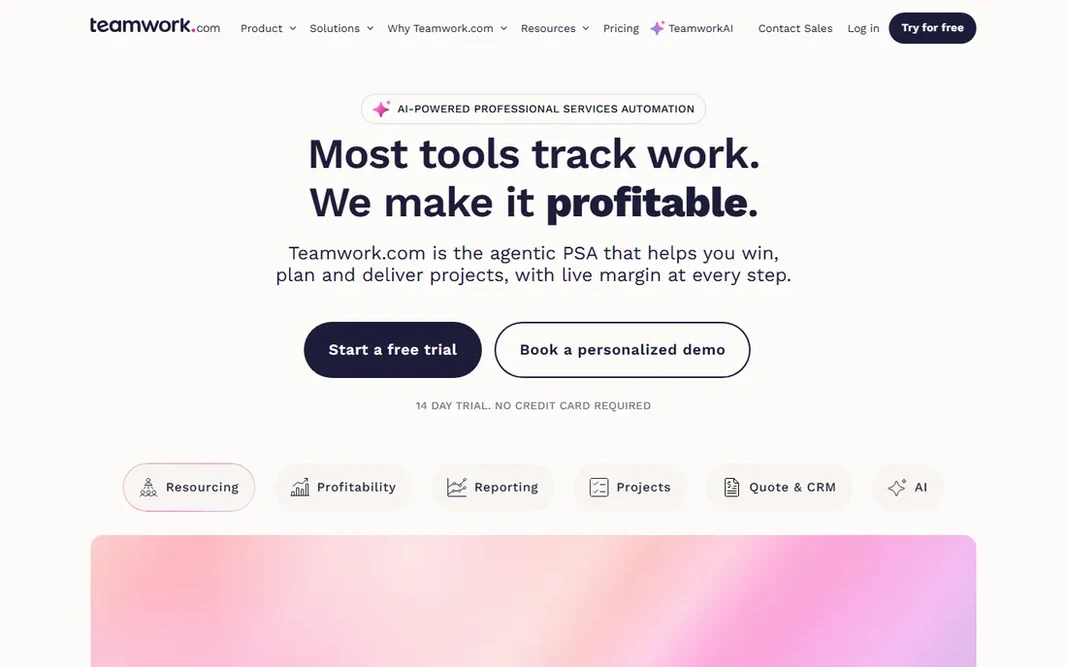
Teamwork.com is built with agencies, consultancies and service firms in mind. Teamwork.com is the project tool aimed at people who bill hours. The ecosystem is smaller than the giants: niche integrations may need workarounds, and advanced resource management sits in higher levels. But if your projects end in invoices, the native time-to-billing connection beats bolting Harvest onto a generic task tool. Setup is fast with templates for typical service workflows. Entry price for Teamwork.com: $9.99/user/month. Teamwork.com has a free plan. Honest limits: Advanced resource management needs higher levels.

Price: $9.99/user/month (Basics, billed annually)

Free plan: Yes

Website: teamwork.com

Watch out for

  • Smaller integration ecosystem than Asana or Monday
2

Notion

Teams wanting tasks, docs and wikis in one workspace
See website (per-seat; third-party figures unverified on vendor page)
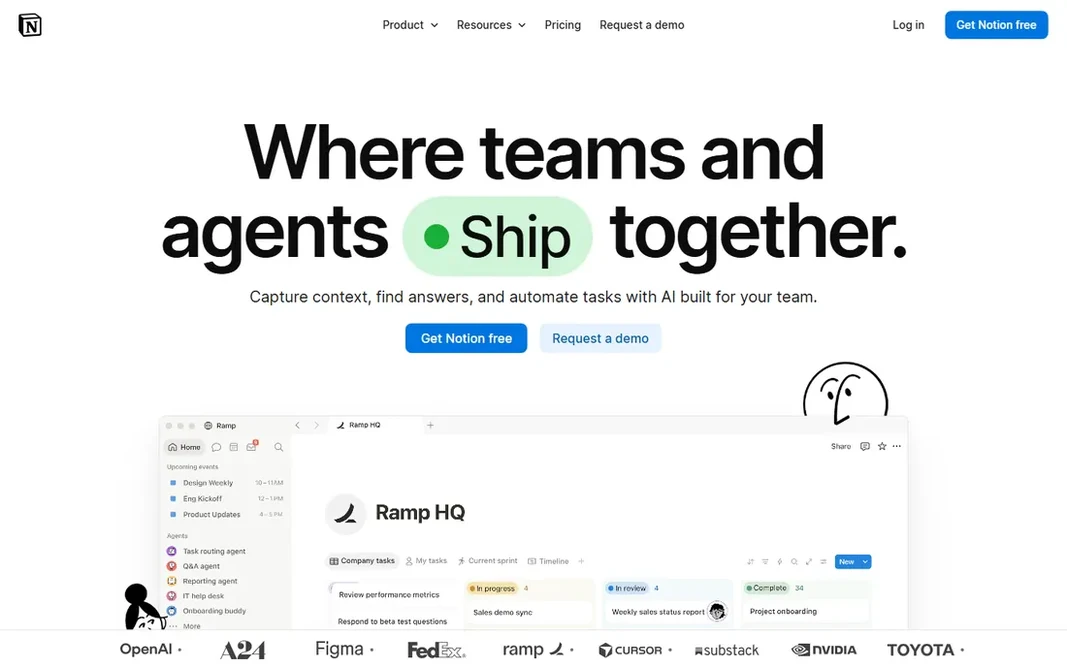
Notion was built for teams wanting tasks, docs and wikis in one workspace. Notion is the build-your-own project system. Databases, kanban boards, calendars and docs all link, so a team can run tasks, meeting notes, wikis and light CRM in one workspace at a low per-seat cost. More specifically, if nobody will, buy a tool with opinions. From a buyer's view, performance slows on very large databases. In practice, Notion ships no opinionated project structure, so a team without a clear setup ends up with a messy wiki rather than a task system. Pricing for Notion is not stated here, so ask the vendor for current figures. Notion has a free plan. Downsides: Teams must design their own system.

Free plan: Yes

Website: notion.com

Strengths

  • Low per-seat cost relative to breadth
  • Wikis and databases in one adaptable workspace

Watch out for

  • Messy setups stay messy
3

Trello

Very small teams that just need a shared kanban board
See website (per-seat; third-party figures unverified on vendor page)

Trello is a good fit for very small teams that just need a shared kanban board. When you need real project structure, graduate to Asana or Teamwork. Trade-offs to know: Thin on reporting. As for the details, a board, lists, cards, done. This comparison lists no price for Trello; ask the vendor. Trello includes a free tier.

Free plan: Yes

Website: trello.com

Strengths

  • Power-Ups add calendar
  • Automation and integrations without complexity

Watch out for

  • Large boards with plenty of cards get unwieldy
4

Smartsheet

Ops and finance teams whose work already lives in spreadsheets
See website (per-member; third-party figures unverified on vendor page)

Smartsheet targets ops and finance teams whose work already lives in spreadsheets. The grid interface removes the ramp-up time for Excel-native ops and finance teams, whereas Gantt, card and calendar views add project structure on top. Strengths: Capable Gantt. Beyond that, read the pricing model carefully: per-member pricing with minimums, and the licensed-versus-free-collaborator distinction, deserve attention before checkout. On top of that, for a team that thinks in rows and columns, adoption is nearly instant. Smartsheet does not show a starting price in this comparison, so check the vendor site for current pricing. Free access: Free trial (30 days). Points against: Per-member pricing with minimums can surprise small teams.

Free plan: Free trial (30 days)

Website: smartsheet.com

Strengths

  • Spreadsheet-like grid interface that Excel-native teams adopt immediately
  • Card and calendar views on top of the grid

Watch out for

  • Less easy-to-learn for creative or marketing teams
5

Todoist

Small teams that live on quick, frictionless task capture
$8/user/month (Business, billed yearly; $10 per month)

Todoist makes the most sense for small teams that live on quick, frictionless task capture. Todoist wins the capture war. Also, the ceiling is project depth. Type "Send proposal to Acme every Friday #sales" and it becomes a recurring dated task in the right project before you finish the sentence. Beyond that, if your team thinks in task lists and wants the least software possible between thought and capture, start here. For small teams whose work is largely personal task lists with light collaboration, that speed is the entire product. More specifically, there is no real Gantt, kanban is restricted, and portfolio-level oversight belongs elsewhere. What you pay to start with Todoist: $8/user/month. Todoist includes a free tier. The main drawbacks: The December 2025 Business price increase raised costs. What Todoist does well: Calm.

Free plan: Yes

Website: todoist.com

Strengths

  • Fastest task capture in the category with natural-language input
  • Steady sync across every system

Watch out for

  • Lighter on project views than Asana or Monday (no real Gantt, restricted kanban)
6

ClickUp

Budget-conscious teams wanting one app for everything
See website (per-seat; third-party figures unverified and reportedly in flux)

Pick ClickUp if this describes you: budget-conscious teams wanting one app for everything. If your team will invest in setup and governance, the value is real. New workspaces feel cluttered, teams need discipline to keep them clean, and performance complaints surface as workspaces grow. On top of that, for a budget-conscious small business that wants to cancel three subscriptions, the value proposition is obvious. No starting price is listed for ClickUp here; confirm pricing on the vendor site. You can start on ClickUp without paying. Main advantages: time tracking and whiteboards in one app. Drawbacks to consider: Plan names and prices appear to be in flux.

Free plan: Yes

Website: clickup.com

Strengths

  • Statuses and automations
  • Highly configurable views

Watch out for

  • Feature breadth builds a steeper ramp-up time and cluttered feel
7

Asana

Small teams needing structured projects without a ramp-up time
See website (per-seat; third-party figures unverified on vendor page)

Asana is built with small teams needing structured projects without a ramp-up time in mind. Asana's strength is clarity. Teams adopt it with minimal training, which is why it keeps showing up in small firms that tried a spreadsheet first. The main drawbacks: portfolios and time tracking need higher levels. Worth adding: for structured project work with low training overhead, it remains the benchmark. The free level is reportedly capped at two users, so any real team pays. The features that make Asana sing (portfolios, workload, advanced reporting, native time tracking) sit in higher levels. More specifically, the 200-plus native integrations handle most small-business stacks without middleware. Asana shows no starting price here, so confirm the cost on the vendor site. Trial and free access: Limited (third parties report a free Personal plan capped at 2 users.

Free plan: Limited (third parties report a free Personal plan capped at 2 users; unverified)

Website: asana.com

Strengths

  • Portfolios and workload views scale to program management
  • 200-plus native integrations

Watch out for

  • Per-seat pricing sits above some rivals
8

Basecamp

Small companies wanting one calm place, flat-priced
See website (per-seat Plus and flat-rate Pro Unlimited; unverified)

Pick Basecamp if this describes you: small businesses wanting one calm place, flat-priced. For small companies tired of notification chaos, the opinionated simplicity is the therapy. It is opinionated on purpose, which means power users hit walls: no Gantt, restricted reporting, fewer automations than rivals. Where it falls short: Simplicity frustrates power users. In practice, the flat-rate unlimited level removes per-seat math entirely: expanding from 10 to 30 people changes nothing on the bill. From a buyer's view, if your team wants one quiet home for projects and communication, Basecamp provides. Check the vendor site for Basecamp pricing; none is listed in this comparison. Free options: Limited (third parties report a free tier. Where Basecamp stands out: Deliberately simple with minimal setup.

Free plan: Limited (third parties report a free tier; unverified on vendor page)

Website: basecamp.com

Strengths

  • Docs and chat
  • Flat pricing on the top level removes per-seat math as teams grow

Watch out for

  • Intentionally restricted: no Gantt, thin reporting, fewer automations

FAQ

Which options for task management software for small business have a free plan?

On this list, Teamwork.com, Notion, Trello, Todoist and ClickUp include a free plan. Caps on seats, usage or features are common, so test the free plan against your real workload. One other tool offers a trial instead.

What is the cheapest option for task management software for small business in this list?

On published monthly entry prices, Todoist is the lowest here at $8/user/month. Entry price is only part of the cost, because seats, add-ons and billing terms can change the total.

Can I try these tools before paying?

Often, yes. Teamwork.com, Notion, Trello and others have a free plan and Smartsheet offers a free trial. Use your own data and a real task during the test, and check what the free tier or trial limits before you rely on it.

Can task management software replace email and chat for project updates?

It replaces status meetings more than messages. But nobody runs a business on tasks alone: keep chat for conversation, use the task tool as the system of record for who owns what by when. The win is fewer "what is the status" messages, not zero messages.

Do I need the premium plan, or is free enough?

Free works until it does not. The usual triggers: your team exceeds the free user cap, you need timelines or Gantt views, you want automations, or guests and clients need proper access. Most small teams hit a paywall between 3 and 10 users. Price the premium plan at your headcount before you invest weeks building workflows on a free level you will outgrow.

How are the tools for task management software for small business ordered?

Teamwork.com sits first and Basecamp last because the order follows typical fit for task management software for small business, then price clarity and free access. It is a judgement call, so read each profile for fit and limits.