How we rank
Project Management · Researched comparison

Best Team Workload Reporting Tools in 2026

TaskReports may earn a fee from some links on this page, and some placements are paid and labelled. Neither one decides the order. See our disclosure.

The short answer

Wrike is the first pick for teams that need workload views tied to project plans and shared dashboards. Smartsheet suits teams that want to build their own capacity reports in a spreadsheet-style grid. Harvest is a better fit for agencies that measure workload through billable hours and client budgets. All three publish their own pricing, and each offers a free trial or free tier with limits.

On this page

Key takeaways

  • Team workload reporting tools show allocated hours per person, remaining capacity and utilization across projects and clients.
  • Wrike, Smartsheet and ClickUp combine workload views with task management and reporting dashboards.
  • Harvest and Toggl Track focus on billable hours and utilization for client work rather than full project scheduling.
  • Entry prices and free plan limits below come from vendor pricing pages and should be confirmed before purchase.

Quick comparison

ToolBest fitStarting price
WrikeProject teams needing workload views and shared dashboardsSee vendor pricing page
SmartsheetTeams that want to build custom capacity reportsSee vendor pricing page
ClickUpTeams wanting workload views inside task managementSee vendor pricing page
HarvestAgencies tracking billable hours and utilizationSee vendor pricing page
Toggl TrackSmall teams measuring hours per person and projectSee vendor pricing page
FloatResource scheduling with workload and utilization viewsSee vendor pricing page
TeamworkClient service teams combining projects, time and workloadSee vendor pricing page
Resource GuruSimple resource scheduling and capacity reportingSee vendor pricing page

How we chose

We picked tools that list workload, capacity or utilization reporting as a named feature and that serve teams rather than solo users. Criteria were fit for team workload reporting, published entry pricing, free access through a plan or trial, and the main limits of each option. Sources are vendor websites and public pricing and documentation pages. Prices and plan features change, so confirm details on the vendor site before you buy.

★ Best overall

Wrike

Project teams needing workload views and shared dashboards

  • Workload chart shows allocation per person
  • Custom report and dashboard builder
PriceSee vendor pricing page
See Wrike pricing
wrike.comHomepage, Nov 2026
Wrike homepage

Wrike is a project management platform with a workload chart that shows assigned effort per team member against a date range. Managers can spot over-allocated people and move tasks before deadlines slip. Reports and dashboards can be shared with stakeholders, and custom fields let teams report by client, project or department. Wrike splits its plans by team size and feature depth. Workload and reporting features are not all in the entry tier, so check which plan includes the workload chart before you commit. The free trial runs 14 days. Teams that only need simple timesheet totals may find Wrike heavier than needed.

Price: See vendor pricing page

Free plan: Free trial (14 days)

Website: wrike.com

Watch out for

  • Workload views sit in paid tiers
  • Setup takes time for large teams
2

Smartsheet

Teams that want to build custom capacity reports
See vendor pricing page
smartsheet.comHomepage, Nov 2026
Smartsheet homepage

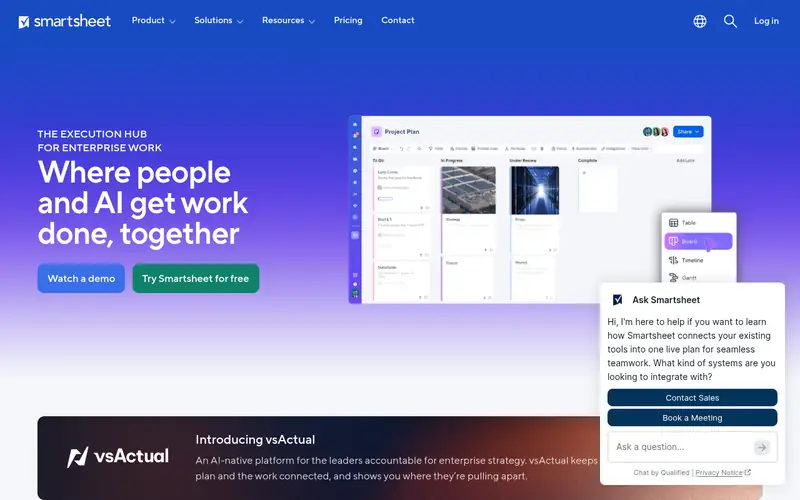
Smartsheet is a work management platform built on a spreadsheet-style grid. Teams can track assigned hours per person, then roll them up into reports and dashboards. A workload view can be assembled from resource columns and summary formulas, and dashboards present utilization by person or project. Because Smartsheet does not ship a single fixed workload report, someone has to set up the sheet structure and templates. That flexibility suits teams with specific reporting rules. It is less suited to teams that want a ready-made capacity chart on day one. The free trial runs 30 days.

Free plan: Free trial (30 days)

Website: smartsheet.com

Strengths

  • Flexible grid with rollup and summary formulas
  • Dashboard and report views from sheet data

Watch out for

  • No built-in workload chart out of the box
  • Requires template setup
3

ClickUp

Teams wanting workload views inside task management
See vendor pricing page
clickup.comHomepage, Nov 2026
ClickUp homepage

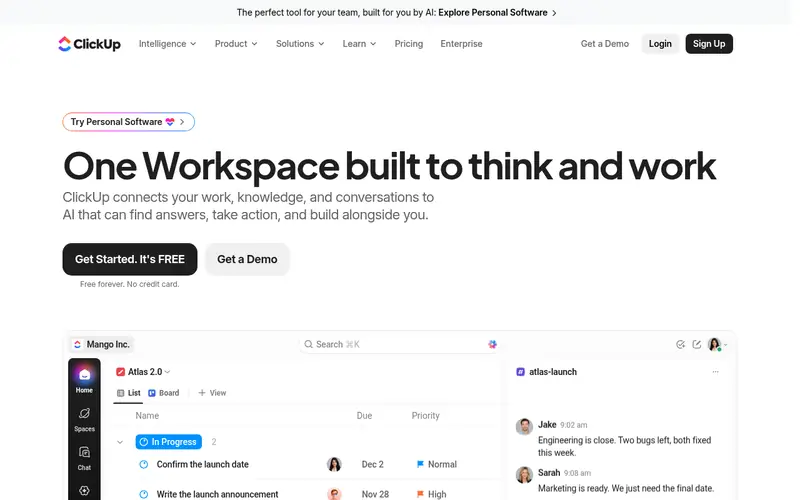
ClickUp is a work management tool with a Workload view that groups tasks by assignee and shows effort across a date range. Teams can set capacity per person and see who is over or under. Dashboards add widgets for time tracked, task counts and status, which supports weekly workload reporting. ClickUp offers a free plan with limits on some features, and paid tiers add more storage, guests and advanced reporting. The product covers many use cases, so teams should confirm that the workload and dashboard features they need are in their chosen plan. Smaller teams that want a simple hours report may prefer a dedicated time tracker.

Free plan: Yes

Website: clickup.com

Strengths

  • Workload view by assignee across lists
  • Dashboards with time and status widgets

Watch out for

  • Feature set is broad and can overwhelm
  • Reporting depth varies by plan
4

Harvest

Agencies tracking billable hours and utilization
See vendor pricing page
getharvest.comHomepage, Nov 2026
Harvest homepage

Harvest is a time tracking tool for teams that bill by the hour. It records time against projects and clients, then reports on billable hours, budget used and team utilization. For workload reporting, managers can compare hours logged per person against capacity or budget, which shows who is overloaded on client work. Harvest is not a full project scheduler. It reports workload through time entries rather than task assignments, so it suits service teams more than product teams. The free trial runs 30 days. Teams that need Gantt scheduling and resource leveling should pair it with a project tool or choose another option.

Free plan: Free trial (30 days)

Website: getharvest.com

Strengths

  • Timesheets tied to projects and clients
  • Utilization and budget reports

Watch out for

  • Limited project scheduling features
  • Workload view is hours-based only
5

Toggl Track

Small teams measuring hours per person and project
See vendor pricing page
toggl.comHomepage, Nov 2026
Toggl Track homepage

Toggl Track is a time tracking tool with reports that break down hours by team member, project and client. Managers can use these reports to see how time is distributed and where workload is concentrated. It is quick to set up and works well for small teams that want hours data without a full project suite. Toggl Track reports on time already logged, so it shows workload after the fact rather than planning future capacity. It has a free plan with limits on users and features, and paid tiers add more reporting options. Teams that need forward-looking capacity planning should look at a project management tool with a workload chart.

Free plan: Yes

Website: toggl.com/track

Strengths

  • Simple timer and timesheet entry
  • Reports by user, project and client

Watch out for

  • No task scheduling or capacity planning
  • Workload insight is retrospective
6

Float

Resource scheduling with workload and utilization views
See vendor pricing page
float.comHomepage, Nov 2026
Float homepage

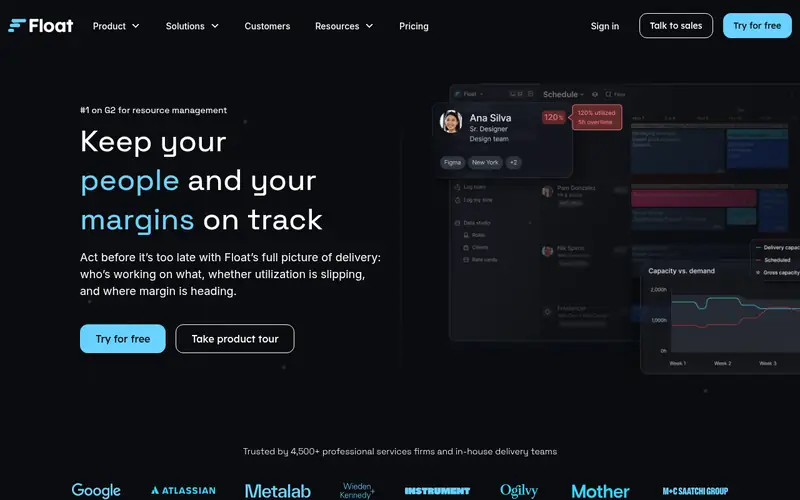
Float is a resource planning tool built around a visual schedule of team assignments. Managers drag tasks onto a timeline, set hours per day, and see each person's allocation against their capacity. Reports show utilization and scheduled hours by person, project or client, which supports weekly workload reviews. Float is designed for planning future work, not for detailed task tracking. It integrates with project tools and time trackers so hours can flow in. Pricing is per user, so cost grows with team size. The free trial runs 30 days. Teams that need task-level reporting may need a second tool.

Free plan: Free trial (30 days)

Website: float.com

Strengths

  • Visual schedule of who works on what
  • Utilization and capacity reports

Watch out for

  • Focused on scheduling rather than task detail
  • Per-user pricing adds up
7

Teamwork

Client service teams combining projects, time and workload
See vendor pricing page
teamwork.comHomepage, Nov 2026
Teamwork homepage

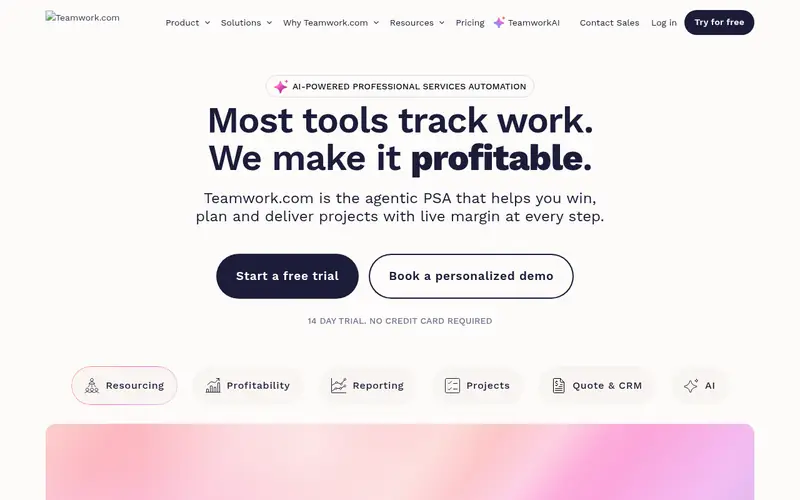
Teamwork is a project management platform for client service teams. It combines tasks, time tracking and reporting, so managers can see hours logged per person and compare them to planned work. Workload and utilization reports help spot over-allocated team members across client projects. Teamwork prices by plan, and some reporting and workload features are in higher tiers. It suits agencies and consultancies that want project delivery and time reporting in one place. Smaller teams may find the setup heavier than a standalone time tracker. The free trial runs 30 days.

Free plan: Free trial (30 days)

Website: teamwork.com

Strengths

  • Time tracking tied to projects and tasks
  • Workload and utilization reporting

Watch out for

  • Best features sit in higher tiers
  • Interface has a learning curve
8

Resource Guru

Simple resource scheduling and capacity reporting
See vendor pricing page
resourceguruapp.comHomepage, Nov 2026
Resource Guru homepage

Resource Guru is a resource scheduling tool with a calendar that shows who is booked and who has free capacity. Managers can see booked hours against available hours per person, and reports summarize utilization across teams and projects. It is aimed at planning future workload rather than tracking task progress. Resource Guru keeps scheduling simple, which makes it fast to adopt. It does not replace a full project management tool, and pricing is per user. The free trial runs 30 days. Teams that need detailed task reporting should combine it with a project tool or choose a broader platform.

Free plan: Free trial (30 days)

Website: resourceguruapp.com

Strengths

  • Clear capacity and availability view
  • Reports on booked versus available hours

Watch out for

  • Limited task management features
  • Per-user pricing

Pre-purchase checklist

  • Confirm the workload or capacity report is included in the plan you will buy, not only in a higher tier.
  • Check how the tool defines capacity: hours per day, per week or per project.
  • Confirm whether reporting is forward-looking scheduling or retrospective time data.
  • Check user limits and per-user pricing against your team size and growth.
  • Verify integrations with your time tracker or project tool so hours flow into reports.

FAQ

What is a team workload reporting tool?

It is software that shows how work is distributed across team members. It typically reports allocated hours, remaining capacity and utilization by person, project or client. Some tools plan future workload through scheduling, while others report on time already logged.

Do these tools include a free plan?

ClickUp and Toggl Track offer free plans with limits on users and features. Wrike, Smartsheet, Harvest, Float, Teamwork and Resource Guru offer free trials rather than permanent free plans. Trial lengths vary, so check the vendor page.

Can I report workload by client?

Yes, in tools that track time or projects by client. Harvest, Toggl Track, Teamwork and Float report hours and utilization by client. Wrike and Smartsheet can report by client using custom fields or columns you set up.

What is the difference between workload reporting and time tracking?

Time tracking records hours after work is done. Workload reporting shows how work is distributed, often before it happens. Some tools do both. Time trackers like Harvest and Toggl Track report on logged hours, while Float and Resource Guru plan future capacity.

Which tool is best for a small team?

Toggl Track is a simple starting point for small teams that need hours per person and project. ClickUp offers workload views inside task management on a free plan. Teams that plan ahead should compare Float and Resource Guru for scheduling.