How we rank
Project Management · Researched comparison

Best Time and Materials Billing Software in 2026

TaskReports may earn a fee from some links on this page, and some placements are paid and labelled. Neither one decides the order. See our disclosure.

The short answer

Harvest is the first pick for most teams that bill time and materials. It tracks hours against projects and tasks, applies billable rates, and turns approved time into client invoices. FreshBooks suits small service businesses that want billing and accounting in one place. QuickBooks Online suits teams already using its accounting ledger. If you only need time capture and export hours elsewhere, Toggl Track is the lighter option.

On this page

Key takeaways

  • Harvest fits most time and materials billing needs with time tracking, billable rates, and invoice creation in one tool.
  • QuickBooks Online pairs time tracking with accounting and invoicing, and its entry tier is often the lowest monthly cost on this list.
  • FreshBooks and Xero bundle project time and billing with full accounting ledgers, while Harvest and Toggl Track focus on time and invoicing.
  • Toggl Track has a free plan for up to 5 users; most other tools here offer a free trial only.

Quick comparison

ToolBest fitStarting price
HarvestService teams that bill hourly and send invoicesSee vendor pricing page
FreshBooksSmall service firms that want billing plus accountingSee vendor pricing page

QuickBooks OnlineTeams already running books in QuickBooksSee vendor pricing page
XeroSmall businesses that want accounting with time billingSee vendor pricing page
Toggl TrackTeams that only need time capture and exportsSee vendor pricing page
ClockifyBudget-conscious teams that need time recordsSee vendor pricing page
Zoho InvoiceSmall firms that want free invoicing with time entriesSee vendor pricing page

How we chose

We picked tools that support hourly billing against client projects, then compared them on fit for time and materials work, entry price, free access, and main limits. Sources are vendor homepages and public documentation and pricing pages. We did not run hands-on tests or collect user reviews. Prices and plan limits change, so confirm current details on each vendor's site before you buy.

★ Best overall

Harvest

Service teams that bill hourly and send invoices

  • Time tracking tied to projects and tasks
  • invoices built from tracked hours
PriceSee vendor pricing page
See Harvest pricing
getharvest.comHomepage, Nov 2026
Harvest homepage

Harvest is built around billable time. You track hours against clients, projects, and tasks, set billable rates per person or project, and review time before it goes to an invoice. Invoices can be generated from approved time and sent from the tool. It also reports on budget versus actual hours, which matters for time and materials work. Pricing is per seat, so cost rises as the team grows. Harvest does not keep a general ledger, so it is not a replacement for accounting software. Teams that need payroll, expenses, and financial statements should pair it with an accounting tool. Teams that only need time capture and invoicing can use Harvest on its own. Confirm current plan limits and prices on the vendor site.

Price: See vendor pricing page

Free plan: Free trial (30 days)

Website: getharvest.com

Watch out for

  • No full accounting ledger
  • seat-based pricing adds up
2

FreshBooks

Small service firms that want billing plus accounting
See vendor pricing page
freshbooks.comHomepage, Nov 2026
FreshBooks homepage

FreshBooks combines time tracking, invoicing, and basic accounting. You can log hours against clients and projects, mark them billable, and pull them onto an invoice. It also handles expenses, estimates, and payments, which suits small firms that want one system for billing and books. Plan tiers differ mainly by how many billable clients you can manage and which features are included. Lower tiers cap clients, so growing firms may need to move up. Project tracking is simpler than in dedicated time tools, so teams with complex project budgets may want more. It is a good fit for solo operators and small service businesses. Check the current client limits and prices before choosing a plan.

Free plan: Free trial (30 days)

Website: freshbooks.com

Strengths

  • Invoicing and accounting in one product
  • tracks billable time per client

Watch out for

  • Client limits on lower plans
  • fewer project controls than dedicated tools
3

QuickBooks Online

Teams already running books in QuickBooks
See vendor pricing page
quickbooks.intuit.comHomepage, Nov 2026
QuickBooks Online homepage

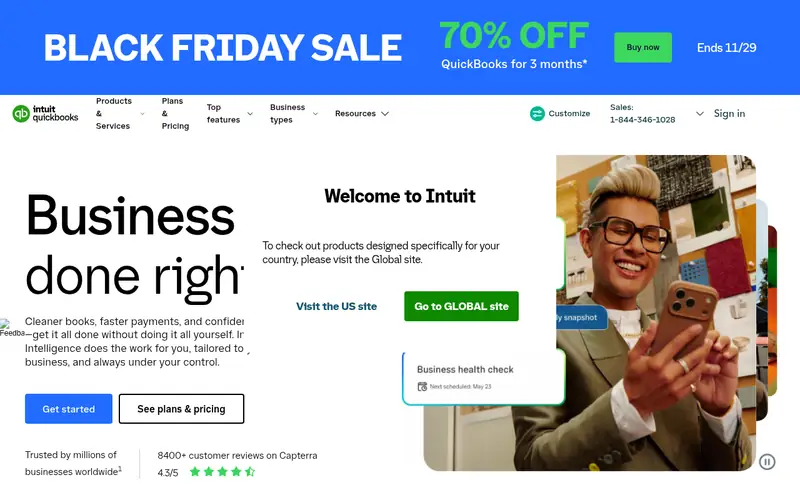
QuickBooks Online is an accounting platform with time tracking built in. You can record billable hours against customers and projects, then include those hours on an invoice. Because the ledger and the billing sit in one system, hours flow into reports without a separate export step. Time tracking features differ by plan tier, and some project and time options appear only on higher tiers. The product is designed around accounting, so the time and billing workflow is less central than in Harvest. It suits businesses that already keep books in QuickBooks and want hours to feed the same system. Review plan details on the vendor site before committing.

Free plan: Free trial (30 days)

Website: quickbooks.intuit.com

Strengths

  • Time tracking inside a full accounting system
  • invoices draw on tracked billable hours

Watch out for

  • Time features vary by plan
  • interface is built around accounting first
4

Xero

Small businesses that want accounting with time billing
See vendor pricing page
xero.comHomepage, Nov 2026
Xero homepage

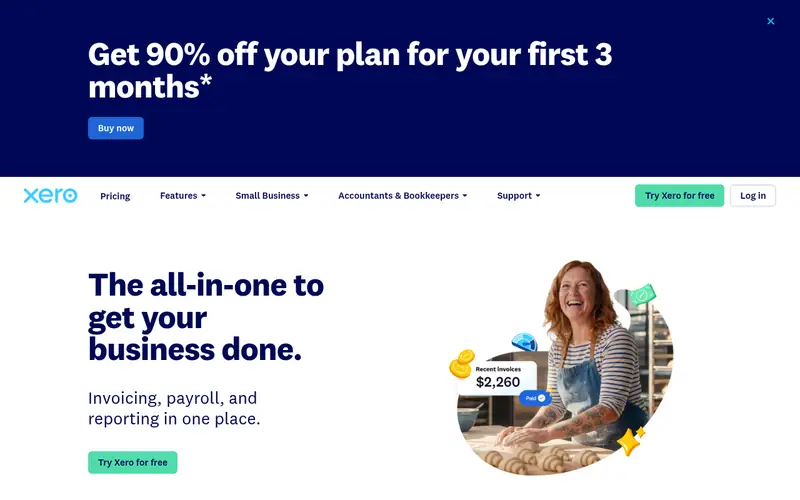
Xero is cloud accounting software with project time tracking. You can record hours against projects, set rates, and invoice clients for the time. Invoices and payments post to the same ledger, so billing and books stay aligned. Time tracking in Xero is straightforward rather than deep. Teams that need detailed task-level tracking, approvals, or budget alerts may find it limited. It works best for small businesses that want accounting and light time billing in one place. Plan tiers differ in invoice and bill limits, so check the current limits on the vendor site. It is not a fit for firms that need heavy project controls.

Free plan: Free trial (30 days)

Website: xero.com

Strengths

  • Project time tracking with invoicing in one ledger
  • strong bank and payment integrations

Watch out for

  • Time tracking is basic compared with dedicated tools
  • plan limits apply
5

Toggl Track

Teams that only need time capture and exports
See vendor pricing page
toggl.comHomepage, Nov 2026
Toggl Track homepage

Toggl Track is a time tracking tool. You start a timer or enter hours against projects and clients, then review reports by client or project. It does not create invoices or keep books, so time and materials billing happens in a separate invoicing tool. The free plan covers up to 5 users, which suits very small teams testing a workflow. Paid tiers add features such as billable rates and more reporting. Teams that want a single system for time and invoices should look at Harvest or FreshBooks instead. Toggl Track fits teams that already have an invoicing process and only need clean time data. Confirm current plan details on the vendor site.

Free plan: Yes

Website: toggl.com/track

Strengths

  • Simple timer and reporting
  • free plan for small teams

Watch out for

  • No invoicing or accounting
  • billing happens in another tool
6

Clockify

Budget-conscious teams that need time records
See vendor pricing page
clockify.meHomepage, Nov 2026
Clockify homepage

Clockify is a time tracking tool with a free plan that supports unlimited users. You can log hours against projects and clients, mark time as billable, and run reports. Paid tiers add features such as invoicing and more control over rates and approvals. Because the free plan covers unlimited users, it suits teams that need time records on a tight budget. Invoicing is not the core of the product, so many teams export hours to another billing tool. Teams that need polished client invoicing should compare Harvest or FreshBooks. Check which billing features sit on which plan before relying on Clockify for the full billing cycle.

Free plan: Yes

Website: clockify.me

Strengths

  • Free plan with unlimited users
  • billable rates on paid tiers

Watch out for

  • Invoicing is limited
  • advanced features sit on paid plans
7

Zoho Invoice

Small firms that want free invoicing with time entries
See vendor pricing page
zoho.comHomepage, Nov 2026
Zoho Invoice homepage

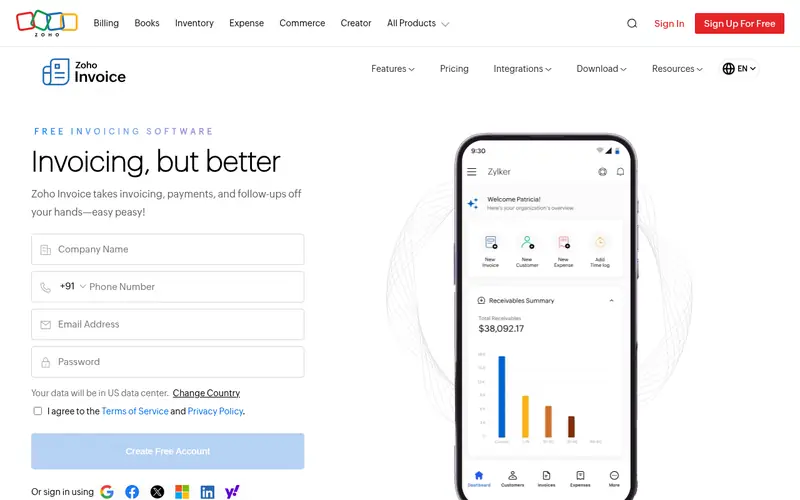
Zoho Invoice is an invoicing product from Zoho. You can create invoices, add time entries as line items, and track payments. It is aimed at small businesses that want a free invoicing tool rather than a full project system. Time tracking here is basic. You record hours and attach them to an invoice, but deep project budgeting and approvals are not the focus. Teams with complex time and materials projects may need a dedicated tool. It fits very small firms that want free invoicing and simple time entries in one place. Confirm current plan details and limits on the vendor site.

Free plan: Yes

Website: zoho.com/invoice

Strengths

  • Free invoicing product
  • time entries can be added to invoices

Watch out for

  • Limited project tracking
  • part of a larger Zoho suite

Pre-purchase checklist

  • Confirm the tool supports billable rates per person, project, or task, not just total hours.
  • Check whether invoices can be generated directly from approved time entries.
  • Review seat limits and per-user pricing, since time and materials billing scales with headcount.
  • Check how time data moves to your accounting system if the tool lacks a ledger.
  • Confirm free plan limits or trial length before you commit.

FAQ

What is time and materials billing software?

It is software that records hours worked on client projects and turns them into invoices at agreed rates. It usually includes a timer or timesheet, billable rate settings, and invoice creation or export. Some tools also include accounting.

Does Harvest include accounting?

No. Harvest tracks time and creates invoices but does not keep a general ledger. Teams that need full accounting pair it with accounting software or choose a tool like FreshBooks or QuickBooks Online.

Which tool has a free plan?

Toggl Track has a free plan for up to 5 users, Clockify has a free plan with unlimited users, and Zoho Invoice offers a free invoicing product. Harvest, FreshBooks, QuickBooks Online, and Xero offer free trials rather than free plans.

Can I bill hourly and fixed-fee work in the same tool?

Most tools on this list support both hourly and fixed-fee billing. Harvest and FreshBooks let you set rates per project, and QuickBooks Online and Xero handle both through their invoicing. Check plan details for the specific billing options you need.

Do these tools replace accounting software?

Only FreshBooks, QuickBooks Online, and Xero include accounting. Harvest, Toggl Track, Clockify, and Zoho Invoice focus on time and invoicing, so most teams export data to a separate accounting system.