How we rank
Project Management · Researched comparison

Best Time Budget Alert Tools in 2026

TaskReports may earn a fee from some links on this page, and some placements are paid and labelled. Neither one decides the order. See our disclosure.

The short answer

Harvest is the first pick for most small teams that want time budget alerts tied to billable hours and project fees. It tracks hours against a budget and flags projects as they near the limit. Toggl Track suits freelancers who want a free start with simple budget thresholds. Everhour fits teams already working in a project tool and wanting alerts inside it.

On this page

Key takeaways

  • Time budget alerts warn you when tracked hours or billable amounts approach a set limit, before the project overruns.
  • Harvest, Toggl Track and Everhour combine hour tracking with budget thresholds and over-budget warnings.
  • Tempo, Float and Wrike add alerts on planned versus actual hours for teams with resource schedules.
  • Entry prices range from free plans to paid seats, and most vendors meter alerts by plan tier, so confirm limits on the vendor site.

Quick comparison

ToolBest fitStarting price
HarvestSmall teams billing hours against project budgetsSee vendor pricing page
Toggl TrackFreelancers and small teams wanting a free startSee vendor pricing page

EverhourTeams that track time inside a project toolSee vendor pricing page
TempoJira teams tracking hours against plansSee vendor pricing page
FloatAgencies planning hours across many projectsSee vendor pricing page
WrikeTeams wanting project budgets and alerts in one suiteSee vendor pricing page
ClickUpTeams wanting time estimates and alerts in one workspaceSee vendor pricing page
ClockifyBudget-conscious teams wanting a free trackerSee vendor pricing page

How we chose

We picked tools that track time or planned hours and compare them to a budget, then surface a warning when the limit is near. Criteria were fit for the time budget alert use case, entry price, free access and the main plan limits. Sources are vendor websites and public pricing and documentation pages. Prices and plan limits change, so confirm current terms on the vendor site before you buy.

★ Best overall

Harvest

Small teams billing hours against project budgets

  • Budget and fee thresholds per project
  • Alerts when hours or amounts near the limit
PriceSee vendor pricing page
See Harvest pricing
getharvest.comHomepage, Nov 2026
Harvest homepage

Harvest tracks time against a project budget or a fixed fee. You set a budget in hours or money, and Harvest shows how much is used and how much remains. When a project nears or passes its budget, Harvest flags it in reports and the project view so you can act before the overrun grows. Alerts work at the project level, so you set one threshold per project rather than per person. That suits client work billed by the hour. The trade-off is that seat-based pricing applies, and there is no free plan beyond the trial. Teams that need per-person hour caps should look at a resource planning tool instead.

Price: See vendor pricing page

Free plan: Free trial (30 days)

Website: getharvest.com

Watch out for

  • No permanent free plan
  • Alerts tied to paid seats
2

Toggl Track

Freelancers and small teams wanting a free start
See vendor pricing page
toggl.comHomepage, Nov 2026
Toggl Track homepage

Toggl Track is a time tracker with project budgets. You set an estimated time or amount for a project, and the app shows progress against it. When tracked time approaches the estimate, Toggl Track can warn you, so a project does not quietly run past its hours. The free plan covers basic tracking for individuals. Budget and alert features are part of the paid plans, and the exact limits change, so check the pricing page before you commit. It is a good fit for freelancers and small teams that want a low-friction start. Larger teams needing per-person capacity alerts may want a resource tool.

Free plan: Yes

Website: toggl.com/track

Strengths

  • Free plan for solo use
  • Simple project budget and alert settings

Watch out for

  • Budget alerts sit on paid tiers
  • Less depth for large teams
3

Everhour

Teams that track time inside a project tool
See vendor pricing page
everhour.comHomepage, Nov 2026
Everhour homepage

Everhour adds time tracking and budget control to tools like Asana, Trello and Jira. You set a time estimate or budget on a project, and Everhour shows remaining hours and flags projects that near the limit. Because it lives inside the project tool, the alert appears where the work happens. The setup depends on a connected project management app, so it is not a standalone tracker. Pricing is per seat, and there is a trial rather than a free plan. Teams already working in a supported tool get the most value. Solo users without a project tool should pick a standalone tracker.

Free plan: Free trial (14 days)

Website: everhour.com

Strengths

  • Budget alerts inside your project tool
  • Time estimates and limits per project

Watch out for

  • Requires a connected project tool
  • No permanent free plan
4

Tempo

Jira teams tracking hours against plans
See vendor pricing page
tempo.ioHomepage, Nov 2026
Tempo homepage

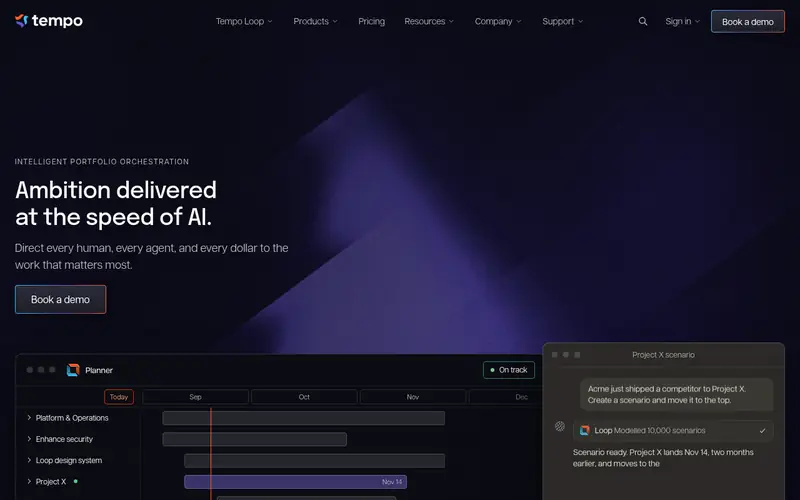
Tempo is a time tracking and resource planning app for Jira. Teams log hours in Jira, and Tempo compares logged time to planned time. Managers see where logged hours run past the plan, which works as an early warning for a time budget. Because it is built for Jira, the value depends on running your work there. Tempo quotes pricing per user, and the plan structure varies, so confirm current terms on the vendor site. It suits teams that already plan sprints in Jira and want hour alerts without a second tool.

Free plan: Free trial (30 days)

Website: tempo.io

Strengths

  • Timesheets and capacity views inside Jira
  • Alerts on planned versus logged hours

Watch out for

  • Built around Jira
  • Pricing quoted per user
5

Float

Agencies planning hours across many projects
See vendor pricing page
float.comHomepage, Nov 2026
Float homepage

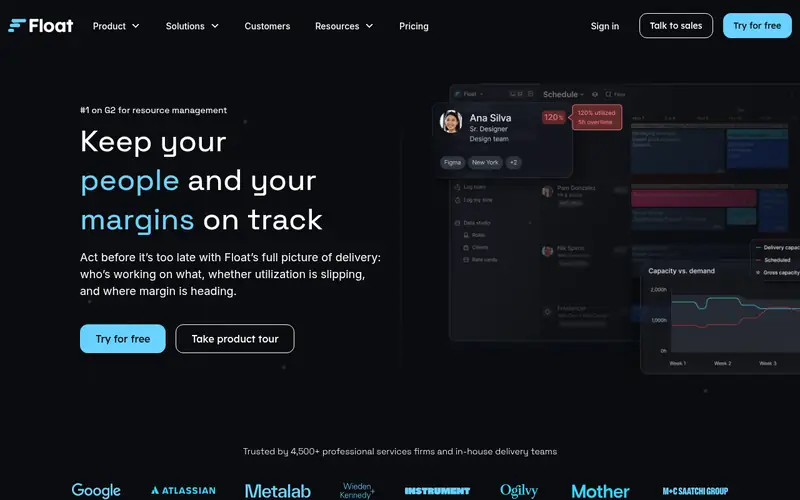
Float is a resource planning tool. You schedule people on projects, and Float shows planned hours against available hours. When a person is scheduled past their capacity, the schedule shows the over-allocation, which acts as a time budget alert for the team. Float is strongest for agencies and studios that plan weeks ahead. It tracks planned time rather than logged time, so it pairs well with a separate time tracker. Pricing is per seat, and there is a trial rather than a free plan. Small teams with one or two projects may find it more than they need.

Free plan: Free trial (30 days)

Website: float.com

Strengths

  • Planned versus actual hours per person
  • Schedule views show over-allocation

Watch out for

  • Alerts focus on resource plans
  • No permanent free plan
6

Wrike

Teams wanting project budgets and alerts in one suite
See vendor pricing page
wrike.comHomepage, Nov 2026
Wrike homepage

Wrike is a project management suite with time tracking and budget fields. You add a budget to a project, and Wrike shows effort against it. Workload views show planned hours per person, so managers can spot over-allocation before it becomes an overrun. The free plan covers basic task work. Budget tracking and workload features sit on paid plans, and the tiers change, so check the pricing page. Wrike suits teams that want project management and time budget checks in one place. Teams that only need a timer may prefer a lighter tool.

Free plan: Yes

Website: wrike.com

Strengths

  • Budget fields and tracking on projects
  • Workload views for planned hours

Watch out for

  • Budget alerts sit on paid tiers
  • Setup takes time
7

ClickUp

Teams wanting time estimates and alerts in one workspace
See vendor pricing page
clickup.comHomepage, Nov 2026
ClickUp homepage

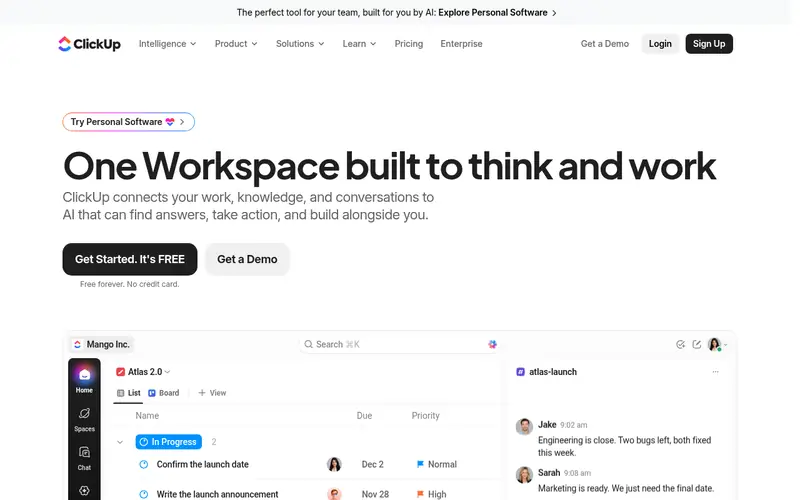
ClickUp is a work management app with time tracking built in. You set time estimates on tasks, and ClickUp shows tracked time against the estimate. Dashboards can show hours logged against targets, which works as a time budget alert when you review them. The free plan covers basic use. Time tracking and dashboard features vary by plan, so confirm what your tier includes. ClickUp suits teams that want tasks, time and reporting in one workspace. The alerting is less automatic than a dedicated budget tool, so it needs some setup.

Free plan: Yes

Website: clickup.com

Strengths

  • Time estimates and tracked time per task
  • Dashboards for hours against targets

Watch out for

  • Alerts need setup
  • Feature depth varies by plan
8

Clockify

Budget-conscious teams wanting a free tracker
See vendor pricing page
clockify.meHomepage, Nov 2026
Clockify homepage

Clockify is a time tracker with a free plan for unlimited users. You track time on projects, and on paid plans you can set a project budget and see progress against it. When hours approach the budget, the project view shows the gap. The free plan covers tracking without the budget alert features. Budgets and advanced reporting are on paid plans, so check the pricing page for current limits. Clockify suits teams that want a low-cost tracker and can add budget controls later. Teams that need alerts from day one should compare paid tiers.

Free plan: Yes

Website: clockify.me

Strengths

  • Free plan for unlimited users
  • Project budgets on paid tiers

Watch out for

  • Budget alerts sit on paid plans
  • Reporting depth varies by tier

Pre-purchase checklist

  • Confirm whether alerts fire on logged hours, planned hours or billable amounts, since each tool differs.
  • Check which plan tier includes budget alerts, because many free plans leave them out.
  • Confirm the alert threshold options: fixed hours, a percentage of budget or a money amount.
  • Check how alerts reach you, such as in-app flags, email or dashboard views.
  • Confirm seat pricing and whether viewers or clients need paid seats.

FAQ

What is a time budget alert tool?

A time budget alert tool tracks hours or planned time against a set budget and warns you when the budget is close to spent. The warning can appear in the app, on a dashboard or by email. It helps teams catch an overrun before the project runs past its hours or fee.

Do these tools send alerts automatically?

It varies. Some tools flag a project in reports and project views when it nears the budget. Others send notifications or show over-allocation in a schedule. Check the vendor documentation for how alerts are delivered on each plan before you rely on them.

Is there a free option for time budget alerts?

Several tools have free plans, including Toggl Track, Wrike, ClickUp and Clockify. Budget alert features often sit on paid tiers, so the free plan may cover tracking only. Confirm what your plan includes on the vendor pricing page.

Can I set alerts per person or per project?

Most tools set budgets per project, which suits client work billed by the hour. Per-person alerts usually come from resource planning tools like Float or Tempo, which compare planned hours to capacity. Pick the model that matches how you plan work.

Do I need a separate time tracker?

Not always. Tools like Harvest, Toggl Track and Clockify track time and hold budgets in one app. Everhour and Tempo work inside another project tool, so you may not need a second tracker. Float plans hours rather than logging them, so it pairs with a tracker.