How we rank
Project Management · Researched comparison

Best Time Tracking Software With Cost Codes in 2026

TaskReports may earn a fee from some links on this page, and some placements are paid and labelled. Neither one decides the order. See our disclosure.

The short answer

ClockShark is the first pick for construction and field teams that need cost codes on every time entry. It pairs GPS and scheduling with job costing. QuickBooks Time is a strong alternative if you already run QuickBooks for payroll and invoicing. Harvest fits service firms that bill clients by project code but do not need heavy job costing.

On this page

Key takeaways

  • ClockShark, QuickBooks Time, and Rhumbix tie time entries to cost codes for construction and field crews.
  • Harvest and Toggl Track suit service firms that bill hours against client and project codes.
  • Entry prices range from free plans to about $20 per user per month, and most tools charge per user.
  • Confirm cost code support on your plan tier, because some vendors limit it to higher tiers.

Quick comparison

ToolBest fitStarting price
ClockSharkConstruction crews that need cost codes on mobile time entriesSee vendor pricing page
QuickBooks TimeBusinesses already using QuickBooks for payroll and invoicingSee vendor pricing page

HarvestService firms billing client hours by project codeSee vendor pricing page
Toggl TrackSmall teams that want simple project and tag codesSee vendor pricing page
RhumbixConstruction field teams tracking labor against cost codesSee vendor pricing page
HubstaffRemote and field teams that need activity and project codesSee vendor pricing page
BigTimeProfessional services firms with detailed project codesSee vendor pricing page

How we chose

We picked tools that let you attach cost codes, job codes, or project codes to time entries and report on them. Criteria were fit for the use case, published entry price, free access, and main limits such as per-user pricing or missing job costing. Sources are vendor websites and public documentation. Prices change, so confirm current pricing on the vendor site before you buy.

Best overall

ClockShark

Construction crews that need cost codes on mobile time entries

  • Cost codes attach to each time entry
  • GPS and job scheduling built in
PriceSee vendor pricing page
See ClockShark pricing
ClockSharkHomepage image unavailable

ClockShark is built for construction, field service, and trades. Workers clock in from a phone or tablet and pick a job and cost code. The data rolls into job costing reports so you can see labor cost by code. Scheduling, GPS tracking, and geofencing are part of the same system. Plans are priced per user per month, and cost code features are part of the paid tiers. There is a 14-day free trial but no free plan. Small crews may find the per-user cost high, and office-only teams do not need the GPS features. It suits contractors who track labor against many jobs and codes.

Price: See vendor pricing page

Free plan: Free trial (14 days)

Website: clockshark.com

Watch out for

  • No free plan
  • per-user pricing adds up for large crews
2

QuickBooks Time

Businesses already using QuickBooks for payroll and invoicing
See vendor pricing page
quickbooks.intuit.comHomepage, Nov 2026
QuickBooks Time homepage

QuickBooks Time (formerly TSheets) tracks hours and lets you assign job codes and service items to entries. If you use QuickBooks Online or Desktop, those hours flow into payroll and project reports. That makes it a practical choice for small firms that already bill through QuickBooks. Pricing is per user per month, and the entry tier covers basic time tracking. Features like project tracking and job costing sit on higher tiers. There is a 30-day trial but no free plan. Teams that do not use QuickBooks may prefer a standalone tool. It suits businesses that want time and cost codes in the same system as their books.

Free plan: Free trial (30 days)

Website: quickbooks.intuit.com/time-tracking

Strengths

  • Connects time to QuickBooks payroll and projects
  • Job and service item codes

Watch out for

  • Full job costing needs higher tiers
  • No free plan
3

Harvest

Service firms billing client hours by project code
See vendor pricing page
getharvest.comHomepage, Nov 2026
Harvest homepage

Harvest tracks time by client, project, and task. You can set up task codes and bill hours against them, then turn tracked time into invoices. It is a good fit for agencies, consultancies, and professional services that bill by project code rather than construction cost code. There is a free plan for a limited number of users and projects, and paid plans are per user per month. Harvest is not built for field crews or detailed job costing, so construction firms should look elsewhere. It suits small service teams that want simple project codes and invoicing in one place.

Free plan: Yes

Website: getharvest.com

Strengths

  • Clean project and task tracking
  • Invoicing from tracked hours

Watch out for

  • Light on construction job costing
  • Cost code depth is limited
4

Toggl Track

Small teams that want simple project and tag codes
See vendor pricing page
toggl.comHomepage, Nov 2026
Toggl Track homepage

Toggl Track is a lightweight time tracker. You can use projects, tasks, and tags to stand in for cost codes, and reports group hours by those fields. It works well for freelancers and small teams that need to sort time by code without a full accounting system. There is a free plan for a small number of users, and paid plans are per user per month. Toggl Track does not do job costing or invoicing on its own, so it pairs with other tools. It suits teams that want simple code-based reporting and do not need payroll or field tracking.

Free plan: Yes

Website: toggl.com/track

Strengths

  • Free plan for small teams
  • Tags and projects act as codes

Watch out for

  • No built-in job costing
  • Limited billing features
5

Rhumbix

Construction field teams tracking labor against cost codes
See vendor pricing page
rhumbix.comHomepage, Nov 2026
Rhumbix homepage

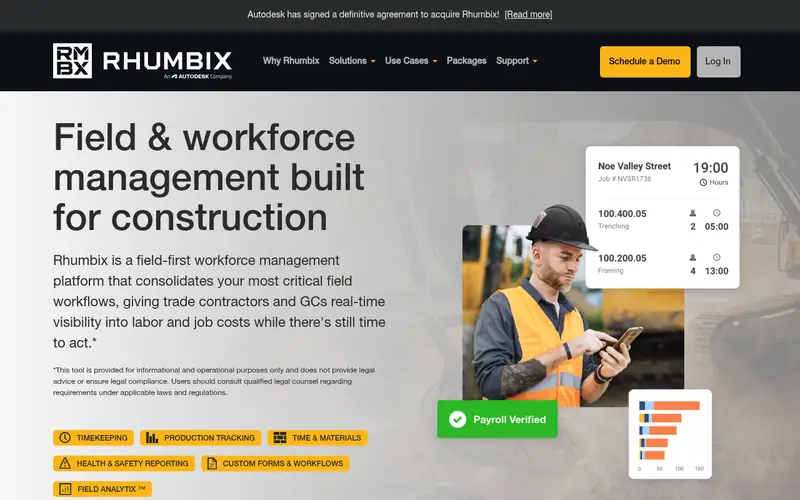
Rhumbix is a field data platform for construction. Crews enter time and quantities against cost codes from a mobile app, and the data feeds job cost reports. It is designed for contractors that need accurate labor cost by code across many jobs. Pricing is quoted by the vendor, and there is no free plan. The product targets mid-size and larger contractors, so very small teams may find it heavy. It suits construction firms that want field time and cost code tracking in one system and are ready to talk to sales.

Free plan: No

Website: rhumbix.com

Strengths

  • Built for construction cost codes
  • Field time and production tracking

Watch out for

  • No free plan
  • Aimed at larger contractors
6

Hubstaff

Remote and field teams that need activity and project codes
See vendor pricing page
hubstaff.comHomepage, Nov 2026
Hubstaff homepage

Hubstaff tracks time with projects and tasks that can act as codes, plus optional activity monitoring and GPS. It suits distributed teams and field staff who need to sort hours by project or client code and see where time goes. Plans are per user per month, and there is a 14-day trial but no free plan. Activity tracking can be a poor fit for teams that dislike monitoring. It suits businesses that want project codes and productivity data together, not firms that need formal construction job costing.

Free plan: Free trial (14 days)

Website: hubstaff.com

Strengths

  • Project and task codes with activity tracking
  • GPS for field staff

Watch out for

  • No free plan
  • Activity tracking is not for every team
7

BigTime

Professional services firms with detailed project codes
See vendor pricing page
bigtime.netHomepage, Nov 2026
BigTime homepage

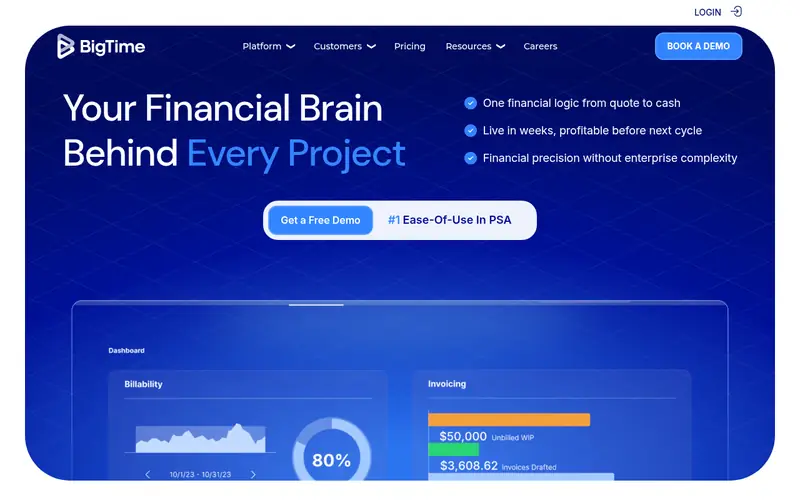
BigTime is built for professional services firms such as accounting, consulting, and architecture practices. It tracks time against clients, projects, and task codes and connects those hours to billing and utilization reports. Cost code depth is strong for service work. Pricing is quoted by the vendor, and there is no free plan. Setup is more involved than a simple tracker, so small teams may not need it. It suits firms that bill by project code and want time, billing, and reporting in one system.

Free plan: No

Website: bigtime.net

Strengths

  • Deep project and task coding
  • Billing and utilization reports

Watch out for

  • No free plan
  • Setup takes time

Pre-purchase checklist

  • Confirm cost code support is included on the plan tier you will buy.
  • Check whether pricing is per user and how that scales with your crew.
  • Verify the tool exports or syncs to your accounting or payroll system.
  • Test mobile entry if field staff will log time on phones.
  • Check free plan limits or trial length before committing.

FAQ

What are cost codes in time tracking?

Cost codes are labels that tie time entries to a job, phase, or budget line. They let you report labor cost by code, compare against a budget, and bill clients accurately. Construction firms use them heavily, and service firms use project or task codes for the same purpose.

Which tool is best for construction cost codes?

ClockShark and Rhumbix are built for construction field teams and support cost codes on mobile time entries. ClockShark adds GPS and scheduling, while Rhumbix focuses on field data and job cost reporting. Both charge per user or by quote, and neither has a free plan.

Do any of these tools have a free plan?

Harvest and Toggl Track offer free plans with limits on users or projects. ClockShark, Hubstaff, and QuickBooks Time offer free trials instead. BigTime and Rhumbix do not list a free plan and quote pricing directly.

Can I bill clients from tracked cost codes?

Harvest and BigTime turn tracked hours into invoices by project code. QuickBooks Time connects to QuickBooks invoicing. Tools like Toggl Track and Hubstaff track time but need another system for billing.

Are prices the same for every plan?

No. Most tools charge per user per month and put cost code or job costing features on higher tiers. Prices change, so check the vendor pricing page for current rates before you decide.