Project Management · Researched comparison

Tool for Editing PDF Documents in 2026: A Guide to 7 Tools

TaskReports may earn a fee from some links on this page, and some placements are paid and labelled. Neither one decides the order. See our disclosure.

The short answer

PDFelement is the first pick on this list for value desktop editing with AI. For a different need, PDF Expert covers Mac and iPad editing and Adobe Acrobat covers complete PDF editing. The remaining 4 options are covered below with prices and limits.

On this page

Key takeaways

  • PDFelement is the opening pick, best for value desktop editing with AI.
  • Adobe Acrobat comes with a trade-off: subscription cost is high for occasional use.
  • Free plans exist at 3 of 7 tools (PDFgear, Sejda, Smallpdf).
  • For Adobe Acrobat, Sejda, Smallpdf and Nitro PDF Pro, you have to request a quote because no starting price is shown.

Quick comparison

ToolEntry priceFree planBiggest drawbackBest fit
---------------
PDFelement$79.99 per yearFree trialE-signature workflows are less deep than AcrobatValue desktop editing with AI
PDF Expert$80 per yearFree trialSubscription cost for full featuresMac and iPad editing
Adobe AcrobatSee websiteFree trialInterface can feel heavy for simple editsComplete PDF editing
PDFgearFreeYesFewer advanced business features than AcrobatFree desktop editing
SejdaSee websiteYesInterface is functional rather than polishedBrowser and desktop editing
SmallpdfSee websiteYesFree use has daily limitsFast browser edits
Nitro PDF ProSee websiteFree trialMac version differs from Windows versionOffice-style PDF editing
★ Best overall

PDFelement

Value desktop editing with AI

  • Full editing, OCR, forms
  • Perpetual license options in some plans
Price$79.99 a year
See PDFelement pricing

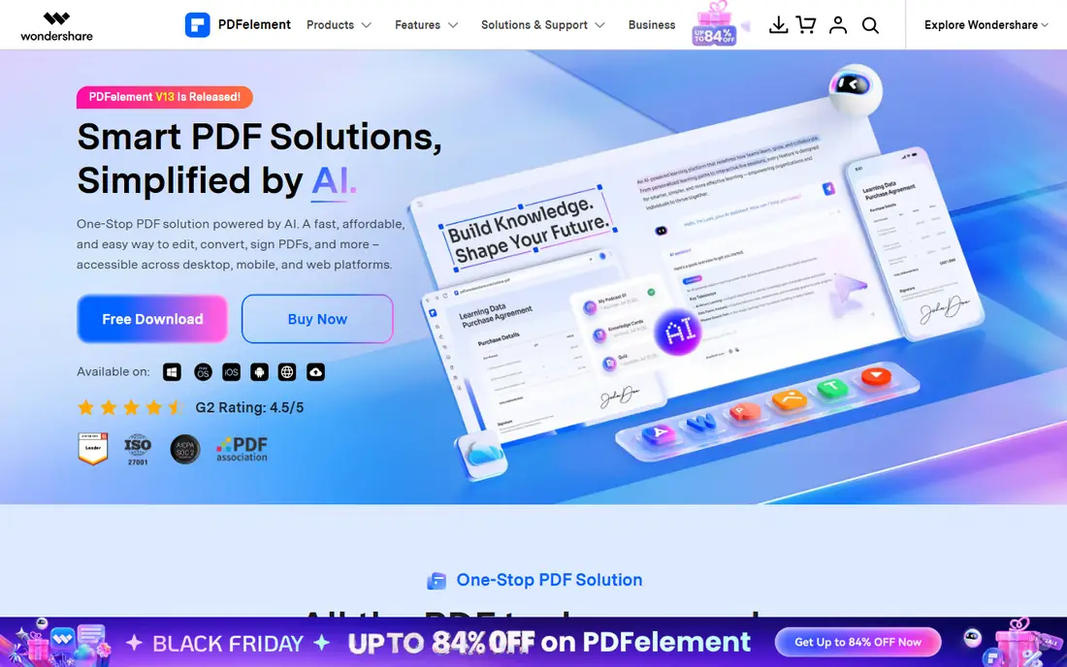
Where PDFelement fits: value desktop editing with AI. PDFelement is our value pick for users who require a full desktop editor without Acrobat pricing. What works well: Works on Windows, Mac, mobile. Honest limits: AI features may use separate credits or limits. It edits text and images, converts files, runs OCR on scans, builds forms, and brings AI summarization and translation features in recent plans. On top of that, for freelancers and small companies, that breadth at a lower yearly price is attractive. Price to start with PDFelement: $79.99 per year. Free access: Free trial.

Price: $79.99 a year

Free plan: Free trial

Website: pdf.wondershare.com

Watch out for

  • E-signature workflows are less deep than Acrobat
2

PDF Expert

Mac and iPad editing
$80 per year

PDF Expert is aimed squarely at Mac and iPad editing. It opens files rapidly, annotates cleanly with Apple Pencil support on iPad, fills forms, and signs documents without the heavier feel of Acrobat. Limits to weigh: Subscription cost for full features. Also, for a Mac-based freelancer or student, it feels like a native part of the workflow. On top of that, cross-platform teams should check coverage. What you pay to start with PDF Expert: $80 per year. Free plan details: Free trial.

Free plan: Free trial

Website: pdfexpert.com

Strengths

  • Decent annotation, forms, signing
  • Syncs well in Apple workflows

Watch out for

  • Windows and Android support is more restricted
3

Adobe Acrobat

Complete PDF editing
See website

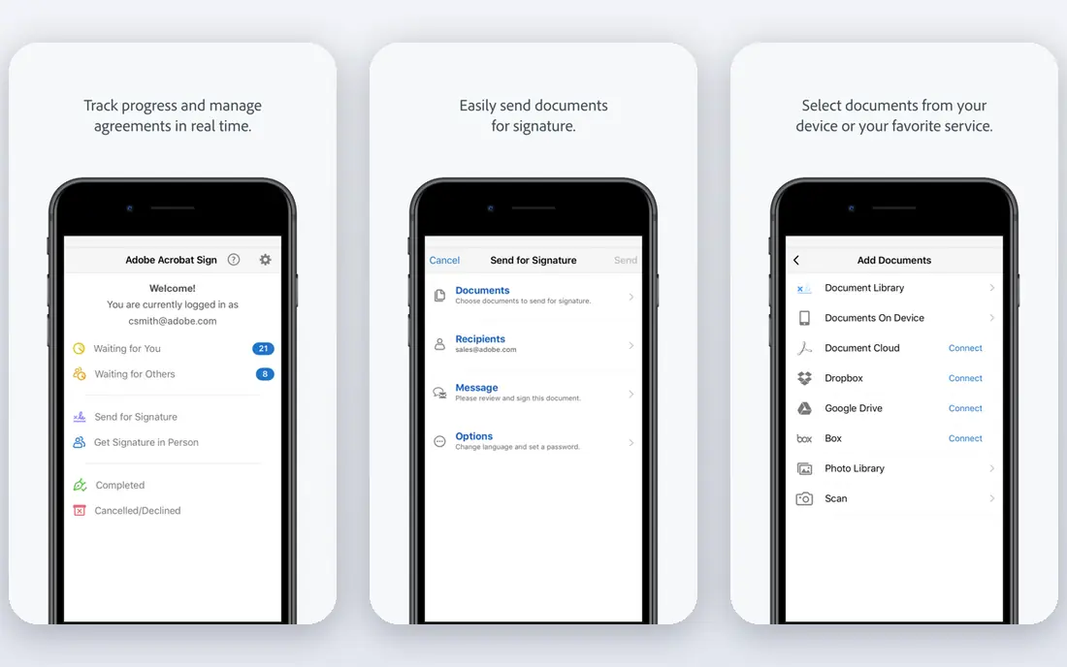
Adobe Acrobat was built for complete PDF editing. Occasional users should try a free or browser tool first, and move to Acrobat when forms, signatures, or accessibility work become regular. The cost and weight are the drawbacks. In practice, for legal, finance, or client-facing work, that completeness and compatibility matter, since files behave as recipients expect. Adobe Acrobat shows no starting price here, so confirm the cost on the vendor site. Free plan details: Free trial. Points against: Subscription cost is high for occasional use. Where it shines: Broad compatibility.

Free plan: Free trial

Website: adobe.com

Strengths

  • Full text, image, form
  • Capable e-signature, redaction

Watch out for

  • Interface can feel heavy for straightforward edits
4

PDFgear

Free desktop editing
Free

PDFgear targets free desktop editing. It edits text, annotates, converts, fills forms, and signs documents without a subscription, which makes it well suited to students, job seekers, and anyone who edits PDFs a handful of times per month. For everyday use, advanced redaction, accessibility checks, bulk signing, and enterprise admin tools are more solid in Acrobat, Foxit, or Nitro. In practice, the fact that it is free does not mean it is only a viewer. PDFgear pricing: Free. PDFgear includes a free tier. Honest limits: Fewer advanced business features than Acrobat.

Free plan: Yes

Website: pdfgear.com

Strengths

  • No subscription needed
  • Text editing, annotation, conversion, signing

Watch out for

  • Support and updates depend on vendor roadmap
5

Sejda

Browser and desktop editing
See website

For browser and desktop editing, Sejda is a natural candidate. Free limits are the primary constraint. The design is also plain compared to PDF Expert or Acrobat. Limits to weigh: Interface is functional instead of refined. From a buyer's view, the web editor manages text edits, annotations, forms, merging, and signing, whereas the desktop app can process files locally without uploading them. From a buyer's view, daily task counts and file sizes are capped, so frequent users will need a premium plan. No starting price is listed for Sejda here; confirm pricing on the vendor site. A free plan is available with Sejda.

Free plan: Yes

Website: sejda.com

Strengths

  • Browser editor with desktop app choice
  • Privacy-friendly desktop processing

Watch out for

  • Free plan limits tasks per day and file size
6

Smallpdf

Fast browser edits
See website

Smallpdf is built with fast browser edits in mind. Smallpdf is well suited to fast, browser-based PDF jobs. In practice, editing large blocks of text, building complicated forms, or running OCR on a long scan is better done in Acrobat, Foxit, or PDFelement. Trade-offs to know: Free use has daily limits. In practice, for a student, job seeker, or office worker with occasional PDF tasks, that speed is the central selling point. It is not a full desktop editor. Check the vendor site for Smallpdf pricing; none is listed in this comparison. Smallpdf offers a free plan.

Free plan: Yes

Website: smallpdf.com

Strengths

  • Handy for occasional edits
  • Clean interface

Watch out for

  • Deep text editing is weaker than desktop suites
7

Nitro PDF Pro

Office-style PDF editing
See website

Nitro PDF Pro is designed for office-style PDF editing. For Windows-centered teams, Nitro remains a solid Acrobat alternative. The ribbon interface feels familiar, editing and conversion are straightforward, and signing and collaboration handle typical business needs. From a buyer's view, the Mac version has historically differed from Windows. Pricing can vary by channel, so confirm the current plan on the vendor site. From a buyer's view, Nitro PDF Pro appeals to Windows teams that live in Microsoft Office. More specifically, for an office that wants one PDF tool for most staff, Nitro is simple to train and deploy. Check the vendor site for Nitro PDF Pro pricing; none is listed in this comparison. On free options: Free trial. Downsides: Pricing is not always published plainly.

Free plan: Free trial

Website: gonitro.com

Strengths

  • Familiar ribbon interface for Office users
  • Capable editing, conversion, signing

Watch out for

  • Mac version differs from Windows version

FAQ

Do I need a premium PDF editor for signatures?

PDFgear, Smallpdf, Sejda, and most desktop editors let you sign a document. Premium plans matter for bulk sending, branded requests, audit trails, and legal-grade signature workflows, which Acrobat and Foxit deal with more deeply.

Which options for tool for editing PDF documents have a free plan?

PDFgear, Sejda and Smallpdf offer a free plan in this list. Free plans usually cap users, projects or features, so check the limits on the vendor page. Several others offer a trial instead.

Can I try these tools before paying?

Often, yes. PDFgear, Sejda and Smallpdf have a free plan and PDFelement, PDF Expert, Adobe Acrobat and Nitro PDF Pro offer a free trial. Use your own data and a real task during the test, and check what the free tier or trial limits before you rely on it.

How are the tools for tool for editing PDF documents ordered?

The order follows typical fit for tool for editing PDF documents, with PDFelement first and Nitro PDF Pro last, then price clarity and free access. It is editorial judgement, not a score, so another team could rank the tools differently.

Do these tools publish their prices?

Not all of them. Adobe Acrobat, Sejda, Smallpdf and Nitro PDF Pro publish no starting price, so expect a quote request for those. The rest, PDFelement included, show a starting price, though seats and billing terms still change the final cost.

Is it safe to edit PDFs online?

It can be, for non-sensitive files, if you use a reputable service and check its privacy policy. For sensitive contracts or personal documents, use a desktop editor that processes files locally, and avoid uploading files to a service you have not reviewed.