
Project Management · Researched comparison

6 Best Tool to Split PDF Files for 2026

TaskReports may earn a fee from some links on this page, and some placements are paid and labelled. Neither one decides the order. See our disclosure.

The short answer

Our first pick is PDF24 Tools, best for free browser and desktop tools. Alternatives: Sejda for advanced browser splits, and Adobe Acrobat for professional PDF work. The remaining 3 options are covered below with prices and limits.

On this page

Key takeaways

  • Number one here is PDF24 Tools, a fit for free browser and desktop tools.
  • For everyday browser PDF tools, PDF Candy is worth a look.
  • 5 of 6 tools offer a free plan: PDF24 Tools, Sejda, Smallpdf, iLovePDF, PDF Candy.
  • One limit worth knowing about Sejda: free plan limits tasks per hour and file size.

Quick comparison

ToolStarts atFree accessKey limitationBest fit
---------------
PDF24 ToolsFreeYesDesktop app is Windows onlyFree browser and desktop tools
SejdaFreeYesPremium plan costs $7.50 per monthAdvanced browser splits
Adobe AcrobatSee websiteNoPremium subscriptionProfessional PDF work
SmallpdfFreeYesFree use is limited per dayBrowser splits plus editing
iLovePDFFreeYesFree use has processing limitsFast browser splits
PDF CandyFreeYesPricing details should be checked on siteEveryday browser PDF tools
★ Best overall

PDF24 Tools

Free browser and desktop tools

  • Windows desktop app for offline work
  • Free online tools

Pick PDF24 Tools if this describes you: free browser and desktop tools. Splitting by page ranges works in the browser, whereas the desktop Creator layers on local processing for bigger or more frequent jobs. In practice, for most splitting jobs, though, the browser version is enough. Drawbacks to consider: Desktop app is Windows only. The absence of a paywall for entry-level tools is a real advantage. From a buyer's view, PDF24 is a capable default when cost matters more than polish. On cost, PDF24 Tools starts like this: Free. Free access exists with PDF24 Tools.

Price: Free

Free plan: Yes

Website: tools.pdf24.org

Watch out for

  • Interface is functional instead of refined
2

Sejda

Advanced browser splits

Free

For advanced browser splits, Sejda is a natural candidate. The premium plan is modestly priced compared with full editors. Free use is ample for occasional jobs but capped by tasks per hour and file size. So a batch of large files may need waiting or a premium plan. On top of that, Sejda gives you more split control than most browser tools, including splitting by bookmarks, page ranges and text found on pages. That text-based choice helps when a long PDF repeats a heading at the start of each section. You want one file per section without marking pages by hand. Sejda starts at: Free. Free access exists with Sejda. Downsides: Free plan limits tasks per hour and file size. Where Sejda stands out: No watermark on numerous free jobs.

Free plan: Yes

Website: sejda.com

Strengths

  • Range
  • Desktop choice

Watch out for

  • Premium plan costs $7.50 a month
3

Adobe Acrobat

Professional PDF work
See website

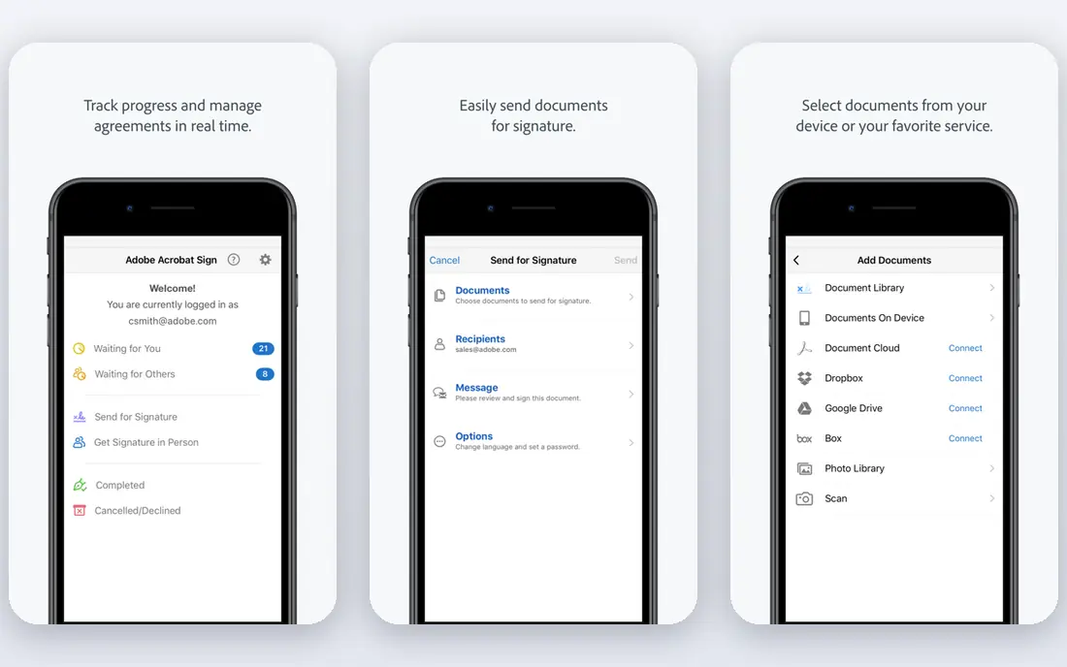
Adobe Acrobat is built with professional PDF work in mind. Acrobat is a subscription product, and buying it only to split PDFs seldom makes sense. It makes sense when you already edit, sign, compare or protect PDFs at work, and splitting becomes one more task inside a tool you already pay for. Where it falls short: premium subscription. On desktop, you can split by page count, file size or top-level bookmarks, which matters for long reports and manuals where bookmarks mark real chapters. Check current pricing on Adobe's site, since plans and online limits change. Adobe Acrobat is the professional choice, since splitting is one feature inside a complete PDF editor. Adobe Acrobat does not show a starting price in this comparison, so check the vendor site for current pricing. No free plan comes with Adobe Acrobat.

Free plan: No

Website: adobe.com/acrobat.html

Strengths

  • Bookmark
  • Full editing suite

Watch out for

  • Free online split use is restricted
4

Smallpdf

Browser splits plus editing
Free

Smallpdf was built for browser splits plus editing. Its mobile apps help when the file sits on a phone rather than a computer. The wider toolset spans signing, compressing and converting. Drawbacks to consider: premium plan opens at a higher monthly price than rivals. premium plans lift those limits and add bigger file handling. In practice, the free plan limits how plenty of tasks you can run per day, which can frustrate users with a batch of files. What you pay to start with Smallpdf: Free. Smallpdf offers a free plan.

Free plan: Yes

Website: smallpdf.com

Strengths

  • Mobile apps
  • Document tools in one account

Watch out for

  • Free use is restricted per day
5

iLovePDF

Fast browser splits
Free

Think of iLovePDF for fast browser splits. You upload a file, pick page ranges or extract chosen pages, and download the results as separate files. Limits to weigh: Free use has processing limits. On top of that, the same site also manages merging, compressing and converting, which helps when a split is only one step in a bigger document job. The starting price for iLovePDF: Free. iLovePDF includes a free tier.

Free plan: Yes

Website: ilovepdf.com

Strengths

  • Clear range and page controls
  • No install needed

Watch out for

  • Premium plan needed for heavy daily use
6

PDF Candy

Everyday browser PDF tools
Free

PDF Candy is designed for everyday browser PDF tools. The split tool follows the same straightforward pattern as its rivals, with page selection and range choices that handle typical jobs. Drawbacks to consider: Some tools need a premium plan for heavy use. From a buyer's view, heavy users may hit limits that a premium plan removes, so check the current terms before a large batch. More specifically, having numerous tools in one place cuts the have to learn a new site for each document task. Starting cost for PDF Candy: Free. PDF Candy offers a free plan.

Free plan: Yes

Website: pdfcandy.com

Strengths

  • Broad browser toolset
  • No install needed

Watch out for

  • Pricing details should be checked on site

FAQ

Is PDF24 Tools the right pick for everyone comparing tool to split PDF files?

No single tool suits every team. PDF24 Tools comes first because it fits free browser and desktop tools, while Sejda suits advanced browser splits and Adobe Acrobat suits professional PDF work. Match the tool to your own size, budget and workflow before deciding.

What are the best tools to split pdf files?

PDF24 Tools comes first here and is built for free browser and desktop tools. Buyers with other needs may prefer Sejda (for advanced browser splits) or Adobe Acrobat (for professional PDF work). Compare costs and limits first.

How are the tools for tool to split PDF files ordered?

The order follows typical fit for tool to split PDF files, with PDF24 Tools first and PDF Candy last, then price clarity and free access. It is editorial judgement, not a score, so another team could rank the tools differently.

Which options for tool to split PDF files have a free plan?

PDF24 Tools, Sejda, Smallpdf, iLovePDF and PDF Candy offer a free plan in this list. Free plans usually cap users, projects or features, so check the limits on the vendor page.

Do these tools publish their prices?

Not all of them. Adobe Acrobat publishes no starting price, so expect a quote request for it. The rest, PDF24 Tools included, show a starting price, though seats and billing terms still change the final cost.