Developer Tools · Researched comparison

Shortlist: 7 Best User Friendly Database Software for 2026

TaskReports may earn a fee from some links on this page, and some placements are paid and labelled. Neither one decides the order. See our disclosure.

The short answer

Zoho Creator leads the list, best for low-code apps inside the Zoho ecosystem. For a different need, Knack covers customer portals and internal apps and Smartsheet covers project-style work on structured data. The remaining 4 options are covered below with prices and limits.

On this page

Key takeaways

  • Top of the list is Zoho Creator, which targets low-code apps inside the Zoho ecosystem.
  • Ninox is the one to check for Mac-first database with offline use.
  • Check the limits for Zoho Creator before you commit: best value needs committing to Zoho broadly.
  • Pricing across the list, from Zoho Creator to Ninox, is by quote only.

Quick comparison

ToolBest fitFree planOfficial site
------------
Zoho CreatorLow-code apps inside the Zoho ecosystemYeszoho.com
KnackCustomer portals and internal appsFree trialknack.com
SmartsheetProject-style work on structured dataFree trialsmartsheet.com
QuickbaseEnterprise-grade operational appsFree trialquickbase.com
AirtableSpreadsheet users ready for relational dataYesairtable.com
CodaDoc-style interface with feature-rich formulasYescoda.io
NinoxMac-first database with offline useFree trialninox.com
★ Best overall

Zoho Creator

Low-code apps inside the Zoho ecosystem

  • Competitive pricing with a real free level
  • Visual builder plus Deluge scripting for complicated logic
PriceSee website
See Zoho Creator pricing

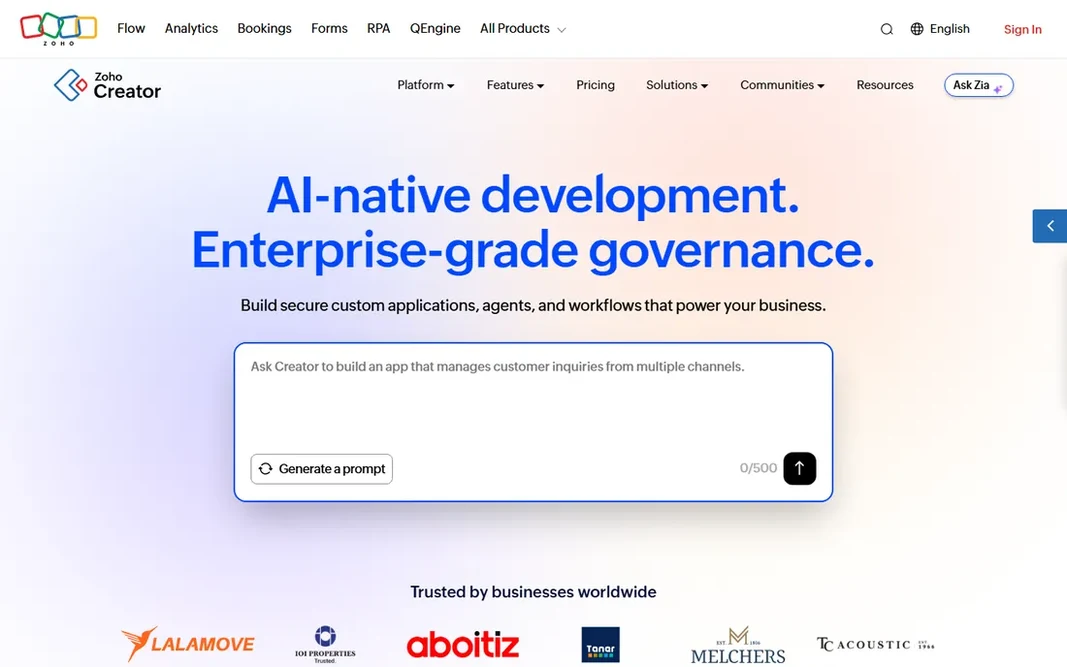
In short, Zoho Creator is for low-code apps inside the Zoho ecosystem. Zoho Creator is the app builder for the Zoho world. From a buyer's view, the drag-and-drop builder includes forms, workflows and reports, whereas the Deluge scripting language deals with logic that pure no-code cannot. Where it falls short: Best value needs committing to Zoho broadly. As for the details, since it sits inside Zoho One, data flows naturally to CRM, Books, Desk and the rest of the suite, and pricing undercuts most rivals. From a buyer's view, the main limit is ecosystem gravity. As for the details, Zoho Creator suits businesses already running Zoho that require custom operational apps quick. This comparison lists no price for Zoho Creator; ask the vendor. You can start on Zoho Creator without paying.

Price: See website

Free plan: Yes

Website: zoho.com/creator

Watch out for

  • The interface polish trails standalone competitors
2

Knack

Customer portals and internal apps
See website

Knack is built with customer portals and internal apps in mind. Knack fits operations teams that require a working business app, like a vendor portal or a case tracker, without hiring developers. Knack does not show a starting price in this comparison, so check the vendor site for current pricing. On free options: Free trial. Trade-offs to know: Interface design choices feel dated next to modern builders.

Free plan: Free trial

Website: knack.com

Strengths

  • Handles use cases Airtable cannot touch
  • No-code form and workflow builder

Watch out for

  • Pricing scales with records and app usage
3

Smartsheet

Project-style work on structured data
See website

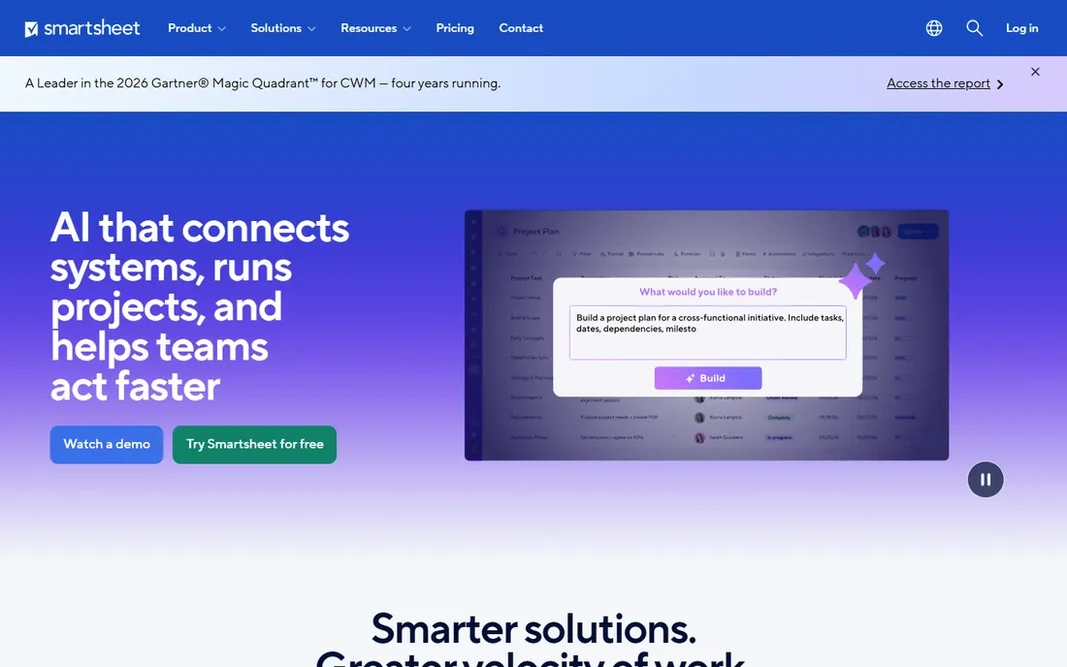
For project-style work on structured data, Smartsheet is a natural candidate. Enterprise buyers get the governance, audit trails and admin controls that lighter tools skip. Where it falls short: Feels like project software wearing a database costume. This comparison lists no price for Smartsheet; ask the vendor. Free plan details: Free trial. Where Smartsheet stands out: Enterprise governance and admin controls.

Free plan: Free trial

Website: smartsheet.com

Strengths

  • Card and calendar views
  • Familiar grid with Gantt

Watch out for

  • No free plan, only a trial
4

Quickbase

Enterprise-grade operational apps
See website

Quickbase makes the most sense for enterprise-grade operational apps. Everything about the buying experience says enterprise: quote-based pricing, sales-led process, implementation support. In practice, small teams will find it heavy and pricey for straightforward trackers. Quickbase does not show a starting price in this comparison, so check the vendor site for current pricing. As for free access: Free trial. Downsides: Enterprise pricing and sales process.

Free plan: Free trial

Website: quickbase.com

Strengths

  • Proven at enterprise scale with governance to match
  • Long track record in operations-heavy industries

Watch out for

  • Overkill for straightforward tracking needs
5

Airtable

Spreadsheet users ready for relational data
See website

Airtable works best for spreadsheet users ready for relational data. Airtable is the product that defined this category. Honest limits: Record. It looks like a spreadsheet but behaves like a database: linked records, rollups, filtered views, kanban and calendar layouts, plus an interface designer for building straightforward internal apps and automations that move data without code. For everyday use, everything exports as CSV, so your data is never trapped. Check the vendor site for Airtable pricing; none is listed in this comparison. Free access exists with Airtable.

Free plan: Yes

Website: airtable.com

Strengths

  • Huge template gallery and integration ecosystem
  • Interfaces and automations include plenty of internal-tool needs

Watch out for

  • Automation and attachment limits on lower plans need checking before you scale
6

Coda

Doc-style interface with feature-rich formulas
See website

Coda was built for Doc-style interface with capable formulas. Coda suits analytical teams that think in formulas and want docs that compute, not just store. What to check first: Smaller ecosystem than Airtable or Notion. Its formula language manages lookups, filters and calculations that would need workarounds elsewhere, and Packs pull in data from Slack, Jira, GitHub and dozens of other apps. Coda shows no starting price here, so confirm the cost on the vendor site. A free plan is available with Coda.

Free plan: Yes

Website: coda.io

Strengths

  • Packs link docs to outside apps
  • Adaptable canvas layout beyond rigid tables

Watch out for

  • Pricing based on doc makers can confuse buyers
7

Ninox

Mac-first database with offline use
See website

Ninox targets Mac-first database with offline use. The standout commercial detail is the one-time purchase choice for the Mac app, a rarity in a subscription world. Honest limits: Windows and web experience trail the native Apple apps. As for the details, the ecosystem is the limitation: fewer templates, fewer integrations and a smaller community than the cloud-native leaders. Ninox does not show a starting price in this comparison, so check the vendor site for current pricing. Trial and free access: Free trial.

Free plan: Free trial

Website: ninox.com

Strengths

  • One-time purchase choice avoids subscriptions
  • Scripting for advanced customization

Watch out for

  • Smaller community and template library

FAQ

Do these tools publish their prices?

No. None of the tools, from Zoho Creator to Ninox, shows a fixed starting price here, so budget time for quotes.

Which options for user friendly database software have a free plan?

On this list, Zoho Creator, Airtable and Coda include a free plan. Caps on seats, usage or features are common, so test the free plan against your real workload. Several others offer a trial instead.

How are the tools for user friendly database software ordered?

Zoho Creator sits first and Ninox last because the order follows typical fit for user friendly database software, then price clarity and free access. It is a judgement call, so read each profile for fit and limits.

Can I try these options before paying?

Often, yes. Zoho Creator, Airtable and Coda have a free plan and Knack, Smartsheet, Quickbase and Ninox offer a free trial. Use your own data and a real task during the test, and check what the free tier or trial limits before you rely on it.

Can these tools replace spreadsheets entirely?

For structured, shared, relational data, yes. For fast ad-hoc calculations and financial modeling, spreadsheets still win. Most teams end up using both: databases for systems of record, spreadsheets for analysis.