IT and Security · Researched comparison

6 Strong Version Control Software for DevSecOps Teams in 2026

TaskReports may earn a fee from some links on this page, and some placements are paid and labelled. Neither one decides the order. See our disclosure.

The short answer

Our first pick is GitLab, best for all in one DevSecOps system. For a different need, Bitbucket covers Atlassian stack teams and Gerrit covers strict code review workflows. Details, prices and limits for the rest of the 6 tools are below.

On this page

Key takeaways

  • This list starts with GitLab, which is built for all in one DevSecOps system.
  • Only 5 of the 6 tools have a free plan (GitLab, Bitbucket, Gerrit, GitHub, Azure Repos), so check the caps.
  • Azure Repos is the one to check for Microsoft and Azure teams.
  • Expect to ask for a quote from AWS CodeCommit; the other tools show a starting price.
  • A fair warning about Bitbucket: security scanning needs add ons.

Quick comparison

ToolSuited toFree accessWebsite
------------
GitLabAll in one DevSecOps productYesabout.gitlab.com
BitbucketAtlassian stack teamsYesbitbucket.org
GerritStrict code review workflowsYesgerritcodereview.com
GitHubLargest ecosystem and securityYesgithub.com
AWS CodeCommitAWS native teamsNoaws.amazon.com
Azure ReposMicrosoft and Azure teamsYesazure.microsoft.com
★ Best overall

GitLab

All in one DevSecOps product

  • SAST and DAST
  • Self hosting

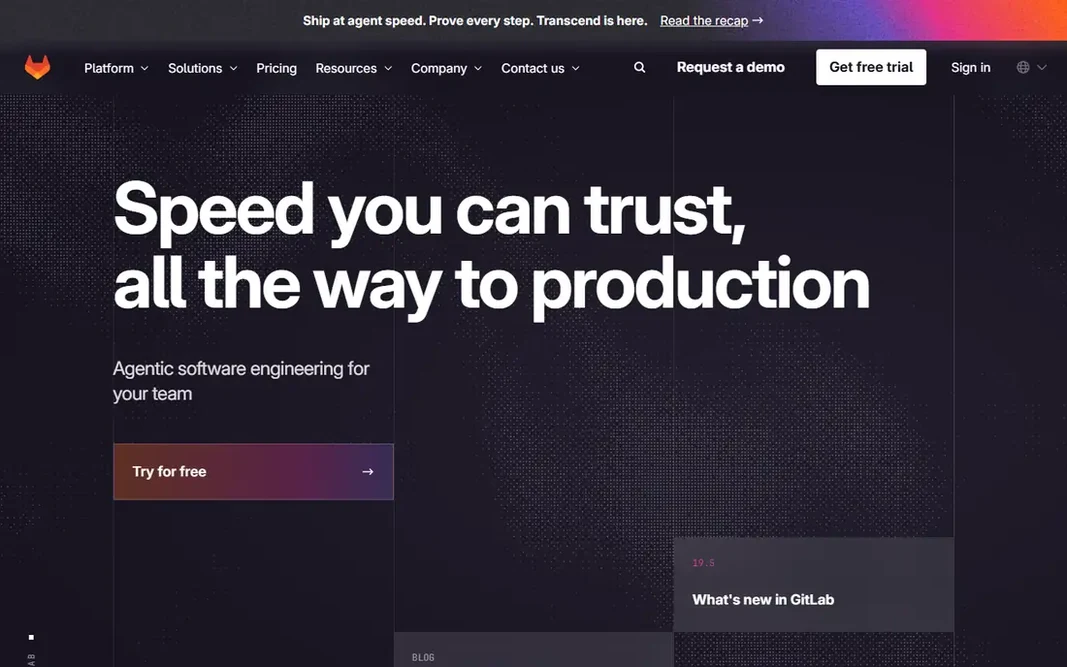
GitLab was built for all in one DevSecOps product. The interface packs plenty of features, so new users face a learning curve. Where it is weaker: Interface is dense. The full Ultimate security level costs more than entry-level plans. Price to start with GitLab: Free. GitLab includes a free tier.

Price: Free

Free plan: Yes

Website: about.gitlab.com

Watch out for

  • Ultimate security level is expensive
2

Bitbucket

Atlassian stack teams
Free

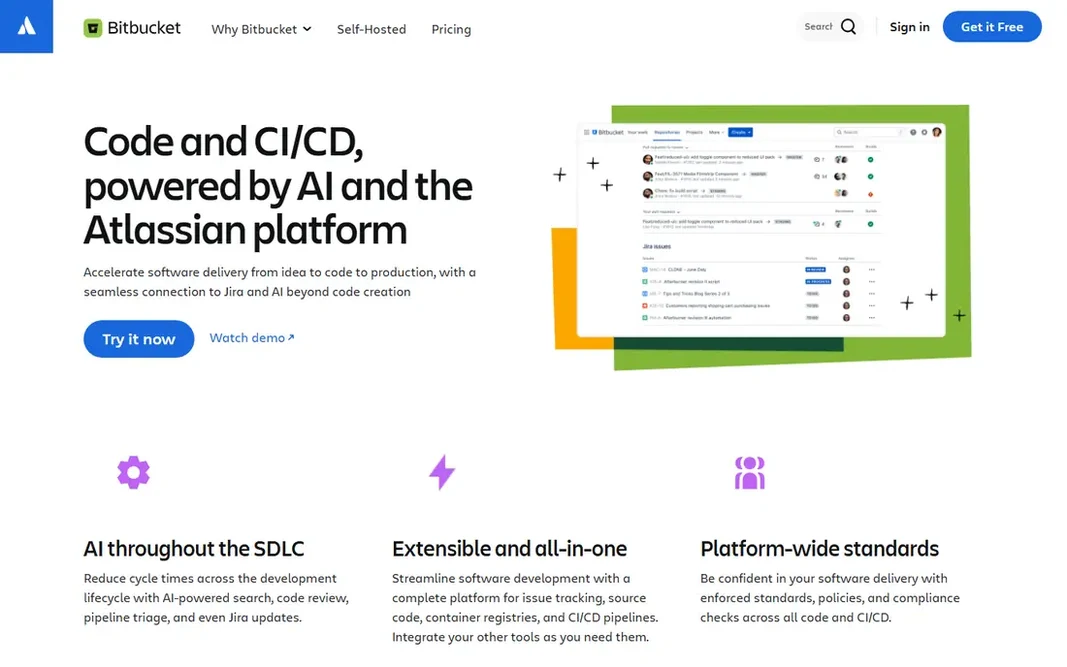
Bitbucket is a good fit for Atlassian stack teams. For a team already on Atlassian, Bitbucket keeps code and project work in one flow. Honest limits: Smaller ecosystem. In practice, native security scanning is thinner than GitHub or GitLab, so teams add third party scanners for SAST and secret detection. What you pay to start with Bitbucket: Free. A free plan is available with Bitbucket.

Free plan: Yes

Website: bitbucket.org

Strengths

  • Pipelines CI
  • Branch permissions

Watch out for

  • Security scanning needs add ons
3

Gerrit

Strict code review workflows
Free

Choose Gerrit for strict code review workflows. Gerrit enforces a strict code review model where every change is reviewed and verified before it lands, with fine access control and in-depth audit trails. Where Gerrit stands out: Access control. More specifically, for a regulated team where every change needs formal review and audit proof, Gerrit rigor justifies the complexity. Large projects like Android use Gerrit for governance at scale, and its review workflow catches issues that lighter pull request models miss. Starting cost for Gerrit: Free. You can start on Gerrit without paying. Watch-outs: Git workflow differs; Setup effort.

Free plan: Yes

Website: gerritcodereview.com

Strengths

  • Rigorous review model
  • Audit trails

Watch out for

  • Ramp-up time
4

GitHub

Largest ecosystem and security
Free

GitHub is aimed squarely at largest ecosystem and security. Large monorepos need planning for performance. Advanced Security features, including code scanning with CodeQL, sit on premium plans, so small teams get entry-level Dependabot but not the full suite. For a DevSecOps team that wants the widest tool integrations and capable security defaults, GitHub leads. For everyday use, private repos are free, and teams scale from solo projects to enterprises. GitHub starts at: Free. GitHub offers a free plan. Points against: Large monorepos need care.

Free plan: Yes

Website: github.com

Strengths

  • Huge ecosystem
  • Dependabot alerts

Watch out for

  • Advanced Security is premium
5

AWS CodeCommit

AWS native teams
See website

For AWS native teams, AWS CodeCommit is a natural candidate. AWS CodeCommit gives you private Git repos inside AWS, with IAM based access control, encryption, and integration with CodeBuild, CodePipeline, and CloudTrail audit logs. Worth adding: for an AWS native team that wants repos inside its cloud account, CodeCommit suits cleanly. Points against: Fewer CI and security features. More specifically, the interface is entry-level compared with modern Git systems. Native CI and security scanning are thinner than GitHub or GitLab, so teams add CodeBuild steps and third party scanners. AWS CodeCommit shows no starting price here, so confirm the cost on the vendor site. AWS CodeCommit has no permanent free option.

Free plan: No

Website: aws.amazon.com/codecommit

Strengths

  • IAM access control
  • AWS integration

Watch out for

  • Interface is entry-level
6

Azure Repos

Microsoft and Azure teams
Free

Pick Azure Repos if this describes you: Microsoft and Azure teams. Enterprise controls contain audit logs, permissions, and integration with Microsoft Entra ID for identity. Limits to weigh: UI feels dated. Teams deploying to Azure get a smooth path from code to release. Azure Repos starts at: Free. Azure Repos offers a free plan.

Free plan: Yes

Website: azure.microsoft.com/en-us/products/devops/repos

Strengths

  • Enterprise controls
  • Azure DevOps integration

Watch out for

  • Outside Azure, ecosystem is smaller

FAQ

How are the tools for version control software for DevSecOps teams ordered?

GitLab sits first and Azure Repos last because the order follows typical fit for version control software for DevSecOps teams, then price clarity and free access. It is a judgement call, so read each profile for fit and limits.

Is GitLab the right pick for everyone comparing version control software for DevSecOps teams?

No single tool suits every team. GitLab comes first because it fits all in one DevSecOps platform, while Bitbucket suits Atlassian stack teams and Gerrit suits strict code review workflows. Match the tool to your own size, budget and workflow before deciding.

Is GitHub Advanced Security worth the cost?

For teams with large codebases or compliance needs, code scanning, secret scanning, and dependency review in Advanced Security catch issues that entry-level alerts miss. Small teams may start with free Dependabot and add Advanced Security as code grows.

How do signed commits help security?

Combined with branch protection that needs signed commits, this blocks impersonation in the repo history. Setup takes effort, but for sensitive repos the assurance matters.

Which options for version control software for DevSecOps teams have a free plan?

GitLab, Bitbucket, Gerrit, GitHub and Azure Repos offer a free plan in this list. Free plans usually cap users, projects or features, so check the limits on the vendor page.

Do these tools publish their prices?

Not all of them. AWS CodeCommit publishes no starting price, so expect a quote request for it. The rest, GitLab included, show a starting price, though seats and billing terms still change the final cost.