Collaboration · Researched comparison

Virtual Office Software: 6 Options Side by Side (2026)

TaskReports may earn a fee from some links on this page, and some placements are paid and labelled. Neither one decides the order. See our disclosure.

The short answer

For virtual events and networking, Remo is where this list starts. Look at SpatialChat for mingle-style video events, and at Kumospace for straightforward browser-based presence. The full list of 6 tools follows, with prices and free plan facts.

On this page

Key takeaways

  • Remo sits first on this list: virtual events and networking.
  • For Remo, SpatialChat, Kumospace and others, you have to request a quote because no starting price is shown.
  • Gather is the one to check for game-like team office.
  • WorkAdventure is the only tool of the 6 with a free plan.
  • One limit worth knowing about SpatialChat: best for events instead of daily use.

Quick comparison

ToolIdeal forBiggest drawbackEntry priceFree option
---------------
RemoVirtual events and networkingEvent-focusedSee websiteFree trial
SpatialChatMingle-style video eventsLimited integrationsSee websiteFree trial
KumospaceStraightforward browser-based presenceSmaller feature setSee websiteFree trial
WorkAdventureOpen-source self-hosted officeFewer polish touchesFreeYes
SococoPersistent team floor planInterface feels datedSee websiteFree trial
GatherGame-like team officeCan feel gimmicky to some teamsSee websiteFree trial
★ Best overall

Remo

Virtual events and networking

  • A decent match for conferences
  • Easy guest access
PriceSee website
See Remo pricing

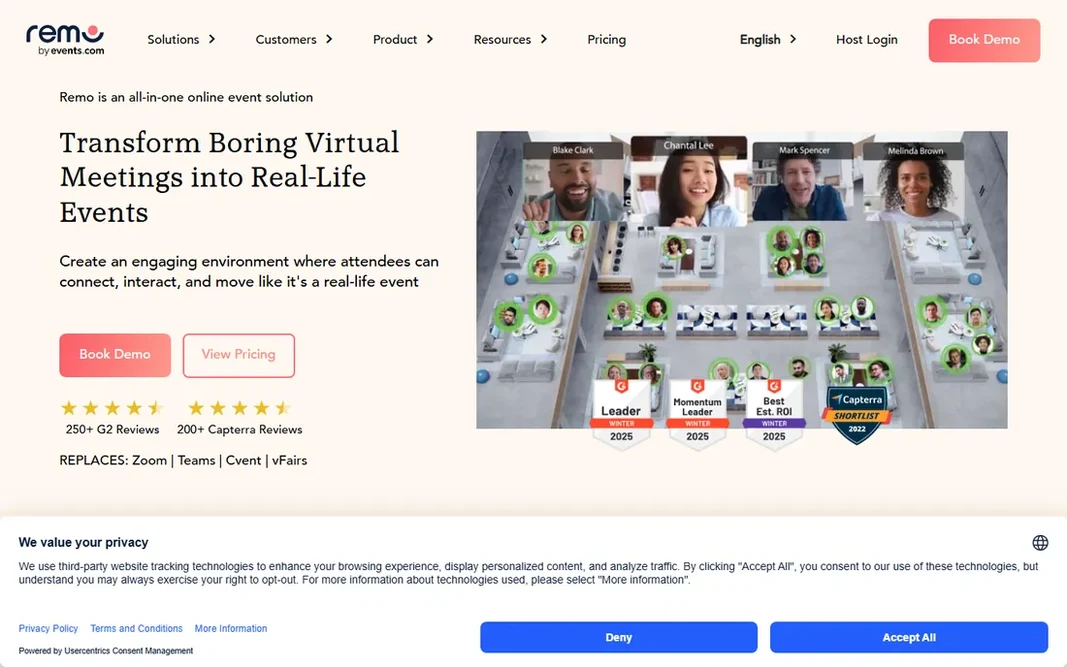
Remo is designed for virtual events and networking. The whiteboard and presentation features support structured sessions, whereas the table format manages the unstructured social time that makes events valuable. It is an event system, not a daily virtual office; nobody keeps Remo open all day. Points against: not a daily office. Per-event pricing means frequent organizers should model costs carefully. But for virtual events where networking is the point, the table mechanic is genuinely effective. For everyday use, Remo's signature is the virtual floor plan of tables. Pricing for Remo is not stated here, so ask the vendor for current figures. On free options: Free trial.

Price: See website

Free plan: Free trial

Website: remo.co

Watch out for

  • Event-focused
2

SpatialChat

Mingle-style video events
See website

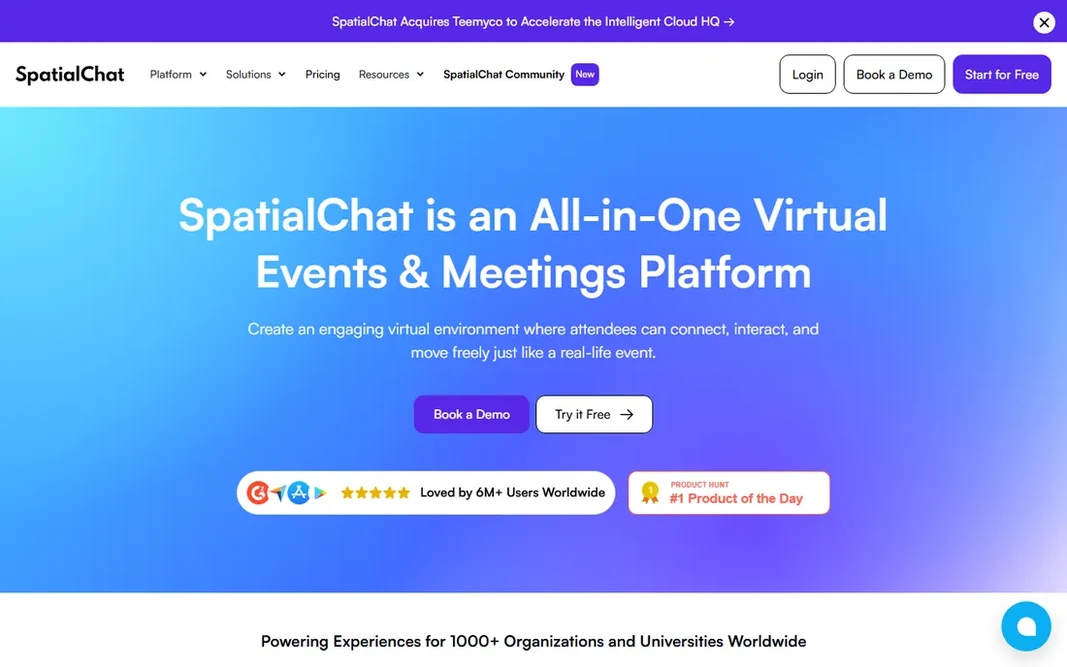
SpatialChat serves mingle-style video events. SpatialChat arranges video feeds in a 2D space where you move your bubble toward people to talk. On top of that, like Remo, it shines at events instead of daily office life. Watch-outs: Best for events instead of daily use. In practice, the integration list is shorter than the larger products'. But for facilitators who run interactive virtual sessions, SpatialChat's simplicity and reliability earn it a loyal following. In practice, the breakout-style movement takes care of the awkward transitions of virtual events gracefully. The ramp-up time for attendees is nearly zero. More specifically, the interaction is at once easy-to-learn: see someone, walk over, start chatting. SpatialChat shows no starting price here, so confirm the cost on the vendor site. Free access: Free trial.

Free plan: Free trial

Website: spatial.chat

Strengths

  • Easy-to-learn spatial video
  • A decent match for workshops

Watch out for

  • Limited integrations
3

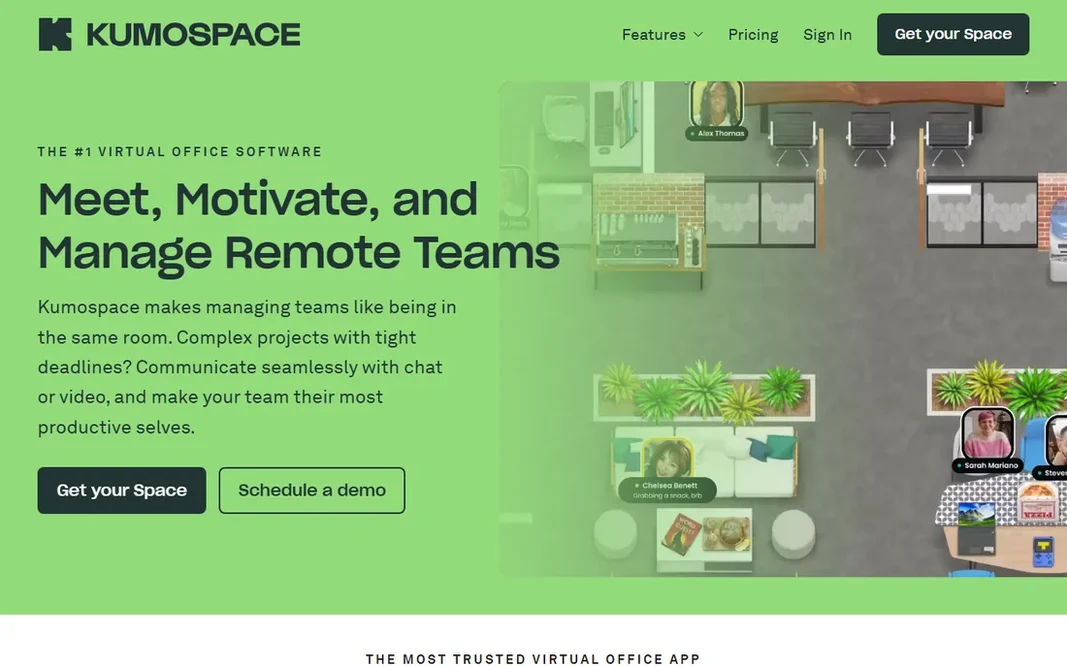
Kumospace

Straightforward browser-based presence
See website

Kumospace targets straightforward browser-based presence. Kumospace strips the virtual office to its essentials: a browser-based space with spatial audio, where you hear people louder as you get closer. Worth adding: for teams that want presence and conversation without the game layer, that trade is exactly right. Downsides: Smaller feature set. You provide up the deep customization and playful world-building of Gather. More specifically, no downloads, no avatars to design, no game mechanics to learn. As for the details, the audio quality and reliability are consistently praised. Virtual happy hours, coworking sessions, and drop-in office hours all work without onboarding. Check the vendor site for Kumospace pricing; none is listed in this comparison. On free options: Free trial.

Free plan: Free trial

Website: kumospace.com

Strengths

  • Spatial audio that performs well
  • Runs entirely in the browser

Watch out for

  • Less configurable than Gather
4

WorkAdventure

Open-source self-hosted office
Free

WorkAdventure is designed for open-source self-hosted office. WorkAdventure is the open-source answer to Gather: a 2D virtual world with proximity video chat that you can host yourself. Universities, nonprofits, and privacy-conscious firms run their own instances with full control over data and customization. As for the details, the feature set includes the essentials: configurable maps, video and audio zones, screen sharing, and integrations. The polish lags commercial tools in small ways. But for organizations that cannot put team conversations on someone else's servers, or that just prefer open source, WorkAdventure is a real choice, not a toy. Entry price for WorkAdventure: Free. WorkAdventure includes a free tier. Watch-outs: Fewer polish touches.

Free plan: Yes

Website: workadventu.re

Strengths

  • Active community
  • Self-host for full control

Watch out for

  • You handle the infrastructure
5

Sococo

Persistent team floor plan
See website

Sococo is a good fit for persistent team floor plan. Sococo is one of the oldest virtual office tools, and its concept is straightforward: a persistent floor plan showing where everyone is, with one-click entry into conversations. No scheduling, no links. Watch-outs: Less engaging than newer tools. Remote workers see colleagues' availability at a glance, and the friction of starting a conversation drops to near zero. In practice, the interface has not evolved much whereas competitors added game worlds and 3D spaces. As for the details, younger teams may find it plain. But the core mechanic still works, and for teams that want presence without playfulness, Sococo's straightforwardness is a feature. No starting price is listed for Sococo here; confirm pricing on the vendor site. Free options: Free trial.

Free plan: Free trial

Website: sococo.com

Strengths

  • Fast spontaneous meetings
  • Long track record

Watch out for

  • Interface feels dated
6

Gather

Game-like team office
See website

In short, Gather is for game-like team office. Gather recreates the office as a 2D pixel-art world where your avatar walks around and video chat fades in as you approach colleagues. Not every team wants a game at work, and some employees find the aesthetic unserious. In practice, very large gatherings can strain performance. Teams build offices with meeting rooms, quiet zones, whiteboards, and games, and the playful aesthetic lowers the barrier to hanging out. Walk away, and the conversation ends. That straightforward mechanic restores the spontaneous interactions remote work killed. No starting price is listed for Gather here; confirm pricing on the vendor site. On free options: Free trial. What to check first: Performance dips in very large spaces.

Free plan: Free trial

Website: gather.town

Strengths

  • Fun drives adoption
  • Configurable 2D spaces

Watch out for

  • Can feel gimmicky to some teams

FAQ

Can I try these options before paying?

Often, yes. WorkAdventure has a free plan and Remo, SpatialChat, Kumospace and others offer a free trial. Use your own data and a real task during the test, and check what the free tier or trial limits before you rely on it.

Is Remo the right pick for everyone comparing virtual office software?

No single tool suits every team. Remo comes first because it fits virtual events and networking, while SpatialChat suits mingle-style video events and Kumospace suits simple browser-based presence. Match the tool to your own size, budget and workflow before deciding.

Will employees find it gimmicky?

Some will, particularly with game-like tools. The fix is framing and choice: position it as a place for collaboration, let skeptics opt out of ambient presence, and pick a professional-styled tool if your culture leans formal.

Can we use it for client meetings and events?

Gather, Remo, and SpatialChat all manage guest access for events. For formal client meetings, most teams still use standard video calls; the virtual office earns its keep in internal collaboration and informal gatherings.

Which options for virtual office software have a free plan?

WorkAdventure is the only tool in this list with a free plan. Free plans usually cap users, projects or features, so check the limits on the vendor page. Several others offer a trial instead.

How are the tools for virtual office software ordered?

Remo sits first and Gather last because the order follows typical fit for virtual office software, then price clarity and free access. It is a judgement call, so read each profile for fit and limits.