IT and Security · Researched comparison

Web Security Software Compared: 7 Tools, Prices and Limits

TaskReports may earn a fee from some links on this page, and some placements are paid and labelled. Neither one decides the order. See our disclosure.

The short answer

This list puts MalCare first for one-click WordPress cleanup. Acunetix is the stronger choice for deep automatic app scanning, while Cloudflare suits free edge protection for any site. Prices, free plans and limits for all 7 tools follow.

On this page

Key takeaways

  • Top of the list is MalCare, which targets one-click WordPress cleanup.
  • SiteLock fits hands-off scanning for owners.
  • Starting prices begin at $5 per month per site with Patchstack.
  • Before buying Cloudflare, weigh this: does not clean existing malware or patch plugins.

Quick comparison

ToolIdeal forBiggest drawbackStarts atFree option
---------------
MalCareOne-click WordPress cleanupWordPress only$99 per year per siteYes
AcunetixDeep automatic app scanningQuote-based pricingSee websiteFree trial
CloudflareFree edge protection for any sitePer-domain pricing adds up fast$20 per month per domainYes
SucuriFull-service malware cleanupPerimeter serviceSee websiteNo
PatchstackVirtual patching for vulnerable pluginsNot a firewall$5 per month per siteYes
WordfenceLive WordPress protectionProfessional cleanup costs extra$149 per year per siteYes
SiteLockHands-off scanning for owners12-month minimum commitment$19.99 per monthNo
★ Best overall

MalCare

One-click WordPress cleanup

  • Cloud scanning with zero server slowdown
  • Straightforward dashboard
Price$99 a year per site
See MalCare pricing

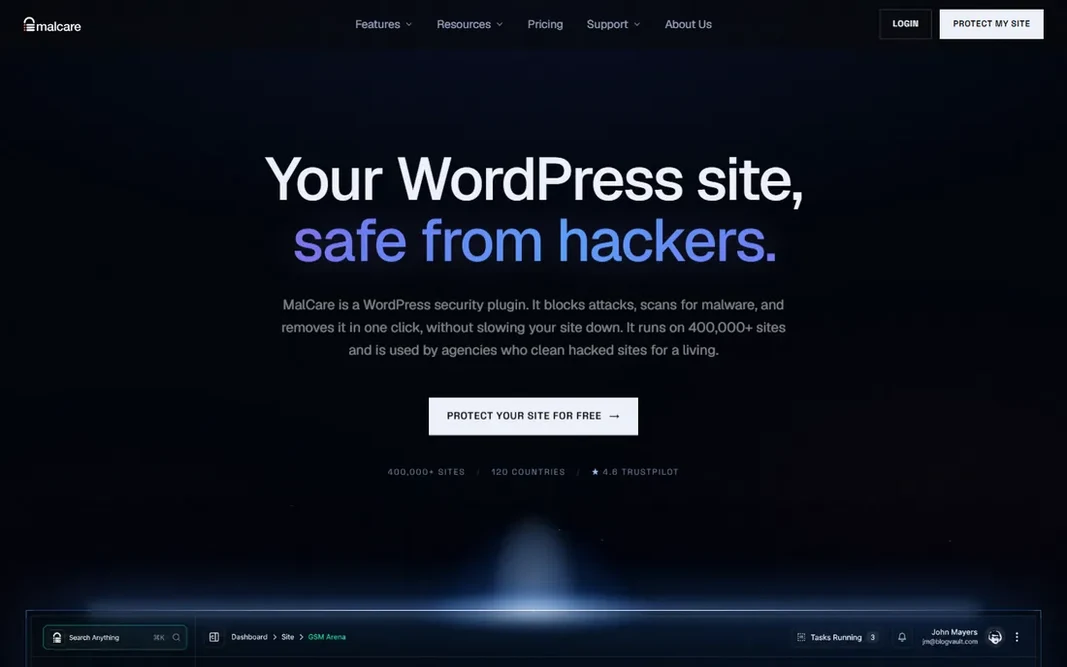
MalCare is built with one-click WordPress cleanup in mind. Higher levels add more frequent scans, backups and quicker expert response. Beyond that, MalCare is also WordPress-only, which makes it useless for custom web applications. As for the details, the scanner runs in the cloud, so your server never slows down during scans. One-click malware removal is included from the $99 a year Protect plan upward. Price to start with MalCare: $99 per year per site. MalCare has a free plan. Where it is weaker: WordPress only.

Price: $99 a year per site

Free plan: Yes

Website: malcare.com

Watch out for

  • Free version spots but does not remove
2

Acunetix

Deep automatic app scanning
See website

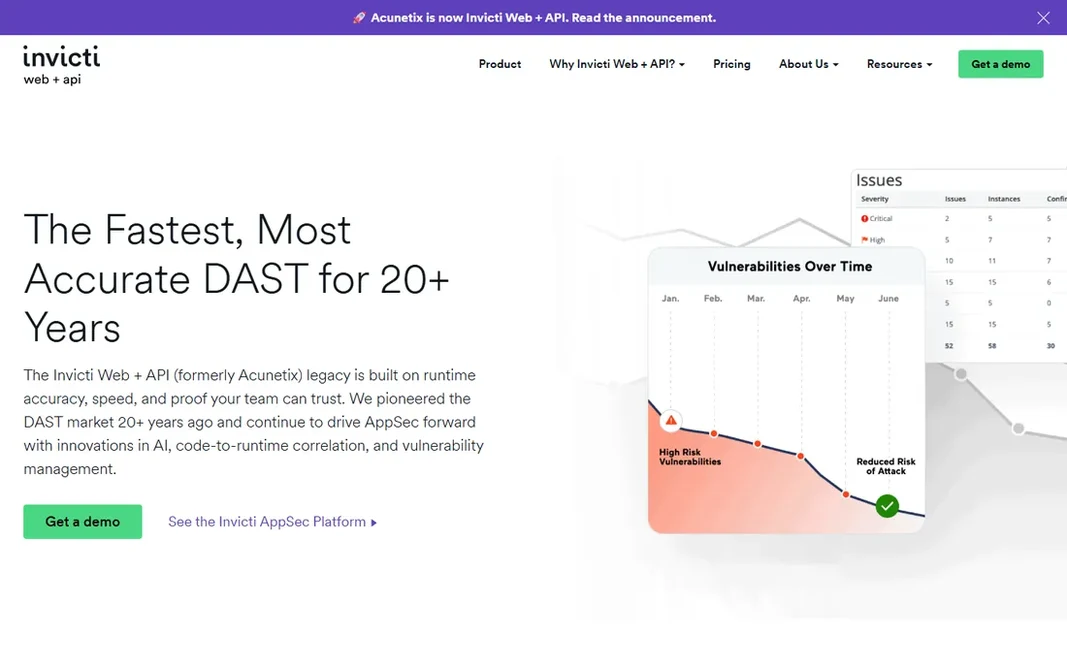
Acunetix serves deep automatic app scanning. Its proof-based scanning validates vulnerabilities at runtime, which cuts triage time dramatically compared with scanners that dump hundreds of maybe-findings on your team. Highlights: APIs and authenticated areas. Watch-outs: Quote-based pricing. It belongs in a development workflow where someone owns remediation, ideally paired with a WAF for runtime protection. No starting price is listed for Acunetix here; confirm pricing on the vendor site. Trial and free access: Free trial.

Free plan: Free trial

Website: acunetix.com

Strengths

  • Proof-based scanning nearly eliminates false positives
  • Deals with SPAs

Watch out for

  • Needs a developer to act on results
3

Cloudflare

Free edge protection for any site
$20 a month per domain (billed yearly)

Where Cloudflare fits: free edge protection for any site. You get unmetered DDoS mitigation, a global CDN, universal SSL and a managed WAF ruleset for $0, which is enough protection for most brochure sites and blogs. Upsides: CDN and WAF. Pair the free or Pro plan with a scanner or a WordPress security plugin and you have a complete setup for very little money. Starting cost for Cloudflare: $20 per month per domain. Cloudflare includes a free tier. Honest limits: Support is restricted on lower plans.

Free plan: Yes

Website: cloudflare.com

Strengths

  • Ample free plan with DDoS
  • Straightforward DNS-based setup

Watch out for

  • Does not clean existing malware or patch plugins
4

Sucuri

Full-service malware cleanup
See website

Sucuri is a good fit for full-service malware cleanup. When your site is already hacked, Sucuri is who you call. For everyday use, buy Sucuri for the peace of mind that a hacked site gets fixed by humans, not by a plugin. As for the details, every level bundles the same core protection. Higher plans buy quicker cleanup response times, from 12 hours on Basic down to 30 minutes on Business. It is also a perimeter service, which means deep application scanning happens from outside your server instead of inside it. No starting price is listed for Sucuri here; confirm pricing on the vendor site. No free plan comes with Sucuri. Honest limits: not a deep server scanner; Annual billing only on product plans.

Free plan: No

Website: sucuri.net

Strengths

  • CDN and monitoring in one plan
  • WAF

Watch out for

  • No free plan
5

Patchstack

Virtual patching for vulnerable plugins
$5 a month per site (billed per month)

Where Patchstack fits: virtual patching for vulnerable plugins. Patchstack solves the problem nobody likes to talk about: the vulnerable plugin you cannot update. Its virtual patching deploys mitigation rules that block attacks on known plugin, theme and core vulnerabilities, frequently before the flaw is publicly disclosed. Trade-offs to know: scanner or cleanup tool; Agency plan needed for numerous sites. For everyday use, Patchstack is not a firewall, a malware scanner or a cleanup service. It will not remove an existing infection, and it will not stop a DDoS attack. It is a layer you add on top of a WAF or a security plugin, aimed squarely at the plugin-vulnerability gap that causes most WordPress breaches. More specifically, the free Personal plan spots vulnerabilities and alerts you. Protection begins at $5 a month per site, with an agency Developer plan at $69 a month for 25 sites billed yearly. Price to start with Patchstack: $5 per month per site. Patchstack offers a free plan.

Free plan: Yes

Website: patchstack.com

Strengths

  • Early warnings up to 48 hours ahead
  • Cheap per-site pricing

Watch out for

  • Layers on a layer instead of replacing one
6

Wordfence

Live WordPress protection
$149 a year per site

Wordfence serves live WordPress protection. The endpoint firewall and malware scanner run on your server. So they catch attacks a cloud WAF never sees, and the free version is one of the most capable free security plugins available. More specifically, the weakness is performance and cleanup. The starting price for Wordfence: $149 per year per site. Wordfence includes a free tier. Drawbacks to consider: Professional cleanup costs additional.

Free plan: Yes

Website: wordfence.com

Strengths

  • Endpoint firewall sees what cloud WAFs miss
  • Capable free version

Watch out for

  • Deep scans spike server CPU
7

SiteLock

Hands-off scanning for owners
$19.99 a month (billed yearly)

SiteLock is a good fit for hands-off scanning for owners. The plans are straightforward: Entry-level at $19.99 a month, Pro at $29.99 and Business at $44.99, all billed yearly, with the higher levels adding the WAF, CDN and quicker ticket response. SiteLock is the security tool for the owner who never wants to think about security. Where it is weaker: No free plan or trial on the pricing page. It is a cloud service that scans your site daily for malware and vulnerabilities, removes infections automatically and presents a trust seal to visitors. There is no free plan and no trial listed on the pricing page, so you buy on trust. The feature depth is thinner than Sucuri or Cloudflare at comparable prices. What you pay to start with SiteLock: $19.99 per month. There is no free plan with SiteLock.

Free plan: No

Website: sitelock.com

Strengths

  • Trust seal for visitor confidence
  • Daily scanning with automatic removal

Watch out for

  • Thinner feature set than Sucuri

FAQ

Can I try these options before paying?

Often, yes. MalCare, Cloudflare, Patchstack and Wordfence have a free plan and Acunetix offers a free trial. Use your own data and a real task during the test, and check what the free tier or trial limits before you rely on it.

How are the tools for web security software ordered?

The order follows typical fit for web security software, with MalCare first and SiteLock last, then price clarity and free access. It is editorial judgement, not a score, so another team could rank the tools differently.

How much should a small business spend on web security?

A single WordPress site can be well protected for $0 to $300 per year: Cloudflare free, a $99 to $149 security plugin and a backup plugin. A custom web app handling customer data justifies more: $69 a month for continuous scanning, plus a periodic pentest.

What is the difference between a WAF and a malware scanner?

A WAF sits in front of your site and blocks malicious traffic before it arrives. A malware scanner inspects your site's files and database for infections that are already there.

What is the cheapest option for web security software in this list?

On published monthly entry prices, Patchstack is the lowest here at $5 per month per site. Entry price is only part of the cost, because seats, add-ons and billing terms can change the total.

Which options for web security software have a free plan?

On this list, MalCare, Cloudflare, Patchstack and Wordfence include a free plan. Caps on seats, usage or features are common, so test the free plan against your real workload. One other tool offers a trial instead.