Developer Tools · Researched comparison

6 Strong Docker Alternatives (2026)

TaskReports may earn a fee from some links on this page, and some placements are paid and labelled. Neither one decides the order. See our disclosure.

The short answer

CRI-O leads the list, best for Kubernetes runtime. Buildah is the stronger choice for Daemonless image building, while Rancher Desktop suits Desktop Docker replacement. Details, prices and limits for the rest of the 6 tools are below.

On this page

Key takeaways

  • Top of the list is CRI-O, which targets Kubernetes runtime.
  • For Linux system containers, LXC is worth a look.
  • 6 out of 6 tools include a free plan, among them CRI-O, Buildah, Rancher Desktop and Podman.
  • Check the limits for Podman before you commit: Desktop experience differs from Docker Desktop.

Quick comparison

ToolSuited toFree planBiggest drawback
------------
CRI-OKubernetes runtimeYesKubernetes-only scope
BuildahDaemonless image buildingYesBuild-only scope
Rancher DesktopDesktop Docker replacementYesHeavier than Colima
PodmanDaemonless Docker-compatible engineYesDesktop experience differs from Docker Desktop
nerdctlDocker-like containerd CLIYesContainerd-focused
LXCLinux system containersYesLinux-only
★ Best overall

CRI-O

Kubernetes runtime

  • OCI-compliant
  • Capable OpenShift integration

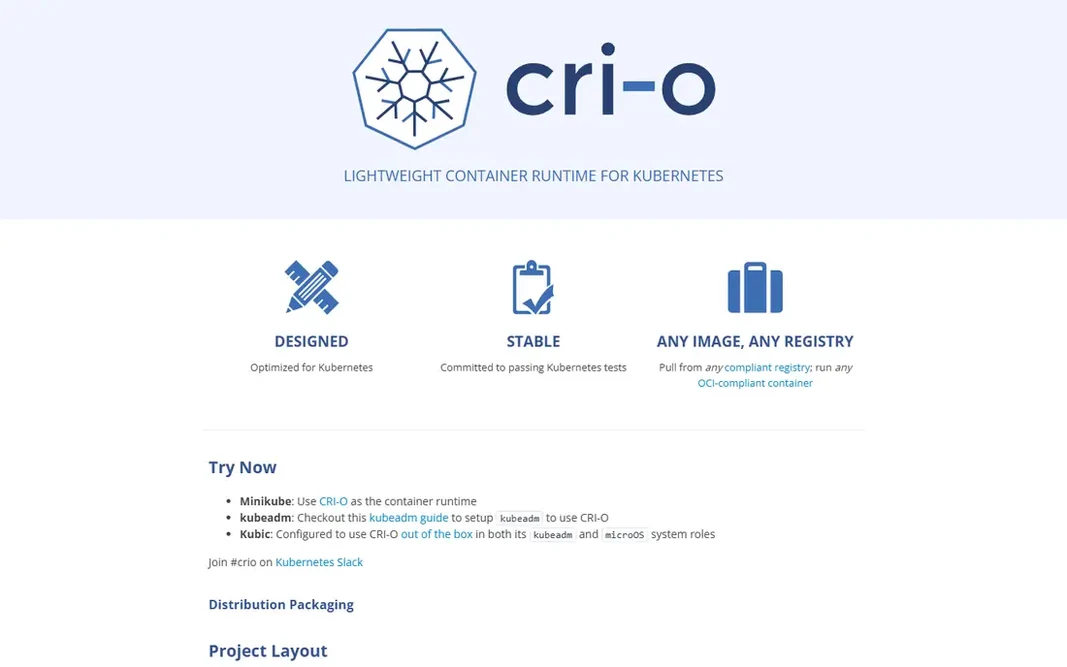
Pick CRI-O if this describes you: Kubernetes runtime. It implements the Kubernetes Container Runtime Interface with minimal scope, which keeps it light and focused compared to broader engines. In daily use, a developer should use Podman or Rancher Desktop for local work and CRI-O for cluster runtime. CRI-O starts at: Free. CRI-O has a free plan. Where it is weaker: No standalone developer workflow.

Price: Free

Free plan: Yes

Website: cri-o.io

Watch out for

  • Kubernetes-only scope
2

Buildah

Daemonless image building
Free

Buildah makes the most sense for Daemonless image building. For everyday use, for a CI pipeline that builds images securely, Buildah gives you control that Docker builds lack. What to check first: Build-only scope. For everyday use, a developer needs Podman or another engine alongside Buildah for running containers. In practice, scripts and commands control each image layer precisely, which helps automatic builds, security scanning and reproducible pipelines. The starting price for Buildah: Free. Buildah includes a free tier.

Free plan: Yes

Website: buildah.io

Strengths

  • Fine-grained control over layers
  • Works with Podman

Watch out for

  • No container running or orchestration
3

Rancher Desktop

Desktop Docker replacement
Free

Rancher Desktop works best for Desktop Docker replacement. Rancher Desktop fits a developer who wants a free Docker Desktop replacement with Kubernetes built in. For a free desktop Docker replacement with Kubernetes, Rancher Desktop is very good. Price to start with Rancher Desktop: Free. A free plan is available with Rancher Desktop. Highlights: Free desktop app for Mac. Drawbacks to consider: Heavier than Colima.

Free plan: Yes

Website: rancherdesktop.io

Strengths

  • Containerd or dockerd engines
  • Windows and Linux

Watch out for

  • Kubernetes features add complexity for straightforward container use
4

Podman

Daemonless Docker-compatible engine
Free

Pick Podman if this describes you: Daemonless Docker-compatible engine. The desktop experience differs from Docker Desktop, notably on Mac and Windows, where additional setup may be needed for virtual machines and file sharing. For everyday use, commands mirror Docker closely, so a developer can commonly alias docker to podman and keep existing workflows, whereas rootless operation boosts security by running containers without root privileges. Podman cost at the entry level: Free. Podman includes a free tier. Drawbacks to consider: Some Docker Desktop features need additional setup.

Free plan: Yes

Website: podman.io

Strengths

  • Daemonless and rootless by design
  • Pods for grouped containers

Watch out for

  • Desktop experience differs from Docker Desktop
5

nerdctl

Docker-like containerd CLI
Free

Where nerdctl fits: Docker-like containerd CLI. A developer who wants a complete engine should pick Podman instead. Where it falls short: Fewer features than full Docker engine. What you pay to start with nerdctl: Free. nerdctl offers a free plan. Where it shines: Docker-compatible commands for containerd.

Free plan: Yes

Website: github.com

Strengths

  • Light and focused
  • Compose support

Watch out for

  • Containerd-focused
6

LXC

Linux system containers
Free

Choose LXC for Linux system containers. Each container runs a full Linux user space, which helps hosting, testing and isolation use cases where a full OS environment matters. More specifically, performance sits near bare metal, since containers share the host kernel without virtualization overhead. Watch-outs: Application container workflow differs from Docker. On top of that, for a Linux administrator who wants OS-level containers, LXC provides control and efficiency that Docker application containers do not. In practice, LXC is Linux-only, and its application container workflow differs from Docker, with less emphasis on images, registries and Compose files. What you pay to start with LXC: Free. LXC offers a free plan.

Free plan: Yes

Website: linuxcontainers.org

Strengths

  • Near bare-metal performance
  • A decent match for full OS environments

Watch out for

  • Linux-only

Pre-purchase checklist

  • Confirm the entry price on the vendor page for CRI-O and the others: seat counts and billing terms change the total.
  • Check what the free option really includes: CRI-O, Buildah, Rancher Desktop and others offer a free plan, and usage caps differ.
  • Before choosing CRI-O, weigh its main limit: Kubernetes-only scope.
  • Confirm minimum seats and billing terms with CRI-O before you commit to an annual plan.
  • Ask whether Buildah integrates with your current software, and whether that comes standard or as an add-on.

FAQ

How are the tools for Docker ordered?

The order follows typical fit for Docker, with CRI-O first and LXC last, then price clarity and free access. It is editorial judgement, not a score, so another team could rank the tools differently.

Do these tools publish their prices?

Yes. Every tool from CRI-O to LXC shows a starting price, though seats, add-ons and billing terms still change the final cost.

Is CRI-O the right pick for everyone comparing Docker?

No single tool suits every team. CRI-O comes first because it fits Kubernetes runtime, while Buildah suits Daemonless image building and Rancher Desktop suits Desktop Docker replacement. Match the tool to your own size, budget and workflow before deciding.

Can I try these tools before paying?

Often, yes. CRI-O, Buildah, Rancher Desktop and others have a free plan. Use your own data and a real task during the test, and check what the free tier or trial limits before you rely on it.