IT and Security · Researched comparison

Comparing 7 Software Supply Chain Security Use Cases in 2026

TaskReports may earn a fee from some links on this page, and some placements are paid and labelled. Neither one decides the order. See our disclosure.

The short answer

This list puts Sonatype first for repository-level open source governance. If your case is different, Socket suits blocking malicious npm, PyPI and other packages and Aikido Security suits small teams wanting one flat-fee platform. All 7 tools are compared below on price, free plan and limits.

On this page

Key takeaways

  • Sonatype takes the first slot, best suited to repository-level open source governance.
  • 4 of 7 tools offer a free plan: Socket, Aikido Security, Snyk, Chainguard.
  • Socket is the lowest-priced starter here at $25 per developer/month.
  • Anchore fits SBOM management and compliance.
  • A fair warning about Aikido Security: breadth means less depth than specialists in any single area.

Quick comparison

ToolSuited toPrice fromKey limitation
------------
SonatypeRepository-level open source governanceSee websiteEnterprise tiers require a quote
SocketBlocking malicious npm, PyPI and other packages$25 per developer/monthLess depth on first-party code scanning
Aikido SecuritySmall teams wanting one flat-fee system$0 for 2 usersPremium tier prices are not shown without selecting options
SnykFixing vulnerable dependencies inside developer workflowsSee websiteFree plan has monthly test limits
JFrogArtifact management plus package curation$950/monthConsumption-based billing (storage plus transfer) is hard to forecast
ChainguardHardened, low-CVE container imagesFree for 5 imagesMigrating base images takes engineering effort
AnchoreSBOM management and complianceSee websiteNo public pricing

How we chose

Pricing pages, product documentation and feature lists were the main sources, and every entry carries at least one honest drawback. Where a vendor does not publish a price, the entry says quote. Where a price depends on seats or billing term, the entry says so. Order on the page follows fit for the typical buyer first, then price transparency and free access. Your own requirements should decide the final pick.

★ Best overall

Sonatype

Repository-level open source governance

  • Long track record in Java and Maven ecosystems
  • Repository Firewall blocks malicious components at the proxy layer
PriceSee website
See Sonatype pricing

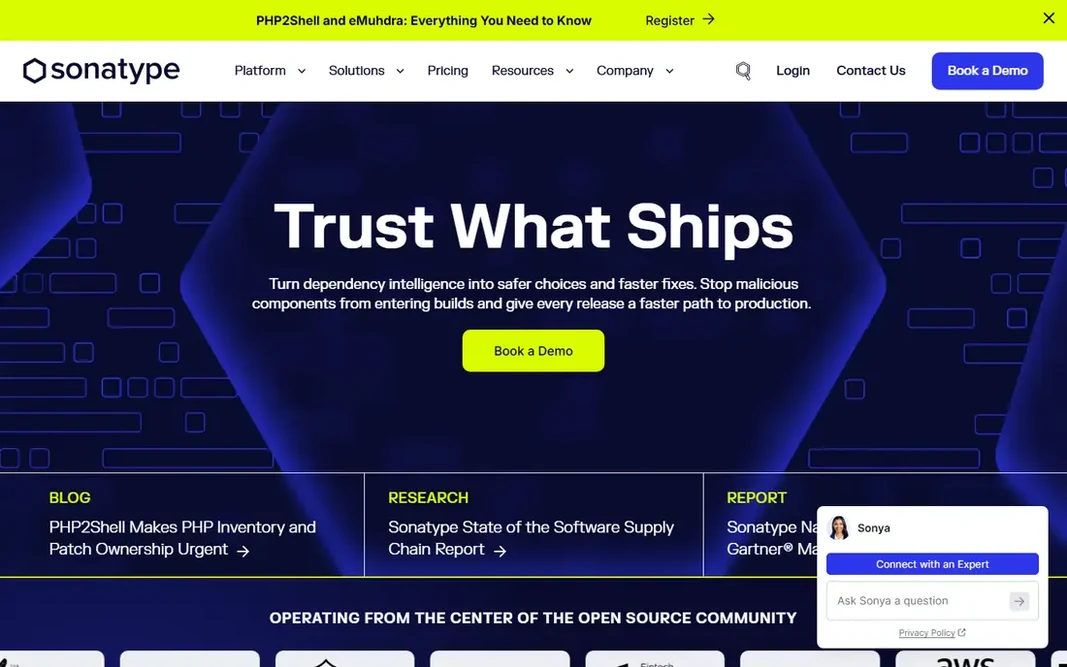
Sonatype is a good fit for repository-level open source governance. Sonatype's Repository Firewall sits in front of your package proxy and quarantines malicious or policy-violating components before they reach a build. Downsides: Enterprise levels need a quote. It works notably well for firms already running Nexus Repository, though Firewall also supports other repository managers. On top of that, policy-driven governance takes time to configure, and you will need someone who owns the rules. Sonatype does not show a starting price in this comparison, so check the vendor site for current pricing. Free plan details: Free trial.

Price: See website

Free plan: Free trial

Website: sonatype.com

Watch out for

  • Product names and packaging have changed multiple times
2

Socket

Blocking malicious npm, PyPI and other packages
$25 per developer/month (20% less billed annually)

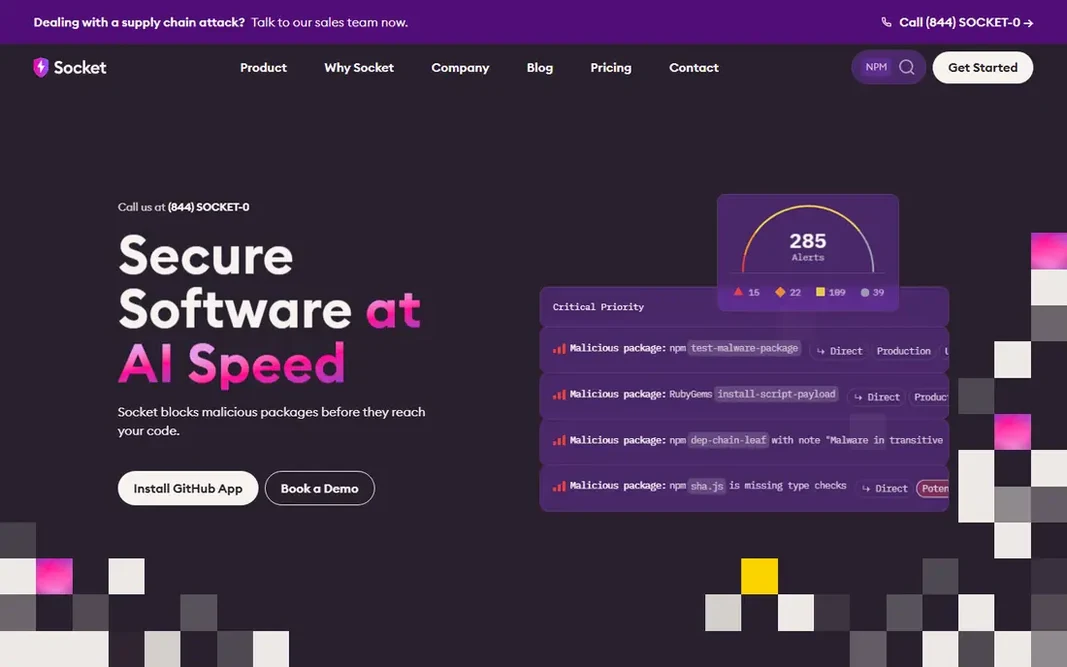
Socket works best for blocking malicious npm, PyPI and other packages. Malicious packages are the problem Socket was built for. More specifically, the Team plan at $25 per developer seat brings precomputed reachability analysis, risk-based priority scoring and Slack alerts, whereas Business at $50 layers on more automation for bigger organizations. It will not replace a full application security system. Teams that require static analysis of their own code or cloud scanning will pair it with something else. On top of that, traditional scanners look up known CVEs, which does nothing against a freshly published package that steals credentials on install. Its free plan is unusually ample: 1,000 scans per month, 500 API requests, and automatic blocking of malicious dependencies. Socket pricing: $25 per developer/month. You can start on Socket without paying. Highlights: Clear per-seat pricing. Where it falls short: Reachability analysis needs a premium plan.

Free plan: Yes

Website: socket.dev

Strengths

  • Spots 70+ risk types
  • Auto-blocks malicious dependencies on the free plan

Watch out for

  • Less depth on first-party code scanning
3

Aikido Security

Small teams wanting one flat-fee system
$0 for 2 users; premium tiers see website

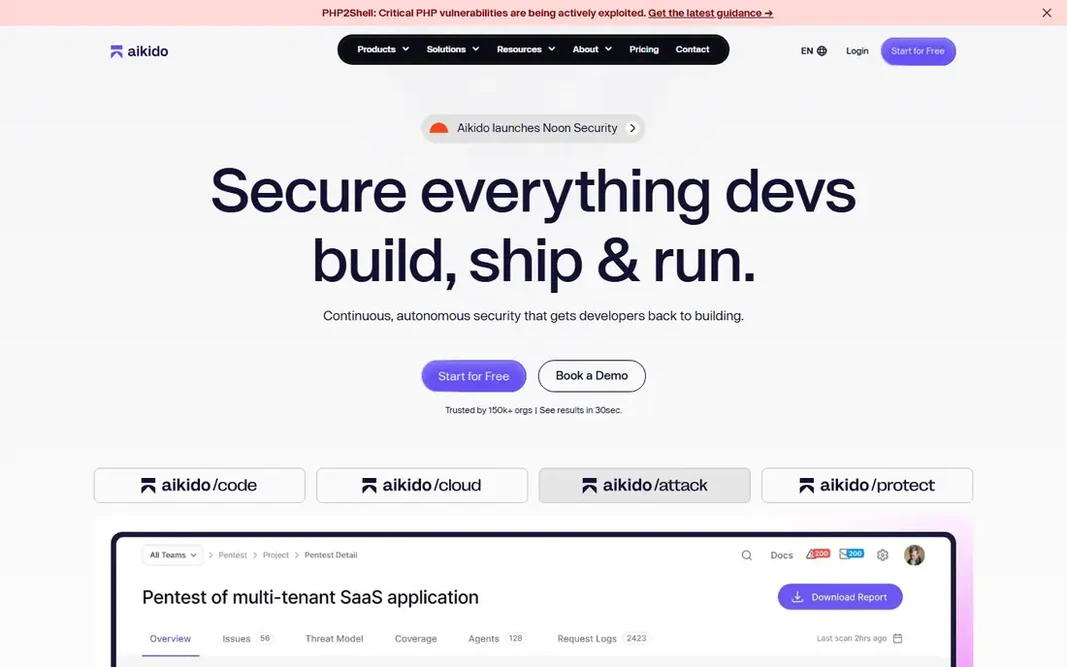
For small teams wanting one flat-fee product, Aikido Security is a natural candidate. It bundles dependency scanning, license checks for SBOMs, secrets detection, code scanning and cloud posture into a single product pitched at startups and small SaaS teams. Points against: premium level prices are not shown without selecting choices. What Aikido Security does well: containers and cloud in one dashboard. In practice, for a team of under 20 developers that needs good-enough coverage and a clean audit trail, Aikido is simple to justify. Starting cost for Aikido Security: $0 for 2 users. Aikido Security includes a free tier.

Free plan: Yes

Website: aikido.dev

Strengths

  • Covers SCA, secrets, SAST
  • Flat monthly pricing rather than per-seat

Watch out for

  • Breadth means less depth than specialists in any single area
4

Snyk

Fixing vulnerable dependencies inside developer workflows
See website

Pick Snyk if this describes you: fixing vulnerable dependencies inside developer workflows. Snyk prices by contributing developer, and the free plan is enough to scan a handful of projects and judge whether the alerts are handy. From a buyer's view, the appeal for a 10 to 50 person engineering team is that developers do most of the work without a separate security hire. Snyk is the tool plenty of engineering teams meet first when they want to find and fix known vulnerabilities in open source dependencies. It plugs into repositories, IDEs and CI pipelines, flags vulnerable packages, and opens pull requests that bump them to a safe version. In daily use, the main limit is noise and cost. Snyk shows no starting price here, so confirm the cost on the vendor site. Snyk has a free plan. Honest limits: Costs rise rapidly once you pass the small-team level.

Free plan: Yes

Website: snyk.io

Strengths

  • Solid IDE
  • Containers and infrastructure as code

Watch out for

  • Free plan has monthly test limits
5

JFrog

Artifact management plus package curation
$950/month (Enterprise X, security packages extra)

Choose JFrog for artifact management plus package curation. For teams that want one checkpoint for every binary moving from build to production, JFrog fits. Beyond that, Curation acts as a gatekeeper for open source packages and, more recently, AI assets like models and MCP servers. Security sits in Enterprise X, beginning at $950 per month with 125 GB of consumption included, with Unified or Ultimate Security packages layered on top. JFrog makes the most sense if you already run Artifactory or plan to. JFrog cost at the entry level: $950/month. Free access: Free trial. What works well: AI models. Downsides: Consumption-based billing (storage plus transfer) is hard to forecast.

Free plan: Free trial

Website: jfrog.com

Strengths

  • One product for artifacts and scanning
  • MCP servers and IDE extensions at the registry

Watch out for

  • Security features are not included in the $150 Pro plan
6

Chainguard

Hardened, low-CVE container images
Free for 5 images; Catalog from $19K for a team of 10

Chainguard serves Hardened, low-CVE container images. Rather than scanning images and filing tickets, Chainguard replaces typical base and application images with minimal, continuously rebuilt versions. Minimal images commonly lack shells and package managers that your Dockerfiles assume, so expect some rework. You get five images free, per-image licensing for scoped deployments. A Catalog plan handling 3,000+ images that begins at $19K for a team of 10 engineers. The honest weakness is switching cost. Chainguard Libraries, a separate product, supplies malware-resistant builds of Python, Java and JavaScript dependencies licensed per ecosystem. Chainguard cost at the entry level: Free for 5 images. Free access exists with Chainguard. Limits to weigh: Catalog pricing is a real budget line for small teams.

Free plan: Yes

Website: chainguard.dev

Strengths

  • Images built from source with signed SBOMs
  • Contractual CVE remediation SLA (7 days critical, 14 days others)

Watch out for

  • Migrating base images takes engineering effort
7

Anchore

SBOM management and compliance
See website

Anchore is aimed squarely at SBOM management and compliance. SBOM requests are where Anchore earns its place. Also, the tradeoff is operational. Trade-offs to know: Largely self-hosted, so you need infrastructure and ops time. Small teams without a system engineer may be better served by a SaaS tool with entry-level SBOM export. Worth adding: Syft (SBOM generation) and Grype (vulnerability scanning) are open source, so engineers can start in CI today and move to the commercial product when they need central policy, reporting and history. Pricing for Anchore is not stated here, so ask the vendor for current figures. Free access: Free trial.

Free plan: Free trial

Website: anchore.com

Strengths

  • Centralized storage of internal and supplier SBOMs
  • Built on the widely used open-source Syft and Grype tools

Watch out for

  • No public pricing

FAQ

Which options for software supply chain security use cases have a free plan?

On this list, Socket, Aikido Security, Snyk and Chainguard include a free plan. Caps on seats, usage or features are common, so test the free plan against your real workload. Several others offer a trial instead.

Do I need a SBOM tool?

You need one if customers, contracts or regulators ask for SBOMs, which is increasingly typical in government, healthcare and enterprise software sales. Free tools like Syft can create SBOMs, whereas systems like Anchore add storage, policy and continuing vulnerability tracking.

Do these tools publish their prices?

Not all of them. Sonatype, Snyk and Anchore publish no starting price, so expect a quote request for those. The rest, Socket included, show a starting price, though seats and billing terms still change the final cost.

How are the tools for software supply chain security use cases ordered?

Sonatype sits first and Anchore last because the order follows typical fit for software supply chain security use cases, then price clarity and free access. It is a judgement call, so read each profile for fit and limits.

What are the top software supply chain security use cases?

Sonatype comes first here and is built for repository-level open source governance. Buyers with other needs may prefer Socket (for blocking malicious npm, PyPI and other packages) or Aikido Security (for small teams wanting one flat-fee platform). Compare costs and limits first.

Is Sonatype the right pick for everyone comparing software supply chain security use cases?

No single tool suits every team. Sonatype comes first because it fits repository-level open source governance, while Socket suits blocking malicious npm, PyPI and other packages and Aikido Security suits small teams wanting one flat-fee platform. Match the tool to your own size, budget and workflow before deciding.