
Collaboration · Researched comparison

6 Best Video Conferencing Alternatives for 2026

TaskReports may earn a fee from some links on this page, and some placements are paid and labelled. Neither one decides the order. See our disclosure.

The short answer

For regulated enterprises, Webex is where this list starts. Look at Microsoft Teams for Microsoft 365 collaboration, and at Zoom for cross-organization calls. The remaining 3 options are covered below with prices and limits.

On this page

Key takeaways

  • Webex takes the first slot, best suited to regulated enterprises.
  • Before buying Microsoft Teams, weigh this: setup and admin complexity for large tenants.
  • Microsoft Teams is the lowest-priced starter here at $4 per user per month.
  • For embedded video in products, Whereby is worth a look.
  • 6 out of 6 tools include a free plan, among them Webex, Microsoft Teams, Zoom and Slack Huddles.

Quick comparison

ToolBest fitPrice fromMain limit
------------
WebexRegulated enterprises$14.50 per user per monthHigher entry price
Microsoft TeamsMicrosoft 365 collaboration$4 per user per monthPerformance can dip in very large meetings
ZoomCross-organization calls$13.32 per user per monthAdd-ons such as webinars raise the bill
Slack HuddlesFast team audio and video$7.25 per user per monthNot a full scheduled meeting platform
Google MeetGoogle Workspace teams$6 per user per monthParticipant caps vary by Workspace plan
WherebyEmbedded video in products$8.99 per monthMeeting features are lighter than Zoom
★ Best overall

Webex

Regulated enterprises

  • Contact center choices
  • Dependable large meetings and events up to 100,000
Price$14.50 per user a month
See Webex pricing

Think of Webex for regulated enterprises. Regulated industries like finance, healthcare, and government often standardize on Webex. More specifically, the free level permits 40-minute group calls with up to 100 attendees. Downsides: Interface feels complicated next to Meet or Zoom. On top of that, the entry price near $14.50 per user a month is higher than Teams or Meet. The interface carries more choices than casual users need. For a multinational or regulated organization that needs proven security and massive event scale, Webex justifies its premium. The starting price for Webex: $14.50 per user per month. You can start on Webex without paying.

Price: $14.50 per user a month

Free plan: Yes

Website: webex.com

Watch out for

  • Higher entry price
2

Microsoft Teams

Microsoft 365 collaboration
$4 per user a month

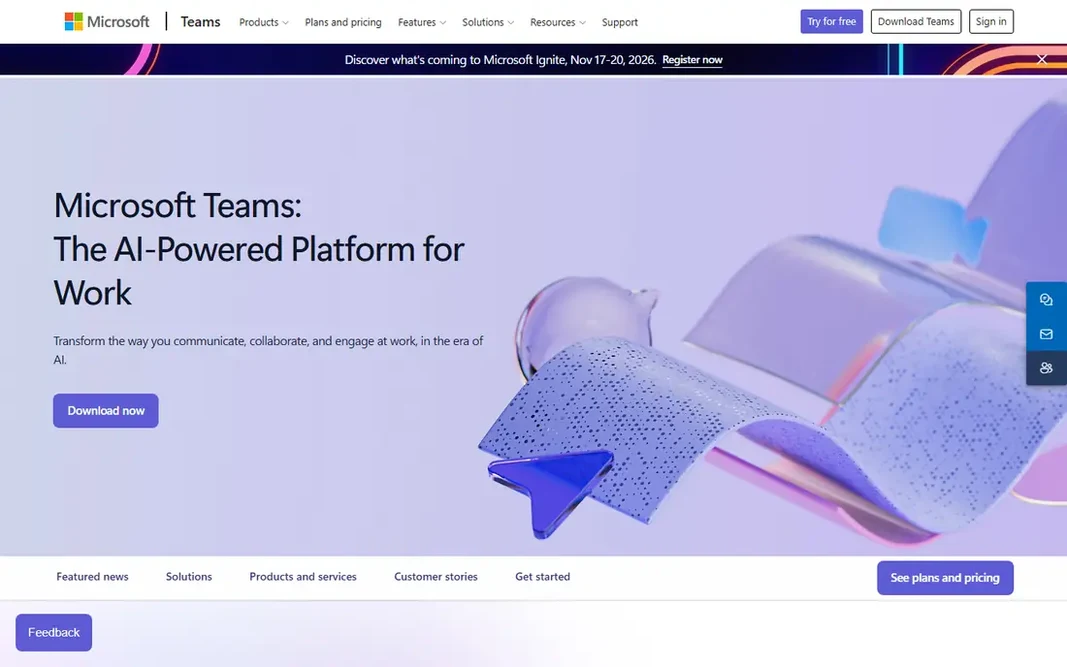
Choose Microsoft Teams for Microsoft 365 collaboration. Microsoft Teams is the meeting tool most Microsoft 365 customers already own. On top of that, meetings blend with chat channels, shared files, and calendars. Where it falls short: Performance can dip in very large meetings. So a meeting's notes and documents live where the team already works. Also, for an organization standardized on Microsoft 365, Teams is the most economical alternative, since the meeting tool is already in the bundle. For everyday use, the free level lets 60-minute meetings with up to 100 participants. For everyday use, essentials starts near $4 per user a month, and Business Standard near $14 bundles Teams with Office apps. Starting cost for Microsoft Teams: $4 per user per month. You can start on Microsoft Teams without paying.

Free plan: Yes

Website: microsoft.com/microsoft-teams

Strengths

  • Copilot integration for summaries
  • Meetings in one app

Watch out for

  • Setup and admin complexity for large tenants
3

Zoom

Cross-organization calls
$13.32 per user a month

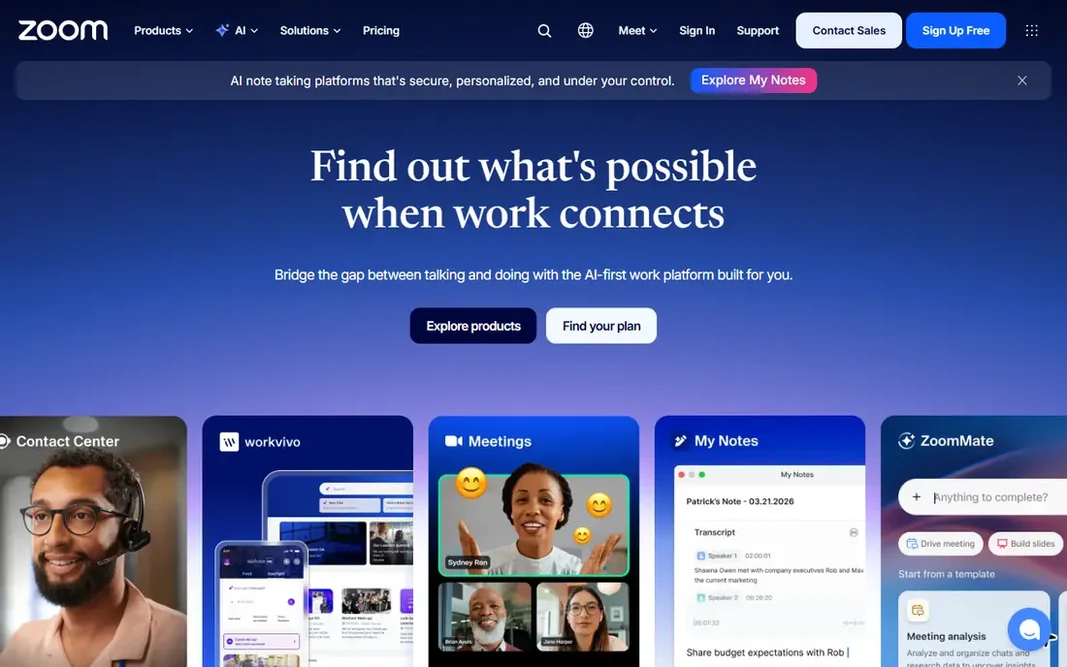
Zoom is aimed squarely at cross-organization calls. Its video and audio quality hold up at scale, breakout rooms, virtual backgrounds, and recording include most meeting needs, and webinar extras extend it to large audiences up to 50,000. The starting price for Zoom: $13.32 per user per month. Zoom offers a free plan. Honest limits: Extras for example webinars raise the bill.

Free plan: Yes

Website: zoom.us

Strengths

  • Widest adoption for external meetings
  • AI Companion for summaries

Watch out for

  • Free plan caps group calls at 40 minutes
4

Slack Huddles

Fast team audio and video
$7.25 per user a month

Slack Huddles serves fast team audio and video. For a team already living in Slack, huddles remove the friction of switching apps for fast calls. They pair well with a formal meeting tool for larger events. For everyday use, premium Slack plans start near $7.25 per user a month, and the free level includes one-to-one calls. Entry price for Slack Huddles: $7.25 per user per month. Free access exists with Slack Huddles. Downsides: Not a full scheduled meeting system.

Free plan: Yes

Website: slack.com

Strengths

  • Light audio-first calls with video option
  • Deep team chat context

Watch out for

  • Large formal meetings suit Zoom or Teams better
5

Google Meet

Google Workspace teams
$6 per user a month

Google Meet works best for Google Workspace teams. Meetings start from Calendar with one click, run entirely in the browser, and offer live captions, noise cancellation, and recording on premium plans. From a buyer's view, Meet has fewer webinar and event features than Zoom, and customization choices are thinner. The free version permits 60-minute group calls with up to 100 people, and Workspace Starter near $6 per user a month raises limits. In practice, participant caps range from 100 to 1,000 by plan, so large town halls need a higher level. As for the details, for a Google-centered team that values simplicity and browser-first access, Meet is the natural pick and frequently already premium for. Google Meet pricing: $6 per user per month. Google Meet has a free plan. Where it falls short: Fewer advanced features than Zoom or Teams.

Free plan: Yes

Website: meet.google.com

Strengths

  • Browser-first with nothing to install
  • Live captions and noise cancellation

Watch out for

  • Participant caps vary by Workspace plan
6

Whereby

Embedded video in products
$8.99 a month

Whereby is built with embedded video in products in mind. For a company whose product needs video, Whereby is the most direct route. It avoids the complexity of building live video from scratch. Where it is weaker: Priced per room model fits product teams more than internal meetings. On top of that, for internal team meetings, Whereby's feature set is lighter than Zoom or Teams. Whereby solves a different problem: putting video inside your own product. Its API and embeddable rooms let a telehealth app, tutoring system, or customer service tool add branded video calls without building WebRTC infrastructure. On cost, Whereby starts like this: $8.99 per month. Whereby offers a free plan.

Free plan: Yes

Website: whereby.com

Strengths

  • Browser-based with no downloads
  • Straightforward room links for guests

Watch out for

  • Meeting features are lighter than Zoom

FAQ

Do guests need an account to join meetings?

Most tools allow guests to join from a browser link without an account, though some features need sign-in. Test the guest flow for your most typical external meeting type before switching.

How are the tools for Video Conferencing ordered?

Webex sits first and Whereby last because the order follows typical fit for Video Conferencing, then price clarity and free access. It is a judgement call, so read each profile for fit and limits.

How numerous participants can each tool manage?

Free levels usually cap at 100 participants. Premium plans raise caps from 300 to 1,000 for meetings, with town halls and events reaching 10,000 to 100,000 on enterprise levels.

Can I run webinars on these tools?

Zoom, Teams, Webex, GoTo, and Zoho all offer webinar levels, with attendee caps from 1,000 to 100,000 by plan. Check registration, Q and A, and recording features at the tier you will actually buy.

Which options for Video Conferencing have a free plan?

6 of the 6 tools have a free plan, including Webex, Microsoft Teams, Zoom and Slack Huddles. Free plans usually cap users, projects or features, so check the limits on the vendor page.

Can I try these tools before paying?

Often, yes. Webex, Microsoft Teams, Zoom and others have a free plan. Use your own data and a real task during the test, and check what the free tier or trial limits before you rely on it.