Data and Analytics · Researched comparison

7 Tools That Compete With Excel for Large Data Sets in 2026

TaskReports may earn a fee from some links on this page, and some placements are paid and labelled. Neither one decides the order. See our disclosure.

The short answer

This list puts Sourcetable first for AI-assisted data analysis. Airtable is better for structured team databases, and Row Zero is better for warehouse-scale spreadsheets. The remaining 4 options are covered below with prices and limits.

On this page

Key takeaways

  • Top of the list is Sourcetable, which targets AI-assisted data analysis.
  • Power BI fits company dashboards.
  • A free plan is available from 5 of the 7 tools: Sourcetable, Airtable, Row Zero, Google Sheets, Power BI.
  • What to know about Sourcetable first: AI credits limit heavy use on lower levels.

Quick comparison

ToolSuited toStarts atWebsite
------------
SourcetableAI-assisted data analysis$29 per user/monthsourcetable.com
AirtableStructured team databases$10 per user/monthairtable.com
Row ZeroWarehouse-scale spreadsheets$12 per user/monthrowzero.io
TableauDeep visual analysisSee websitetableau.com
SmartsheetProject-linked data trackingSee websitesmartsheet.com
Google SheetsEveryday cloud collaboration$14 per user/monthgoogle.com
Power BICompany dashboards$14 per user/monthmicrosoft.com
★ Best overall

Sourcetable

AI-assisted data analysis

  • Spreadsheet-style interface
  • AI help with analysis and formulas
Price$29 per user/month (billed annually)
See Sourcetable pricing

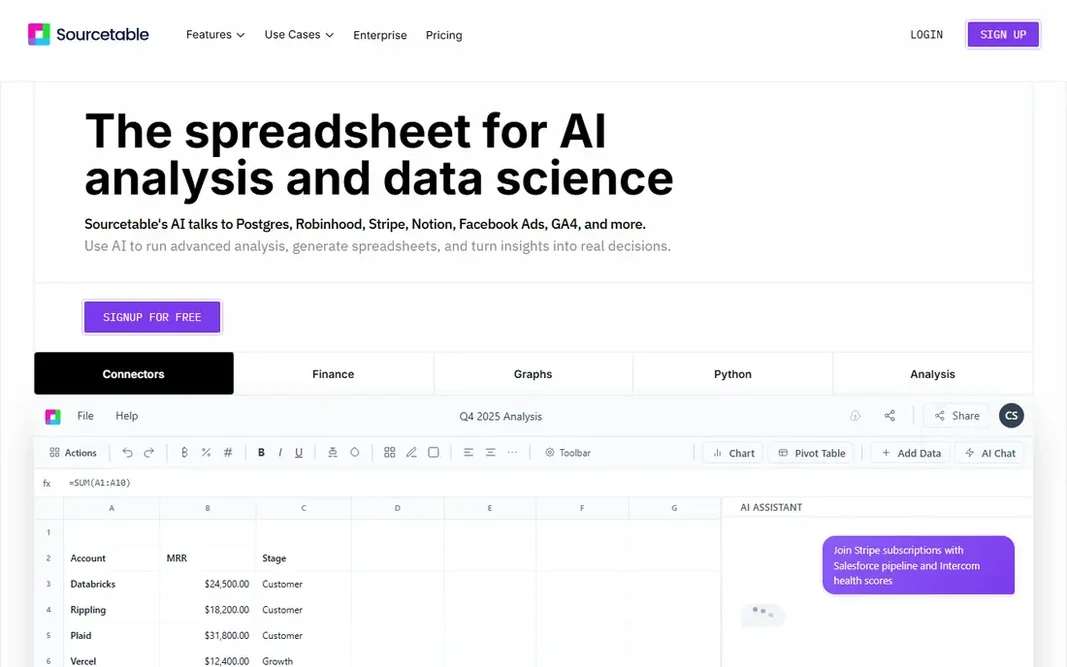
Choose Sourcetable for AI-assisted data analysis. Sourcetable blends a spreadsheet with AI assistance and live connectors. Watch the credit model. AI work is metered, so a team that leans on AI for every query may hit limits on the entry plan. Sourcetable performs best as an analysis assistant for a team that still checks the numbers, instead of as a hands-off reporting engine that runs itself. Starting cost for Sourcetable: $29 per user/month. Sourcetable offers a free plan. Where it falls short: AI credits limit heavy use on lower levels.

Price: $29 per user/month (billed annually)

Free plan: Yes

Website: sourcetable.com

Watch out for

  • Newer product with a smaller template library
2

Airtable

Structured team databases
$10 per user/month (billed annually)

Choose Airtable for structured team databases. Airtable looks like a spreadsheet but behaves like a straightforward database. For everyday use, views such as kanban, calendar, and gallery let different teams see the same data in a form that fits their job. Limits to weigh: Record limits on lower plans. From a buyer's view, Airtable is a capable choice when the data set is structured and actively managed by a team. It is the wrong choice when the job is to analyse a huge static export. Premium plans cap records per base, and performance can suffer long before you reach a million rows. As for the details, linked records connect customers to orders, projects to tasks, and content to owners, which removes plenty of copy-and-paste work. What you pay to start with Airtable: $10 per user/month. You can start on Airtable without paying.

Free plan: Yes

Website: airtable.com

Strengths

  • Simple for non-technical teams
  • Linked records and several views

Watch out for

  • Not made for raw big-data analysis
3

Row Zero

Warehouse-scale spreadsheets
$12 per user/month (billed annually)

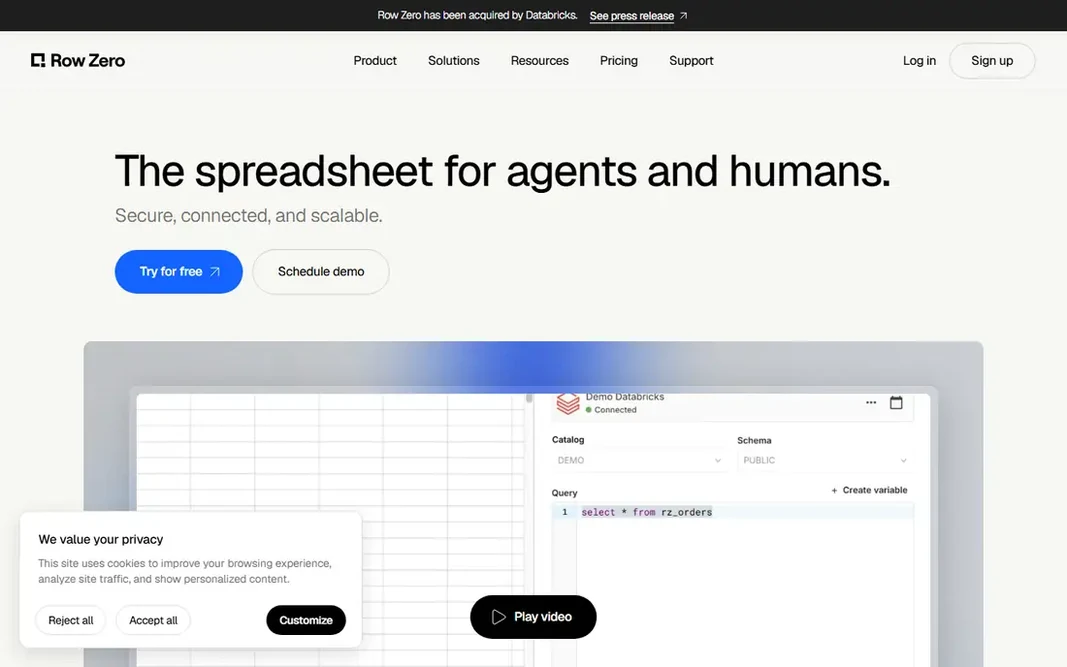
Think of Row Zero for warehouse-scale spreadsheets. It was built to open multi-gigabyte files and pull tables straight from a data warehouse, so analysts can pivot and chart data that would freeze a desktop spreadsheet. The main limit is that scale includes plan decisions. Limits to weigh: Advanced governance sits on higher levels. Where it shines: Deals with very large row counts. If your team knows Excel formulas and wants to keep that skill, the ramp-up time stays short. Also, the free tier handles a single workbook, and teams that require shared workspaces, more solid controls, or frequent warehouse refreshes will move to premium plans. Row Zero starts at: $12 per user/month. Row Zero has a free plan.

Free plan: Yes

Website: rowzero.io

Strengths

  • Familiar spreadsheet interface
  • Live warehouse connections

Watch out for

  • AI features have usage limits
4

Tableau

Deep visual analysis
See website

Tableau is designed for deep visual analysis. Tableau is built for questions, not just reports. Also, Tableau is a serious analysis system, and small teams may find the licensing and training heavier than they need. It earns its place when visual exploration is a daily job, when data comes from multiple large sources, or when a team needs to publish refined dashboards to a broad audience. The cost and complexity are the trade-offs. Tableau shows no starting price here, so confirm the cost on the vendor site. On free options: Free trial. Where it is weaker: Pricing is not straightforward to compare at a glance.

Free plan: Free trial

Website: tableau.com

Strengths

  • Capable handling of large sources
  • Plenty of connectors

Watch out for

  • Ramp-up time for advanced calculations
5

Smartsheet

Project-linked data tracking
See website

For project-linked data tracking, Smartsheet is a natural candidate. Smartsheet is best when each row represents a task, an asset, or a request, and when the value comes from status, ownership, and dates. Best features of Smartsheet: Solid project tracking. More specifically, a project plan, a budget tracker, and a status report can live in related sheets, with forms feeding new rows in from the field or from other teams. That structure helps managers who require both a schedule and the numbers behind it. Smartsheet does not show a starting price in this comparison, so check the vendor site for current pricing. Free plan details: Free trial. Watch-outs: Less suited to deep statistical analysis.

Free plan: Free trial

Website: smartsheet.com

Strengths

  • Grid, card
  • Familiar spreadsheet layout

Watch out for

  • Pricing needs a quote for some plans
6

Google Sheets

Everyday cloud collaboration
$14 per user/month (billed yearly)

Choose Google Sheets for everyday cloud collaboration. Google Sheets wins on collaboration, not raw scale. On top of that, scale is where you need to be careful. Downsides: Slows down with very large sheets. On top of that, multiple people can edit, comment, and review the same sheet at once, and version history makes it simple to see who changed what. For everyday use, for teams that pass a report back and forth every week, that alone can justify the switch from emailed files. Use it for the working layer, for example cleaned summaries and team trackers, and keep the raw million-row file in a tool made for that size. What you pay to start with Google Sheets: $14 per user/month. You can start on Google Sheets without paying.

Free plan: Yes

Website: google.com/sheets/about

Strengths

  • Live collaboration
  • Solid sharing controls

Watch out for

  • Fewer advanced analysis features than BI tools
7

Power BI

Company dashboards
$14 per user/month (billed annually)

Power BI is a good fit for company dashboards. Setup takes longer than opening a spreadsheet. As for the details, Power BI is the right pick when plenty of people have to read the same numbers. Where it falls short: Full publishing and sharing need premium licences. You link it to databases, spreadsheets, and cloud apps, build a data model once, and publish dashboards that update on a schedule. In daily use, for a small team with one report, a spreadsheet may be quicker. Data modelling, relationships, and refresh settings need care, and sharing a report with colleagues outside a premium workspace can get confusing. Starting cost for Power BI: $14 per user/month. Power BI offers a free plan.

Free plan: Yes

Website: microsoft.com/en-us/power-platform/products/power-bi

Strengths

  • Links to numerous data sources
  • Capable sharing in Microsoft 365

Watch out for

  • Modelling takes time to learn

FAQ

Do these tools publish their prices?

Not all of them. Tableau and Smartsheet publish no starting price, so expect a quote request for those. The rest, Sourcetable included, show a starting price, though seats and billing terms still change the final cost.

Is Airtable a decent Excel replacement for big data?

It is not a solid fit for raw analytical files, since record limits on lower plans and slower performance at scale get in the way. Use it where linked records and views add value.

Can I keep Excel for some work and use a new tool for the rest?

Keep Excel for small models and one-off analysis, use a big-data tool for the large file, and publish summaries in a dashboard or a shared sheet. That mix avoids a painful full migration whereas fixing the file that actually causes problems.

Is Sourcetable the right pick for everyone comparing Excel for Large Data Sets?

No single tool suits every team. Sourcetable comes first because it fits AI-assisted data analysis, while Airtable suits structured team databases and Row Zero suits warehouse-scale spreadsheets. Match the tool to your own size, budget and workflow before deciding.

How much does it cost to move from Excel to a big-data spreadsheet?

Costs range from free levels for small use to $75 per user a month or more for large-file tools, plus BI licences where dashboards are needed.

What is the cheapest option for Excel for Large Data Sets in this list?

On published monthly entry prices, Airtable is the lowest here at $10 per user/month. Entry price is only part of the cost, because seats, add-ons and billing terms can change the total.