HR and Workforce · Researched comparison

6 Best App for Employees to Clock in and Out Options for 2026

TaskReports may earn a fee from some links on this page, and some placements are paid and labelled. Neither one decides the order. See our disclosure.

The short answer

Connecteam is the first pick on this list for deskless and field crews. For a different need, OnTheClock covers straightforward GPS verified punches and Homebase covers small hourly teams, scheduling plus clock. Prices, free plans and limits for all 6 tools follow.

On this page

Key takeaways

  • Top of the list is Connecteam, which targets deskless and field crews.
  • For scheduling first teams on a budget, When I Work is worth a look.
  • When I Work has the lowest monthly starting price in this list: $2.50 per user per month.
  • Check the limits for Homebase before you commit: the free plan's 10 employee and one location caps arrive quick for growing companies.

Quick comparison

ToolPrice fromFree accessVendor site
------------
ConnecteamFreeYesconnecteam.com
OnTheClock$5 per month plus $4 per employeeNoontheclock.com
HomebaseFreeYesjoinhomebase.com
Buddy Punch$19 per month plus $4.99 per userNobuddypunch.com
Deputy$5 per user per monthNodeputy.com
When I Work$2.50 per user per monthNowheniwork.com
★ Best overall

Connecteam

Deskless and field crews

  • Team chat in one crew app
  • Designed for workers who never sit at a desk

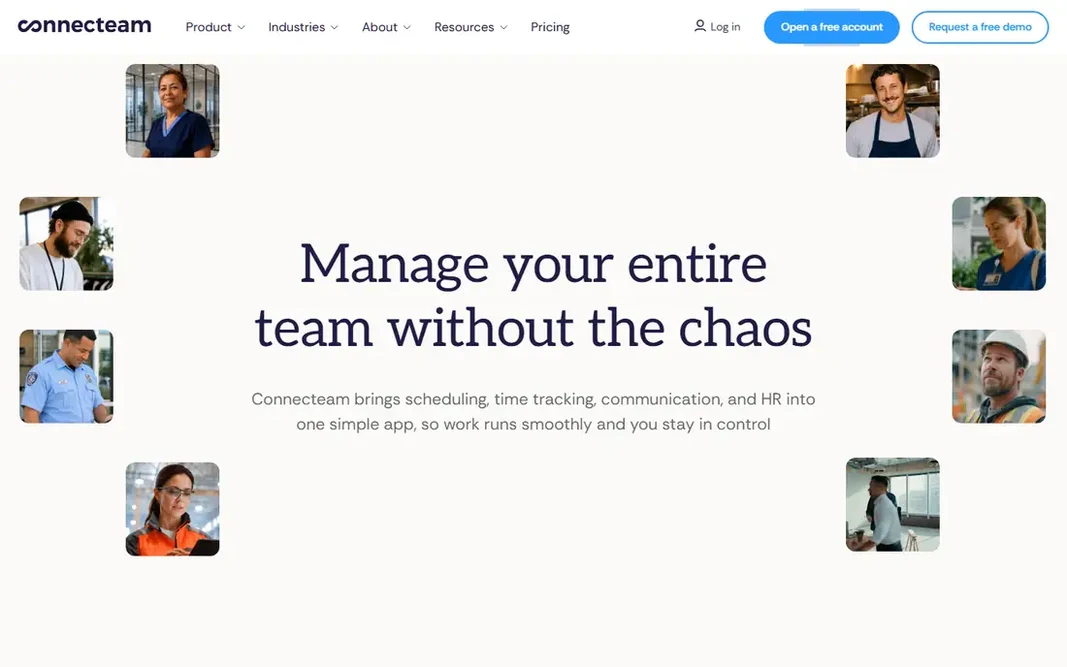
Connecteam works best for deskless and field crews. The trade off is level geography: the location controls a field business most wants sit on the middle and upper plans. What to check first: Admin power lives on the web dashboard, not the phone. What works well: premium plans start at $29 a month for the first block of users on annual billing, which fits small crews. More specifically, Connecteam treats the time clock as one room in a larger house for deskless teams: clock in with GPS, complete the day's forms and checklists, read the announcement, message the crew. For everyday use, Connecteam suits mobile crews up to a handful of dozen people who want operations, not just hours, in one place. The starting price for Connecteam: Free. Connecteam includes a free tier.

Price: Free

Free plan: Yes

Website: connecteam.com

Watch out for

  • Location features deepen on higher levels, with geofencing and live breadcrumbs costing more
2

OnTheClock

Straightforward GPS verified punches
$5 a month plus $4 per employee

OnTheClock is aimed squarely at straightforward GPS verified punches. It does the core job, verified punches from anywhere, clean timesheets, payroll integrations, at a price a ten person company can compute in its head. As for the details, OnTheClock suits small teams that want GPS honest punches and payroll ready hours without adopting an HR system to get them. OnTheClock cost at the entry level: $5 per month plus $4 per employee. OnTheClock has no free tier. Honest limits: Feature depth trails the larger suites.

Free plan: No

Website: ontheclock.com

Strengths

  • Fingerprint choices
  • Straightforward pricing: a $5 monthly base plus $4 per employee a month

Watch out for

  • No offline mode
3

Homebase

Small hourly teams, scheduling plus clock
Free

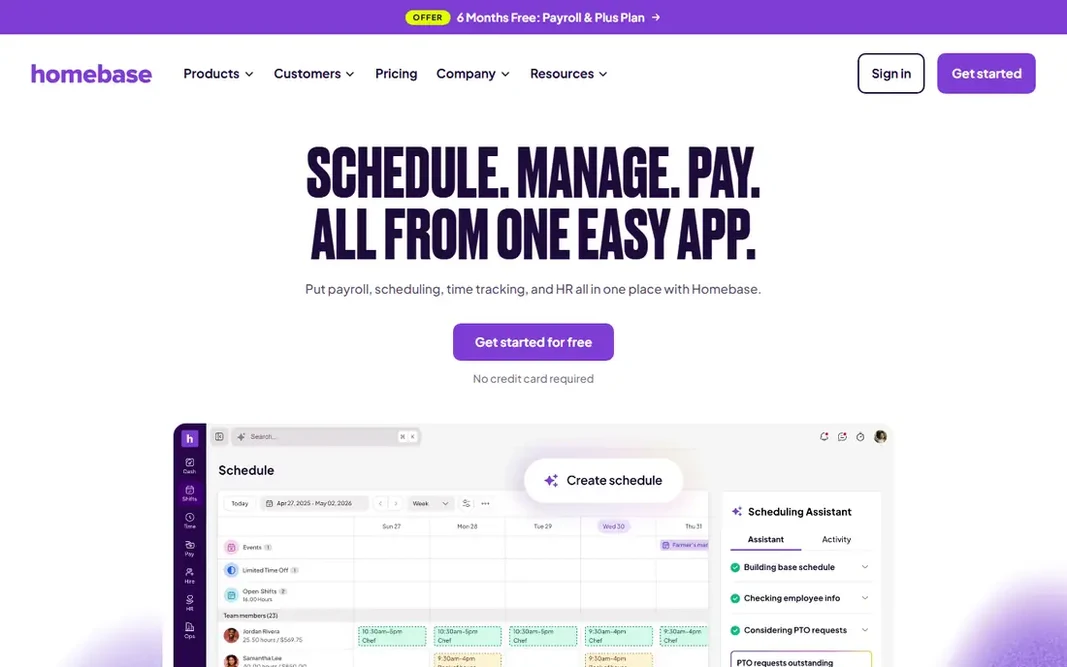
Homebase is aimed squarely at small hourly teams, scheduling plus clock. The free level is a real product, not a demo: build the schedule, staff clock in on their phones or a shared device, hours total themselves. The owner stops reconstructing the week from memory on Sunday night. Strengths: A free Basic plan with scheduling; hiring for one location and up to 10 employees. Honest limits: Payroll costs additional on top of the plan. Beyond that, Homebase suits single location hourly teams best, and expanding ones that prefer a predictable per location price over per head maths. Payroll is a premium additional, and each new location starts a new line on the bill. Price to start with Homebase: Free. You can start on Homebase without paying.

Free plan: Yes

Website: joinhomebase.com

Strengths

  • Payroll available as an add on in the same system
  • GPS clock in on premium levels, plus POS integrations for shops and restaurants

Watch out for

  • Multi location firms pay per location
4

Buddy Punch

Stopping buddy punching
$19 per month plus $4.99 per user

In short, Buddy Punch is for stopping buddy punching. Buddy Punch is the focused tool: a time clock whose design brief is honest punches. As for the details, pricing is a $19 monthly base plus $4.99 per user on annual billing. For everyday use, the trade off is narrowness. It will not run your schedule on the entry plan or your payroll ever. The starting price for Buddy Punch: $19 per month plus $4.99 per user. No free plan comes with Buddy Punch. Limits to weigh: the base fee plus per user price needs both numbers read together; Scheduling arrives on the Pro plan instead of the entry level.

Free plan: No

Website: buddypunch.com

Strengths

  • Named for the problem it solves: facial recognition, PIN
  • QR code

Watch out for

  • No free plan
5

Deputy

Retail and hospitality with compliance rules
$5 per user per month

Deputy serves retail and hospitality with compliance rules. Deputy is the compliance grade choice. More specifically, a six person cafe does not need Deputy's rulebook. From a buyer's view, Deputy suits multi site retail, hospitality, and healthcare rosters where compliance and labour cost control justify $5 per user and a proper implementation. On cost, Deputy starts like this: $5 per user per month. Deputy has no free plan. What to check first: The mobile app's offline mode is restricted.

Free plan: No

Website: deputy.com

Strengths

  • Scheduling and time aimed at regulated shift work: break rules, overtime
  • Labour law compliance features

Watch out for

  • Depth costs attention: setup and rules configuration take live
6

When I Work

Scheduling first teams on a budget
$2.50 per user per month

When I Work is designed for scheduling first teams on a budget. When I Work is the scheduler that also clocks. At $2.50 per user it is priced for exactly the small service teams that live this way. Beyond that, for shift businesses, the schedule is where the week is won: fill the shifts, let staff trade them under rules you set, then let the clock verify the plan actually happened. As for the details, the trade off is that attendance is the second feature, not the first. What you pay to start with When I Work: $2.50 per user per month. No free plan comes with When I Work. Watch-outs: Time tracking specifics vary by plan, so read the level table carefully; No free plan.

Free plan: No

Website: wheniwork.com

Strengths

  • Cutting the manager's message traffic
  • Open shifts

Watch out for

  • A 14 day trial instead

FAQ

How are the tools for app for employees to clock in and out ordered?

The order follows typical fit for app for employees to clock in and out, with Connecteam first and When I Work last, then price clarity and free access. It is editorial judgement, not a score, so another team could rank the tools differently.

How much do time clock apps cost for a 20 person team?

At published rates: When I Work about $50 per month at $2.50 per user. OnTheClock $85, from a $5 base plus $4 per head; Deputy $100 at $5 per user; Connecteam can be less expensive, since its $29 entry block handles the first group of users; Homebase charges $24 per location regardless of headcount. Add payroll only if you will use the same vendor's, and check whether GPS and geofencing sit in the level you priced.

Is it legal to track employee location with a clock app?

Facial recognition and other biometrics carry stricter consent laws in multiple states, and off duty or continuous tracking is where employers get into trouble. This is general information, not legal advice: publish a written policy, collect the minimum, and check your jurisdiction's rules before rollout.

Is Connecteam the right pick for everyone comparing app for employees to clock in and out?

No single tool suits every team. Connecteam comes first because it fits deskless and field crews, while OnTheClock suits simple GPS verified punches and Homebase suits small hourly teams, scheduling plus clock. Match the tool to your own size, budget and workflow before deciding.

What is the best free app for employees to clock in and out?

The first pick on this list is Connecteam, because it suits deskless and field crews. OnTheClock is better for straightforward GPS verified punches, and Homebase for small hourly teams, scheduling plus clock. Check price and limits against your own needs before choosing.

Can I try these tools before paying?

Often, yes. Connecteam and Homebase have a free plan. Use your own data and a real task during the test, and check what the free tier or trial limits before you rely on it.