How we rank
HR and Workforce · Researched comparison

Best Attendance Tracking Software for Group Homes in 2026

TaskReports may earn a fee from some links on this page, and some placements are paid and labelled. Neither one decides the order. See our disclosure.

The short answer

Homebase suits most small group homes because its free plan covers clock-in records, shift scheduling and team messaging for a single location. If you run several homes and need GPS-verified punches tied to a job site, QuickBooks Time is the better paid fit. When I Work is the alternative when open-shift coverage and shift swapping matter more than payroll add-ons.

On this page

Key takeaways

  • Homebase is the first pick for small group homes because its free plan covers clock-in records, scheduling and messaging for one location.
  • QuickBooks Time and When I Work are the strongest paid options when you need GPS-verified punches or open-shift coverage across several homes.
  • Most tools here price per location or per user, so a group home with 24/7 shifts should model cost on headcount, not just beds.
  • Only Homebase and Clockify offer a free plan; the rest are free trials or paid-only.

Quick comparison

ToolBest fitStarting price
HomebaseSmall group homes needing free clock-in and schedulingSee vendor pricing page
QuickBooks TimeMulti-site operators needing GPS-verified punchesSee vendor pricing page
When I WorkTeams that need open-shift coverage and swappingSee vendor pricing page
ClockifyBudget-conscious operators tracking hours by houseSee vendor pricing page
DeputyCompliance-focused homes needing attendance recordsSee vendor pricing page
ConnecteamHomes wanting scheduling and checklists in one appSee vendor pricing page
SlingSmall homes needing free scheduling and time clockSee vendor pricing page

How we chose

We picked tools that record real clock-in or attendance data and fit shift-based residential care. Criteria were fit for the use case, published entry price, free access, and main limits such as location caps or per-user pricing. Details come from vendor websites and public documentation. Prices and plan limits change, so confirm them on the vendor site before buying.

Best overall

Homebase

Small group homes needing free clock-in and scheduling

  • Free plan covers one location with time clock and scheduling
  • mobile app for staff who work overnight shifts
PriceSee vendor pricing page
See Homebase pricing
joinhomebase.comHomepage, Nov 2026
Homebase homepage

Homebase gives a group home a time clock, schedule and team messaging in one app. Staff clock in from a shared tablet or their own phone, and managers see who is on shift at each house. The free plan covers one location, which fits a single-site operator. Multi-site operators need a paid plan. Scheduling supports shift notes, so a manager can flag medication rounds or transport duties. Timesheets export for payroll. Homebase also lists hiring and payroll as paid add-ons. Confirm current plan limits on the pricing page before you commit, since the free tier has changed over time. Skip Homebase if you need GPS-verified punches per home or run many locations on one account.

Price: See vendor pricing page

Free plan: Yes

Website: joinhomebase.com

Watch out for

  • Free plan limited to a single location
  • payroll and hiring tools cost extra
2

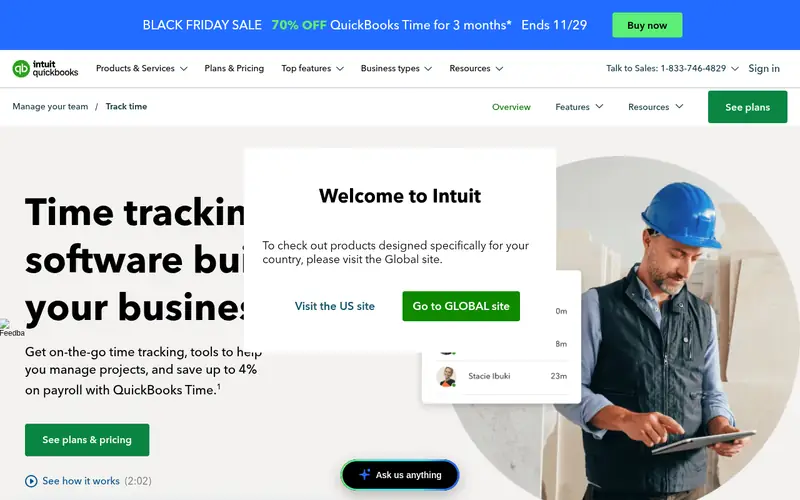
QuickBooks Time

Multi-site operators needing GPS-verified punches
See vendor pricing page
quickbooks.intuit.comHomepage, Nov 2026
QuickBooks Time homepage

QuickBooks Time records clock-ins with GPS and job-site tags, which helps when staff rotate between several group homes. A manager can confirm a caregiver was at the right house at the right time. Timesheets move into QuickBooks payroll, so hours and pay stay in one system. The tool is priced per user, so a group home with a large relief pool should estimate cost on total headcount. Scheduling and time-off requests are included. There is no free plan, only a trial. Choose it if payroll accuracy and location verification matter more than a low monthly bill. Skip it if you only need a simple clock and already use another payroll provider.

Free plan: Free trial (30 days)

Website: quickbooks.intuit.com/time

Strengths

  • GPS and job-site tracking per punch
  • timesheets flow into QuickBooks payroll

Watch out for

  • No free plan
  • per-user pricing adds up for large teams

3

When I Work

Teams that need open-shift coverage and swapping
See vendor pricing page
wheniwork.comHomepage, Nov 2026
When I Work homepage

When I Work focuses on scheduling and attendance for shift-based teams. Managers post open shifts, and staff claim them from the app, which helps a group home fill call-outs fast. The tool flags late clock-ins and no-shows so a supervisor can act during the shift. Attendance records pair with the schedule, so hours worked and hours planned sit side by side. Time-off requests run through the same app. Pricing is tiered, and some reporting features sit on higher plans. It fits group homes with frequent shift changes. Skip it if you need deep payroll integration, since that depends on your payroll vendor.

Free plan: Free trial (14 days)

Website: wheniwork.com

Strengths

  • Open shifts and swap requests help cover 24/7 rosters
  • attendance and late-clock-in alerts

Watch out for

  • No free plan
  • advanced features sit on higher tiers
4

Clockify

Budget-conscious operators tracking hours by house
See vendor pricing page
clockify.meHomepage, Nov 2026
Clockify homepage

Clockify is a time tracking tool that a group home can adapt by treating each house as a project. Staff clock in and out, and managers pull reports by house, client or pay period. The free plan allows unlimited users, which suits a volunteer or relief-heavy team. It is not a scheduling tool. There are no open shifts, swap requests or late-clock-in alerts. Attendance data is a record of hours, not a roster. For a group home that mainly needs to log hours and bill time to a funding source, that can be enough. Skip Clockify if shift coverage and scheduling are core needs. It works best as a low-cost hours log alongside a separate schedule.

Free plan: Yes

Website: clockify.me

Strengths

  • Free plan with unlimited users
  • projects can represent each group home

Watch out for

  • Built for time tracking, not shift scheduling
  • no open-shift coverage tools
5

Deputy

Compliance-focused homes needing attendance records
See vendor pricing page
deputy.comHomepage, Nov 2026
Deputy homepage

Deputy handles scheduling, time and attendance, and leave for shift-based workplaces. A group home can require clock-in from a set location, which reduces buddy punching. Attendance records and leave requests sit in one system, which helps when a funder asks for proof of staffing. The tool supports shift notes and task lists, so a manager can attach duties to a shift. Pricing is per user, and the trial runs 31 days. It suits homes with audit or compliance pressure. Skip it if your team is very small and a free tool covers your needs.

Free plan: Free trial (31 days)

Website: deputy.com

Strengths

  • Clock-in with location and photo options
  • attendance and leave records in one place

Watch out for

  • No free plan
  • pricing is per user
6

Connecteam

Homes wanting scheduling and checklists in one app
See vendor pricing page
connecteam.comHomepage, Nov 2026
Connecteam homepage

Connecteam combines a time clock with scheduling, checklists and team updates. A group home can attach a shift checklist, such as medication or safety rounds, to each shift, and staff complete it from the app. Attendance records show who worked and when. The free plan is limited to small teams, so check the current headcount cap on the pricing page. Paid tiers add scheduling and reporting features. It fits homes that want one app for hours and daily tasks. Skip it if you need payroll integration as a first priority.

Free plan: Free trial (14 days)

Website: connecteam.com

Strengths

  • Time clock plus shift checklists and updates
  • mobile-first for field staff

Watch out for

  • Free plan limited to small teams
  • advanced features on paid tiers
7

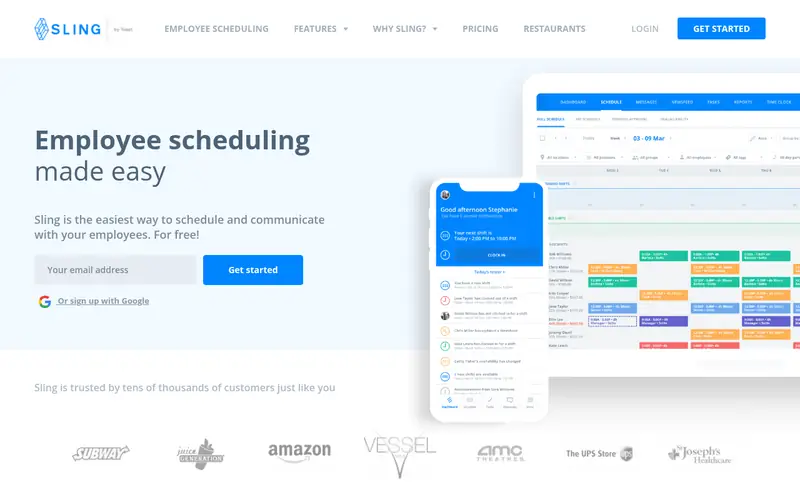
Sling

Small homes needing free scheduling and time clock
See vendor pricing page
getsling.comHomepage, Nov 2026
Sling homepage

Sling offers scheduling, a time clock and team messaging. Staff clock in from the app, and managers see attendance against the schedule. Open shifts and swap requests help cover a 24/7 roster. The free plan covers core scheduling and time clock features for a small team. Paid tiers add payroll, reporting and more admin controls. Check the current free-plan limits on the vendor site. It suits a single small group home that wants free scheduling and attendance. Skip it if you need advanced reporting or multi-site controls.

Free plan: Yes

Website: getsling.com

Strengths

  • Free plan with scheduling and time clock
  • shift swap and open-shift tools

Watch out for

  • Free plan limited in features
  • payroll and reporting on paid tiers

Which attendance tracking software for group homes should I use if I run several houses?

QuickBooks Time is the pick for multi-site operators because it tags each punch with a job site and GPS location. If your priority is filling call-outs, When I Work handles open shifts and swaps. If you want one app for hours and daily task checklists, Connecteam fits. If budget is the main constraint and you only need an hours log, Clockify's free plan covers unlimited users.

Is Homebase better than QuickBooks Time for attendance tracking software for group homes?

Homebase is better for a single small group home that wants free clock-in and scheduling. QuickBooks Time is better for multi-site operators that need GPS-verified punches and payroll integration. Homebase has a free plan for one location; QuickBooks Time is paid-only with a 30-day trial and per-user pricing. Choose based on location count and payroll needs, not feature count.

Pre-purchase checklist

  • Confirm the plan covers every group home location, or check the per-location fee.
  • Check whether clock-in can be limited to a set location to reduce buddy punching.
  • Verify the tool handles overnight and split shifts, which are common in residential care.
  • Confirm timesheets export to your payroll provider in a usable format.
  • Check free-plan headcount and location caps on the vendor pricing page.

FAQ

What is the best attendance tracking software for group homes?

Homebase is a strong fit for a single small group home because its free plan includes a time clock and scheduling. QuickBooks Time suits multi-site operators that need GPS-verified punches. When I Work fits teams that rely on open shifts and swaps. The right pick depends on location count, payroll needs and budget.

Do group homes need GPS tracking on clock-ins?

Not always. GPS or location-restricted clock-ins help when staff rotate between several houses and you need proof of presence. A single-site home can often rely on a shared tablet or kiosk instead. Weigh the added cost per user against your audit and payroll needs before choosing.

Can attendance software track overnight shifts in a group home?

Yes. Most tools here let you define shifts that cross midnight, and they record hours against the correct pay period. Check this during a trial, since overnight and split shifts are common in residential care and some tools handle them better than others.

Is there free attendance tracking software for small group homes?

Homebase, Clockify and Sling offer free plans. Homebase's free plan covers one location with a time clock and scheduling. Clockify allows unlimited users for time tracking. Sling covers core scheduling and time clock features. Free-plan limits change, so confirm current caps on each vendor's pricing page.

How much does attendance tracking software cost for a group home?

Pricing varies by model. Some tools charge per user, others per location, and some offer a free tier. We do not list exact figures here because published prices change. Check each vendor's pricing page and model cost on total headcount, including relief and part-time staff.