How we rank
HR and Workforce · Researched comparison

Best Attendance Tracking Software for Orthodontic Practices in 2026

TaskReports may earn a fee from some links on this page, and some placements are paid and labelled. Neither one decides the order. See our disclosure.

The short answer

Homebase is the best starting point for most orthodontic practices. It handles staff scheduling, clock-in and out, timesheets and PTO balances in one place, and the entry price is low. QuickBooks Time is the better fit if you already run payroll on QuickBooks. Deputy suits practices with several offices that need advanced scheduling across locations. Read each tool's plan limits before you decide.

On this page

Key takeaways

  • Homebase is the top pick for most orthodontic practices because it combines shift scheduling, clock-in records and timesheets at a low entry price.
  • QuickBooks Time and Deputy are strong alternatives when payroll integration or multi-location scheduling matters more than a free plan.
  • Only Homebase, Clockify and Connecteam offer a free plan; the others provide a free trial or paid-only access.
  • Confirm current prices on each vendor page before you buy, since published entry prices change.

Quick comparison

ToolBest fitStarting price
HomebaseSmall practices that need scheduling and time clocks in one toolSee vendor pricing page
QuickBooks TimePractices already running payroll in QuickBooksSee vendor pricing page

DeputyMulti-location practices with complex shift schedulingSee vendor pricing page
ClockifyPractices that want a free time clock with simple reportsSee vendor pricing page
ConnecteamPractices that want scheduling, time clock and team communicationSee vendor pricing page
When I WorkPractices focused on shift scheduling and attendanceSee vendor pricing page
SlingSmall practices that need free scheduling and time clockSee vendor pricing page
BambooHRPractices that want HR records and PTO tracking togetherSee vendor pricing page

How we chose

We picked tools that support real clock-in or attendance records and, where relevant, leave requests and PTO balances for a dental or orthodontic office. Criteria were fit for the use case, published entry price, free access and main plan limits. Information comes from vendor websites and public documentation. Prices change, so confirm the current price on the vendor site before buying.

Best overall

Homebase

Small practices that need scheduling and time clocks in one tool

  • Combines scheduling, time clock and timesheets
  • Free plan covers one location
PriceSee vendor pricing page
See Homebase pricing
joinhomebase.comHomepage, Nov 2026
Homebase homepage

Homebase covers shift scheduling, clock-in and out from a phone, tablet or shared kiosk, and timesheets that feed into payroll. For an orthodontic practice, that means front-desk staff, orthodontic assistants and hygienists can all clock in from one device at the office. PTO accrual and balance tracking are part of the paid plans. The free plan is built for a single location with basic scheduling and time tracking. Paid plans add PTO tracking, hiring tools and payroll. Practices with several offices or complex leave rules should look at the paid tiers or a tool built for multi-site teams.

Price: See vendor pricing page

Free plan: Yes

Website: joinhomebase.com

Watch out for

  • Free plan limits advanced features
  • Payroll add-ons cost extra
2

QuickBooks Time

Practices already running payroll in QuickBooks
See vendor pricing page
quickbooks.intuit.comHomepage, Nov 2026
QuickBooks Time homepage

QuickBooks Time records clock-in and out, breaks and attendance history, and passes hours to QuickBooks Payroll. An orthodontic practice that already uses QuickBooks for bookkeeping gets one connected system for staff hours and pay runs. Timesheets can be approved by an office manager before payroll. The software supports scheduling and PTO tracking on paid plans. It is a weaker fit for a practice that does not use QuickBooks, because much of the value comes from the integration. There is a free trial but no free plan.

Free plan: Free trial (30 days)

Website: quickbooks.intuit.com/time-tracking

Strengths

  • Strong payroll and accounting integration
  • GPS and job-site tracking

Watch out for

  • No permanent free plan
  • Best value only inside the QuickBooks ecosystem

3

Deputy

Multi-location practices with complex shift scheduling
See vendor pricing page
deputy.comHomepage, Nov 2026
Deputy homepage

Deputy is built around shift scheduling, clock-in records and leave management. A practice with two or more offices can schedule staff by location, track attendance and see who is on shift at each site. Leave requests and balances are managed in the same system. The tool is more configurable than Homebase, which helps when shifts follow different rules per office. That flexibility also means more setup work. Small single-office practices may find it heavier than needed. There is a free trial, but no free plan.

Free plan: Free trial (N days)

Website: deputy.com

Strengths

  • Handles scheduling across several offices
  • Attendance and leave tracking built in

Watch out for

  • No free plan
  • Setup takes more time than simple tools
4

Clockify

Practices that want a free time clock with simple reports
See vendor pricing page
clockify.meHomepage, Nov 2026
Clockify homepage

Clockify records clock-in and out and produces timesheet reports. The free plan supports unlimited users, which suits a small orthodontic office that wants basic attendance records without a subscription. Reports can be exported for payroll or an office manager. Attendance tracking is straightforward, but scheduling, leave requests and PTO balances are lighter than in Homebase or Deputy. A practice that needs full HR features should treat Clockify as a time clock rather than a complete workforce tool.

Free plan: Yes

Website: clockify.me

Strengths

  • Free plan for unlimited users
  • Simple clock-in and timesheet reports

Watch out for

  • Scheduling and PTO tools are limited
  • Not built around payroll
5

Connecteam

Practices that want scheduling, time clock and team communication
See vendor pricing page
connecteam.comHomepage, Nov 2026
Connecteam homepage

Connecteam combines a time clock, scheduling, task lists and team messaging in a mobile app. Staff at an orthodontic practice can clock in from a phone, and managers can review attendance and shifts in one place. The free plan covers a small team with basic time tracking. Paid tiers add PTO tracking, more admin controls and advanced reporting. The free plan has a user cap, so growing practices will need to upgrade. It suits offices that want communication and attendance in one app.

Free plan: Yes

Website: connecteam.com

Strengths

  • Free plan for small teams
  • Mobile app for staff clock-in

Watch out for

  • Free plan caps users
  • Advanced features sit on paid tiers
6

When I Work

Practices focused on shift scheduling and attendance
See vendor pricing page
wheniwork.comHomepage, Nov 2026
When I Work homepage

When I Work centers on employee scheduling, shift swaps and attendance. An orthodontic practice can build a weekly schedule for clinical and front-desk staff, track who clocks in, and spot no-shows. Staff get a mobile app for schedules and time entries. The tool is strong on scheduling but lighter on payroll and PTO administration. Practices that need deep leave accrual rules may need another system. There is a free trial but no free plan.

Free plan: Free trial (N days)

Website: wheniwork.com

Strengths

  • Clear scheduling and attendance views
  • Staff can swap shifts in the app

Watch out for

  • No free plan
  • Payroll and HR features are limited
7

Sling

Small practices that need free scheduling and time clock
See vendor pricing page
getsling.comHomepage, Nov 2026
Sling homepage

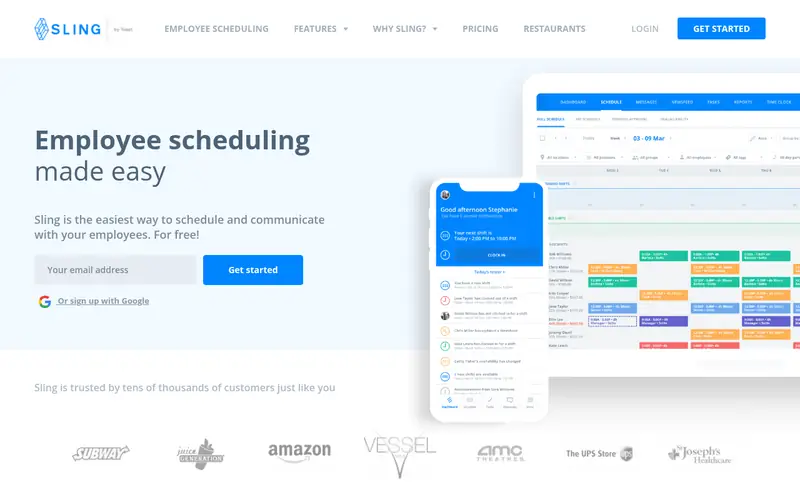
Sling offers shift scheduling, a time clock and attendance records. A small orthodontic office can set up a schedule, have staff clock in, and review hours. The free plan covers core scheduling and time tracking for a small team. Paid plans add features such as time-off management and reporting. Sling is a good fit for a single-location practice that wants a simple, low-cost tool. It is less suited to multi-office groups that need detailed PTO accrual rules.

Free plan: Yes

Website: getsling.com

Strengths

  • Free plan for scheduling and time clock
  • Simple setup for small teams

Watch out for

  • Limited payroll and PTO depth
  • Fewer integrations than larger tools
8

BambooHR

Practices that want HR records and PTO tracking together
See vendor pricing page
bamboohr.comHomepage, Nov 2026
BambooHR homepage

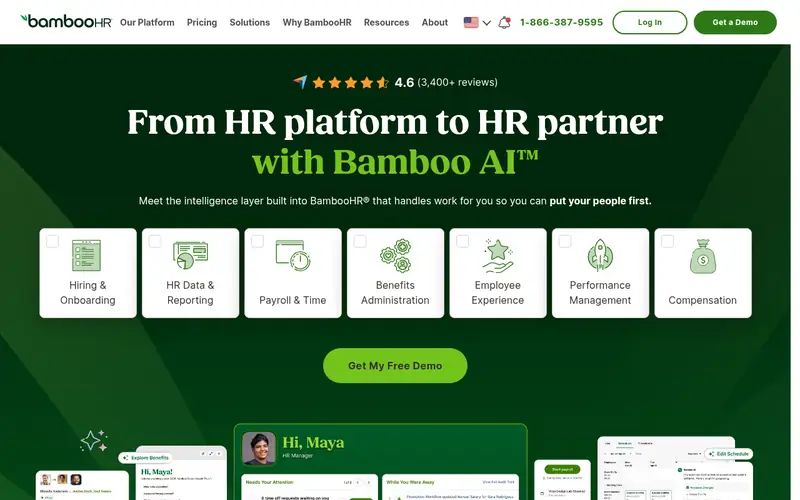
BambooHR is an HR platform with time-off tracking, PTO accrual and employee records. An orthodontic practice can manage leave requests and balances for all staff in one place, alongside onboarding and documents. Attendance and time-off data sit with the employee record. The tool is not a dedicated time clock, so practices that need punch-in records may pair it with another system. It suits larger practices that want HR administration and PTO tracking together. There is no free plan.

Free plan: No

Website: bamboohr.com

Strengths

  • PTO accrual and balance tracking
  • Central employee records

Watch out for

  • No free plan
  • Time clock is not the core focus

Which attendance tracking software for orthodontic practices should I use if I run two offices?

Deputy is the best fit for two offices because it handles scheduling and attendance across multiple locations. If you already use QuickBooks for payroll, choose QuickBooks Time. If you want a free start for a small team, Homebase or Sling covers basic scheduling and clock-in. If PTO balances and HR records matter most, BambooHR is the stronger choice.

Is Homebase better than QuickBooks Time for attendance tracking software for orthodontic practices?

Homebase is better for a small practice that wants a free plan and simple scheduling with a time clock. QuickBooks Time is better if the practice already runs payroll in QuickBooks and wants hours to flow into pay runs. Homebase offers a free plan; QuickBooks Time offers only a free trial.

Pre-purchase checklist

  • Confirm the tool records actual clock-in and out, not just schedules.
  • Check whether PTO accrual and leave balances are included or cost extra.
  • Verify how many locations and users the entry plan covers.
  • Confirm the time clock works on a shared tablet or kiosk at the front desk.
  • Check payroll export or integration with the system your practice already uses.

FAQ

What is the best attendance tracking software for orthodontic practices?

Homebase is the best overall pick for most orthodontic practices because it combines scheduling, clock-in records and timesheets, and offers a free plan for one location. QuickBooks Time and Deputy are strong alternatives for payroll integration and multi-office scheduling.

Does Homebase have a free plan for a dental or orthodontic office?

Yes. Homebase offers a free plan built for a single location with basic scheduling and time tracking. PTO tracking and payroll features sit on paid plans, so confirm the current limits on the vendor pricing page.

Can attendance tracking software handle PTO balances for orthodontic staff?

Some tools do. Homebase, Deputy and BambooHR include PTO tracking and balances on paid plans. Clockify and Sling are lighter on leave administration, so check the plan details before you rely on them for accruals.

Which tool is best for a practice with multiple office locations?

Deputy is built for scheduling and attendance across several locations. Homebase and When I Work also support multi-location scheduling on paid plans. Compare the per-location limits on each pricing page.

Do these tools replace payroll software?

No. Most of these tools record hours and attendance and then export or sync to payroll. QuickBooks Time connects directly to QuickBooks Payroll. Others pass timesheets to your payroll provider.