IT Management · Researched comparison

How to Pick Computer Remote Access Software: 6 Tools Compared

TaskReports may earn a fee from some links on this page, and some placements are paid and labelled. Neither one decides the order. See our disclosure.

The short answer

For budget remote access for plenty of computers, RemotePC is where this list starts. For a different need, AnyDesk covers quick connections at a low entry price and Zoho Assist covers Remote support with Zoho integrations. Prices, free plans and limits for all 6 tools follow.

On this page

Key takeaways

  • RemotePC sits first on this list: budget remote access for plenty of computers.
  • A fair warning about Remote Utilities: Windows-centric with viewer apps for other products.
  • TeamViewer fits all-round remote support and access.
  • A free plan is available from 4 of the 6 tools: AnyDesk, Remote Utilities, Chrome Remote Desktop, TeamViewer.
  • For the cheapest start, look at RemotePC: $1.84/month.

Quick comparison

ToolFree planIdeal forMain limit
------------
RemotePCNoBudget remote access for plenty of computersNo free tier
AnyDeskYesQuick connections at a low entry priceAdvanced features need higher tiers
Zoho AssistFree trial (15 days)Remote support with Zoho integrationsShines brightest for existing Zoho users
Remote UtilitiesYesPerpetual license without subscriptionsSmaller ecosystem than the big brands
Chrome Remote DesktopYesFree personal remote accessRequires a Google account and Chrome
TeamViewerYesAll-round remote support and accessCommercial pricing is quote-based and premium
★ Best overall

RemotePC

Budget remote access for plenty of computers

  • Plans scale to 100 computers for enterprises
  • HelpDesk product from $9.95 for the first year
Price$1.84/month (Solo)
See RemotePC pricing

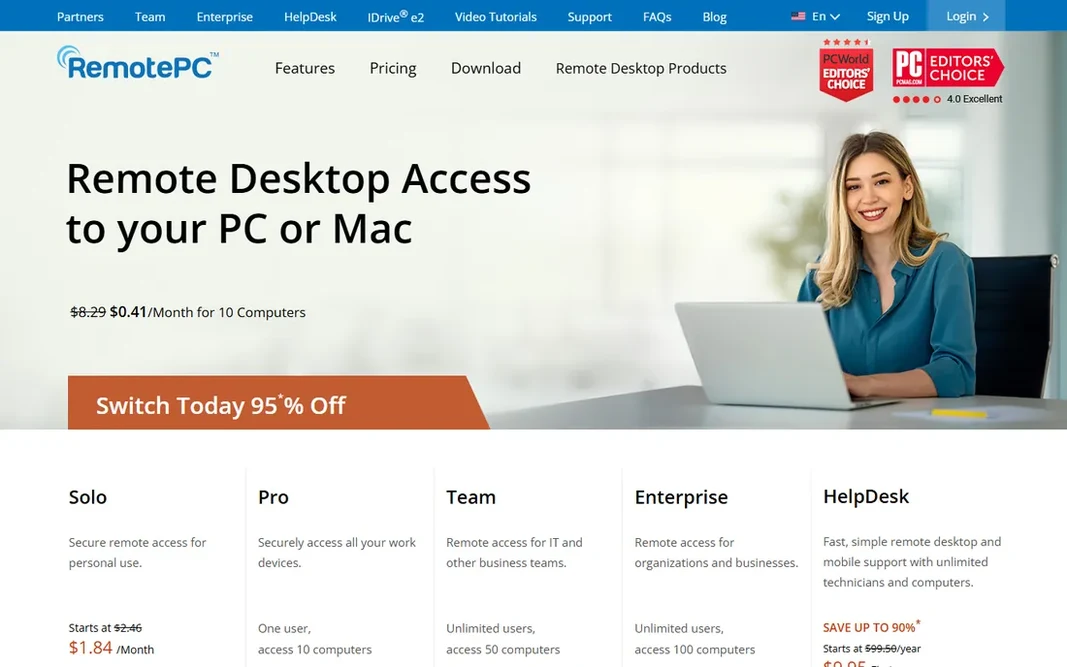
RemotePC is designed for budget remote access for many computers. Features contain file transfer, remote printing, session recording, several monitor support, whiteboard, and TLS/AES-256 encryption, with access from Windows, Mac, Linux, iOS, Android, and browsers. A separate HelpDesk product with unlimited technicians opens at $9.95 for the first year, undercutting dedicated support tools dramatically. The Solo plan opens at $1.84 per month, with Pro, Team (unlimited users, 50 computers), and Enterprise (100 computers) levels above it. Also, RemotePC, from the IDrive company, wins on price. Entry price for RemotePC: $1.84/month. There is no free plan with RemotePC. Downsides: No free level.

Price: $1.84/month (Solo)

Free plan: No

Website: remotepc.com

Watch out for

  • Interface less refined than premium rivals
2

AnyDesk

Quick connections at a low entry price
$23.12/month (Solo, billed yearly)

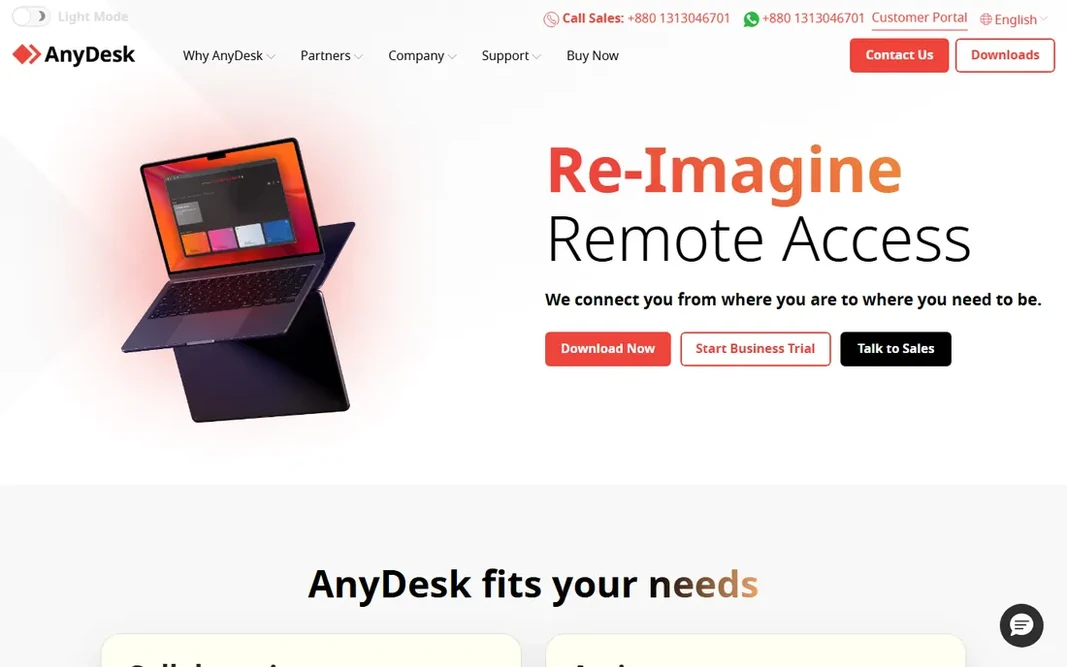
AnyDesk targets quick connections at a low entry price. Mobile device support is included across plans, and mass deployment via MSI fits IT teams. AnyDesk built its reputation on speed: a light client with low-latency connections that feel responsive even on modest bandwidth. Honest limits: Advanced features need higher levels. Plans are published and straightforward: Solo at $23.12 per month billed yearly for one user with up to 100 managed devices, Standard at $39.92 for small teams, and Advanced at $89.52, with an Ultimate level adding SSO and on-premises deployment. A free version spans personal use. AnyDesk starts at: $23.12/month. Free access exists with AnyDesk.

Free plan: Yes

Website: anydesk.com

Strengths

  • On-premises choice on the top level
  • Light client known for low latency

Watch out for

  • Free version is personal-use only
3

Zoho Assist

Remote support with Zoho integrations
See website

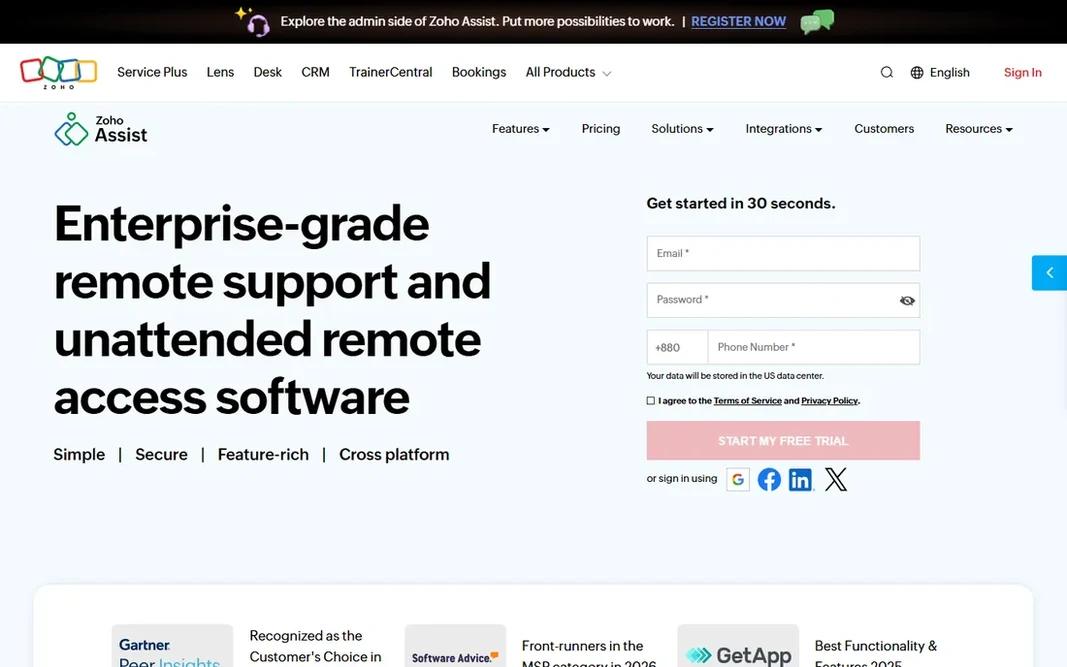
Pick Zoho Assist if this describes you: Remote support with Zoho integrations. Zoho Assist is cloud-based remote support and unattended access software handling Windows, Mac, Linux, iOS, Android, Chromebooks, and Raspberry Pi. As for the details, a 15-day free trial needs no credit card. Downsides: Shines brightest for existing Zoho users. For companies already running on Zoho, it is the natural pick; as a standalone it competes on value with the mid-market crowd. Features bundle on-demand sessions without downloads, unattended access with bulk deployment, remote camera sharing with AR tools, cobrowse, and built-in endpoint management with patching. It plugs into Zoho's ecosystem and external tools, and enterprise-grade security uses TLS 1.2 with AES-256 encryption. No starting price is listed for Zoho Assist here; confirm pricing on the vendor site. As for free access: Free trial (15 days).

Free plan: Free trial (15 days)

Website: zoho.com/assist

Strengths

  • 15-day free trial with no credit card
  • Connects with the Zoho ecosystem

Watch out for

  • Premium pricing not listed on the page reviewed
4

Remote Utilities

Perpetual license without subscriptions
See website

Remote Utilities works best for perpetual license without subscriptions. A free license spans up to 10 remote computers with no session time limits and no ads. It supplies 14 connection modes including full control, file transfer, terminal, and remote registry, plus Active Directory integration and a self-hosted server choice that runs entirely inside your own network, even offline. No starting price is listed for Remote Utilities here; confirm pricing on the vendor site. Remote Utilities includes a free tier. Where it is weaker: Windows-centric with viewer apps for other systems. Reasons to shortlist it: own it forever with no subscription.

Free plan: Yes

Website: remoteutilities.com

Strengths

  • Self-hosted server choice for full data control
  • Buy once

Watch out for

  • Smaller ecosystem than the big brands
5

Chrome Remote Desktop

Free personal remote access
Free

Chrome Remote Desktop works best for free personal remote access. The trade-off is scope: no bulk deployment, no session recording, no team management, and it is not licensed for commercial support firms. Points against: No unattended fleet management or commercial features. Chrome Remote Desktop is Google's free remote access tool: connect to your home or work computer from a phone, tablet, or another computer, or share your screen for remote support. It uses WebRTC on Google's infrastructure, with Android and iOS apps for mobile access. Price to start with Chrome Remote Desktop: Free. Chrome Remote Desktop has a free plan.

Free plan: Yes

Website: remotedesktop.google.com

Strengths

  • Fully free with no time limits
  • Runs in the browser with mobile apps

Watch out for

  • Needs a Google account and Chrome
6

TeamViewer

All-round remote support and access
See website

TeamViewer is designed for all-round remote support and access. It fits firms that want the safe, widely recognized choice with AI assistance on top. What to check first: Commercial pricing is quote-based and premium. Check the vendor site for TeamViewer pricing; none is listed in this comparison. TeamViewer includes a free tier.

Free plan: Yes

Website: teamviewer.com

Strengths

  • The best-known remote access brand with wide device support
  • Top-1% BitSight security rating in tech

Watch out for

  • Free version restricted to personal use

FAQ

Is RemotePC the right pick for everyone comparing computer remote access software?

No single tool suits every team. RemotePC comes first because it fits budget remote access for many computers, while AnyDesk suits fast connections at a low entry price and Zoho Assist suits Remote support with Zoho integrations. Match the tool to your own size, budget and workflow before deciding.

Which options for computer remote access software have a free plan?

AnyDesk, Remote Utilities, Chrome Remote Desktop and TeamViewer offer a free plan in this list. Free plans usually cap users, projects or features, so check the limits on the vendor page. One other tool offers a trial instead.

What is the difference between AnyDesk and TeamViewer?

TeamViewer has broader enterprise features, AI session assistance, and more solid brand recognition, with quote-based commercial pricing. Try both free versions and compare.

Is TeamViewer still free?

TeamViewer remains free for personal, non-commercial use. Commercial use needs a premium license with quote-based pricing. In practice, if you only have to access your own computers or help family, the free version is enough.

Can I access my computer when it is turned off?

Not with these tools alone: the remote computer needs to be powered on and connected to the internet. Some tools support Wake-on-LAN to power on a sleeping machine on the same network.

Do these tools publish their prices?

Not all of them. Zoho Assist, Remote Utilities and TeamViewer publish no starting price, so expect a quote request for those. The rest, RemotePC included, show a starting price, though seats and billing terms still change the final cost.