
IT Management · Researched comparison

6 Strong Data Protection Software Options in 2026

TaskReports may earn a fee from some links on this page, and some placements are paid and labelled. Neither one decides the order. See our disclosure.

The short answer

If you need zero-trust data security, Rubrik is the first tool to look at here. For a different need, CrashPlan covers endpoint backup for teams and Backblaze covers straightforward budget-friendly backup. The remaining 3 options are covered below with prices and limits.

On this page

Key takeaways

  • This list starts with Rubrik, which is built for zero-trust data security.
  • What to know about CrashPlan first: endpoint-focused rather than full infrastructure backup.
  • The cheapest monthly starting price in the list is $7.33 per user/month, offered by CrashPlan.
  • Acronis is the one to check for backup plus endpoint security.

Quick comparison

ToolBest forStarts atFree access
------------
RubrikZero-trust data securitySee websiteNo
CrashPlanEndpoint backup for teams$7.33 per user/monthFree trial (14 days)
BackblazeStraightforward budget-friendly backup$99 per computer/yearFree trial
CommvaultLarge-scale cyber resilienceSee websiteFree trial
VeeamEnterprise hybrid environmentsSee websiteFree trial
AcronisBackup plus endpoint securitySee websiteFree trial
★ Best overall

Rubrik

Zero-trust data security

  • Capable ransomware remediation workflows
  • Air-gapped backups
PriceSee website
See Rubrik pricing

Rubrik is aimed squarely at zero-trust data security. Rubrik is made for enterprises with security teams, and straightforward backup needs will find less expensive answers. Drawbacks to consider: Less of a fit for straightforward file-level backup needs. On top of that, the main limit is price and fit. Rubrik shows no starting price here, so confirm the cost on the vendor site. Rubrik has no permanent free option.

Price: See website

Free plan: No

Website: rubrik.com

Watch out for

  • Premium pricing
2

CrashPlan

Endpoint backup for teams
$7.33 per user/month (billed yearly)

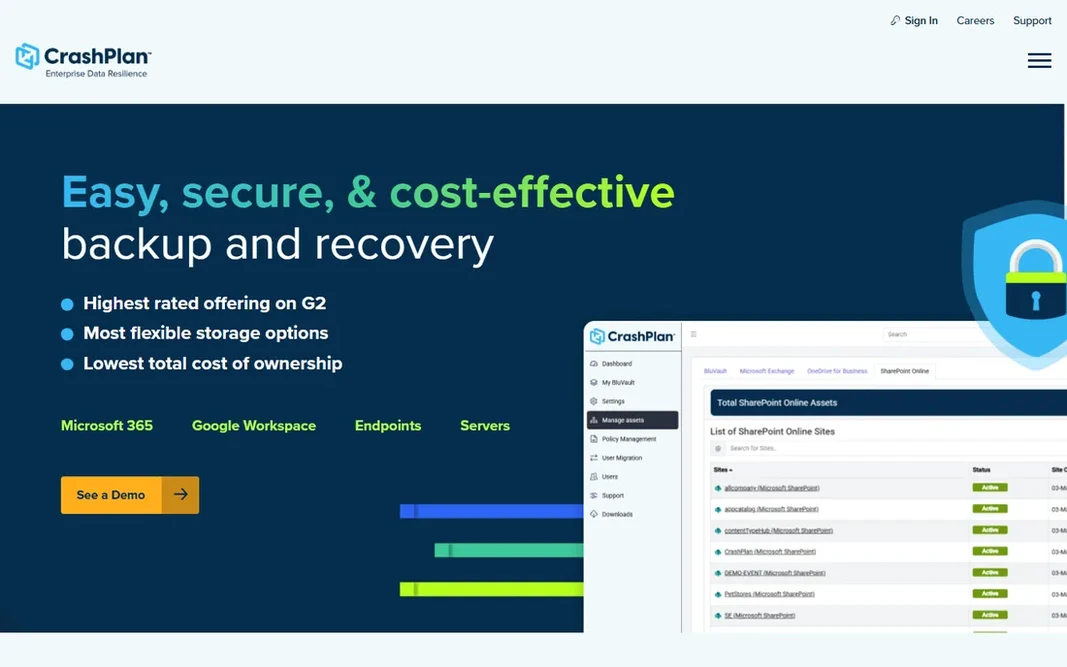
Choose CrashPlan for endpoint backup for teams. Backups run every 15 minutes with tunable version retention, restores are self-service so employees recover their own files. The pricing is refreshingly straightforward at $7.33 per user per month billed yearly. For everyday use, the honest limitation is scope: this is endpoint and SaaS backup, not a full data center protection product. As for the details, for businesses whose data lives on endpoints, which is most small and mid-sized companies, CrashPlan is the pragmatic pick. Entry price for CrashPlan: $7.33 per user/month. Free plan details: Free trial (14 days). What to check first: Endpoint-focused instead of full infrastructure backup.

Free plan: Free trial (14 days)

Website: crashplan.com

Strengths

  • Continuous endpoint backup with unlimited versioning
  • Self-service restore reduces IT tickets

Watch out for

  • Advanced features sit in higher levels
3

Backblaze

Straightforward budget-friendly backup
$99 per computer/year

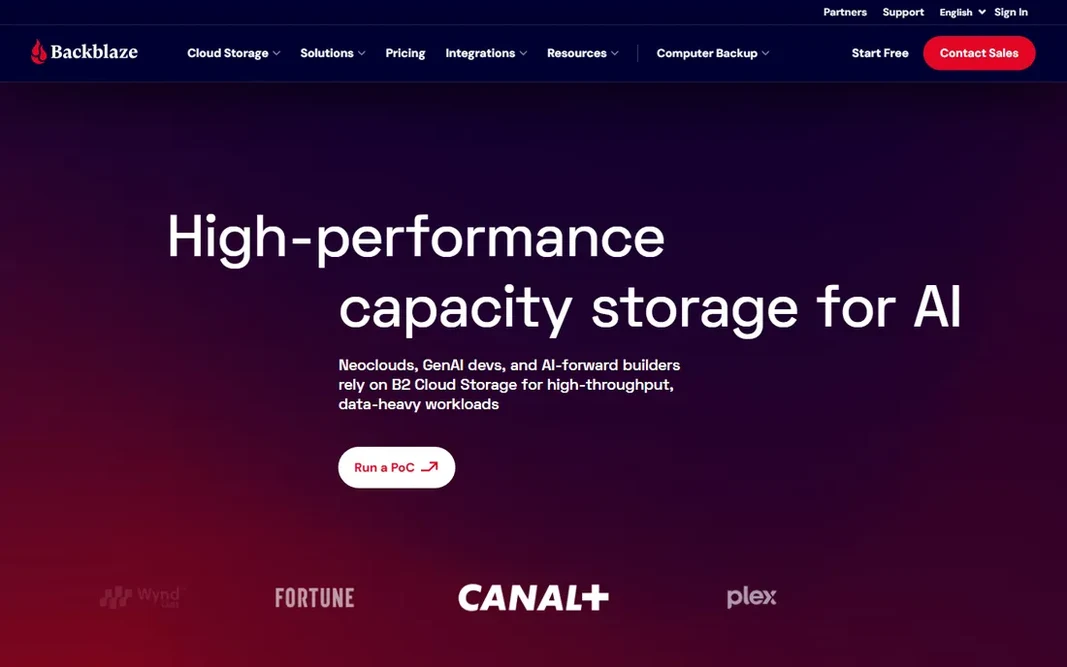
Backblaze is a good fit for straightforward affordable backup. Business Backup runs $99 per computer a year with centralized billing, web-based restores, and even free mailed hard-drive restores for large recoveries. Drawbacks to consider: Not a full enterprise product. Also, native Mac and Windows clients keep it light. On top of that, no backup sets to configure, no capacity to plan, no policies to tune for the entry-level use case. Backblaze starts at: $99 per computer/year. Free plan details: Free trial.

Free plan: Free trial

Website: backblaze.com

Strengths

  • Dead-simple setup
  • Unlimited data per computer

Watch out for

  • Restricted admin controls on basic plans
4

Commvault

Large-scale cyber resilience
See website

Commvault is built with large-scale cyber resilience in mind. The trade-off is that this is unapologetically enterprise software: pricing is quote-based, and smaller teams will find more straightforward tools simpler to live with. Commvault is the enterprise veteran, named a Gartner Magic Quadrant leader for the 15th consecutive time in 2026. The resilience-operations vision goes beyond backup into recovery orchestration and risk analysis. From a buyer's view, buy Commvault when the recovery plan has to satisfy auditors, not just IT. Commvault shows no starting price here, so confirm the cost on the vendor site. As for free access: Free trial. What to check first: Enterprise pricing and sales motion.

Free plan: Free trial

Website: commvault.com

Strengths

  • Deep enterprise feature set
  • 15 straight years as a Gartner leader

Watch out for

  • Can be more product than mid-sized teams need
5

Veeam

Enterprise hybrid environments
See website

Veeam was built for enterprise hybrid environments. Veeam built its name on virtualization backup and grew into a full data product handling cloud, physical, SaaS, and Kubernetes workloads. Pricing is quote-based and the licensing model takes work to map onto hybrid estates. The main drawbacks: Quote-based pricing. But for IT teams running mixed infrastructure, Veeam's recovery tooling is the benchmark competitors are measured against. As for the details, if your environment spans on-premises and cloud, start your evaluation here. Check the vendor site for Veeam pricing; none is listed in this comparison. Free access: Free trial.

Free plan: Free trial

Website: veeam.com

Strengths

  • Steady recovery tooling
  • Broadest workload coverage in the category

Watch out for

  • Licensing complexity grows with mixed environments
6

Acronis

Backup plus endpoint security
See website

Acronis targets backup plus endpoint security. For mid-sized firms and MSPs, replacing two or three agents with one is a real operational win. Beyond that, Acronis Cyber Protect brings together backup with cybersecurity: one agent, one console, one license handling backup, anti-malware, and endpoint management. No starting price is listed for Acronis here; confirm pricing on the vendor site. As for free access: Free trial. Where it falls short: Interface carries the weight of numerous features.

Free plan: Free trial

Website: acronis.com/en

Strengths

  • Broad system support
  • Backup and anti-malware in one agent

Watch out for

  • Pricing varies by edition and channel

FAQ

What is the difference between backup and disaster recovery?

Backup is the copy of the data. Disaster recovery is the plan and tooling to restore operations from those copies within a target time.

Do these tools publish their prices?

Not all of them. Rubrik, Commvault, Veeam and Acronis publish no starting price, so expect a quote request for those. The rest, CrashPlan included, show a starting price, though seats and billing terms still change the final cost.

What is the best data protection software?

Rubrik comes first here and is built for zero-trust data security. Buyers with other needs may prefer CrashPlan (for endpoint backup for teams) or Backblaze (for straightforward low-cost backup). Compare costs and limits first.

How are the tools for data protection software ordered?

Rubrik sits first and Acronis last because the order follows typical fit for data protection software, then price clarity and free access. It is a judgement call, so read each profile for fit and limits.

Does any tool for data protection software here have a free plan?

No tool in this list, Rubrik and Acronis included, has a permanent free plan. CrashPlan, Backblaze, Commvault, Veeam, Acronis offer a trial. Trials and quotes are the usual route, so plan a short evaluation period.

How much does data protection software cost?

Endpoint backup starts around $99 per computer a year with Backblaze or $7.33 per user a month with CrashPlan. Enterprise products are quote-based and generally run into five or six figures annually based on workload count and retention requirements.